Mobile App Marketing Best Practices in 2026: 8 Tools That Support Them
mobile app marketing best practices: we compare 8 tools for ASO, paid search, reviews, analytics and attribution so you can grow installs that stay longer.
- Editor's choice
 AppTweak
Keyword research and store intelligence
Starts atSee websiteVisit apptweak.comFull review - Great alternative
 App Radar
Daily ASO workflow
Starts atSee websiteVisit appradar.comFull review - Also consider
 Sensor Tower
Market and competitor intelligence
Starts atSee websiteVisit sensortower.comFull review
TL;DR:
- The best practice is a loop: research keywords, test store visuals, measure retention, and repeat with what the data shows.
- Store listing quality matters as much as ad spend, because a weak listing wastes paid clicks.
- Reviews and ratings shape conversion, so replying to reviews and fixing common complaints is marketing work, not just support work.
- Attribution tools help you see which channels bring users who stay, not just users who install once.
- Start with one ASO tool and one analytics tool, then add specialist tools only when volume justifies the cost.
Quick comparison
| Tool | Best for | Starts at | Free plan? | |
|---|---|---|---|---|
| AppTweak | Keyword research and store intelligence | See website | Free trial | Visit |
| App Radar | Daily ASO workflow | See website | Free trial | Visit |
| Sensor Tower | Market and competitor intelligence | See website | Free trial | Visit |
 SplitMetrics | Store visual testing | See website | No | Visit |
 AppFollow | Review management and ASO | See website | Free trial | Visit |
 Appfigures | Indie ASO and rank tracking | Free | Yes | Visit |
 MobileAction | Apple Ads and competitor research | See website | Free trial | Visit |
 Branch | Deep linking and attribution | See website | Free trial | Visit |
The best mobile app marketing best practices
This article treats best practices as a set of tools and habits. Each tool below supports a practice that good app marketers repeat: research, test, listen, measure and adjust. We compared official product pages and pricing information for tools that are widely used in 2026.
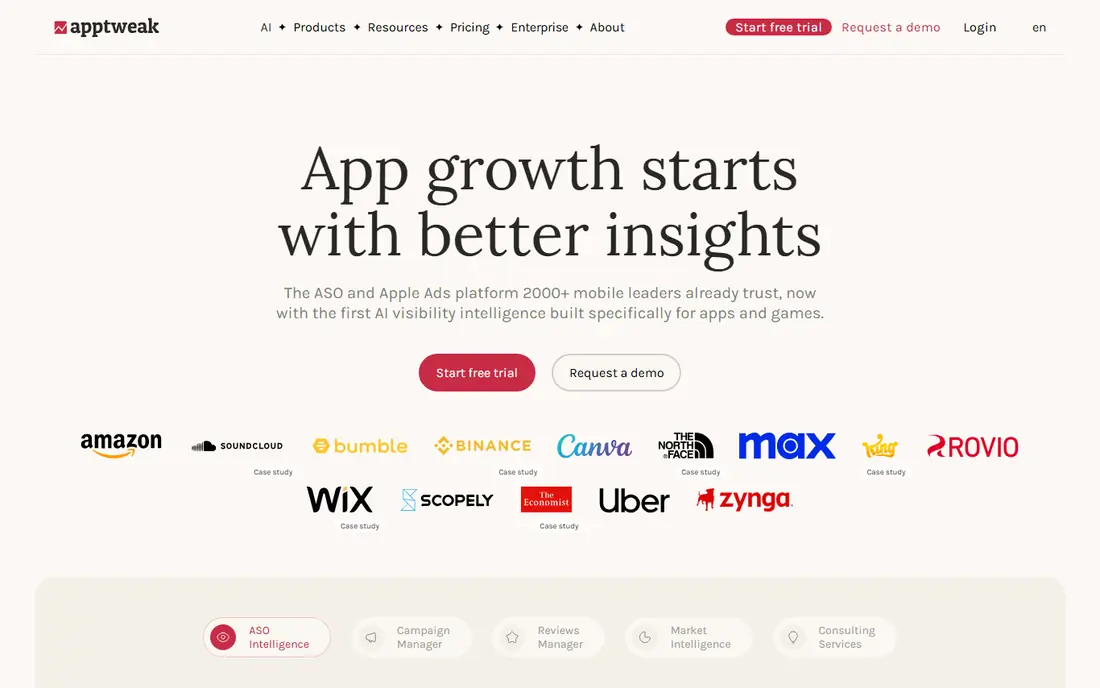
AppTweak supports the first best practice: choose keywords from evidence, not guesswork. The tool shows keyword volume, difficulty and competitor use, which helps you pick terms your app can realistically rank for. Localisation tools help teams expand into new languages without starting keyword research from scratch each time.
The limit is precision. Third-party volume estimates are useful for ranking options, but they are not first-party store data, so treat them as guidance. AppTweak is best for mid-size teams that manage several apps or languages and need one place for keyword research, rank tracking and competitor checks.
- Keyword discovery with volume and difficulty estimates
- Competitor listing intelligence
- Localisation support for many languages
- Volume estimates are directional, not exact
- Full features need a paid plan
- Smaller teams may not use every module

App Radar supports a daily habit that many teams skip: check ranks, reviews and keyword movement often enough to act. The tool is built around a routine workflow, with keyword tracking, metadata tools and Apple Search Ads insight in one place. That routine helps small teams stay consistent without hiring a full ASO team.
The trade-off is depth. App Radar does not match Sensor Tower on broad market estimates, and its keyword numbers still need validation in the live stores. For startups and indie teams, that trade is usually worth it, because a tool you open daily beats a powerful tool you open once a quarter.
- Daily keyword and rank tracking
- Apple Search Ads insights
- AI assisted keyword ideas and metadata drafting
- Market intelligence is lighter than Sensor Tower
- Pricing needs a quote for larger teams
- Estimates still need live store checks

Sensor Tower supports the practice of sizing a market before you spend. It helps publishers see category trends, competitor downloads and revenue estimates, and advertising patterns. That context matters when you decide whether to enter a crowded category, which features to highlight, and how much paid spend a launch might need.
The cost and complexity are real limits. Sensor Tower is built for publishers and larger teams, and a single-app indie team may not use enough of it to justify the price. Use it when competitive intelligence shapes product and budget decisions, and use a lighter ASO tool for daily keyword work.
- Broad download and revenue estimates
- Competitor ad and category intelligence
- Long history after acquiring data.ai
- Enterprise pricing can be high for small teams
- Estimates are not first-party data
- Depth can overwhelm a single-app team
SplitMetrics supports one of the highest value practices: test your store visuals. Screenshots, icon and preview video can change install rates more than a keyword tweak, but many teams never test them. SplitMetrics lets you run controlled tests and see which creative actually converts, rather than guessing from internal opinions.
The catch is traffic. A/B tests need enough visitors to produce a reliable result, so very small apps may wait a long time for a clear winner. Pricing also reflects an enterprise focus. SplitMetrics earns its place when paid traffic is already flowing and conversion, not discovery, is the bottleneck.
- A/B testing for store screenshots and icons
- Apple Search Ads management tools
- Focus on conversion rate, not just installs
- Pricing is high for small teams
- Testing needs enough traffic to give clear results
- Setup takes more time than a simple ASO tool
AppFollow supports the practice of treating reviews as marketing data. Reviews reveal bugs, confusing onboarding and feature requests, and replying to them shows prospective users that the team listens. The tool collects reviews across stores, tags themes, and helps teams reply faster, which can support both rating recovery and conversion.
For a new app with few reviews, the value is lower, because there is less to manage. As volume grows, manual review checks become slow and inconsistent, and AppFollow becomes more useful. Pair review management with a fix cycle, because replying without fixing the underlying issue will not lift ratings for long.
- Review monitoring and replies at scale
- Keyword and rank tracking
- Reporting across iOS and Google Play
- Review volume tools matter less for tiny apps
- Full reporting needs a paid plan
- Keyword estimates still need store checks
Appfigures supports the best practice of starting lean. Indie developers can track ranks, reviews and downloads without committing to an enterprise contract, and the interface is approachable for a solo maker. That low barrier helps new apps build a measurement habit early, when habits are easiest to form.
The limit is scale. Appfigures will not replace Sensor Tower for market sizing, and its keyword research is lighter than AppTweak for complex categories. For an indie app or a small portfolio, that trade is sensible. Upgrade when you need deeper competitive data or team reporting.
- Free plan for getting started
- Approachable rank and review tracking
- Sales and download reporting in one place
- Market intelligence is lighter than enterprise tools
- Advanced features need paid plans
- Keyword research depth varies by category
MobileAction supports the practice of aligning paid and organic search. Apple Search Ads can reveal which keywords convert, and that insight can improve organic metadata, while organic rank can lower paid costs over time. MobileAction helps teams see both sides in one workflow, rather than treating ads and ASO as separate jobs.
The risk is overreliance on paid data. A keyword that converts in ads may not be the best organic target if competition is high or intent is narrow. Use MobileAction to test and learn, then feed winning terms into your listing and your creative tests, and keep checking retention by channel.
- Tight Apple Search Ads integration
- Competitor keyword research
- Ad creative intelligence
- Paid and organic balance needs care
- Pricing needs a quote for full access
- Estimates are directional
Branch supports the practice of measuring what happens after the click. Deep links send a user from an ad, email or social post to the right screen inside the app, which improves conversion and reduces frustration. Attribution then shows which channels bring users who stay, subscribe or purchase, not just users who install and leave.
Setup is the honest catch. Deep linking and attribution need careful implementation and testing across iOS and Android, and privacy changes limit some tracking methods. Branch is best when you run several channels at once and need a shared view of performance. For a single-channel launch, store analytics and basic attribution may be enough at first.
- Deep links that carry users to the right in-app content
- Attribution across channels
- Tools for referral and sharing flows
- Attribution setup needs technical work
- Privacy rules limit some tracking
- Value grows with multi-channel marketing
How we picked these
We compared official product pages, pricing information and common use in app marketing teams, and we favoured tools that support a repeatable practice rather than a one-off trick. We included ASO, testing, review, market intelligence and attribution tools, because a healthy marketing loop needs all five, not just keyword research.
What to check before you build your stack
Start with the loop, not the tool count
A good stack is small at first. Pick one ASO tool, one analytics source, and a review routine, then run them for a month. Add a testing or attribution tool when you have a clear question it answers, such as which screenshot converts better or which channel retains users. More tools without a routine only create dashboards nobody opens.
Measure retention, not just installs
Installs are easy to buy and easy to misread. Track day 7 and day 30 retention, subscription starts and in-app actions by channel and by keyword theme. A channel that brings cheap installs but low retention is not a bargain. Share retention data with product teams, because onboarding and early value often matter more than ad creative.
Test one change at a time
Store tests, pricing tests and onboarding tests all compete for attention. Change one variable at a time, run the test long enough for a reliable result, and record what you learned. A testing log helps a team avoid repeating failed ideas and helps new marketers see why a listing looks the way it does.
FAQ
What are the most important mobile app marketing best practices?
Research keywords from real user language, test store visuals, reply to reviews and fix common issues, measure retention by channel, and repeat the cycle. Paid ads amplify a good listing, but they do not fix a confusing listing or a weak first session.
How much should a small team spend on ASO tools?
Start with a free or low-cost tool such as Appfigures or a trial of App Radar or AppTweak, and pay only when you use the tool weekly. Enterprise tools such as Sensor Tower and SplitMetrics make sense when traffic, revenue or team size creates questions they uniquely answer.
Does ASO still matter if I run paid ads?
Yes, because paid ads send users to the same store listing, and a weak listing lowers conversion and raises cost per install. Organic insights can also improve paid keyword choices, and paid data can reveal which organic terms convert. The two channels work best together.
How often should I update my store listing?
Update when data gives a reason, such as a new feature, a seasonal use case, or a test winner, rather than on a fixed schedule. Small, tested changes beat frequent rewrites that reset learning. Keep a log of each change and its result.
Should I reply to negative reviews?
Yes, reply calmly, acknowledge the issue, and point to a fix or a support route when one exists. Replies help prospective users judge the team, and review themes help product teams prioritise fixes. Do not argue in public or ask users to change a rating without fixing the issue.
How do I know if app marketing is working?
Look at installs, conversion rate, retention, and revenue or subscription starts together, split by channel. A healthy program shows stable or rising retention alongside install growth, not install growth alone. If retention falls as installs rise, check targeting, listing accuracy and onboarding first.