Best SEO Tools in 2026: 8 Tools Compared
If you want the list me best seo tools, we compared suites, crawlers and content tools on price, data and limits, so you can pick the right stack for your site.
- Editor's choice
 Ahrefs
Backlink and keyword depth
Starts at$129 per monthVisit ahrefs.comFull review - Great alternative
 Semrush
All in one SEO and PPC
Starts at$139 per monthVisit semrush.comFull review - Also consider
 Moz Pro
Classic suite for small teams
Starts at$99 per monthVisit moz.comFull review
TL;DR:
- Ahrefs and Semrush are the full suites most professionals start with, for keyword and backlink depth.
- Google Search Console is free and essential, because it shows real Google impressions and clicks for your own site.
- Screaming Frog and Sitebulb suit technical audits, while Surfer SEO suits on page content work.
- Entry prices hide limits on projects, keywords and credits, so check those before you pay.
- A small site often needs only Search Console plus one affordable tool, not a full suite.
Quick comparison
| Tool | Best for | Starts at | Free plan? | |
|---|---|---|---|---|
| Ahrefs | Backlink and keyword depth | $129 per month | Yes | Visit |
| Semrush | All in one SEO and PPC | $139 per month | Free trial | Visit |
| Moz Pro | Classic suite for small teams | $99 per month | Free trial | Visit |
 SE Ranking | Value all in one suite | $129 per month | Free trial | Visit |
 Google Search Console | Real Google search data | Free | Yes | Visit |
 Screaming Frog | Deep technical crawls | $259 per year | Yes | Visit |
 Surfer SEO | On page content optimisation | $59 per month | Free trial | Visit |
 Mangools | Simple keyword research | $29 per month | Free trial | Visit |
The best seo tools
This list answers a simple request: list the best SEO tools. It covers the main jobs in SEO, which are keyword research, rank tracking, backlink analysis, technical audits and content optimisation. No single tool does all five jobs equally well, so the best stack is usually a suite plus one specialist.
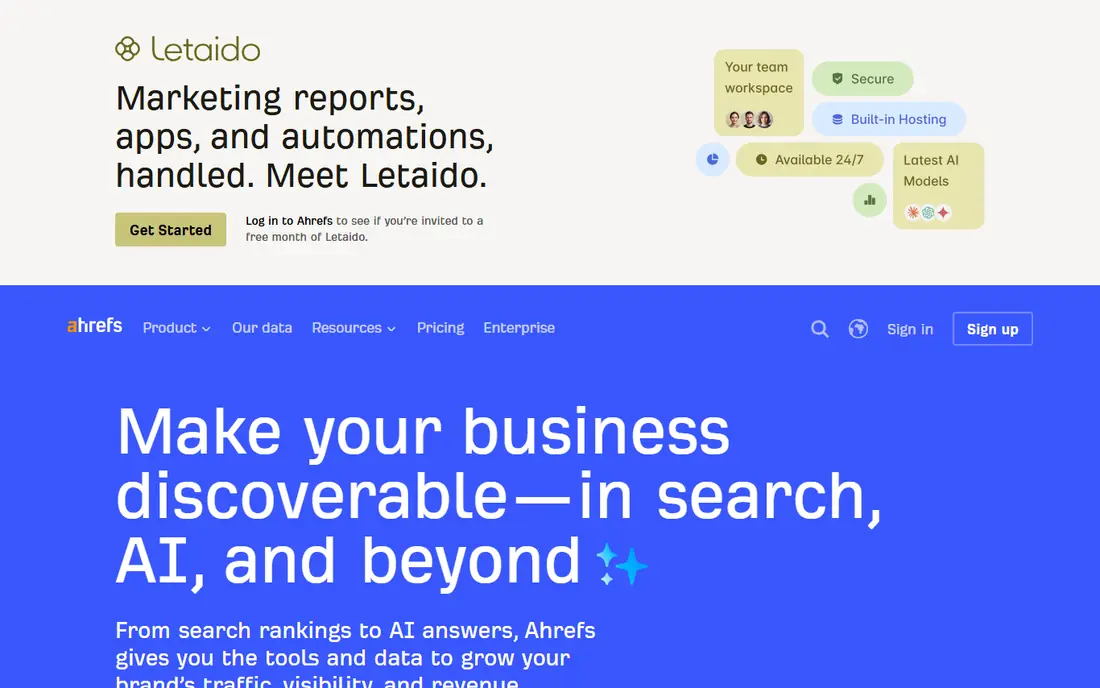
Ahrefs is the tool many SEO professionals open first for research. Keywords Explorer gives volume, difficulty and parent topic ideas, while Site Explorer shows backlinks, referring domains and top pages for any site. That depth helps you find keywords you can realistically rank for, and see which links help competitors rank.
Lite pricing starts at $129 per month, with a free Webmaster Tools tier for sites you verify, offering Site Explorer and audits for your own domains. The limitation is scale: Lite covers a limited number of projects and tracked keywords, so agencies often need Standard at a higher price. For backlink and keyword research, Ahrefs remains the benchmark.
- Large keyword and backlink databases
- Trusted keyword difficulty scores
- Free Webmaster Tools for your own sites
- Lite plan limits projects and tracked keywords
- Higher plans are needed for larger agencies

Semrush is the broadest suite on this list. It covers keyword research, site audits, rank tracking, backlink analysis, competitor PPC data and content tools in one subscription. For a team that runs SEO, content and paid search together, that breadth can replace several tools and keep reporting in one place.
Pricing starts at $139 per month for the SEO plan, with a 7 day trial. The honest math is that a business tracking one site and researching keywords weekly will use only part of the platform. Semrush earns its price when several channels are in play at once, or when one team needs many tools under one login.
- Broad suite covering SEO, content and PPC
- Strong keyword database
- Rank tracking and audits in one login
- Entry price is high for a single site
- Project and keyword limits push upgrades
- AI visibility sits in higher bundles

Moz Pro is a classic SEO suite that suits small teams learning SEO. Its interface is easier to navigate than larger suites, and its Domain Authority metric is widely used as a rough benchmark, even though it is not a Google ranking factor. Keyword research, rank tracking and site audits are all included, which keeps the workflow simple.
Standard pricing starts at $99 per month, or $79 per month on annual billing, with a trial. The trade off is data depth: the backlink index is smaller than Ahrefs, and some data updates less often. For a small business that wants a dependable suite without a steep learning curve, Moz Pro is a solid choice.
- Clear interface for beginners
- Domain Authority benchmarking
- Keyword research, tracking and audits in one suite
- Backlink index is smaller than Ahrefs
- Crawl cadence is less frequent than rivals
SE Ranking is a strong value pick for freelancers and agencies that need a full suite without the highest suite price. It covers keyword research, rank tracking, site audits and backlink checks, with daily tracking and white label style reporting that agencies can share with clients. That reporting focus saves time when you manage several sites.
Core pricing starts at $129 per month, or $103.20 per month on annual billing, with a trial. The catch is add ons: extra users, extra projects and some features can raise the bill beyond the headline price. Check the plan limits for your client count before committing, and SE Ranking will often beat larger suites on value.
- Research, tracking and audits in one plan
- Daily rank tracking
- Useful client reporting for agencies
- Add ons can raise the final bill
- Project and seat limits need checking
Google Search Console should be in every stack, because it is the only free source of first party Google data for your own site. It shows which queries bring impressions and clicks, which pages are indexed, and whether Google found crawl or mobile problems. No paid tool can replace that direct view, since paid tools estimate traffic rather than reporting Google's own numbers.
It is free for any site you verify, and it works alongside every other tool on this list. The limitations are scope: it covers Google only, it does not show competitor data, and some reports lag by a few days. Use Search Console to confirm what is actually happening, and use a suite to plan what to do next.
- Free
- Shows real impressions, clicks and queries from Google
- Index and coverage alerts for your own site
- Google data only
- Reports are sampled and time lagged
- No competitor data
Screaming Frog is a desktop crawler that technical SEOs use to audit a site in depth. It crawls pages and reports titles, meta descriptions, headings, status codes, redirects, internal links and many other technical details. For finding broken links, duplicate titles or redirect chains, it is faster and more detailed than a general suite audit.
The free version crawls up to 500 URLs, while the paid licence costs $259 per year. Because it runs on your computer, very large sites need enough memory and time to complete a crawl. For technical audits, Screaming Frog remains a standard tool, even for teams that already pay for a suite.
- Deep on demand crawls of large sites
- Free tier up to 500 URLs
- Detailed data on titles, links and status codes
- Desktop tool that needs memory for very large sites
- Interface takes time to learn
Surfer SEO helps writers optimise a page for a target keyword. Its content editor compares top ranking pages and suggests word count, headings, terms and structure, with a score that rises as you follow the guidance. For content teams that publish often, that feedback loop is more useful than a generic checklist.
Pricing starts at $59 per month, with a trial. The honest limit is that Surfer guidance reflects what already ranks, so following it closely can make content feel similar to rivals. Use it to shape structure and coverage, then add original research, examples and expert insight that competitors lack.
- Content editor with data driven guidance
- Clear scores for structure and terms
- Useful for teams publishing often
- Guidance is based on top ranking pages, not a guarantee of ranking
- Content tools alone do not fix technical SEO
Mangools, known for KWFinder, suits bloggers and small site owners who find larger suites overwhelming. Its keyword tool is easy to read, with difficulty scores and related keywords presented clearly, and it includes a rank tracker for monitoring progress. That simplicity helps solo owners actually use the tool weekly, rather than paying for a suite they open rarely.
Pricing starts at $29 per month, with a trial. The trade off is scale: databases and limits are smaller than Ahrefs or Semrush, so large agencies will outgrow it. For a small site focused on a clear set of keywords, Mangools offers good value and a gentler learning curve.
- Clean, simple interface for keyword research
- Affordable for bloggers and small sites
- Includes rank tracking tool
- Databases are smaller than the largest suites
- Less suited to large agency work
How we picked these
We compared official pricing pages and feature descriptions for SEO tools that are live in October 2026. We looked for tools that cover keyword research, rank tracking, backlinks, technical audits or content optimisation, and we favoured tools with a free tier or trial. We included both full suites and specialists, because the best stack for most readers is a suite plus one specialist, not a single tool for every job.
How to build your SEO stack
Start with the free foundation, then add one paid tool that matches your main job. That approach avoids paying for three suites that overlap, and it keeps reporting simple.
Start free, then add one suite
Verify your site in Google Search Console and use its data to find pages that already get impressions but few clicks. Those pages are often the quickest wins. Add one suite or specialist based on whether your main need is keywords, backlinks, technical fixes or content.
Check limits before annual billing
Suites limit projects, tracked keywords, crawl credits and users. A plan that fits one site may not fit five client sites. Run a monthly plan for a month, track how many projects and keywords you actually use, and only then move to annual billing.
Use data, not only scores
Keyword difficulty, domain metrics and content scores are estimates, not Google ranking factors. Use them to prioritise work, but check real Search Console results after publishing. If a page gains impressions and clicks, the work helped, even if a third party score moved little.
FAQ
What are the best SEO tools for beginners?
Google Search Console plus Mangools or Moz Pro is a good beginner stack. Search Console gives real data for free, while Mangools and Moz Pro keep keyword research and tracking simple. Start with those, and move to Ahrefs or Semrush when you need deeper backlink or competitor data.
Do I need to pay for SEO tools?
Not always. Google Search Console is free and essential, and Screaming Frog offers a free tier for small sites. Paid tools help with keyword research, competitor analysis and large audits, but a small site can make real progress with free tools plus consistent publishing and technical fixes.
What is the difference between Ahrefs and Semrush?
Ahrefs is strongest for backlink and keyword depth, while Semrush is broader, covering SEO, content and PPC in one suite. Many professionals use one as a primary suite and the other for specific checks. If you must pick one, choose Ahrefs for link focused work and Semrush for a broader marketing stack.
How often should I check rankings?
Weekly checks are enough for most sites, with daily tracking useful for agencies or competitive terms. Rankings move naturally day to day, so avoid reacting to a single day change. Look at trends over weeks in Search Console and your rank tracker together.
Can SEO tools guarantee a top ranking?
No tool can guarantee a ranking, since Google decides results based on many factors, including content quality, relevance and site experience. Tools help you research, audit and track, but results depend on the work you do with that data. Be wary of any tool or service that promises a fixed position.
Which SEO tool is best for technical audits?
Screaming Frog is our pick for deep on demand crawls, especially for finding broken links, redirect issues and duplicate metadata. Sitebulb is another strong audit tool with visual reports, though it was not included in this list to keep the focus on the most widely used options. Suites also offer audits, but a dedicated crawler usually goes deeper.