Best Expandi Alternatives in 2026: 8 LinkedIn Automation Tools Compared
Looking for Expandi alternatives? We compare 8 LinkedIn automation tools and the best LinkedIn automation software, with pricing, safety controls and risks.

- Editor's choice
 Dripify
Visual LinkedIn campaigns
Starts at$39 per monthVisit dripify.comFull review - Great alternative
 Waalaxy
Budget LinkedIn outreach
Starts at$19 per monthVisit waalaxy.comFull review - Also consider
 HeyReach
Agencies with many senders
Starts at$79 per monthVisit heyreach.ioFull review
TL;DR:
- Dripify is our pick for most sales teams, thanks to its visual campaign builder and clear daily limits.
- Waalaxy and Octopus CRM are the budget picks, with Waalaxy offering a free plan for light outreach.
- HeyReach suits agencies running many sender accounts, with rotation and a unified inbox.
- LinkedIn automation carries account risk even with safety controls, so keep volumes modest and follow LinkedIn rules.
Quick comparison
| Tool | Best for | Starts at | Free plan? | |
|---|---|---|---|---|
| Dripify | Visual LinkedIn campaigns | $39 per month | Free trial | Visit |
| Waalaxy | Budget LinkedIn outreach | $19 per month | Yes | Visit |
| HeyReach | Agencies with many senders | $79 per month | No | Visit |
 Dux-Soup | Veteran LinkedIn prospecting | See website | Free trial | Visit |
 Linked Helper | Granular automation control | $15 per month | No | Visit |
 Meet Alfred | Multichannel outreach | $59 per month | Free trial | Visit |
 La Growth Machine | LinkedIn plus email outreach | See website | Free trial | Visit |
 Octopus CRM | Cheapest working automation | $6.99 per month | Free trial | Visit |
The best Expandi alternatives
Expandi is a cloud-based LinkedIn automation tool known for conditional sequences and dedicated IPs. The alternatives below cover the same job in different ways, from visual campaign builders to desktop tools and agency platforms. We compared official pricing pages, documented limits and public reviews, and we flag account risk plainly, since no automation tool can remove it fully.

Dripify is the easiest Expandi alternative to run for a typical sales team. Its visual builder lets you map connection requests, messages and follow-ups as a flowchart, which makes it simpler to spot a sequence that sends too fast or repeats a step. Cloud operation means campaigns keep running when your computer is off, and published daily quotas give teams a clear ceiling to plan around.
The main catch is per-account pricing. Each LinkedIn seat costs extra, so a team of ten will pay far more than the starting figure. Higher tiers also lift daily limits, which can tempt teams to push volume. Our advice is to stay well below the published ceiling, personalize messages, and treat automation as a supplement to manual prospecting, not a replacement for it.
- Visual campaign builder
- Clear daily quotas
- Cloud-based operation
- Priced per LinkedIn account
- Higher tiers needed for larger volumes
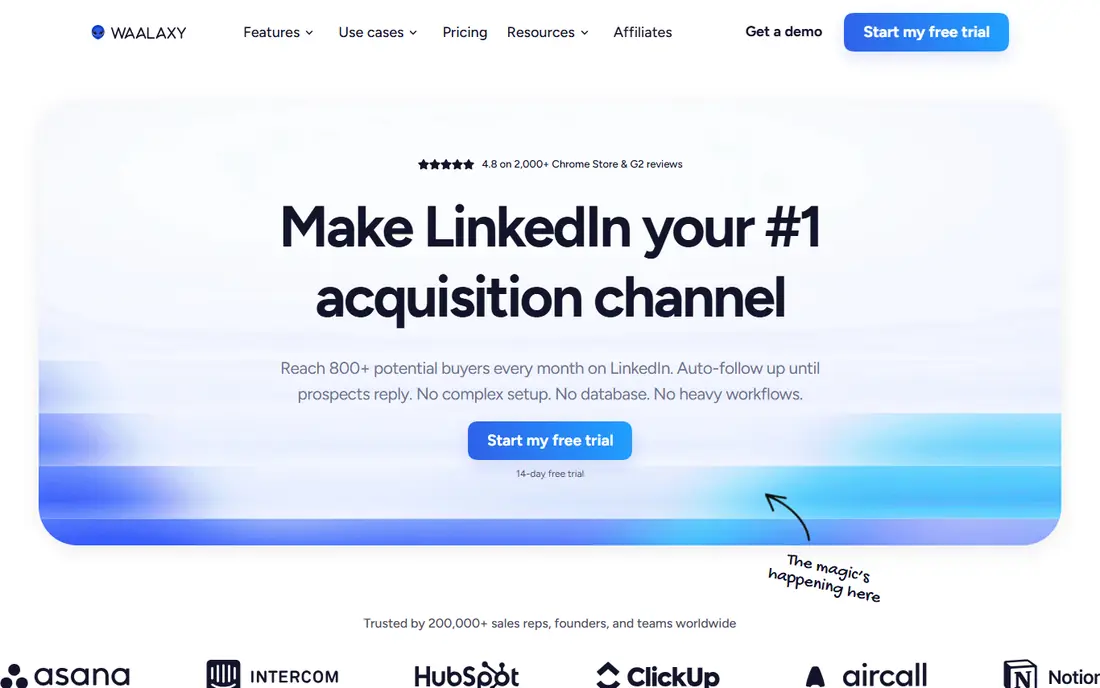
Waalaxy is the budget pick for founders and small teams starting LinkedIn outreach. Its free plan covers basic LinkedIn actions, and paid plans stay lower than Expandi or Dripify. Setup is straightforward, with campaign templates and a simple dashboard that does not demand a training session to understand.
Limits are the trade-off. Invitation counts vary by plan, and email outreach sits on a higher tier, so a team that needs both channels should check the plan details carefully. Waalaxy also moved toward cloud operation in 2026, but users should still keep volumes modest and avoid generic connection spam, which draws complaints and restrictions.
- Real free plan
- Simple setup
- Email finder on higher plans
- Invitation caps by plan
- Email requires a higher tier
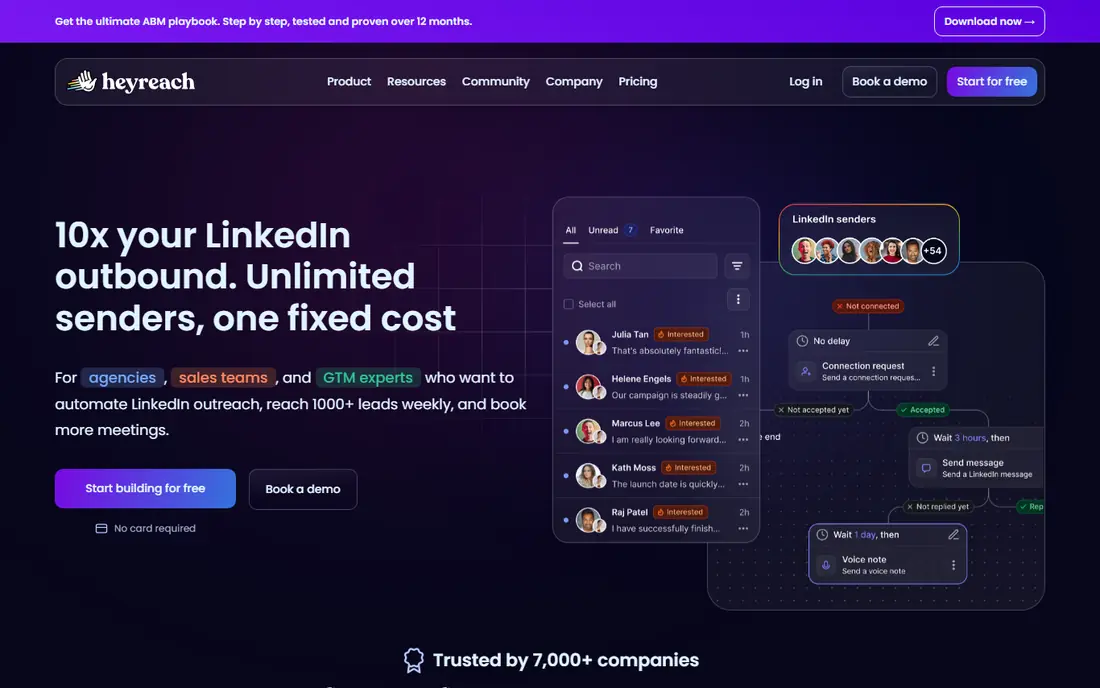
HeyReach is built for agencies and teams that run outreach from many LinkedIn profiles at once. Sender rotation spreads a campaign across accounts, so no single profile carries the full load, and a unified inbox pulls replies from all senders into one place. Agency workspaces help keep client campaigns separate, which matters when one team serves many clients.
That power comes with cost and responsibility. Each sender adds to the bill, and rotation does not make high-volume outreach safe by itself. Agencies should still set conservative limits per account, vary message copy, and monitor reply quality. HeyReach is a strong operations tool, but it does not change LinkedIn rules.
- Sender rotation across accounts
- Unified inbox
- Agency workspaces
- No free plan
- Cost rises fast with each sender
Dux-Soup is one of the oldest LinkedIn automation tools, and that history shows in its depth. It covers profile visits, connection requests, messages and follow-ups, with a cloud upgrade path for users who want campaigns to run without keeping a browser open. Long-time users value its reliability for straightforward drip campaigns.
The interface is less modern than Dripify or Waalaxy, and pricing depends on the tier you choose, so check the site for the current figure. Dux-Soup also requires care with volume, since older tools do not exempt you from LinkedIn limits. For a solo prospector who wants a proven, no-frills tool, it remains a sensible choice.
- Long track record
- Browser extension plus cloud options
- Simple drip campaigns
- Interface feels older than cloud rivals
- Pricing varies by tier
Linked Helper suits power users who want control over almost every part of a campaign. You can set custom limits, rolling caps and detailed action sequences, and you can run it locally on your own connection or use cloud storage options. That flexibility appeals to recruiters and sales users with specific workflows.
The downside is complexity. New users may find the number of settings daunting, and a misconfigured campaign can send more than intended. Take time to set conservative limits and test on a small list first. If you want a tool you can set up in ten minutes, Waalaxy or Dripify will feel easier.
- Very detailed controls
- Local and cloud options
- Low starting price
- Steeper learning curve
- Setup takes longer than simpler tools
Meet Alfred, formerly MeetAlfred, covers LinkedIn, email and X in one platform, which suits teams that run multichannel sequences. Team workflows, shared inboxes and campaign reporting help managers see activity across reps without juggling separate tools. Cloud operation keeps campaigns running in the background.
Price is the main barrier. The starting plan is higher than Waalaxy or Octopus CRM, and team plans carry seat minimums, so small teams should check the total cost before committing. Multichannel reach is useful, but it also multiplies the need for good targeting and message quality, since poor outreach on two channels annoys prospects twice as fast.
- LinkedIn plus email and X
- Team workflows
- Cloud operation
- Higher starting price
- Team plans need multiple seats
La Growth Machine is a strong choice for teams that combine LinkedIn and email in one sequence. It offers lead enrichment, multichannel steps and identity-based pricing, which keeps costs predictable as you add outreach identities. European teams in particular often cite its data handling and support as reasons to choose it.
Pricing is per identity and varies by plan, so check the site for the current figure for your team size. Advanced features also take time to learn, and the tool works best when you already have clean lead lists. For a team that wants LinkedIn plus email without running two separate tools, it is a credible Expandi alternative.
- Multichannel sequences
- Dedicated proxies on some plans
- Lead enrichment options
- Pricing varies by identity
- Learning curve for advanced features
Octopus CRM is the cheapest working option in this list. It covers connection requests, messages and basic campaign automation at a price well below Expandi, Dripify or HeyReach. Solo users and small teams on a tight budget can run real outreach without a large monthly commitment.
The trade-off is depth. Reporting, integrations and advanced sequence logic are thinner than in pricier rivals, and the tool is best for straightforward campaigns rather than complex branching flows. If your outreach is simple and your budget is small, Octopus CRM is a fair starting point. If you need agency features or deep analytics, pay more for a tool built for that job.
- Lowest starting price here
- Simple campaigns
- Useful for solo users
- Fewer advanced features
- Support and reporting are thinner
How we picked these
We compared official pricing pages, documented safety controls and public reviews for tools that automate LinkedIn outreach in a way comparable to Expandi. We kept only tools available in October 2026 with a working LinkedIn workflow, and we favored tools that publish limits, offer cloud or local control options, and provide a trial or free plan. We also weighed account risk honestly, since a tool that promises fully safe automation should be treated with skepticism.
How to use LinkedIn automation with less risk
No tool on this list can guarantee that LinkedIn will not restrict an account. LinkedIn limits automation and reviews accounts that send many generic requests or receive many declines. Keep daily volumes modest, well below any published ceiling, and personalize connection notes with a specific reason to connect. Target people who are likely to welcome the message, and stop campaigns that draw complaints.
Also keep a human in the loop. Reply to messages yourself, review replies daily, and pause automation when you are away. A tool should save time on routine steps, not replace judgment about who to contact and what to say. If your outreach depends on high volume to work, the targeting or offer likely needs work first.
What to check before you pay
Confirm whether pricing is per LinkedIn account, per seat or per identity, since that changes the total cost for a team. Check whether email is included or requires a higher tier, and whether the tool offers a dedicated IP, warm-up controls and a unified inbox if you need them. Test with one account and a small list before rolling out to a whole team.
FAQ
What is the best LinkedIn automation software?
There is no single best tool for every team. Dripify suits most sales teams for its visual builder, Waalaxy suits budget users, and HeyReach suits agencies with many senders. The best LinkedIn automation software for you depends on team size, budget and whether you need email as well as LinkedIn. Start with a trial and judge reply quality, not just send volume.
Are Expandi alternatives safe for my LinkedIn account?
No automation tool is fully safe, since LinkedIn restricts automated outreach and reviews account behavior. Tools with dedicated IPs, warm-up controls and published limits reduce risk, but they do not remove it. Keep volumes low, personalize messages, target carefully and monitor for warnings. If LinkedIn restricts your account, pause automation at once.
What is the cheapest Expandi alternative?
Octopus CRM is the cheapest option here, starting at $6.99 per month on annual billing, followed by Waalaxy with a free plan and a low paid tier. Cheap tools cover basic campaigns well, but they offer fewer advanced features. Weigh total cost for your team, since per-account pricing can make a cheap tool costly at scale.
Can I use these tools for email as well as LinkedIn?
Yes, some do. Meet Alfred and La Growth Machine include email in multichannel sequences, while Waalaxy adds email on higher plans. Dripify also supports email steps on some plans. Check the plan details, since email is often a higher-tier feature rather than a standard inclusion.
Do I need LinkedIn Sales Navigator with these tools?
No, you do not need Sales Navigator to use automation tools, but it can improve targeting with advanced search and lead lists. Sales Navigator itself does not automate outreach, so it pairs with a tool rather than replacing one. If your targeting is already strong from your own lists, you may not need it.
Is automation allowed by LinkedIn?
LinkedIn terms restrict automated access and bulk outreach, and accounts that use automation can face limits or suspension. Many tools operate in a grey area and describe safety features, but none can override LinkedIn policy. Use automation sparingly, keep messages relevant, and accept that manual outreach remains the lowest-risk option.