Best Contentsquare Alternatives in 2026: 10 Tools Compared
Looking for Contentsquare alternatives? We compare 10 tools for heatmaps, session replay and product analytics, with pricing and free plans with live pricing.

- Editor's choice
 Microsoft Clarity
Free heatmaps and session replay
Starts atFreeVisit clarity.microsoft.comFull review - Great alternative
 FullStory
Product analytics with replay
Starts atSee websiteVisit fullstory.comFull review - Also consider
 PostHog
Self-hosted product analytics
Starts atFreeVisit posthog.comFull review
TL;DR:
- Microsoft Clarity is the strongest free option, with heatmaps and session replay at no cost and no traffic cap stated on its site.
- FullStory and Heap suit teams that want deep product analytics, but both move to quote-based pricing once you pass the free tier.
- PostHog and Matomo are the best picks for teams that want to self-host or keep data under their own control.
- Smartlook, Mouseflow, Crazy Egg and Lucky Orange cover the classic heatmap and replay job at a lower monthly price than an enterprise contract.
- LogRocket stands out when the goal is debugging, because it pairs replay with console logs and network requests.
Quick comparison
| Tool | Best for | Starts at | Free plan? | |
|---|---|---|---|---|
| Microsoft Clarity | Free heatmaps and session replay | Free | Yes | Visit |
| FullStory | Product analytics with replay | See website | Yes | Visit |
| PostHog | Self-hosted product analytics | Free | Yes | Visit |
 Smartlook | Web and mobile replay | $55 per month | Yes | Visit |
 Mouseflow | Friction and form analytics | $39 per month | Yes | Visit |
 Crazy Egg | Simple heatmaps and surveys | $29 per month | Yes | Visit |
 Lucky Orange | Small ecommerce sites | $32 per month | Free trial | Visit |
 Heap | Autocapture product analytics | See website | Yes | Visit |
 LogRocket | Debugging user sessions | See website | Free trial | Visit |
 Matomo | Privacy-first analytics | Free | Yes | Visit |
The best Contentsquare alternatives
Contentsquare brings heatmaps, session replay, journey analysis and surveys into one enterprise platform, but its pricing is quote-based and its setup can feel heavy for a smaller team. The tools below cover the same core jobs, often with a free tier you can try before paying.
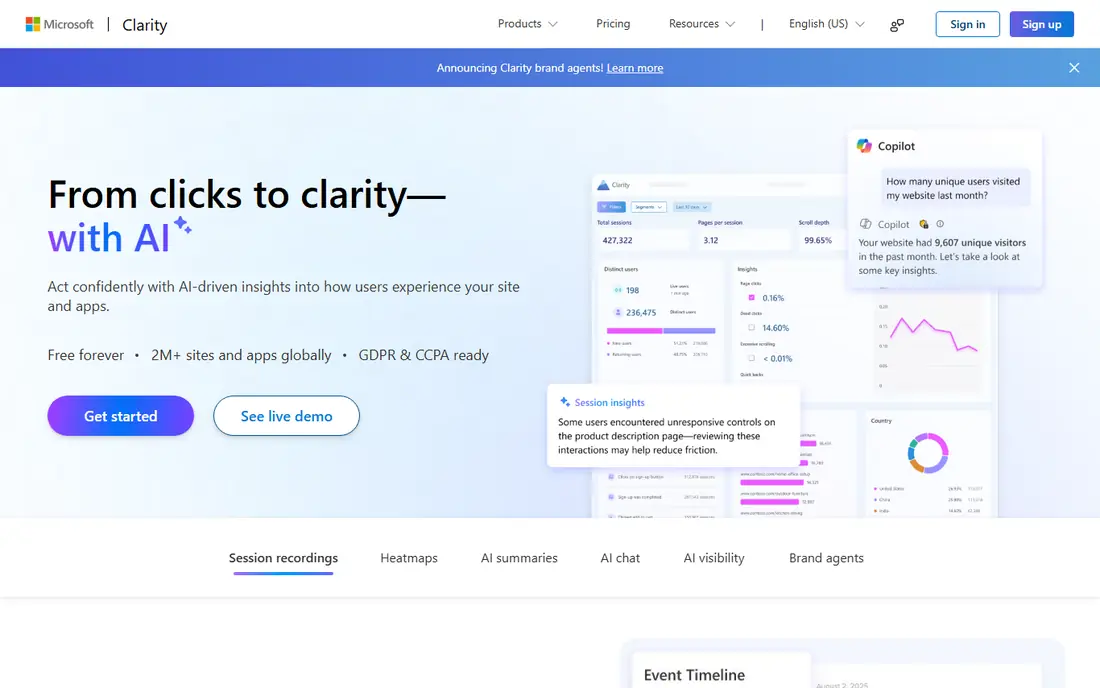
Clarity is our pick for most small teams that just want to see what visitors do. It records sessions, builds click and scroll heatmaps, and flags sessions with rage clicks or dead clicks so you can find problems fast. Setup is a single snippet, and there is no paid tier to graduate into, which keeps the decision simple.
The trade-off is scope. Clarity does not replace a full product analytics suite, and it has no built-in survey tool, so teams that need voice-of-customer work will pair it with something else. If your budget is zero and your main question is where visitors get stuck, start here and only move on if you outgrow it.
- Free with no stated traffic cap
- Heatmaps, recordings and AI summaries
- Simple setup
- No surveys or feedback widgets
- Fewer enterprise analytics features
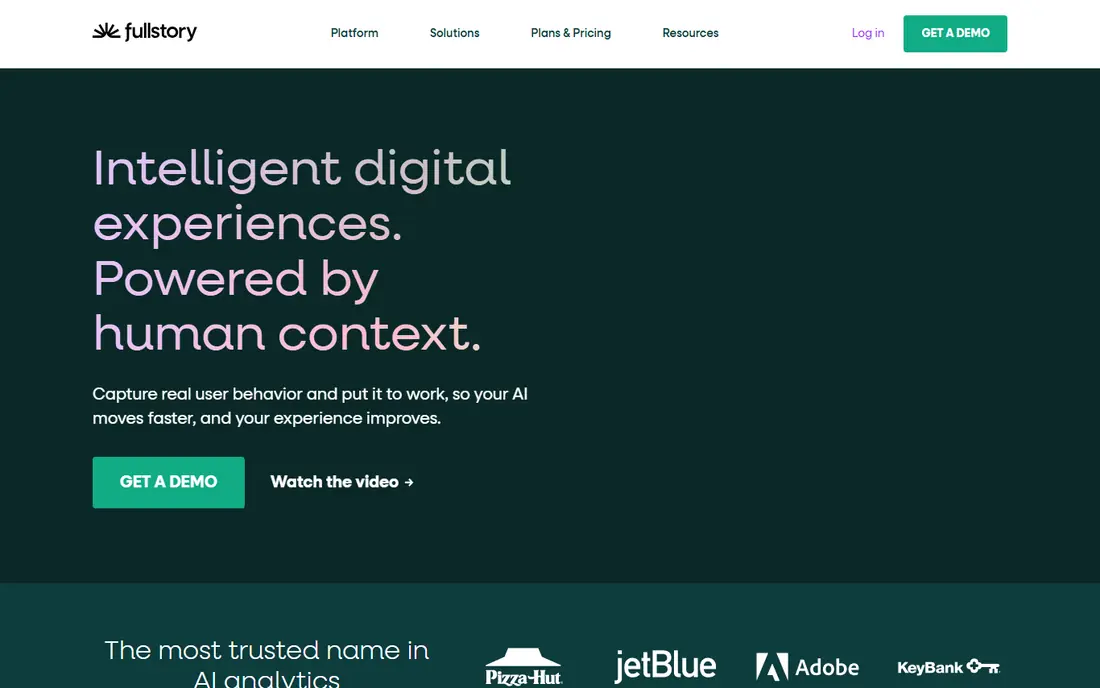
FullStory pairs session replay with funnels, journeys and frustration signals, so a team can move from watching one session to measuring how many users hit the same problem. Its free tier covers 30,000 sessions a month with 12 months of analytics retention, which is enough for many small and mid-size sites to test it properly.
The catch is pricing transparency. Once you pass the free tier, Business, Advanced and Enterprise plans require a quote, and features such as mobile analytics and surveys are add-ons. That makes FullStory a strong tool for product teams with a real budget, and a harder sell for teams that need a fixed monthly number up front.
- Generous free tier of 30,000 sessions a month
- Strong search across sessions
- AI summaries
- Paid plans are quote-based
- Advanced features are add-ons

PostHog is the pick for engineering-led teams that want one platform instead of four separate tools. It covers product analytics, session replay, heatmaps, feature flags, surveys and experiments, and it can be self-hosted for teams with strict data rules. The free tier includes a set number of recordings each month, which is enough to run a first test.
The honest downside is complexity. Usage-based billing means a traffic spike changes the bill, and the range of features can feel like a lot for a marketing team that only wants heatmaps. If your team is comfortable with product analytics concepts, PostHog gives you more control per dollar than most rivals.
- Session replay, heatmaps, surveys and product analytics in one platform
- Self-hosting option
- Usage-based pricing can be hard to forecast
- Interface suits technical teams
Smartlook is a good middle ground between a free tool and an enterprise suite. It records sessions on web and mobile, builds heatmaps, and lets you filter recordings by events, funnels or frustration signals. Mobile support matters here, since several cheaper heatmap tools are web-only.
Pricing starts at a published monthly rate, but the free tier is small, so a busy site will need a paid plan quickly. Teams that mainly need web replay may get the same value cheaper elsewhere, but mobile product teams will find Smartlook a practical Contentsquare replacement.
- Covers websites and mobile apps
- Funnels and events included
- Easy to set up
- Free tier is limited to 3,000 sessions a month
- Higher tiers are quote-based
Mouseflow earns its place through form analytics, a feature Contentsquare users often rely on. It shows which form fields cause hesitation, errors or abandonment, and it pairs that with heatmaps, session replay and friction scores. For checkout or signup optimisation, that combination is more useful than replay alone.
The free tier is small, at 500 sessions, so it works as a trial rather than a long-term free plan. Paid plans start at a modest monthly rate, and the tool stays focused on behaviour rather than trying to be a full analytics warehouse.
- Form analytics and friction scoring
- Heatmaps and replay
- Small free tier
- Free tier covers only 500 sessions
- Surveys sit on higher plans
Crazy Egg is the simplest tool on this list, and that is a strength for small teams. Its heatmaps, including confetti maps that split clicks by traffic source, make it easy to see which campaigns send visitors who actually engage. Surveys are included, so you can ask visitors why they left without buying another tool.
It is not a product analytics platform, so teams that need funnels, retention or journey analysis will outgrow it. For a content or ecommerce site that wants clear visual answers without a learning curve, Crazy Egg remains a solid, low-cost choice.
- Easy heatmaps including confetti and scroll maps
- Surveys included
- Low entry price
- Session recordings are limited on lower plans
- Less depth for product analytics
Lucky Orange bundles a lot into one subscription, which suits small ecommerce and service sites that do not want four separate bills. Recordings and heatmaps sit next to funnels, polls, announcements and live chat, so one tool covers both insight and on-site interaction.
There is no permanent free plan, only a trial, so budget for a paid plan from the start. Session limits also mean a high-traffic store should check the tier that matches its volume before committing.
- Recordings, heatmaps, funnels, live chat and surveys in one plan
- Built for small sites
- No permanent free plan
- Session limits apply per plan
Heap takes a different approach from heatmap tools. It captures clicks, pageviews, form submissions and other events automatically, so you can define a funnel or segment after the fact and still get historical data. That retroactive analysis is a real advantage when a question comes up weeks after a change.
The free tier covers 10,000 sessions a month, which is enough to learn the tool. Paid plans are custom-quoted, and session replay costs extra, so Heap fits product teams that value analytics depth more than a simple replay bill.
- Autocapture means past behaviour can be analysed retroactively
- Session replay add-on
- Strong funnels
- Paid pricing is quote-based
- Replay is an add-on rather than core
LogRocket is the tool to pick when the question is not just what users did, but what broke. Each replay carries console logs, network requests and error data, so an engineer can see the technical cause of a failed checkout without asking the user to reproduce it. That makes it popular with product and engineering teams.
It is priced for teams that treat replay as a debugging tool rather than a marketing dashboard, and costs rise with session volume. If your main need is marketing heatmaps, a cheaper tool will do. If broken sessions cost you revenue, LogRocket pays for itself in faster fixes.
- Replay paired with console logs and network requests
- Error tracking
- AI summaries
- No permanent free plan
- Pricing rises with session volume
Matomo is the privacy-first alternative. The open-source core is free to self-host, so visitor data stays on your own servers, and there are no sample limits imposed by a vendor. Heatmaps and session recording are available through plugins or the hosted cloud version, which starts at a published monthly rate.
Self-hosting is not free in effort, since you handle updates, backups and scaling. Teams that cannot self-host can use Matomo Cloud instead, but should check the current cloud pricing before deciding. For organisations with strict data rules, Matomo is often the only tool on this list that fully fits.
- Free self-hosted core with full data ownership
- Heatmaps and replay via plugins or cloud
- Strong privacy controls
- Self-hosting needs maintenance
- Cloud pricing is in euros and usage-based
How we picked these
We compared official feature pages, pricing pages and public reviews for tools that cover Contentsquare's core jobs: heatmaps, session replay, journey or funnel analysis, and surveys. We kept only tools that are live and actively sold in October 2026, and we favoured tools with a free tier or published pricing so you can test before committing. Enterprise-only tools with no public entry point were left out.
What to check before you switch
Start by listing the Contentsquare features you actually use. Many teams pay for journey analysis and surveys but only open heatmaps and replay, and a cheaper tool covers those two jobs well. If surveys matter, check whether they are included or billed as a separate product, since that changes the real cost.
Next, check session and traffic limits against your real volume. A free tier that covers 3,000 sessions is fine for a small site and useless for a store with 100,000 monthly visits. Also check data retention, because some free tiers keep data for only a month, which limits trend analysis.
Finally, think about privacy and data ownership. If you serve visitors in the EU or handle sensitive data, a self-hosted option or a vendor with clear privacy controls may matter more than a slightly lower price. Run a short trial on your busiest pages, compare the same sessions across two tools, and pick the one your team actually opens each week.
FAQ
Is there a free Contentsquare alternative?
Yes. Microsoft Clarity is free with heatmaps and session replay, and PostHog and Matomo offer free self-hosted options. FullStory, Smartlook, Mouseflow, Crazy Egg and Heap also offer free tiers, though most cap monthly sessions.
What is the best alternative to Contentsquare for small businesses?
Microsoft Clarity is the best starting point because it costs nothing, and Crazy Egg or Lucky Orange are good low-cost upgrades when you want surveys or chat as well. Small product teams that need funnels should look at Smartlook or PostHog instead.
Does Hotjar still count as a Contentsquare alternative?
No, not in practice. Hotjar merged into Contentsquare, and its pricing now redirects to Contentsquare, so it is part of the same product family rather than an independent alternative.
Can I self-host a Contentsquare alternative?
Yes. PostHog and Matomo both offer self-hosted versions, which give you full control over your data. Self-hosting needs server maintenance, so weigh that effort against the cost of a hosted plan.
Which alternative is best for mobile apps?
Smartlook and FullStory both support mobile session replay, while LogRocket adds technical debugging data for mobile sessions. Pure web heatmap tools such as Crazy Egg are a weaker fit for app teams.
How much should I expect to pay?
Free tools cover basic heatmaps and replay, while published paid plans on this list start from around $29 to $55 per month. Enterprise analytics tools such as FullStory and Heap are quote-based, so expect a higher bill once you pass their free tiers.
Sources
- https://clarity.microsoft.com
- https://www.fullstory.com/pricing
- https://posthog.com/pricing
- https://www.smartlook.com/pricing
- https://mouseflow.com/pricing
- https://www.crazyegg.com/pricing
- https://www.luckyorange.com/pricing
- https://www.heap.com/pricing
- https://logrocket.com/pricing
- https://matomo.org/pricing