Best Writing Software in 2026: 8 Tools Compared
Compare the best writing software in 2026 for novels, essays, blogs and editing, with pricing, offline use, organisation tools and free plans explained.

- Editor's choice
 Scrivener
Novelists and long-form writers
Starts at$59.99 one-timeVisit literatureandlatte.comFull review - Great alternative
 Grammarly
Everyday grammar, spelling and tone help
Starts atFreeVisit grammarly.comFull review - Also consider
 ProWritingAid
Writers who want detailed editing reports
Starts at$30 per monthVisit prowritingaid.comFull review
TL;DR:
- Scrivener is our pick for long-form writers who need organisation, research and drafting in one project, with a one-time price.
- Grammarly suits everyday writers who want grammar, spelling and tone help across email, documents and the web.
- Google Docs is the best free choice for collaboration, thanks to real-time editing, comments and easy sharing.
- ProWritingAid suits writers who want detailed editing reports on style, structure and readability after a first draft.
Quick comparison
| Tool | Best for | Starts at | Free plan? | |
|---|---|---|---|---|
| Scrivener | Novelists and long-form writers | $59.99 one-time | Free trial | Visit |
| Grammarly | Everyday grammar, spelling and tone help | Free | Yes | Visit |
| ProWritingAid | Writers who want detailed editing reports | $30 per month | Yes | Visit |
 Ulysses | Apple users who want clean, focused writing | $5.99 per month | Free trial | Visit |
 Google Docs | Free collaboration and simple writing | Free | Yes | Visit |
 Microsoft Word | Standard documents and professional formatting | See website | Free trial | Visit |
 iA Writer | Writers who want a distraction-free editor | $29.99 one-time | Free trial | Visit |
 Hemingway Editor | Writers who want clearer, shorter sentences | Free | Yes | Visit |
The best writing software
We compared official pricing pages, platform support, organisation features, export options, offline use and free tiers. The best tool depends on what you write: a novel needs structure and research tools, a blog post needs clean export and publishing, and an essay needs editing help and citation support. All of the tools below are live in October 2026, and all can export your work so you are not locked in.

Scrivener is the tool most long-form writers return to, because it treats a book as a project rather than a single long document. The binder holds chapters, scenes, notes and research side by side, so you can move a scene, check a character note and return to drafting without losing your place. Corkboard and outliner views help with structure, and compile tools export to Word, PDF and ebook formats. A 30-day trial counts only days you use it, which gives a fair test for a large project.
The learning curve is the honest cost. Scrivener has many features, and a new user can spend a first week learning the interface rather than writing. Licences are also per operating system, at $59.99 each, with a bundle option, and the iOS app is a separate $23.99 purchase. For short essays or blog posts, that depth is overkill. For a novel, thesis or long report, Scrivener's organisation is worth the setup time.
- Binder organisation for chapters, scenes and research
- Corkboard and outliner views
- One-time price per operating system
- Learning curve is steeper than a simple editor
- Mac and Windows licences are separate
- IOS app costs extra
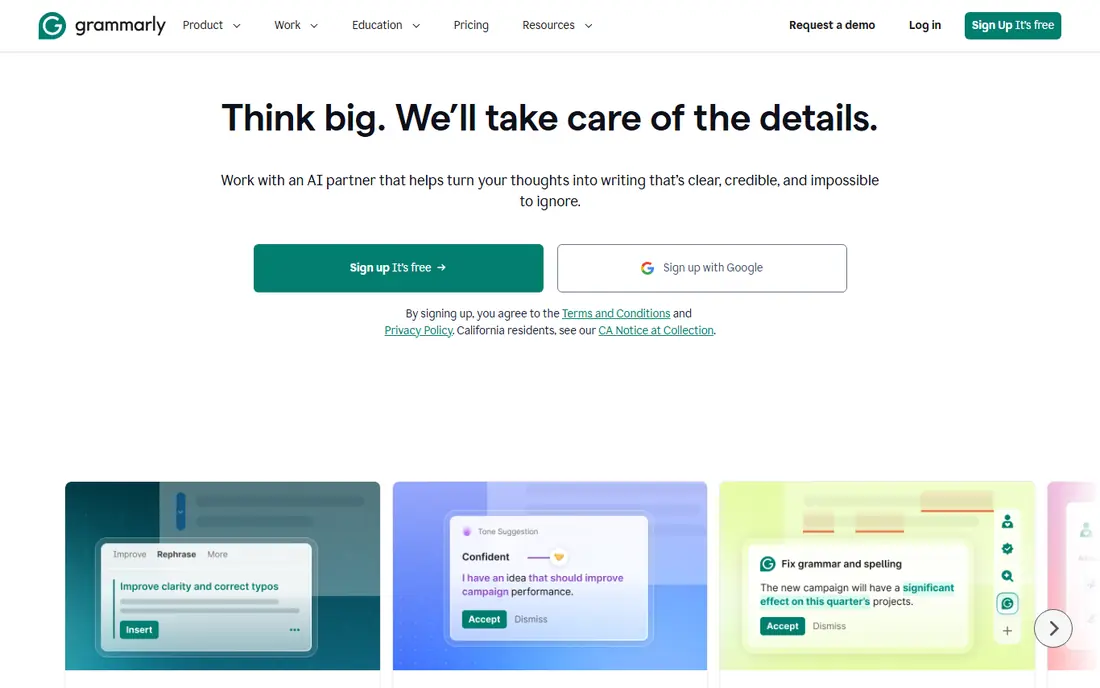
Grammarly is the most widely used editing aid here, and its strength is coverage. A free plan checks spelling and grammar in a browser extension, web editor and document integrations, so help follows you from email to essays. Paid plans add full-sentence rewrites, tone adjustments, clarity suggestions and plagiarism and AI detection, with 2,000 AI prompts per month in some current plan descriptions. For students, professionals and bloggers who write every day, that always-on check catches errors that a single read-through misses.
The catch is price and over-reliance. Monthly billing at $30 per month is steep compared with annual billing, so check the annual price before subscribing. Grammarly can also suggest changes that smooth out a distinctive voice, so accept suggestions selectively and read the final text aloud. Used as a second pair of eyes rather than an autopilot, Grammarly improves accuracy without erasing style.
- Free plan covers spelling and grammar basics
- Works in browser, documents and email
- Tone and clarity suggestions on paid plans
- Paid plan costs $30 per month on monthly billing, or less on annual billing
- Suggestions can flatten personal style if accepted blindly
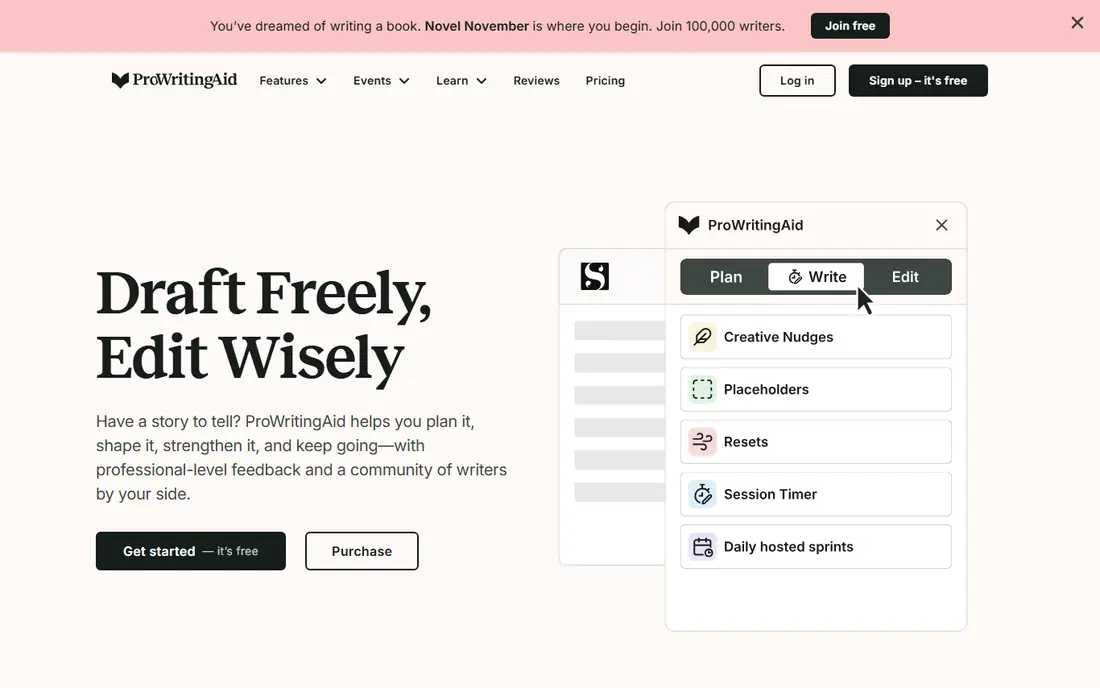
ProWritingAid suits writers who want to learn from editing, not just fix typos. Its reports cover style, sentence variety, overused words, readability, structure and pacing, which helps novelists and nonfiction writers see patterns across a whole manuscript. Integrations with Word, Google Docs and Scrivener mean you can run reports inside the tool you already draft in, rather than copying text back and forth. A lifetime plan at $399 in some listings also appeals to writers who dislike subscriptions.
The reports can be a lot at first. A beginner who runs every report on a first draft may feel overwhelmed, so start with grammar, readability and overused words, then add deeper reports on later drafts. Monthly billing at $30 per month is also high, with annual billing offering a lower equivalent. For serious revisers, ProWritingAid offers the deepest editing analysis in this list.
- Detailed reports on style, structure and readability
- Integrates with Word, Google Docs and Scrivener
- Lifetime plan available
- Monthly price is high
- Reports can overwhelm beginners
- Full features require a paid plan
Ulysses is the cleanest writing environment for Apple users. A unified library holds sheets, groups and filters, Markdown keeps formatting simple, and sync across Mac, iPad and iPhone means a draft started on a laptop is ready on a phone. Export to Word, PDF, HTML and ebook formats covers blogs, articles and books, and publishing integrations help bloggers send work directly to some platforms. The interface stays out of the way, which helps writers who are distracted by toolbars and menus.
The limits are platform and pricing model. There is no Windows or Android version, so writers who switch platforms cannot take Ulysses with them. Pricing is subscription only, at $5.99 per month or $39.99 per year in some listings, with student pricing available, so long-term cost exceeds a one-time tool such as Scrivener. For committed Apple writers who value sync and focus, Ulysses justifies that cost. For cross-platform writers, a tool such as iA Writer or Google Docs may fit better.
- Clean Markdown library with folders and filters
- Sync across Mac, iPad and iPhone
- Export to Word, PDF and ebook formats
- Apple only, with no Windows or Android version
- Subscription only, with no one-time purchase
- Price rises over years of use
Google Docs is the best free starting point for most writers, especially when collaboration matters. Real-time editing, comments and suggestion mode let editors, co-authors and beta readers work on the same document without emailing versions back and forth. Automatic saving and version history protect against lost work, and the tool runs in a browser on almost any device. For essays, articles, school work and team documents, Google Docs covers the essentials at no cost.
The limits appear with long, complex manuscripts. Formatting control is thinner than in Word or Scrivener, and very large documents with many images can feel slow. Offline mode exists but needs setup in Chrome, so writers who often work without internet should test it before a trip. For most everyday writing and collaboration, though, Google Docs is hard to beat, and it pairs well with Grammarly or ProWritingAid for editing.
- Free with a Google account
- Real-time collaboration, comments and suggestions
- Automatic cloud saving and version history
- Needs internet for full features, though offline mode exists
- Formatting for complex books is limited
- Large documents can slow down
Microsoft Word remains the standard that most publishers, employers and universities expect. Formatting, styles, tables, footnotes and templates are deep, and track changes and comments are the default tools for professional editing workflows. A Microsoft 365 Personal subscription at $70 per year in some listings includes Word plus cloud storage and other apps, while a one-time Office Home purchase costs more upfront but avoids a subscription. Desktop and web versions, with cloud saving, cover most working styles.
The drawback is cost and weight for simple writing. A writer who only needs plain drafting may find Word's menus and features distracting, and a subscription adds a recurring cost that free tools avoid. For professional documents, academic work with citations, or any workflow where a Word file is the required deliverable, Word is still the safest choice. Pair it with an editing tool for a stronger final draft.
- Industry-standard formatting and templates
- Strong track changes and comments
- Desktop and web versions with cloud saving
- Subscription model for Microsoft 365
- One-time purchase costs more upfront
- Features can feel heavy for simple notes
iA Writer is built around focus. The interface shows only your text, focus mode dims all but the current sentence or paragraph, and syntax highlighting can colour nouns, verbs and other parts of speech to reveal weak writing. Markdown keeps the file portable, and export to Word, PDF and HTML covers most publishing needs. At $29.99 in some listings as a one-time purchase, it is a low-cost, long-term tool for bloggers, essayists and journal writers who want calm, not clutter.
The limits are scope. iA Writer does not organise a novel like Scrivener, with a binder, corkboard and research pane, and it does not offer real-time collaboration like Google Docs. Writers who need those features should pair iA Writer with another tool, or choose a different primary editor. For pure drafting, especially on the move, iA Writer's focus and simplicity are genuinely refreshing.
- Minimalist Markdown editor with focus mode
- Syntax highlighting for parts of speech
- Clean export to Word, PDF and HTML
- No built-in organisation for large book projects
- No collaboration tools like Google Docs
- Price varies by platform in some listings
Hemingway Editor helps writers who tend toward long, tangled sentences. The free web app highlights sentences that are hard or very hard to read, flags passive voice and adverbs, and gives a readability grade for the passage. That visual feedback makes revision concrete: shorten a highlighted sentence, split a long one, or cut an unnecessary adverb. A desktop app at $19.99 one-time adds offline use and direct publishing options in some versions, without a subscription.
The grade should not be followed blindly. Academic, legal and literary writing may legitimately score as harder to read, and Hemingway does not check grammar or spelling in the way Grammarly does. Use it after a first draft to tighten prose, then read the result aloud to check that clarity has not removed necessary nuance. As a free readability aid, Hemingway is a useful companion to any drafting tool in this list.
- Free web app highlights hard sentences and passive voice
- Desktop app costs $19.99 one-time
- Simple readability grading
- Readability grade is a guide, not a rule
- No grammar checking like Grammarly
- Desktop app lacks cloud sync features
How we picked these
We compared official pricing pages, platform support, organisation and export features, offline use and free tiers, and we checked public reviews for learning curve, sync reliability and editing quality. We kept only tools that are live in October 2026, that serve writers in English, and that fit drafting, editing or long-form organisation. We noted where prices vary by platform or billing period, and we used See website where a subscription price depends on plan and region.
What to check before you choose
Start with the kind of writing you do most. A novelist needs project organisation, a blogger needs clean export and publishing, a student needs citations and collaboration, and a professional needs Word compatibility and track changes. List your top three tasks, then check each shortlisted tool against that list, rather than choosing the tool with the longest feature list. A simple editor you use daily beats a powerful tool you avoid.
Files, export and backup
Confirm that you can export your work in standard formats such as Word, PDF, Markdown or ebook files, and that you own your files if you cancel. Test sync and backup before a large project, especially with cloud tools, and keep a separate backup of a finished manuscript. Check offline use if you write on planes, trains or in places with weak internet, since some web tools need setup for offline mode.
Editing workflow
Drafting and editing are different jobs, so consider pairing tools. Draft in Scrivener, Ulysses, iA Writer or Google Docs, then edit with Grammarly for grammar, ProWritingAid for style reports, or Hemingway Editor for readability. Run editing tools on a complete draft rather than sentence by sentence during drafting, since early editing can stall momentum. Read the final draft aloud, since ears catch awkward rhythm that eyes miss.
FAQ
What is the best writing software for novels?
Scrivener is our top pick for novels, thanks to its binder, corkboard, research organisation and compile tools. Ulysses suits Apple writers who prefer a cleaner library, while Google Docs suits co-written or simply structured books. Choose Scrivener if structure and research matter most to your process.
Is there good free writing software?
Yes, Google Docs is free and strong for collaboration, Hemingway Editor offers a free web app for readability, and Grammarly offers a free plan for grammar and spelling. LibreOffice Writer is another free desktop option, though it is not in this list. Free tools cover most everyday writing, with paid tools adding depth for long or professional projects.
Do I need Grammarly if I use ProWritingAid?
Not necessarily, since both check grammar and style, but they differ in depth. Grammarly is faster and works everywhere you type, while ProWritingAid offers deeper reports on style, structure and readability. Many writers use Grammarly for daily writing and ProWritingAid for manuscript revision, rather than paying for both for every task.
Can writing software replace a human editor?
No, software catches grammar, readability and style patterns, but a human editor judges argument, tone, structure and audience in a way software cannot. Use software to clean a draft, then ask a trusted reader or professional editor to review the ideas and flow. That combination produces a stronger final piece than either step alone.
Which writing software works offline?
Scrivener, Microsoft Word desktop, iA Writer and Hemingway desktop work offline, while Google Docs needs offline setup in Chrome for full offline use. Ulysses syncs across Apple devices but needs a connection for sync, not for local drafting. Test offline mode before travel if you plan to write without internet.