Best Website Audit Tools in 2026: 8 Tools Compared
We compared the best website audit tools for crawl depth, clear fixes and price, so you can find broken links, slow pages and indexing problems quickly.
- Editor's choice
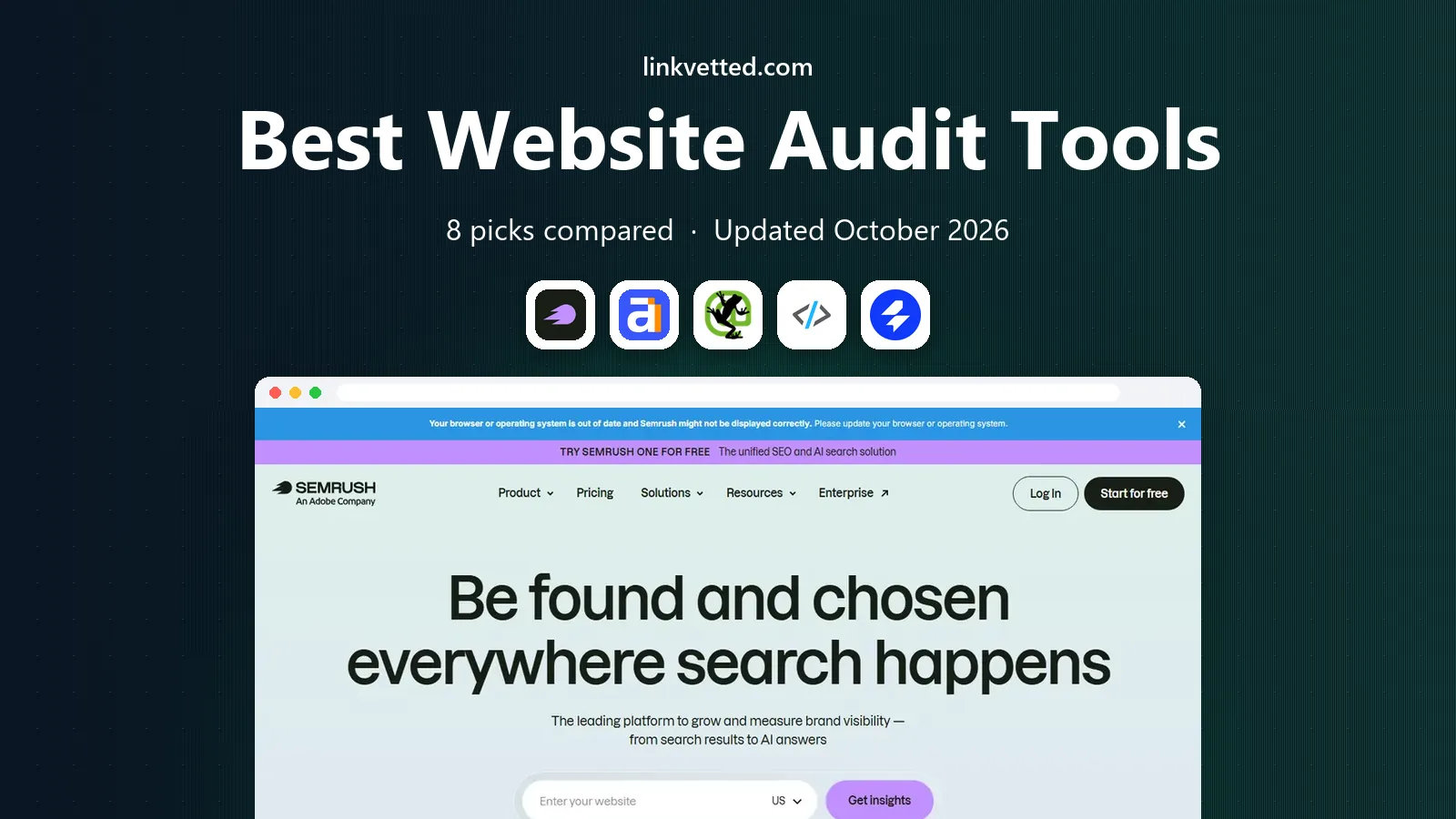
 Semrush Site Audit
All-in-one SEO suites
Starts at$139 per monthVisit semrush.comFull review - Great alternative
 Ahrefs Site Audit
Backlink-led audits
Starts at$129 per monthVisit ahrefs.comFull review - Also consider
 Screaming Frog SEO Spider
Deep technical crawls
Starts at$279 per yearVisit screamingfrog.co.ukFull review
TL;DR:
- Screaming Frog is our pick for deep technical crawls, while Sitebulb is the best choice when audit results must be explained to clients or managers.
- Semrush and Ahrefs are the best all-in-one suites, because site audit sits beside keyword, backlink and competitor data in the same account.
- A free tool can cover a small site well, with Screaming Frog free to 500 URLs and Ahrefs Webmaster Tools free for verified sites.
- Cloud crawlers suit scheduled monitoring, while desktop crawlers suit one-off deep dives and migrations.
- Match the crawl limit to your site size first, then judge reporting quality, since a huge issue list with no priorities helps no one.
Quick comparison
| Tool | Best for | Starts at | Free plan? | |
|---|---|---|---|---|
| Semrush Site Audit | All-in-one SEO suites | $139 per month | Yes | Visit |
| Ahrefs Site Audit | Backlink-led audits | $129 per month | Yes | Visit |
| Screaming Frog SEO Spider | Deep technical crawls | $279 per year | Yes | Visit |
 Sitebulb | Client-ready audit reports | See website | Free trial | Visit |
 SE Ranking Website Audit | Agency audits on a budget | $129 per month | Free trial | Visit |
 Moz Pro Site Crawl | Beginner-friendly suites | $49 per month | Free trial | Visit |
 Lumar | Large enterprise sites | See website | No | Visit |
 Sitechecker | Fast small-site audits | $29 per month | Free trial | Visit |
The best website audit tools
A website audit tool crawls your site the way a search engine does, then reports broken links, redirect chains, missing titles, thin pages, slow pages and indexing problems. The best tool for you depends on site size, skill level and how much other SEO work you need. We compared official pricing pages, feature pages and recent pricing coverage to build this list, favoring tools that are live and supported in October 2026.

Semrush Site Audit is the audit inside a large SEO and marketing suite, and that context is its main strength. It checks a site for errors, warnings and notices, schedules repeat crawls, and tracks how issues change over time, so you can see if a fix actually worked. Because the same account holds keyword tracking, backlink data and competitor research, an audit finding can be linked to traffic and ranking data without exporting to another tool.
The free account covers a small project with a limited page count, and paid plans raise that limit a lot, with higher plans adding JavaScript rendering and larger crawl allowances. The honest catch is price: at the entry paid level, Semrush is a suite purchase, not a single-tool purchase. If you only need an occasional audit, a desktop crawler will be cheaper. If you already use Semrush for keywords or content, Site Audit is a strong reason to stay.
- Wide suite beside audit
- Scheduled crawls with historical tracking
- Large check library
- Entry price is high for a small site
- Full value needs other Semrush tools
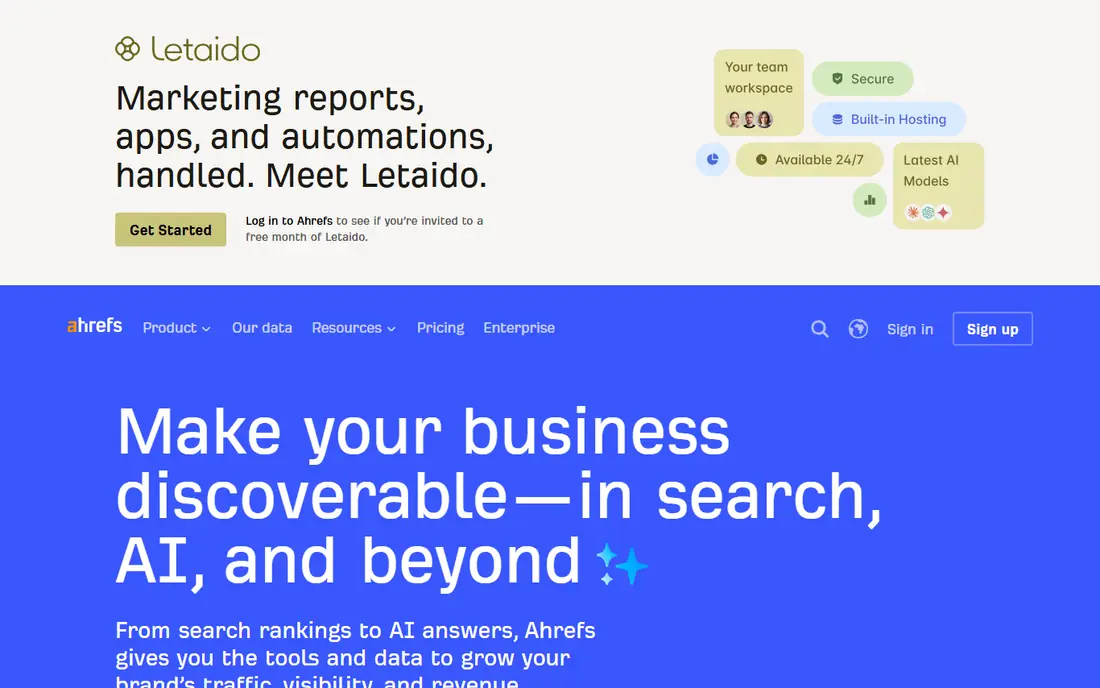
Ahrefs Site Audit pairs a cloud crawler with one of the best-known backlink databases, which helps when an audit question is really a link question. A broken page with many inbound links deserves faster action than a broken page with none, and Ahrefs makes that distinction easy. The tool runs scheduled crawls, renders JavaScript as a crawl setting, and connects to Search Console and PageSpeed data for extra context.
Ahrefs Webmaster Tools is free for verified site owners, with a monthly credit allowance per project, which makes it a genuinely useful free audit option for a small site. Paid plans raise crawl credits and page limits per project. The downside is the same as Semrush: the entry paid plan is priced as a suite, so a reader who only wants audits should start with the free tools and only upgrade when the page limit or the extra research tools justify it.
- Free Webmaster Tools for verified sites
- Strong backlink data beside audit
- Clear issue priorities
- Paid entry price is high
- Full suite features need higher plans

Screaming Frog SEO Spider is the standard technical crawler, and it remains our pick for deep work such as migrations, large-site audits and log-style investigations. It runs on your own computer, crawls status codes, redirects, canonical tags, titles, headings, links, images, structured data and JavaScript-rendered pages, and exports everything to spreadsheets for further analysis. There is no set page cap on a paid licence beyond what your machine memory allows, which suits very large sites.
The free version crawls up to 500 URLs, which covers many small business sites completely. The paid licence is priced per user per year. The trade-off is presentation: Screaming Frog gives you raw truth, not a plain-language fix list, and turning its output into a client report takes work. Pair it with a suite or with Sitebulb when you need polished reporting, and use it alone when you need depth and control.
- Deepest raw crawl data
- Free version to 500 URLs
- JavaScript rendering and custom extraction
- Desktop only, so no hosted reports
- Output needs interpretation for non-technical readers
Sitebulb turns crawl data into findings a non-technical reader can act on, which is why agencies and consultants favor it. Each issue appears as a Hint, with an explanation of why it matters and how to fix it, ranked by priority rather than dumped in a long list. Visual crawl maps show site structure and internal linking at a glance, and audit comparison lets you show a client what changed between two crawls.
Desktop plans suit smaller sites, with per-audit URL limits that rise with the plan, while Sitebulb Cloud handles larger sites and team work. A free trial is offered, but there is no permanent free tier. The honest limit is raw flexibility: Sitebulb gives less custom extraction control than Screaming Frog. If your main job is to find issues and get them fixed by someone else, Sitebulb is often the better buy. If your main job is raw data exploration, Screaming Frog still wins.
- Prioritized Hints explain each issue
- Visual crawl maps
- Strong PDF reporting
- No permanent free tier
- Very large crawls need the pricier cloud option
SE Ranking Website Audit is the audit inside a full SEO suite that agencies often pick as a lower-cost alternative to the two big suites. It crawls pages, reports technical errors, supports JavaScript rendering as a crawl setting, and connects to Search Console and analytics data. Scheduled crawls and white-label style reporting help agencies run audits for several clients from one account, with an optional agency add-on for fuller branding.
The entry plan includes a large monthly page allowance, and higher plans raise it further. A 14-day trial with no card lets you test a real site before paying. The catch is that SE Ranking is still a suite purchase, and a solo site owner who only needs one audit a quarter may do better with a free tool or a desktop licence. For an agency or a business already tracking rankings, it is a practical middle path.
- Audit plus rank tracking and reporting in one plan
- Scheduled crawls
- 14-day trial with no card
- Entry plan still costs over 100 dollars a month
- Page limits rise only with higher plans
Moz Pro includes a Site Crawl that suits small businesses and beginners who want an audit explained as they go. The interface is calmer than a specialist crawler, issues are grouped in plain terms, and Moz learning material helps a new user understand why a fix matters. For a small site, that guidance matters more than an extra hundred checks, because the main risk is not missing a rare issue, it is never fixing the common ones.
The Starter plan is priced below the big suites, with a free trial offered on some plans, and higher plans add more crawls and research features. The limit is depth: Moz Pro will not match Screaming Frog or Sitebulb for technical detail, large-site handling or custom extraction. If you are new to SEO and want one suite that covers audits, keywords and links at a lower entry price, Moz Pro is a sensible start. If you outgrow it, keep your audit history and move the deep work to a specialist crawler.
- Approachable interface and explanations
- Lower suite entry price
- Useful learning resources
- Crawl depth is lighter than specialist crawlers
- Free trial terms vary by plan
Lumar, formerly Deepcrawl, is an enterprise crawler built for publishers, retailers and large organizations with millions of pages. It runs always-on monitoring, so a broken template change on a huge site is caught quickly rather than at the next quarterly audit. It supports JavaScript rendering, log file integrations and connections to Search Console and analytics, and it is designed for teams that need crawl data at a scale desktop tools cannot handle comfortably.
Pricing is by quote, with a demo rather than a self-serve free plan, so small teams should not start here. That is not a flaw in the product, it is a sign of its market: Lumar is priced and supported as an enterprise platform. If your site has hundreds of thousands of pages, frequent template changes or strict uptime needs, Lumar belongs on your shortlist. If your site has a few hundred pages, any other tool on this list will serve you better and cost far less.
- Built for multi-million-page sites
- Always-on crawl monitoring
- Strong enterprise integrations
- Quote-based pricing
- Far more than a small site needs
Sitechecker is a practical choice for small site owners who want a quick, readable audit without learning a specialist tool. It checks on-page issues, links to Search Console and analytics, monitors site health, and includes rank tracking and backlink tracking in the same account. Paid plans include unlimited site audit reports, which suits a freelancer checking several small client sites on a regular schedule.
The entry plan covers a small number of websites with a set URL allowance, and higher plans raise those limits. The honest limit is depth: Sitechecker will find common problems fast, but it will not replace Screaming Frog for a migration or Lumar for a huge site. For a small business owner who wants a clear fix list, regular monitoring and a lower monthly price than the big suites, it is a good fit.
- Fast single-site audits
- Unlimited site audit reports on paid plans
- Rank tracking in the same account
- Less deep than specialist crawlers
- Pricing pages vary by billing period
How we picked these
We compared official pricing pages, feature pages and recent pricing coverage for tools that crawl a whole site and report technical SEO problems. We kept only tools that are live and supported in October 2026, and we favored a mix of desktop crawlers, cloud suites and enterprise platforms, so different site sizes and budgets are covered. We checked crawl limits, free options, JavaScript rendering and reporting style, and where sources disagreed on price we used See website rather than printing a disputed number. We did not claim hands-on testing, and we did not add LinkVetted itself to the list.
How to run an audit that actually gets fixed
Start by crawling the live site, not a staging copy, and fix crawl blocks first: a robots file or a server error that stops the crawler will hide every other problem. Next, sort issues by impact, not by count. Broken pages with traffic or links, redirect chains on key templates, missing canonical tags and slow core pages deserve action before a long list of minor title tweaks. Export the top twenty issues, assign each one an owner and a deadline, and rerun the crawl after the fixes to confirm they worked.
Use the right tool for each job. A desktop crawler gives the deepest one-off picture, a cloud suite gives scheduled monitoring and ranking context, and a free tool such as Search Console gives first-party indexing data that no third-party crawler can replace. Keep a dated audit history, so you can show what changed after a redesign or a migration. An audit that ends as a PDF no one opens is wasted work, so treat the fix list, not the report, as the deliverable.
Checks to run every time
Check index coverage, status codes, redirects, canonical tags, titles and meta descriptions, headings, internal links, images, structured data and page speed on your most important templates. Test JavaScript-rendered pages separately, since a page that looks fine in a browser can still hide content from a crawler. Check mobile rendering and Core Web Vitals data for key pages, and confirm that sitemaps and robots files match the live site. These checks catch most ranking and usability problems before they grow into a larger cleanup.
FAQ
What is the best website audit tool for a small business?
For a small business, Screaming Frog free version covers sites up to 500 URLs at no cost, and Sitechecker offers a fast, readable audit at a lower monthly price than the big suites. Moz Pro is a good suite choice if you also want keyword and link tools explained in plain terms. Start free, fix the top issues, and only pay when your site size or reporting needs outgrow the free option.
What is the best free seo audit tool?
The best free seo audit tool depends on your site. Screaming Frog free version is the best free desktop crawler, while Ahrefs Webmaster Tools is the best free cloud audit for verified site owners. Google Search Console is also free and gives first-party indexing and performance data. Use Search Console beside any third-party audit, since it shows what Google actually sees.
What is the best website audit software for agencies?
SE Ranking and Sitebulb are strong agency choices, with scheduled crawls, multi-project support and client-ready reporting. Semrush and Ahrefs add deeper research data for agencies that also sell keyword and competitor work. The deciding factor is often reporting: Sitebulb explains findings best to clients, while SE Ranking bundles more suite features at a lower agency cost.
What are the best seo auditing tools for large sites?
Lumar is the strongest choice for multi-million-page sites, with always-on monitoring and enterprise integrations. Screaming Frog paid licence also handles large crawls well, limited mainly by machine memory. Cloud suites such as Semrush and Ahrefs work for mid-size to large sites, but check the per-project page limit on your plan before you commit.
What is the best tool for seo audit on a single page?
For a single page, a free page checker or a browser-based tool is often enough, and Sitechecker offers a fast on-page check without a full site crawl. Full-site tools are still better when the problem may sit in templates, internal links or site structure. Start with the single page, then run a full crawl if the issue appears on more than one URL.
How often should I run a website audit?
Run a full audit after any redesign, migration or major template change, and schedule a lighter check monthly for an active site. Large or fast-changing sites benefit from weekly or always-on monitoring, while a small stable site may need only a quarterly crawl. The right cadence is the one that catches a broken template before it affects many pages.