Best Travel Apps in 2026: 9 Apps Compared
We compare nine travel apps for planning, booking, navigation and money on the road, so you can build a small set that covers a whole trip without clutter.
- Editor's choice
 Google Maps
Navigation and local discovery
Starts atFreeVisit maps.google.comFull review - Great alternative
 TripIt
Keeping every booking in one itinerary
Starts atFreeVisit tripit.comFull review - Also consider
 Hopper
Predicting flight and hotel prices
Starts atFreeVisit hopper.comFull review
TL;DR:
- A good travel set covers planning, booking, getting around and money, and most trips need only one strong app in each group.
- Offline maps, saved itineraries and downloaded tickets matter more than extra features when signal is weak or roaming is costly.
- Free apps cover most needs, but paid tiers add alerts, fare prediction and extra itinerary tools that frequent travellers may value.
- Always keep a backup of bookings and ID details outside any single app, in case a phone is lost or a battery dies.
Quick comparison
| Tool | Best for | Starts at | Free plan? | |
|---|---|---|---|---|
| Google Maps | Navigation and local discovery | Free | Yes | Visit |
| TripIt | Keeping every booking in one itinerary | Free | Yes | Visit |
| Hopper | Predicting flight and hotel prices | Free | Yes | Visit |
 Skyscanner | Comparing flights across airlines | Free | Yes | Visit |
 Airbnb | Homes and unique stays | Free | Yes | Visit |
 Booking.com | Hotels and flexible stays | Free | Yes | Visit |
 Rome2Rio | Routes across planes, trains and buses | Free | Yes | Visit |
 XE Currency | Currency conversion on the road | Free | Yes | Visit |
 Google Translate | Language help in real time | Free | Yes | Visit |
The best travel apps
We compared official app pages, feature lists and pricing notes for apps that travellers use before, during and after a trip. The list mixes planning, booking, transport and practical tools, so you can pick the few that match your travel style instead of installing everything.

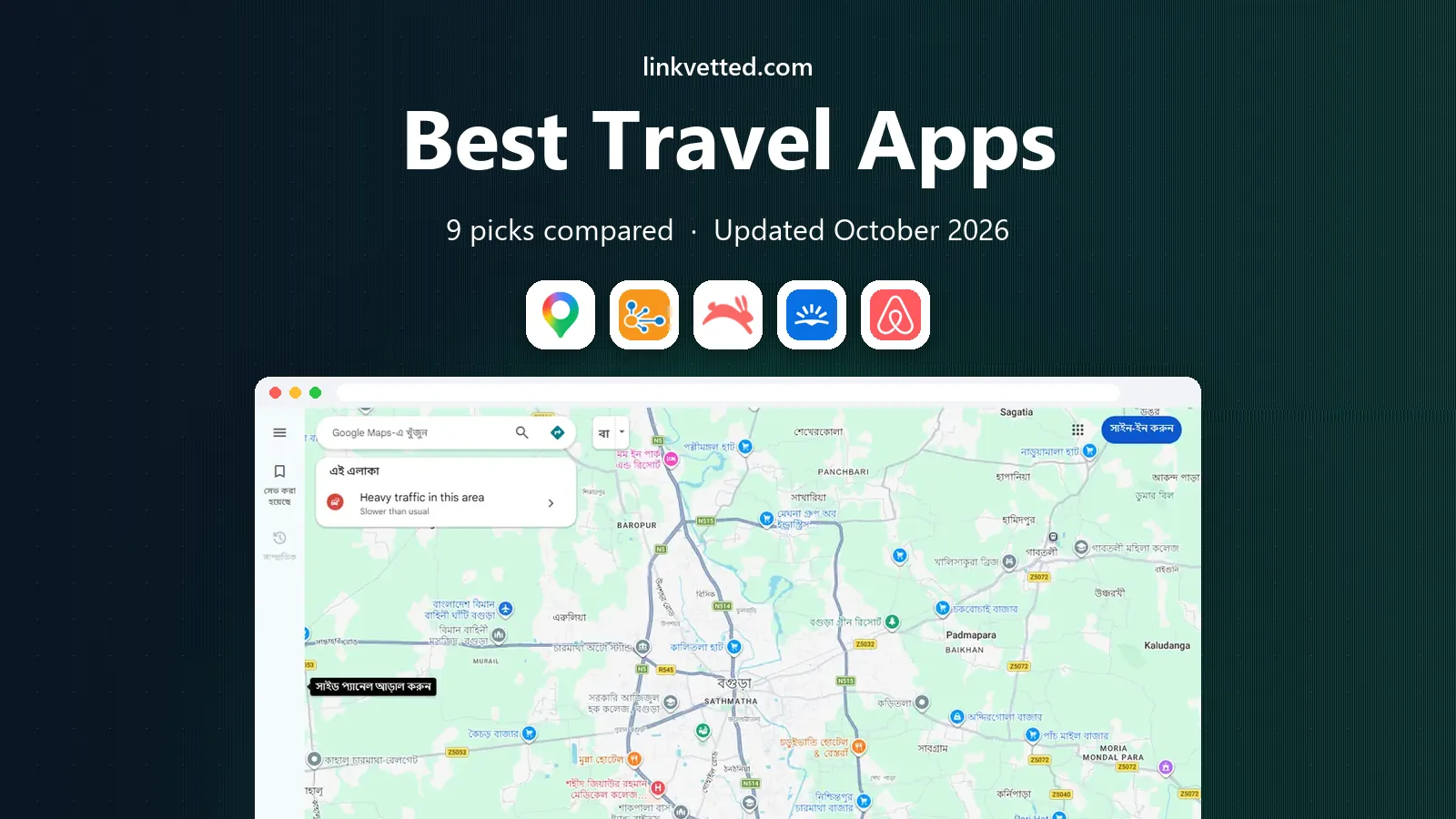
Google Maps is the default navigation app for most travellers for good reason. It covers driving, walking and public transport in many cities, shows live traffic, and helps you find restaurants, fuel and attractions near your route. Offline maps, downloaded before you leave, make it useful even without a local SIM.
The limits are local. Transit times and coverage differ by city, and small towns may have thinner business data. Still, for day-to-day getting around, few apps match its breadth, and it pairs well with a dedicated booking app for the rest of a trip.
- Detailed maps for driving, transit and walking
- Offline downloads
- Reviews and opening hours
- Transit data varies by city
- Heavy battery use on long navigation days
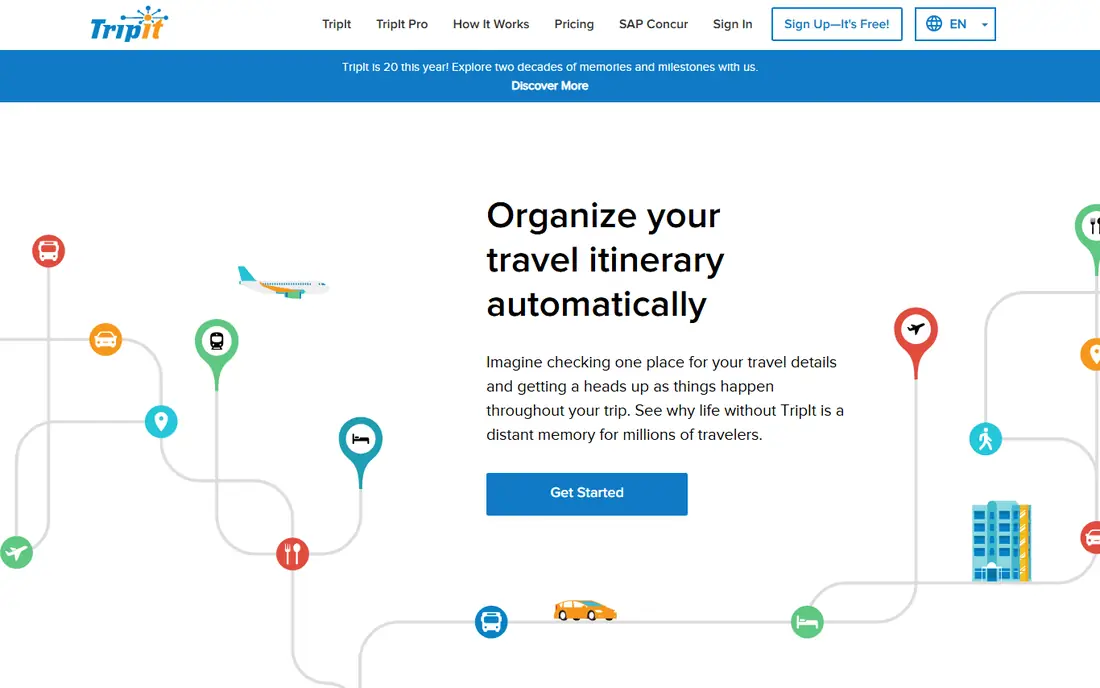
TripIt turns a messy inbox into one readable itinerary. Forward flight, hotel and car confirmations, and it builds a timeline with times, addresses and confirmation numbers. Sharing that plan with family or colleagues takes a few taps, which helps when someone else needs your arrival details.
Free TripIt covers the core itinerary well, while Pro adds alerts, fare tracking and extra tools for frequent travellers. Check that unusual bookings, such as ferries or local tours, appear correctly, and add them by hand if the parser misses one.
- Builds itineraries from forwarded confirmations
- Shares plans easily
- Works across devices
- Best features need a paid Pro plan
- Automatic parsing can miss unusual bookings
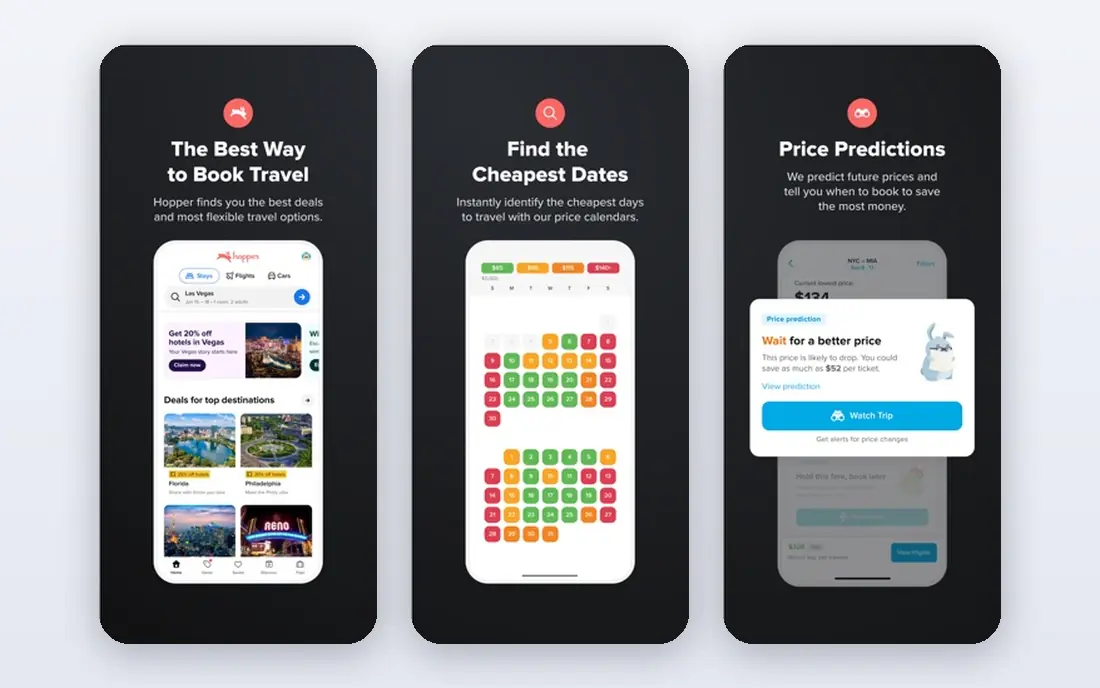
Hopper helps travellers decide when to book by analysing past prices and showing whether a fare is likely to rise or fall. Set an alert for a route, watch the forecast, and book when the timing fits your plans. That guidance is useful for flexible trips where a few days of shift can save real money.
Treat every prediction as a guide, not a promise. Prices move with demand, events and airline changes, and Hopper cannot control those shifts. Use it to time a booking you already plan to make, rather than as a reason to delay a trip you must take.
- Price predictions and alerts
- Flexible booking options
- Clear fare calendars
- Predictions are estimates, not guarantees
- Some booking features add fees
Skyscanner is a strong first stop when you need to compare many airlines and dates at once. Its flexible search, including whole-month views, helps travellers with loose dates find cheaper options. Price alerts keep watch while you decide, without locking you into one airline site.
Remember that Skyscanner usually sends you to an airline or travel partner to complete the booking. Read baggage, change and cancellation terms on that final site, since the cheapest shown fare may carry strict rules. For pure comparison, though, it is hard to beat.
- Wide flight comparison
- Flexible date search
- Price alerts
- Booking happens with partners
- Final price can differ from the shown fare
Airbnb suits travellers who want a kitchen, extra space or a stay that feels less like a hotel. Listings range from spare rooms to full homes, and host reviews help you judge cleanliness and communication before you book. Longer stays often work well here, especially for families or remote workers.
Fees and variation are the honest catches. Cleaning and service charges can lift the total well above the nightly rate, and standards differ from host to host. Read recent reviews, check the cancellation policy, and confirm check-in details before you arrive.
- Wide range of homes and rooms
- Host reviews
- Flexible stay lengths
- Cleaning and service fees add up
- Quality varies by host
Booking.com remains a reliable choice for hotels, guesthouses and apartments, especially when plans may change. Many listings offer free cancellation up to a set date, which gives flexibility that strict fares do not. Filters for price, location, amenities and review score make shortlisting fast.
The catch is that each property sets its own rules, so room size, breakfast and cancellation terms differ. Read the listing in full, note the check-in window, and keep the confirmation email as a backup. For standard hotel stays, Booking.com covers most needs well.
- Large hotel range
- Many free-cancellation options
- Clear total prices on most listings
- Room details vary by property
- Customer support quality varies
Rome2Rio shines on trips that mix transport types, such as a flight plus a train plus a bus to a small town. It shows options side by side, with rough times and prices, so you can see whether a slower train beats a costly flight plus a taxi. That overview saves hours of separate searches.
Treat its times and fares as starting points, not final bookings. Check the operator site for current schedules, seat availability and luggage rules before you pay. As a planning tool for complex routes, Rome2Rio is one of the most useful apps on this list.
- Compares many transport modes in one search
- Shows routes for long, multi-step trips
- Useful for Europe and beyond
- Times and prices are estimates
- Booking usually happens elsewhere
XE Currency is a practical pocket tool for any trip involving more than one currency. It converts prices quickly, stores recent rates for offline use, and shows charts that help you judge whether a price is fair. That matters when you are deciding between cash, card and local transport passes.
The main point to remember is that the mid-market rate is not the rate your bank or exchange desk will give you. Use XE to estimate and compare, then check your card fees and cash rate before a large purchase. For quick daily conversions, it is simple and dependable.
- Wide currency coverage
- Offline rate storage
- Simple converter and charts
- Shown rates are mid-market rates, not card or cash rates
- Some features need an account
Google Translate helps travellers handle menus, signs, directions and short conversations in many languages. Camera mode can read a sign or menu in seconds, and downloaded language packs work offline when data is costly. Conversation mode helps with simple back-and-forth exchanges.
Accuracy is good for practical phrases but weaker for idioms, humour and formal documents. Keep sentences short, confirm key details such as times and prices, and learn a few polite phrases for the place you visit. As a travel aid, it removes a lot of stress from daily tasks.
- Many languages
- Camera translation for signs
- Offline language packs
- Translations can miss nuance
- Camera mode needs good light and clear text
How we picked these
We compared official app pages, feature lists and pricing notes, and we favoured apps that are widely available on iOS and Android, still maintained, and useful for a clear stage of travel. We kept the list to one strong app per job where possible, so readers can build a small, practical travel set. We did not claim hands-on testing; our comparison rests on vendor pages and public documentation.
How to build a travel app set that actually helps
Start with the four jobs every trip needs: planning, booking, getting around and paying. Pick one app for each job, then add a language or packing tool only if your trip needs it. A smaller set is easier to keep updated, and you are less likely to lose a booking in an app you rarely open.
Before you leave, download offline maps and language packs, save tickets and confirmations outside the booking app, and check that each app works on your phone model. Test transit and map downloads at home, not at the airport. Keep your passport, payment cards and emergency numbers in a separate safe place, and share your itinerary with someone you trust.
FAQ
Which travel apps do I really need?
Most travellers need a map app, an itinerary app, a flight comparison app and a booking app, plus a currency converter for trips abroad. Start with those four, then add language or transport apps based on your destination.
Are travel apps free?
Most apps on this list are free to download and use, with optional paid tiers for alerts, extra itinerary tools or premium features. Booking apps are free to use, but the price you pay goes to the hotel, airline or host, plus any fees shown at checkout.
Can I use travel apps offline?
Google Maps and Google Translate support offline downloads, and TripIt shows saved itineraries without signal. Booking and price comparison apps need a connection for live prices, so download what you need before you travel.
How do I keep bookings safe if my phone is lost?
Save confirmations by email, keep a printed or PDF copy of key bookings, and share your itinerary with a travel companion. That backup lets you check in and reach a hotel even if your phone is lost or out of battery.
Should I book through an app or directly with the airline or hotel?
Comparison apps help you find the best price, but booking directly can give clearer change terms and better support during disruption. Compare both totals, including baggage and fees, before you choose.