Best Trading App for Beginners in 2026: 8 Apps Compared
Compare the best trading app for beginners, covering fees, fractional shares, education, and account types for new users, and common mistakes to avoid.
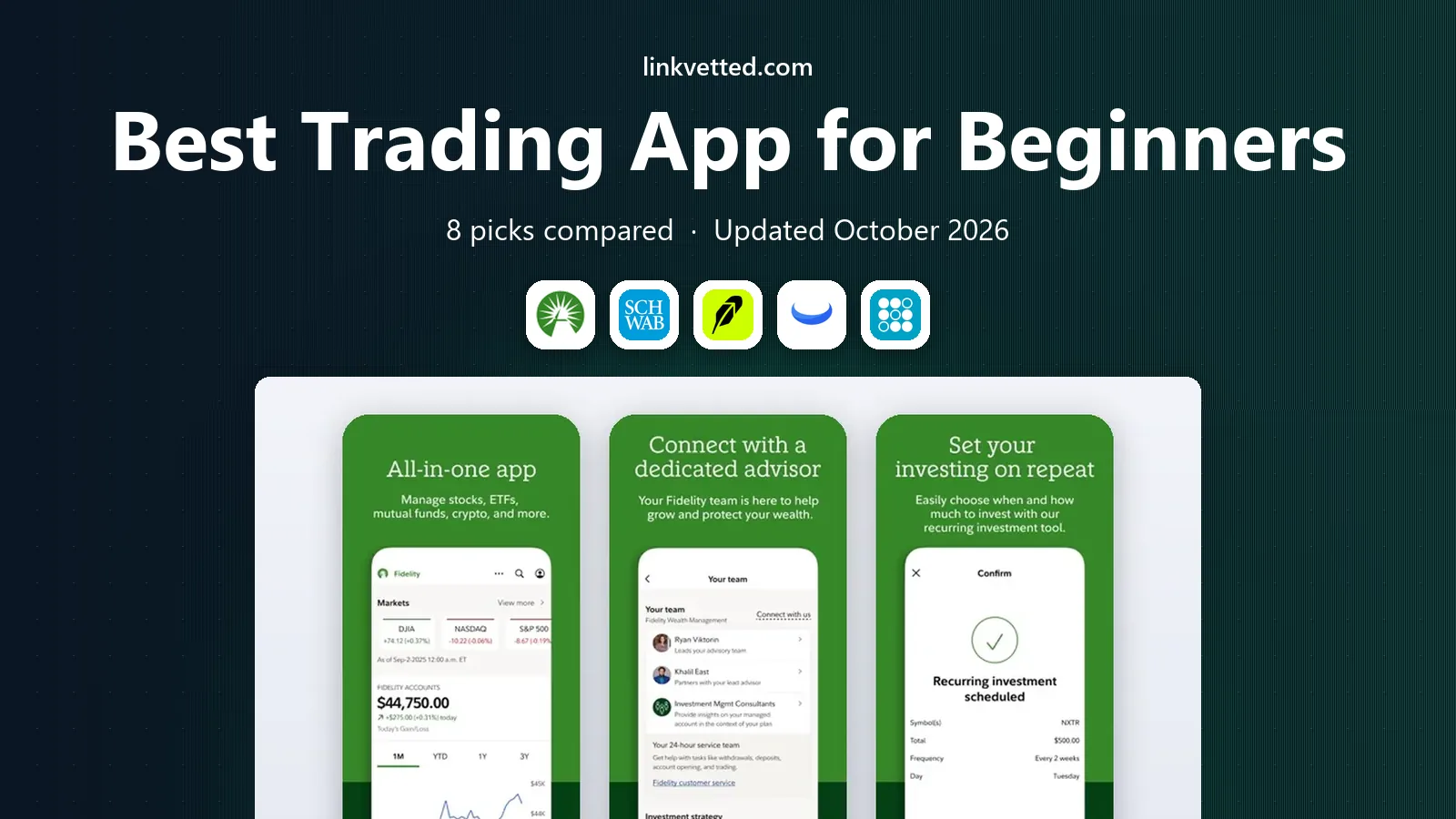
- Editor's choice
 Fidelity
Overall beginner value
Starts atSee websiteVisit fidelity.comFull review - Great alternative
 Charles Schwab
Education and support
Starts atSee websiteVisit schwab.comFull review - Also consider
 Robinhood
Simple mobile trading
Starts atSee websiteVisit robinhood.comFull review
TL;DR:
- A good beginner app explains fees, order types, and risk in plain language, rather than pushing frequent trading.
- Fractional shares help new investors start with small amounts and build diversified positions gradually.
- Education, paper trading, and retirement accounts matter more for beginners than advanced charting tools.
- This is not financial advice; trading carries risk, and investing involves the risk of loss, including loss of principal.
Quick comparison
| Tool | Best for | Starts at | Free plan? | |
|---|---|---|---|---|
| Fidelity | Overall beginner value | See website | No | Visit |
| Charles Schwab | Education and support | See website | No | Visit |
| Robinhood | Simple mobile trading | See website | No | Visit |
 Webull | Low-cost trading with paper trading | See website | No | Visit |
 SoFi Invest | Simple investing plus banking | See website | No | Visit |
 eToro | Social investing features | See website | No | Visit |
 Public | Community and fractional shares | See website | No | Visit |
 Acorns | Automatic small-amount investing | See website | No | Visit |
The best trading apps for beginners
We compared official feature and pricing pages, account types, education material, fractional share support, and customer support, with a focus on new investors rather than active traders.

Fidelity is our overall pick for beginners who want a serious account that can grow with them. Commission-free trades for US stocks and ETFs keep costs low, fractional share trading lets you start with small amounts, and the education library covers investing basics, retirement planning, and risk in plain language. Retirement accounts, custodial accounts, and cash management sit alongside brokerage accounts, so you do not need a second provider later.
The app packs a lot into each screen, which can feel dense during the first week. Start with the core screens for buying, selling, and checking positions, and explore research tools gradually. For a beginner who wants low costs plus strong support, Fidelity offers the best balance we found.
- Commission-free stock and ETF trades
- Strong education and research
- Retirement accounts included
- App can feel dense at first
- Some advanced tools take time to learn

Charles Schwab suits beginners who want human help alongside an app. Commission-free trades, fractional shares through Schwab Stock Slices, and a large education library cover the basics, while phone and branch support give new investors a place to ask questions that an FAQ cannot answer. That support layer matters when you face your first market drop or a confusing tax form.
The interface feels more traditional than Robinhood or Public, and some advanced features live on the desktop platform rather than the app. If you value support and education over a flashy mobile design, Schwab is a strong, steady choice for a first brokerage account.
- Commission-free stock and ETF trades
- Extensive education
- Branch and phone support
- Interface feels traditional
- Some features need the desktop platform
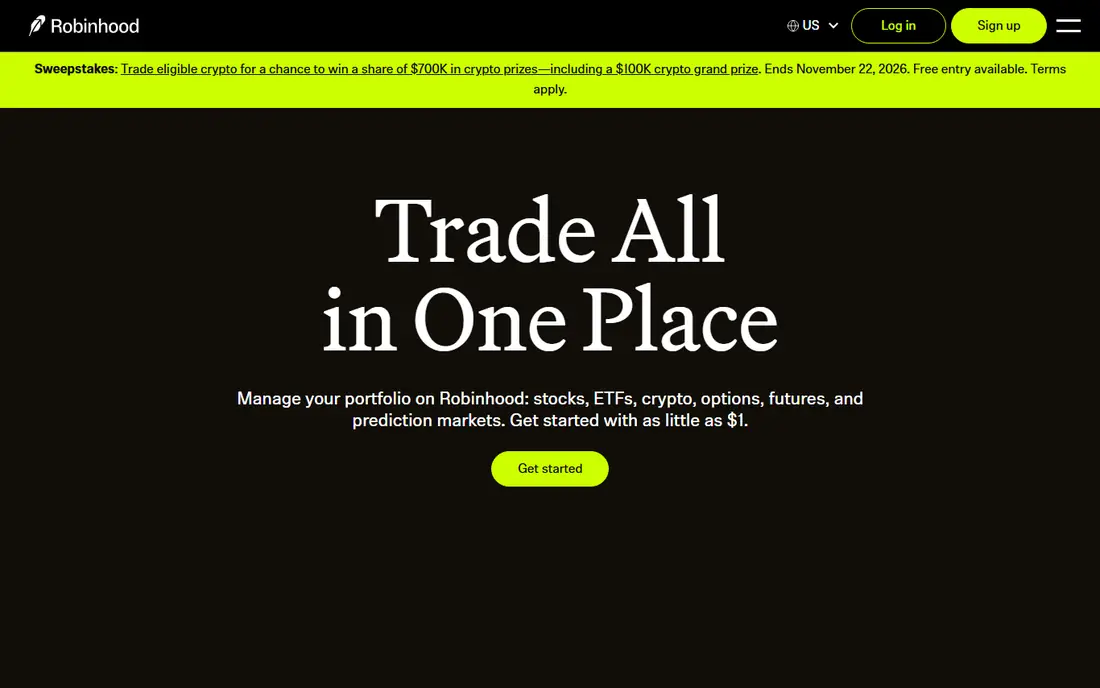
Robinhood made investing feel accessible by stripping the trading screen down to a few taps, and that simplicity still appeals to first-time investors. Fractional shares, commission-free stock and ETF trades, and a clean portfolio view help beginners start quickly, and recurring investments let you automate small, regular purchases. For a phone-first investor, the experience is hard to beat for ease.
Simplicity has a cost. Education and research are lighter than at Fidelity or Schwab, and the fast interface can encourage frequent trading, which rarely helps beginners. Use Robinhood with a clear plan, such as regular ETF purchases, and avoid treating the app as a game. With discipline, it works well as a first account.
- Very simple mobile interface
- Fractional shares
- Commission-free stock and ETF trades
- Education is lighter than Fidelity or Schwab
- Frequent trading is easy to slip into
Webull suits beginners who want to practise before risking real money. Paper trading lets you test orders, watch positions, and learn market behaviour without funding an account, and commission-free trades keep real costs low once you switch to live trading. Charts and market data are more detailed than Robinhood, which helps learners who want to understand price movement.
The interface can overwhelm a complete beginner, since it shows more data than a simple buy screen. Education material is also thinner than Schwab or Fidelity. Start with paper trading, learn one order type at a time, and move to small real positions only when the mechanics feel familiar.
- Paper trading for practice
- Commission-free stock and ETF trades
- Detailed charts for learners
- Education is thinner than Schwab
- Interface can overwhelm true beginners
SoFi Invest appeals to beginners who want investing alongside banking, loans, and other financial products in one app. The interface is simple, automated investing portfolios handle diversification for users who do not want to pick stocks, and fractional shares support small starting amounts. For a young professional already using SoFi, adding investing feels natural.
Research and stock screening tools are basic compared with Fidelity or Schwab, and the investment range is narrower. SoFi works best for beginners who want a guided, low-effort start rather than deep research. If you later want advanced tools, you can keep SoFi for automation and open a second brokerage account.
- Simple interface
- Automated investing option
- Banking and other financial products in one app
- Research tools are basic
- Investment choice is narrower than full brokerages
eToro suits beginners who learn by watching other investors. Copy trading lets you mirror another investor's portfolio, and the community feed shows ideas and discussion that can help new users understand why people buy or sell. The interface is approachable, and educational material covers investing basics for new accounts.
Copying another investor does not remove risk, and fees and available products vary by region, with US users facing different access than users elsewhere. Treat copy features as a learning aid, set strict limits, and check fees before funding. For social learners, eToro adds a community layer that traditional brokerages lack.
- Copy trading and community features
- Simple interface
- Educational content
- Product access and fees vary by region
- Copy trading still carries full market risk
Public combines fractional shares with a community feed where investors discuss stocks, ETFs, and market news. That social layer helps beginners see how other investors think, while fractional investing lets you start with small amounts across several ETFs. The app design is clean, and Public publishes information about order execution that helps users understand how trades are handled.
Research tools and account types are narrower than Fidelity or Schwab, so long-term retirement planning may need a second account. Public works best as a first investing app for learners who value community and small, regular purchases. Pair it with a retirement account elsewhere if you need one.
- Fractional shares
- Community discussion
- Transparent order execution information
- Smaller research library
- Fewer account types than large brokerages
Acorns suits beginners who struggle to start, because it automates investing through round-ups from everyday purchases and recurring deposits. You choose a risk level, Acorns builds a diversified ETF portfolio, and small amounts add up over time without daily decisions. For people who have delayed investing because choosing stocks felt daunting, that automation is the main benefit.
A monthly subscription fee applies, which can outweigh returns on very small balances, and you cannot pick individual stocks in the core portfolios. Acorns is best viewed as a habit builder and a first diversified portfolio, not a full trading platform. If you want stock picking later, open a brokerage account alongside it.
- Automatic round-ups and recurring investments
- Diversified portfolios
- Simple setup
- Monthly subscription fee
- Limited control over individual stocks
How we picked these
We compared official feature, pricing, and education pages, account types, fractional share support, and paper trading options for apps available to US beginners in 2026. We favoured low costs, clear education, and account structures that support long-term investing over apps built mainly for frequent trading. We did not claim hands-on trading results, and fees change, so confirm the current fee schedule before opening an account.
How to start without common beginner mistakes
Start with an amount you can leave invested for years, and favour diversified ETFs over single stocks while you learn. Set up recurring purchases if your app supports them, since regular investing removes timing pressure. Learn the difference between market and limit orders before placing your first trade, and keep a simple record of why you bought each position.
Paper trading, education, and risk
Use paper trading on Webull or a demo feature elsewhere to learn order mechanics without risk. Read the education sections on risk, diversification, and fees before increasing your deposits, and avoid borrowed-funds products until you can explain how they work. A beginner plan should survive a market drop without panic selling, so keep emergency savings separate from investing money.
Choosing between a simple app and a full brokerage
A simple app such as Robinhood or Public suits phone-first beginners who want fractional shares and a clean interface. A full brokerage such as Fidelity or Schwab suits beginners who want retirement accounts, deeper education, and support that grows with them. Many investors start simple and move to a full brokerage later, and there is no penalty for starting with the simpler path.
FAQ
What is the best trading app for beginners?
Fidelity is our overall pick for beginners, thanks to commission-free trades, fractional shares, education, and retirement accounts. Schwab suits beginners who want strong support, Robinhood suits phone-first simplicity, and Acorns suits automatic small-amount investing. Choose based on whether you value education, simplicity, or automation most.
How much money do I need to start investing?
Many apps allow fractional shares, so you can start with a small amount, though some accounts have minimums for certain features. Starting small is sensible while you learn, and recurring purchases help you build gradually. Invest only money you can leave invested for several years, and keep emergency savings separate.
Is trading risky for beginners?
Yes, investing involves risk, and individual stocks can fall sharply. This is not financial advice; trading carries risk. Diversified ETFs, long time horizons, and regular purchases reduce some risks, but they do not remove market risk. Avoid borrowed money until you understand the risks fully.
Should beginners pick stocks or ETFs?
Most beginners benefit from diversified ETFs, which spread risk across many companies rather than betting on one stock. Single stocks can outperform, but they can also fall sharply on company news. Learn with ETFs first, then add individual stocks only when you can explain the company and its risks.
What is paper trading, and should I try it?
Paper trading lets you practise buying and selling with virtual money, so you learn order types and market behaviour without risking real funds. Webull offers paper trading, and it is a useful first step. Paper trading does not teach the emotions of real losses, so move to small real amounts once mechanics feel familiar.
Do trading apps charge commission?
Many US apps now offer commission-free trades for stocks and ETFs, but other costs still apply, such as spreads, regulatory fees, subscription fees, or fees on options and margin. Check the full fee schedule for the products you plan to use, and be wary of apps that encourage frequent trading.