Best Tools for Virtual Tutoring in 2026: 8 Tools Compared
Compare the best tools for virtual tutoring in 2026, with live classrooms, scheduling, billing, payroll, and management for tutors and agencies alike.
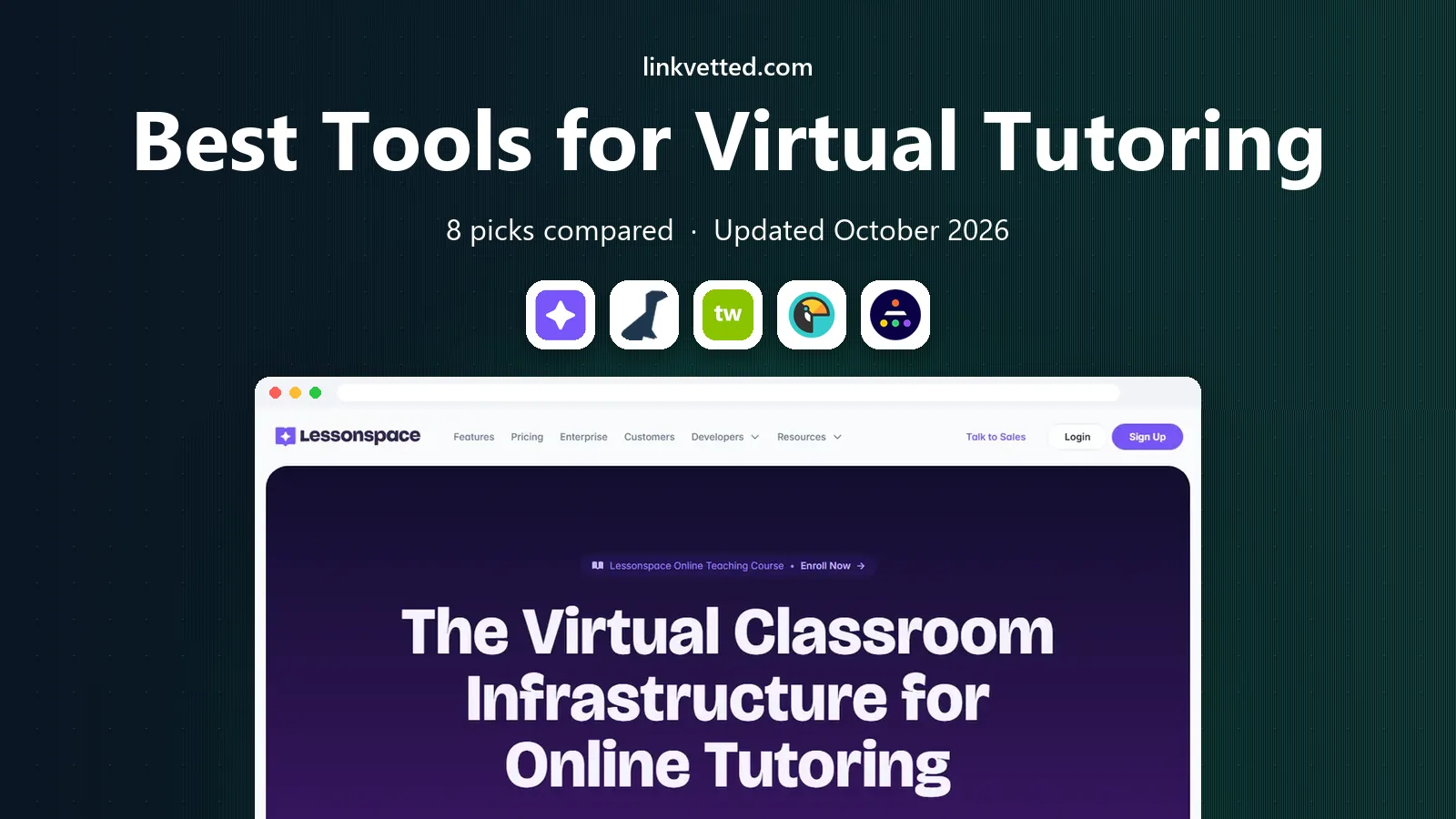
- Editor's choice
 LessonSpace
Live virtual classrooms for tutors
Starts atSee websiteVisit thelessonspace.comFull review - Great alternative
 TutorCruncher
Agency operations and payments
Starts at$30 per monthVisit tutorcruncher.comFull review - Also consider
 Teachworks
Flexible scheduling and payroll
Starts at$16.49 per monthVisit teachworks.comFull review
TL;DR:
- LessonSpace and BitPaper cover the live lesson itself, with whiteboards, recording, and tools built for teaching.
- TutorCruncher, Teachworks, TutorBird, and Wise handle the business side: scheduling, invoicing, payroll, and portals.
- Teach 'n Go and Oases Online suit larger programs that need student bands, reporting, and center-style administration.
- The best setup often pairs a live classroom tool with a management tool, rather than forcing one product to do both jobs.
Quick comparison
| Tool | Best for | Starts at | Free plan? | |
|---|---|---|---|---|
| LessonSpace | Live virtual classrooms for tutors | See website | Free trial | Visit |
| TutorCruncher | Agency operations and payments | $30 per month | Free trial | Visit |
| Teachworks | Flexible scheduling and payroll | $16.49 per month | Free trial | Visit |
 TutorBird | Simple administration for small teams | $16.95 per month | Free trial | Visit |
 Wise | Live teaching plus administration | See website | Free trial | Visit |
 Teach 'n Go | Student-band pricing for schools | $79 per month | Free trial | Visit |
 Oases Online | Reporting-heavy tutoring programs | $99 per month | Free trial | Visit |
 BitPaper | Whiteboard-led math and science lessons | See website | Yes | Visit |
The best tools for virtual tutoring
We compared live classroom features, scheduling, billing, payroll, and ease of setup to shortlist tools that tutors and tutoring businesses actually use in 2026. Some tools run the lesson, others run the business, and a few try to do both.

LessonSpace is our pick for the lesson itself. It provides a shared space with a whiteboard, document sharing, and collaboration tools designed for tutoring, rather than a generic video call. Session recording and transcripts help students review lessons and help tutors check what was covered.
The catch is scope and pricing. LessonSpace charges based on usage, so costs grow with session volume, and you will still need a separate tool or workflow for scheduling and billing unless you pair it with a management platform. Many tutoring tools integrate with LessonSpace for exactly that reason. If lesson quality is your top priority, start here and add administration around it.
- Purpose-built virtual classroom
- Session recording and transcripts
- Integrations with tutoring management tools
- Usage-based pricing needs budgeting
- It is a classroom, not a full billing system
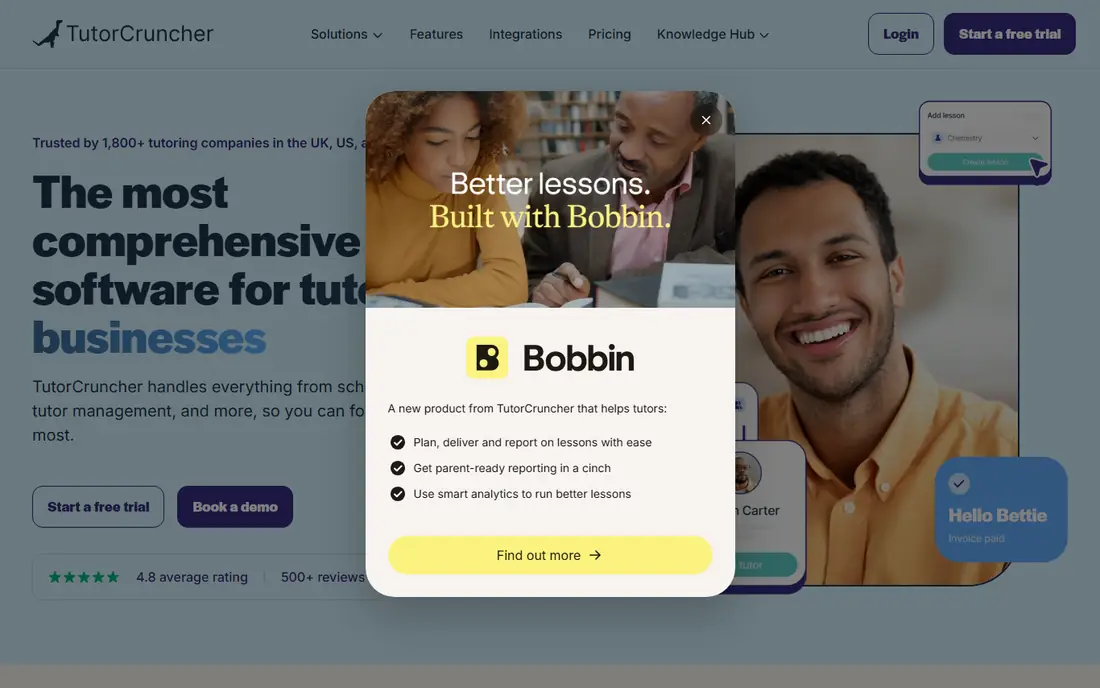
TutorCruncher is built for tutoring agencies that need to manage many tutors, students, and payments without spreadsheets. It covers scheduling, tutor matching, invoicing, payroll, and portals for clients and tutors. Its API and integrations, including LessonSpace links, help larger operations connect the classroom to the back office.
The trade-off is complexity. A solo tutor may find TutorCruncher more than needed, and transaction fees sit on top of the monthly subscription. Starting prices are listed from 30 dollars per month plus fees, so model total cost at your session volume. For a growing agency, TutorCruncher is a strong backbone.
- Scheduling, invoicing, and payroll in one system
- Client and tutor portals
- Strong API and integrations
- Feature depth can feel complex for a solo tutor
- Transaction fees add to subscription cost

Teachworks is a flexible management tool for tutoring and education businesses of many sizes. It handles scheduling, invoicing, payroll, and reporting, and it supports family accounts for companies teaching both children and adults. A guided setup checklist helps new users configure time zones, currencies, and lesson settings.
The catch is the billing model. The base price starts at 16.49 dollars per month, plus a per-lesson fee, so costs rise with volume. That model can still be fair for a busy business, but it needs modeling against a flat-rate rival. Teachworks suits teams that want flexible administration and solid reporting.
- Flexible scheduling and reminders
- Payroll calculation
- Integrations and API
- Family account support
- Per-lesson fees add to the base price
- Group attendance can raise billable usage
TutorBird is the value pick for solo tutors and small teams that want routine administration without a steep learning curve. It covers scheduling, attendance, automated invoicing, and payments through Stripe and PayPal, plus a simple website builder. A 30-day trial gives time to test it on real lessons.
The limit is depth. Reporting and complex pay rules are simpler than in TutorCruncher or Teachworks, so a large agency may outgrow it. Pricing starts at 16.95 dollars per month plus a fee per additional tutor or staff member. For a small tutoring business, TutorBird is easy to recommend.
- Low entry price
- Calendar and attendance sync
- Automated invoicing
- Stripe and PayPal support
- Reporting and pay rules are simpler than agency tools
- Per-tutor fees grow with staff
Wise tries to close the gap between the classroom and the back office. It combines live teaching with scheduling, invoicing, and student management, and it integrates natively with LessonSpace so lessons launch from the dashboard. Quizzes, leaderboards, and analytics add engagement tools that pure management systems lack.
The catch is pricing clarity. Wise uses session or seat-based pricing, so the total depends on your configuration, including Zoom and branding choices. Use its pricing calculator with real session numbers before you commit. For online tutoring businesses that want teaching and administration in one place, Wise is a strong contender.
- Live teaching and administration together
- Native LessonSpace integration
- Quizzes and student engagement tools
- Pricing depends on session or seat model, so quotes vary
- Zoom and branding options affect cost
Teach 'n Go suits education businesses and learning centers that prefer predictable pricing. Its base plan starts at 79 dollars per month for up to 100 live students, with no per-lesson or per-tutor fees, which makes budgeting simpler as tutor numbers change. It includes scheduling, billing, homework submission, and portals for parents and students.
The trade-off is entry cost. A solo tutor will likely find cheaper tools, but a school or center with many students can find the band model good value. Check the next student band and Pro feature limits before you grow into them. For centers and academies, Teach 'n Go is a balanced, easy-to-use pick.
- Predictable student-band pricing
- No per-lesson or per-tutor fees
- Native mobile apps
- Parent and student portals
- Higher entry price than small-team tools
- Student band limits need checking as you grow
Oases Online is built for larger, data-heavy tutoring operations that need detailed student records and reporting. It covers scheduling, billing, and progress tracking with an emphasis on assessment and reporting, which suits programs funded by schools or districts that must show outcomes. Pricing starts at 99 dollars per month for 25 active students.
The catch is cost and setup. Smaller teams may find the entry price high, and complex configurations can need implementation time. For a program where reporting quality matters as much as lesson delivery, Oases Online is a serious option.
- Detailed records and reporting
- Assessment-led workflows
- Customizable scheduling and billing
- Higher entry price
- Implementation work may be needed for complex setups
BitPaper is a specialist classroom tool for tutors who teach with handwriting. Its persistent whiteboard, called a paper, keeps notes, diagrams, and annotations in place across lessons, which suits math and science tutoring where working is part of learning. Audio and video are built in, and a free tier covers one-to-one use.
The limit is scope. BitPaper runs the lesson, not the business, so scheduling, invoicing, and payroll need another tool. Paid plans add team and group features. For a tutor who lives on the whiteboard, BitPaper is a focused, well-liked choice.
- Persistent collaborative whiteboard
- Strong handwriting and annotation
- Integrated audio and video
- Focused on the classroom, not business administration
- Group features sit on paid plans
How we picked these
We compared official product pages, pricing pages, and public reviews, focusing on tools that are actively used for virtual tutoring in 2026. We included both live classroom tools and management platforms because virtual tutoring needs both sides to work. We favored tools with a free tier or trial, clear pricing where published, and integrations between classroom and management systems. We did not claim hands-on testing, and we treated vendor pricing summaries as a starting point to confirm on the vendor site.
How to choose the right tutoring setup
Start by naming your bottleneck. If lessons feel awkward on generic video calls, fix the classroom first with LessonSpace or BitPaper. If scheduling, invoicing, and tutor pay eat your week, fix administration first with TutorBird, Teachworks, or TutorCruncher. If you run a school or center, weigh Teach 'n Go and Oases Online for student bands and reporting.
Pair a classroom with a management tool
Most successful setups pair the two kinds of tool. LessonSpace integrates with several management platforms, so a lesson link can live inside a scheduled session without manual copying. Check that integration before you buy, and test the full flow: booking, lesson launch, attendance, invoicing, and payment. A setup that works for one tutor may break when ten tutors use it at once.
Check safety, privacy, and payment details
For tutoring children, check safeguarding features such as session recording, access controls, and data handling, and confirm age and consent requirements for your region. Check payment fees, payout timing, and refund handling on any platform that takes money. A short pilot with a few real students will reveal more than a feature list, including how parents and students handle the login and classroom experience.
FAQ
What are the best tools for virtual tutoring for a solo tutor?
TutorBird is a strong solo pick for administration, paired with LessonSpace or BitPaper for lessons. That pair covers scheduling, invoicing, and a proper tutoring classroom without agency complexity. Start with free trials and test the full booking-to-lesson flow.
What is the best virtual tutoring tool for an agency?
TutorCruncher and Teachworks lead for agencies, with scheduling, payroll, invoicing, and portals in one system. TutorCruncher suits payment-heavy agency workflows, while Teachworks suits flexible scheduling and reporting. Model total fees at your real session volume before you choose.
Do I need separate tools for lessons and administration?
Often yes, because classroom tools and management tools solve different problems. LessonSpace and BitPaper run lessons, while TutorCruncher, Teachworks, and TutorBird run the business. Wise is one option that tries to combine both, with native LessonSpace integration.
How much do virtual tutoring tools cost?
Prices vary widely, from free tiers for BitPaper one-to-one use to 99 dollars per month for Oases Online at its entry student band. TutorBird starts at 16.95 dollars per month, Teachworks at 16.49 dollars per month plus per-lesson fees, and TutorCruncher from 30 dollars per month plus fees. Check current vendor pricing, since plans change.
What features matter most in a virtual tutoring classroom?
A shared whiteboard, document sharing, session recording, and stable audio and video matter most. For math and science, handwriting quality and persistent boards matter more than extra effects. Test the classroom on the devices your students actually use.
How do I keep virtual tutoring sessions safe for children?
Use platforms with access controls, session recording where appropriate, and clear data policies, and keep a parent or guardian informed for younger learners. Avoid sharing personal details in chat or on shared boards. Check the platform privacy policy and your local safeguarding rules before you start.