Best Tools for Scheduling Meetings in 2026: 9 Tools Compared
We compared the best tools for scheduling meetings on booking pages, calendar sync, reminders, and price, so you can pick one that fits your work and budget.

- Editor's choice
 Calendly
One-to-one meetings for most people
Starts at$10 per seat per monthVisit calendly.comFull review - Great alternative
 Acuity Scheduling
Paid service appointments
Starts atSee websiteVisit acuityscheduling.comFull review - Also consider
 Cal.com
Open source scheduling with control
Starts atFreeVisit cal.comFull review
TL;DR:
- Calendly remains the easiest default for one-to-one meetings, with a free plan for a single event type.
- Cal.com stands out for teams that want an open source option and more control over booking pages.
- Acuity Scheduling suits service businesses that need paid appointments, packages, and intake forms.
- Free plans vary a lot, so check event-type limits and calendar connections before you commit.
Quick comparison
| Tool | Best for | Starts at | Free plan? | |
|---|---|---|---|---|
| Calendly | One-to-one meetings for most people | $10 per seat per month | Yes | Visit |
| Acuity Scheduling | Paid service appointments | See website | Free trial | Visit |
| Cal.com | Open source scheduling with control | Free | Yes | Visit |
 Doodle | Finding a time by group poll | Free | Yes | Visit |
 YouCanBookMe | Simple booking pages on a budget | See website | Free trial | Visit |
 SavvyCal | Polished booking pages with overlays | See website | Free trial | Visit |
 SimplyBook.me | Service businesses with staff and locations | See website | Free trial | Visit |
 Appointlet | Lightweight scheduling for small teams | See website | Free trial | Visit |
 Setmore | Free-leaning appointment booking | Free | Yes | Visit |
The best tools for scheduling meetings
A good scheduling tool should cut back-and-forth emails, protect your calendar, and make booking simple for the other person. We compared official feature pages, pricing pages, and app listings for the tools below, with a focus on calendar sync, booking page control, reminders, and cost.

For most readers, Calendly is the safe first pick because guests already know how it works. Its booking pages are clear, its calendar sync is dependable, and its integrations cover the video and CRM tools many small teams already use. The honest catch is worth weighing. Free plan allows only one event type. Pick this one if one-to-one meetings for most people is your main need, and check the free plan first to see whether it covers your usual use.
- Widely recognised booking pages
- Strong calendar and video integrations
- Useful reminders and workflows
- Free plan allows only one event type
- Per-seat pricing adds up for larger teams
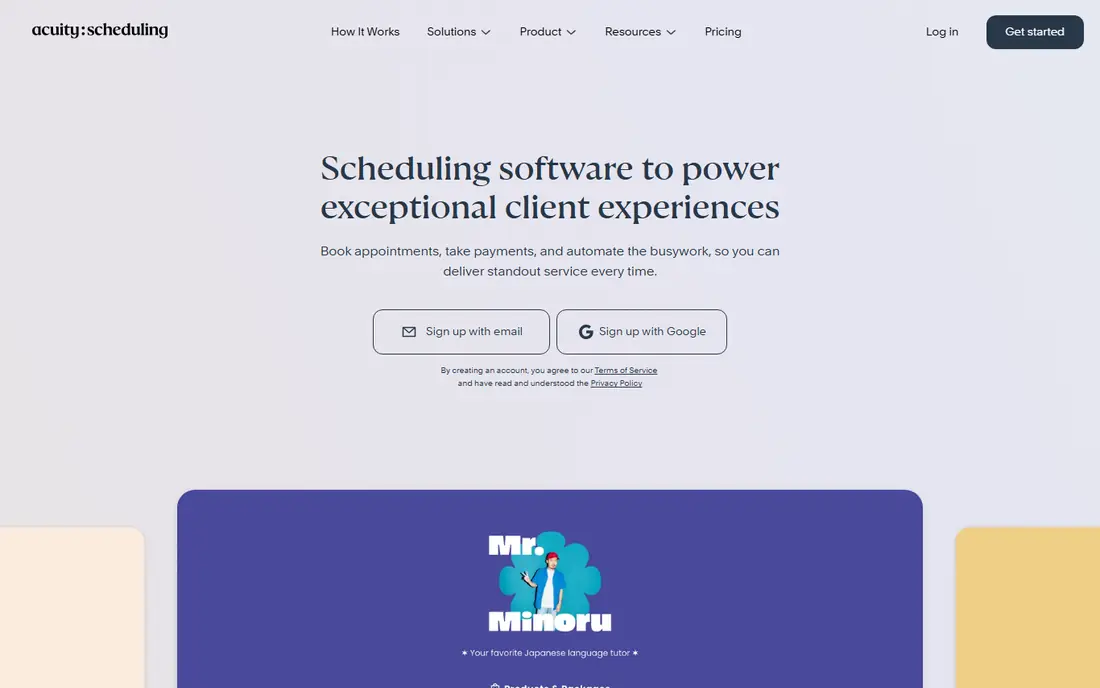
Acuity Scheduling is built for businesses that sell time, not just for people who take meetings. It handles services, staff availability, deposits, and intake forms in one place, which saves a separate booking and payment step for salons, clinics, and coaches. The honest catch is worth weighing. No permanent free plan. If you try it and miss a feature, compare the next option before paying, because strengths differ more than marketing suggests.
- Service menus, packages, and intake forms
- Payment collection at booking
- Client self-scheduling
- No permanent free plan
- Setup takes longer than a simple meeting link
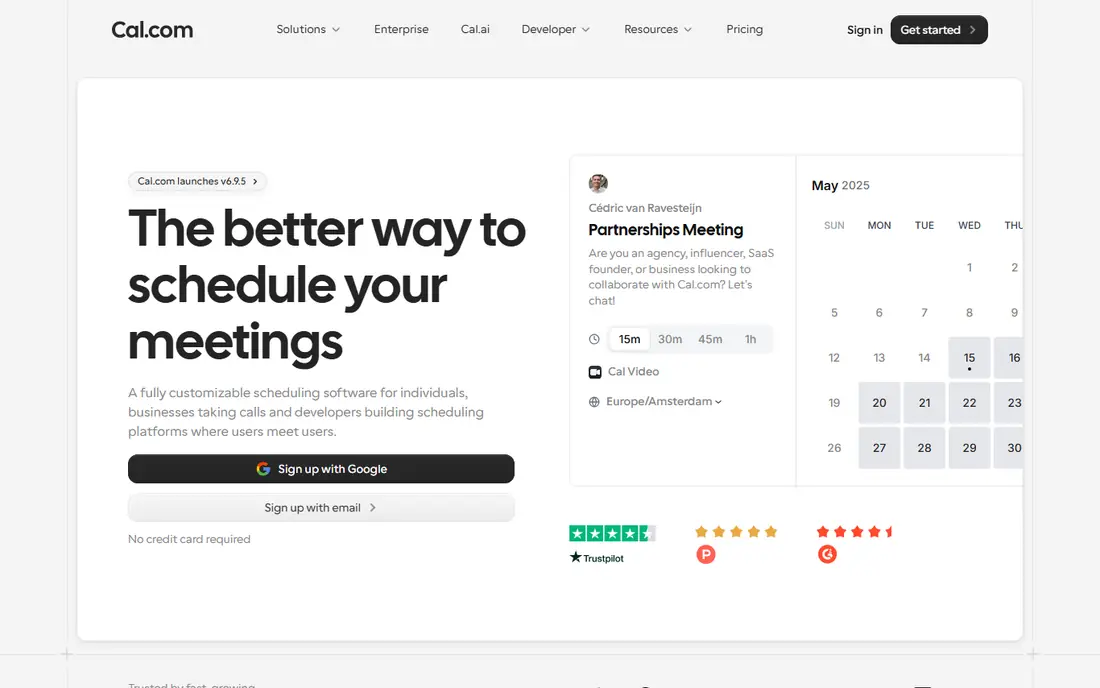
Cal.com appeals to people who want control without giving up a polished booking page. You can customise availability, event types, and branding more than most free tools allow, and teams can use round-robin booking when several hosts share a queue. The honest catch is worth weighing. Some advanced features need a paid plan. It is worth a short trial with real work, not just a demo, so you can judge whether it fits your daily routine.
- Open source core with self-hosting option
- Flexible booking pages
- Team and round-robin options
- Some advanced features need a paid plan
- Self-hosting needs technical setup
Doodle is the tool to reach for when the hard part is agreeing on a time. Instead of sending a booking link, you send a poll, guests mark what works, and the group settles on a slot without a long email thread. The honest catch is worth weighing. Not a full booking system. Start with the free or trial version, and upgrade only when you hit a limit that actually slows you down.
- Simple polls for group availability
- No account needed for voters
- Useful for one-off meetings
- Not a full booking system
- Limited automation compared with Calendly or Cal.com
YouCanBookMe keeps the focus on a booking page that does its job without fuss. It connects to the calendars most people already use, sends reminders to cut no-shows, and avoids a steep learning curve for solo professionals. The honest catch is worth weighing. Fewer team routing features than larger rivals. For most people, the deciding factor will be fit, not feature count, so weigh the catch above as carefully as the strengths.
- Clean booking pages linked to Google or Microsoft calendars
- Notifications and reminders
- Straightforward setup
- Fewer team routing features than larger rivals
- Design options are modest
SavvyCal wins on the small details of the booking experience. Its overlay lets guests see your availability in context, and personalised links make repeat bookings feel less generic than a standard scheduling page. The honest catch is worth weighing. Smaller integration range than Calendly. Use it for a week with your normal tasks, then decide whether the trade-offs are acceptable for the price.
- Overlay view that shows availability over your calendar
- Personalised booking links
- Good time-zone handling
- Smaller integration range than Calendly
- No permanent free plan
SimplyBook.me suits businesses with more moving parts than a single diary. It can manage several staff members, services, and locations, take payments, and sell memberships, which makes it a closer fit for clinics and studios than a meeting-only tool. The honest catch is worth weighing. Interface can feel busy at first. If the catch above is a deal-breaker, the next pick may suit you better, even if it looks less polished at first glance.
- Service, staff, and location management
- Online payments and memberships
- Client app and website widgets
- Interface can feel busy at first
- Best value appears on paid plans
Appointlet is a quiet, capable option for teams that do not need a large platform. It covers the basics well, including buffers between meetings, daily booking limits, and calendar sync, without asking users to learn a complex admin panel. The honest catch is worth weighing. Fewer automation and routing features than bigger platforms. Check current pricing before you commit, because plans and free tiers change, and promotions can distort the comparison.
- Simple scheduling pages
- Google and Microsoft calendar sync
- Meeting buffers and limits
- Fewer automation and routing features than bigger platforms
- Reporting is basic
Setmore is worth a look if cost is the first filter. Its free plan covers more staff and appointments than many rivals offer at no cost, and paid plans add payments, video links, and extra integrations when a business grows. The honest catch is worth weighing. Some features need a paid plan. A short, honest trial is the best test here, since daily use reveals friction that a feature list cannot show.
- Free plan for small teams
- Staff and service scheduling
- Reminders and a booking page
- Some features need a paid plan
- Design feels dated next to newer rivals
How we picked these
We compared official feature pages, pricing pages, app store listings, and public documentation for each product, rather than relying on a single review or ranking. We checked that each product exists, fits the topic, and is available in October 2026, and we used See website wherever a price depended on plan, region, or enrolled amount and could not be verified cleanly. We also weighed fit over feature count. A long list of features means little if the core job is awkward, and a cheaper plan means little if it blocks the feature you need most. That is why each pick above names a best use and an honest weakness, so you can match the tool to your situation instead of chasing the highest-rated name.
What to check before you pick a scheduling tool
Start with how you actually meet people. A consultant who books one-to-one calls needs a clean booking page and reliable calendar sync. A salon, clinic, or coach needs service menus, payments, and intake questions, and a simple meeting link will not cover that work.
Next, check the limits that matter in daily use. Some free plans allow only one event type or one connected calendar, while others limit reminders, group bookings, or team routing. If clients often reschedule, look for automatic rescheduling links and clear cancellation rules.
Finally, test the booking page as a guest. A page that asks for too much detail, loads slowly, or hides time zones will lose bookings. Pick the tool that guests can use without instructions, then add paid features only when you hit a real limit.
A final check is worth doing before you pay or commit. Read the current pricing page, confirm the free plan or trial terms, and check whether the features you need are included at the tier you plan to buy. Prices, free tiers, and platform support change over time, so a quick check on the vendor site on the day you sign up can prevent an unwelcome surprise, a missing feature, or a plan that costs more than you expected. If you are unsure, start with the free option and move only when you need more.
FAQ
What is the best free scheduling software?
Calendly and Cal.com both offer free starting points, but their limits differ. Calendly free covers one event type and one calendar, while Cal.com offers a broader free setup for individuals. Pick based on how many meeting types you need.
What is the best appointment scheduling software for small businesses?
Acuity Scheduling and SimplyBook.me suit service businesses because they handle services, staff, payments, and client forms. Calendly suits meeting-based work better than paid service menus.
Do scheduling tools work with Google Calendar and Outlook?
Most tools on this list connect to Google Calendar, Outlook, or both. Check whether the connection is two-way, so changes in either place update the other, and whether multiple calendars are supported.
Can clients pay when they book?
Yes, several tools support payment collection at booking through Stripe or PayPal. This is more common in service booking tools such as Acuity Scheduling and SimplyBook.me than in simple meeting schedulers.
What is the best scheduling app for teams?
Calendly Teams and Cal.com suit teams that need round-robin booking or shared availability. Doodle suits teams that only need to find a time by poll, rather than run a full booking page.