Best Tool to Find Long Tail Keywords in 2026: 9 Tools Compared
Find the best tool to find long tail keywords in 2026, from Ahrefs and Semrush to LowFruits and AnswerThePublic, with pricing and tips for content teams.
- Editor's choice
 Ahrefs
Most SEO teams
Starts at$29 per monthVisit ahrefs.comFull review - Great alternative
 Semrush
All-in-one research
Starts at$139.95 per monthVisit semrush.comFull review - Also consider
 Moz Keyword Explorer
Beginner-friendly research
Starts atSee websiteVisit moz.comFull review
TL;DR:
- Ahrefs is our pick for most teams because its keyword database, difficulty scores, and question data work together.
- Long tail keywords are longer, more specific phrases with lower search volume and often higher intent.
- LowFruits suits small sites looking for low-competition phrases that larger tools may bury.
- AnswerThePublic is best for question-based long tail ideas, not for full difficulty or volume analysis.
- No single tool is enough on its own: check volume, difficulty, and the pages already ranking before you target a phrase.
Quick comparison
| Tool | Best for | Starts at | Free plan? | |
|---|---|---|---|---|
| Ahrefs | Most SEO teams | $29 per month | Yes | Visit |
| Semrush | All-in-one research | $139.95 per month | Free trial | Visit |
| Moz Keyword Explorer | Beginner-friendly research | See website | Free trial | Visit |
 AnswerThePublic | Question ideas | Free | Yes | Visit |
 Ubersuggest | Budget research | See website | Yes | Visit |
 KWFinder | Simple difficulty scores | See website | Free trial | Visit |
 LowFruits | Low-competition phrases | See website | No | Visit |
 Serpstat | Value all-in-one research | See website | Free trial | Visit |
 Keyword Tool | Autocomplete ideas | Free | Yes | Visit |
The best tool to find long tail keywords
Long tail keywords are specific phrases such as best waterproof hiking boots for wide feet, rather than broad terms such as boots. They usually bring fewer searches each, but visitors who use them often know what they want. The tools below differ in database size, difficulty scoring, and how well they surface questions and low-competition phrases.

Ahrefs Keywords Explorer is the strongest general tool for long tail research. You can enter a seed term, filter by difficulty, volume, and word count, and see related phrases, questions, and the pages ranking for each term. That combination helps you judge whether a phrase is worth a page, not just whether it exists.
The pricing structure needs care. Starter costs $29 per month, but Lite at $129 per month is the plan most serious users need for fuller limits. The free account for verified sites is useful, but it does not replace paid keyword research. For teams that publish regularly, the depth is worth the cost.
- Large keyword database
- Keyword Difficulty scores
- Question and parent topic data
- Paid plans start at $129 per month for full Lite access
- Starter is limited

Semrush Keyword Magic Tool is excellent for turning one seed into thousands of long tail ideas. Filters for word count, difficulty, intent, and questions let you narrow a huge list to phrases a small site can actually rank for. Because Semrush also tracks rankings and audits sites, research flows naturally into content planning.
At $139.95 per month for Pro on monthly billing, it is expensive if you only need keyword ideas. It makes sense for teams that also use Semrush for audits, competitor research, and rank tracking, where the keyword tool is one part of a larger workflow.
- Keyword Magic Tool with many filters
- Intent and difficulty data
- Content and rank tracking in one place
- High price for keyword research alone
- Limits can bind on lower plans
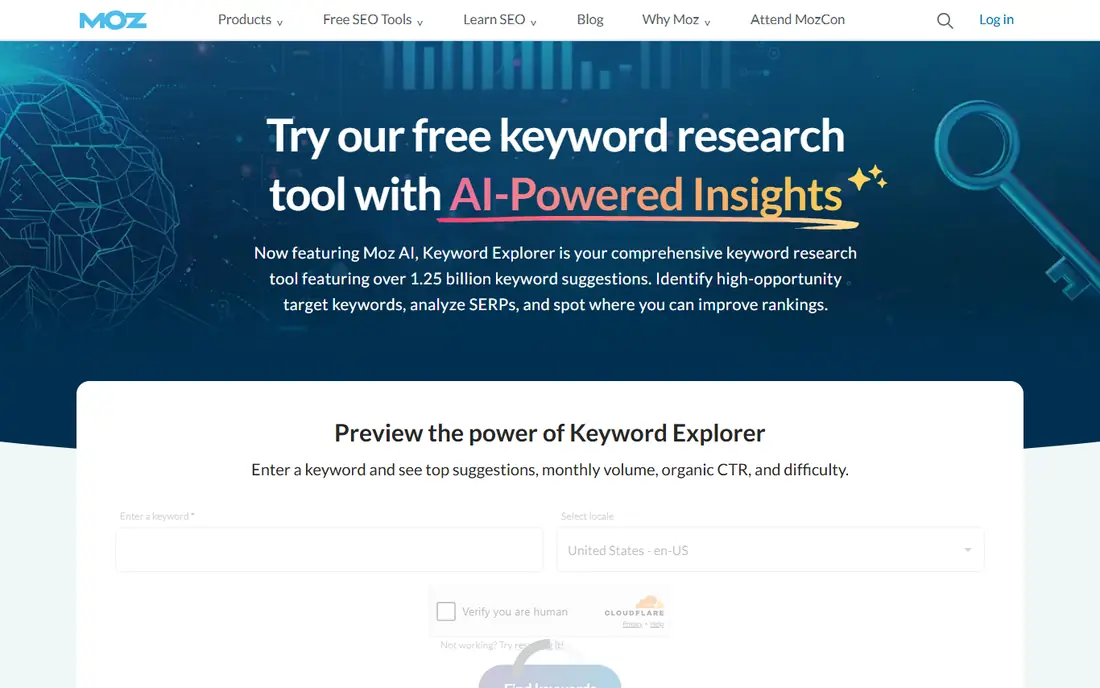
Moz Keyword Explorer is a good choice for beginners because it explains its scores clearly. Difficulty, opportunity, and volume are shown with plain guidance, which helps new SEOs avoid chasing phrases that look promising but are too competitive. SERP analysis shows who ranks and what kind of page wins.
Experienced users may find the database thinner for niche topics than Ahrefs or Semrush. For mainstream topics and learning keyword research, though, Moz is approachable and practical, and its trial lets you test it on your own niche first.
- Clear difficulty and opportunity scores
- Helpful explanations
- SERP analysis
- Database smaller than Ahrefs or Semrush on some topics
- Pricing needs checking
AnswerThePublic turns a seed term into questions people ask, plus comparisons and prepositions, presented as a visual map. That view is ideal for finding long tail questions for FAQ pages, guides, and blog posts. It often surfaces phrasing that a standard keyword list misses, because it follows how people actually ask.
It is not a full research tool. You still need Ahrefs, Semrush, or another database tool to check volume and difficulty before targeting a question. Use AnswerThePublic for ideas, then validate those ideas elsewhere before you write.
- Visual question and preposition maps
- Great for content ideas
- Free searches each day
- No reliable difficulty or volume data on its own
- Limited free searches
Ubersuggest is a solid budget option for freelancers and small businesses. It offers keyword suggestions, volume estimates, difficulty scores, and content ideas at a lower price than the leading all-in-one tools. The free tier lets you test it on your own topics before paying.
Data depth is the trade-off. For competitive or very niche topics, Ubersuggest estimates can be less detailed than Ahrefs or Semrush. For many small sites, though, it provides enough guidance to pick sensible long tail targets without a large monthly bill.
- Low-cost plans
- Keyword ideas, difficulty, and content ideas in one place
- Free tier for testing
- Data depth varies by niche
- Some features feel basic next to Ahrefs
KWFinder, part of the Mangools suite, is known for simple, readable difficulty scores. Enter a seed, and you get long tail suggestions with trend, volume, and a difficulty score that is easy to compare across phrases. That clarity helps small teams pick winnable phrases without wading through complex filters.
As a standalone tool, it is narrower than Ahrefs or Semrush. Its best value comes as part of Mangools, with SERPChecker and other tools alongside it. If you want one simple research tool and not a full suite, check whether KWFinder alone covers your niche.
- Easy difficulty scores
- Clean interface
- Useful for local and niche research
- Part of Mangools suite, so full value needs other Mangools tools
- Database limits on lower plans
LowFruits is built for a specific problem: finding long tail phrases where weak pages already rank, which signals a real opening for a new site. It analyzes SERPs and highlights phrases where forums, thin pages, or low-authority sites appear, so you can target phrases with a realistic chance of ranking. That focus makes it popular with niche site builders.
Larger sites targeting competitive terms will get less from it, and there is no free plan to test with. For new or small sites, though, LowFruits answers the question other tools leave open: not just what people search, but where the ranking bar is actually low.
- Flags weak sites ranking on page one
- Great for new sites
- Bulk keyword analysis
- No free plan
- Less useful for large sites targeting competitive terms
Serpstat is a value-focused all-in-one tool that covers keyword research, site audits, backlink checks, and rank tracking. Its keyword tools support long tail filtering, related phrases, and question data, which makes it a practical alternative when Ahrefs or Semrush pricing is too high. Agencies on a budget often use it as their main research tool.
The interface is denser than Moz or KWFinder, and database coverage varies by market, so test it on your own country and niche first. For teams that need several SEO tools in one subscription, Serpstat offers a strong balance of features and price.
- Keyword research, audits, and rank tracking in one tool
- Competitive pricing
- Bulk tools
- Interface takes time to learn
- Database strength varies by country
Keyword Tool generates long tail ideas from autocomplete data across Google, YouTube, Amazon, and other platforms. That makes it useful for finding phrases people actually type, including product and video searches that other tools may miss. The free version gives a useful list to start from.
Without a paid plan, you do not get volume, competition, or trend data, so the raw list needs validation in another tool. Use Keyword Tool for discovery, especially for YouTube and shopping phrases, then check the best ideas in Ahrefs, Semrush, or LowFruits.
- Autocomplete suggestions from Google, YouTube, and other platforms
- Simple to use
- Free basic searches
- Volume and difficulty data need a paid plan
- Suggestions need filtering
How we picked these
We compared official feature and pricing pages for keyword tools still available in October 2026, focusing on long tail discovery, difficulty scoring, and question data. We favored tools that let you filter by word count and difficulty, since those filters are what turn a huge list into usable targets. We used See website where a vendor did not publish a clear starting price, and we kept both premium and budget tools because small sites and agencies have very different budgets.
How to pick long tail keywords that actually rank
Start with a seed related to a product, problem, or location, then filter for phrases with at least three or four words and a difficulty score your site can handle. Check the pages ranking on page one: if they are strong, detailed, and authoritative, the phrase may be harder than its score suggests. If they are thin, outdated, or off-topic, you have a real opening.
From list to page plan
Group related long tail phrases into one page, rather than creating a thin page for each phrase. One strong guide can rank for dozens of related long tail terms, while twenty thin pages compete with each other and dilute your effort. Add the main phrase to the title and headings, answer the related questions in the body, and link to the page from relevant site sections.
FAQ
What is a long tail keyword?
A long tail keyword is a longer, more specific search phrase, usually with three or more words, that brings lower volume but often higher intent. Examples include best running shoes for flat feet under 100 dollars, compared with the broad term running shoes. Long tail phrases are easier for small sites to rank for.
How many words should a long tail keyword have?
There is no fixed rule, but most long tail phrases have three or more words and describe a specific need, product, or location. Focus on specificity and intent rather than word count alone. A two-word phrase can still be long tail if it is very niche, while a five-word phrase can be competitive if many sites target it.
Are long tail keywords still worth targeting in 2026?
Yes. AI search and voice search have made queries longer and more conversational, which favors specific, well-answered pages. Long tail traffic adds up across many pages, and it often converts better because visitors know what they want.
Which free tool is best for long tail keywords?
AnswerThePublic and Keyword Tool are strong free starting points for ideas, while Ubersuggest free tier adds volume and difficulty estimates. For ranking decisions, validate free ideas in a paid database tool or in LowFruits, since free tools alone rarely show reliable difficulty data.
How do I know if a long tail keyword is too competitive?
Check difficulty scores in two tools if possible, then look at page one results. If the top pages are detailed, authoritative, and closely matched to the phrase, it is likely too competitive for a new site. If top results are weak, outdated, or only partly relevant, the phrase may be winnable with a strong page.