Best Task Management App in 2026: 9 Apps Compared
Compare the best task management app for personal lists, teams, and projects, with free plans, reminders, calendars, and clear notes on price and limits.

- Editor's choice
 Todoist
Personal task lists
Starts atFreeVisit todoist.comFull review - Great alternative
 Asana
Team projects
Starts atFreeVisit asana.comFull review - Also consider
 Trello
Visual boards
Starts atFreeVisit trello.comFull review
TL;DR:
- Todoist and TickTick suit personal lists and daily habits, with fast capture and simple recurring tasks.
- Asana, Trello, ClickUp, and Monday.com suit teams that need boards, timelines, and project views.
- Notion suits users who want tasks, notes, and docs in one workspace, though setup takes more time.
- Microsoft To Do and Any.do suit users who want a simple, free list without a full project system.
Quick comparison
| Tool | Best for | Starts at | Free plan? | |
|---|---|---|---|---|
| Todoist | Personal task lists | Free | Yes | Visit |
| Asana | Team projects | Free | Yes | Visit |
| Trello | Visual boards | Free | Yes | Visit |
 Notion | Tasks plus notes and docs | Free | Yes | Visit |
 ClickUp | All-in-one project work | Free | Yes | Visit |
 Monday.com | Team workflows | See website | Free trial | Visit |
 Microsoft To Do | Simple free lists | Free | Yes | Visit |
 TickTick | Habits and reminders | Free | Yes | Visit |
 Any.do | Simple lists and calendar | Free | Yes | Visit |
The best task management apps
We compared official feature pages, pricing pages, app store listings, and public reviews, focusing on free limits, reminders, views, collaboration, and ease of daily use. The best app is the one you will open every day, not the one with the longest feature list.
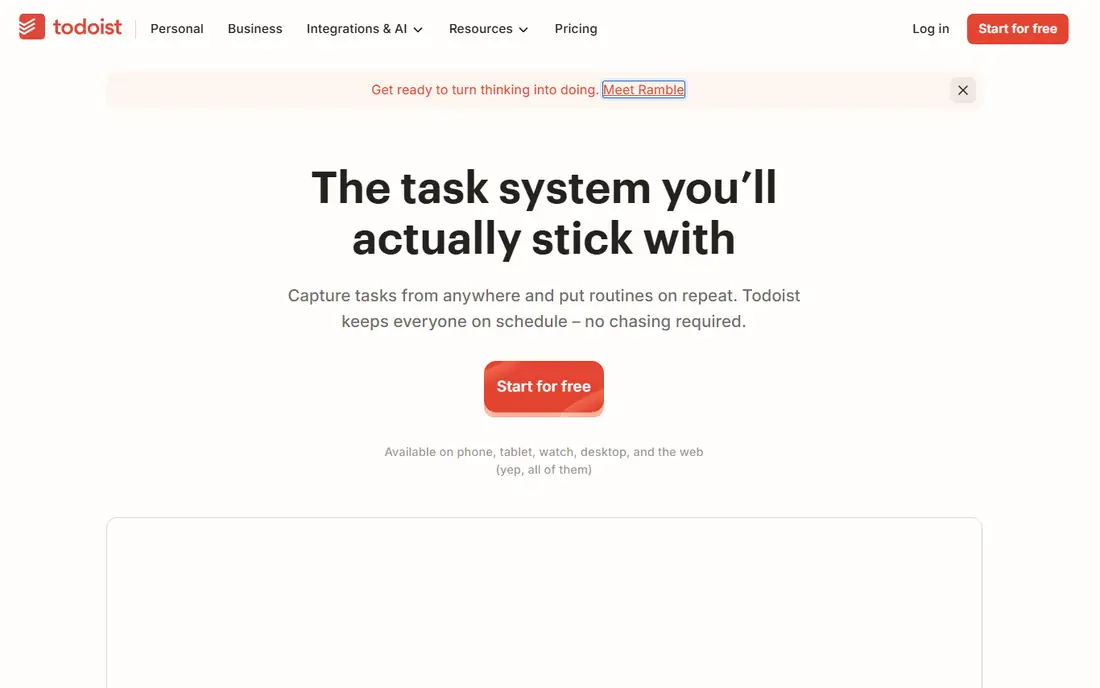
Todoist fits anyone who wants to capture tasks quickly and see a clear today list. Typing a phrase such as a task with a date creates a dated task without menus, and projects, labels, and filters keep lists tidy. The app works well on phone, desktop, and web, so capture is always close.
The free plan limits active projects, collaborators, and reminders, so heavy users often need Pro. It also lacks the board and timeline depth of team tools, though boards are available in a simpler form. For personal productivity, Todoist remains one of the cleanest choices.
- Very fast task capture
- Natural language dates
- Clean cross-platform apps
- Free plan limits projects and reminders
- Advanced views need Pro

Asana suits teams that need to assign work, track due dates, and see progress across projects. List, board, timeline, and calendar views cover different work styles, and tasks can hold files, comments, and subtasks. Integrations with email, calendars, and chat tools keep work in one place.
The free plan covers basic personal and small team use, but advanced timelines, reporting, and admin controls need a paid plan. Asana can also feel formal for a simple shopping list, so personal users may prefer Todoist. For team projects, its clarity is a strength.
- Strong project views
- Clear assignments and due dates
- Good integrations
- Free plan limits
- Can feel formal for personal lists
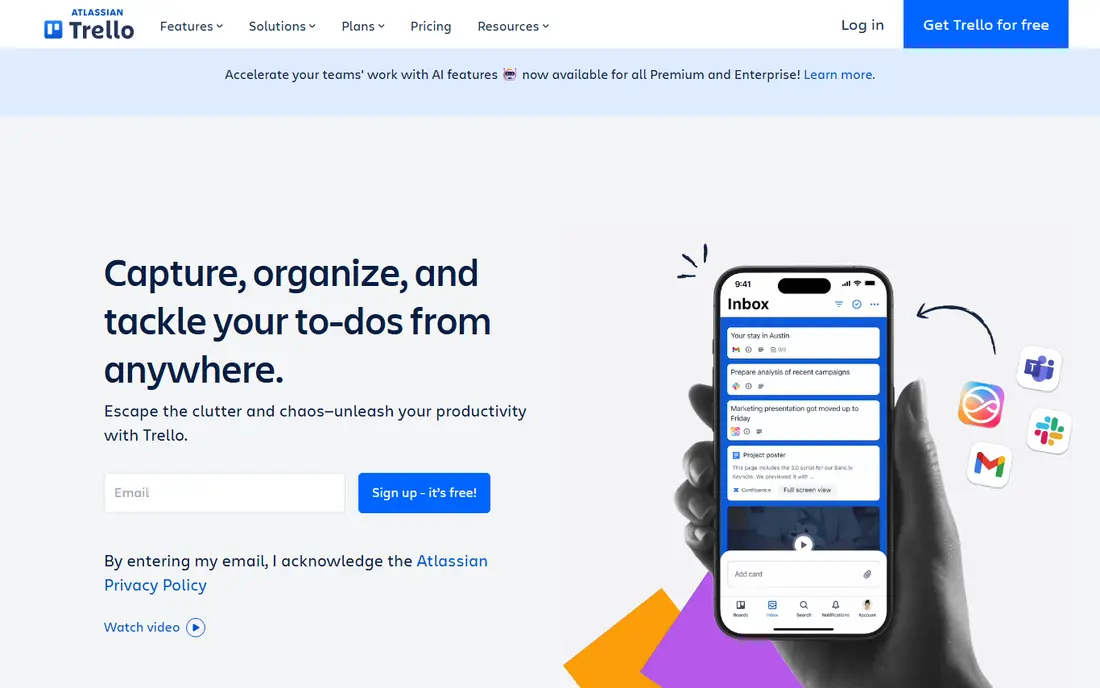
Trello fits visual thinkers, small teams, and personal projects that work well as cards on a board. Columns show stages such as to do, doing, and done, and cards hold checklists, dates, attachments, and comments. Drag and drop makes moving work satisfying and clear.
Free workspaces limit some board and automation features, and reporting is lighter than in Asana or ClickUp. Large, complex projects can also outgrow a simple board. For a visual, low-friction project tracker, Trello is easy to love.
- Simple board and card system
- Easy drag and drop
- Many Power-Ups
- Free workspace limits
- Reporting is lighter than Asana
Notion suits students, freelancers, and teams who want tasks linked to notes, docs, and project pages. Its databases can show tasks as lists, boards, calendars, or timelines, and templates cover habits, projects, and meeting notes. That flexibility lets one workspace replace several separate apps.
Flexibility is also the drawback, since building a good system takes time and a blank page can feel overwhelming. Offline access is more limited than in dedicated task apps, so check your needs if you work without internet often. For an all-in-one workspace, Notion is a strong choice.
- Tasks, notes, docs, and wikis in one place
- Flexible databases
- Good templates
- Setup takes time
- Offline use is limited
ClickUp fits teams and freelancers who want tasks, docs, goals, and time tracking in one app. Views include lists, boards, calendars, timelines, and Gantt charts, while automations handle routine status changes. The free tier is generous for small teams getting started.
The sheer number of features can overwhelm a new user, and a messy setup can slow a team down. Start with one project, one list view, and a few fields, then add views only when needed. For a team that wants one tool for many jobs, ClickUp offers strong value.
- Many views and automations
- Docs, goals, and time tracking
- Generous free tier
- Many features can overwhelm
- Setup needs care
Monday.com suits managers and teams that want visual workflows, status columns, and dashboards for tracking work. Boards can track projects, sales pipelines, content calendars, and hiring, while automations reduce manual updates. Dashboards give a quick view of progress across many boards.
Pricing is per seat with minimum seat counts on many plans, so small teams should check the total cost carefully. There is no permanent free team plan, only a trial. For a growing team that needs visual tracking and reporting, Monday.com is a polished option.
- Visual workflows
- Automations
- Dashboards for managers
- No permanent free plan for teams
- Pricing is per seat with minimums
Microsoft To Do fits users who want a simple, free list that syncs with Outlook and Microsoft 365. The My Day view helps you pick a focused list each morning, while lists, steps, reminders, and file attachments cover daily needs. It works on phone, web, and desktop without a subscription.
Project views are limited compared with Asana or ClickUp, with no boards, timelines, or Gantt charts. It also works best for users already in Microsoft apps. For a clean daily list and Outlook tasks, Microsoft To Do is a reliable free choice.
- Free with a Microsoft account
- Simple lists and My Day
- Outlook integration
- Fewer project views
- Best inside Microsoft apps
TickTick suits users who want tasks, habits, reminders, and a calendar in one app. Its habit tracker, Pomodoro timer, and calendar view help daily routines, while smart lists and natural date input speed up capture. The mobile app is fast and works well for on-the-go lists.
The free plan limits lists, habits, and some calendar features, so heavy users may need Premium. The interface can also feel busy, since habits, calendar, and tasks share space. For a personal system that covers habits as well as tasks, TickTick is a strong all-rounder.
- Tasks plus habits and calendar
- Fast capture
- Pomodoro timer
- Free plan limits lists and habits
- Interface is busy for some
Any.do fits families, couples, and individuals who want a simple shared list with a calendar view. Voice capture, reminders, and shared lists make grocery lists, chores, and appointments easy to manage together. The design stays clean, which helps less technical users.
Advanced features such as location reminders, unlimited attachments, and custom recurring tasks need a Premium plan. Project management views are also limited compared with team tools. For a simple, shared daily list, Any.do is easy to adopt.
- Simple lists with calendar
- Voice capture
- Shared lists for family
- Advanced features need Premium
- Project views are limited
How we picked these
We compared official feature pages, pricing pages, app store listings, and public reviews, and we favored apps with current free tiers or trials, clear pricing, reminders, and cross-platform support. We did not claim hands-on testing. We included personal, family, and team tools, since task needs differ sharply by user.
How to choose a task management app
Start with how you work today, not with the most powerful tool. A personal user needs fast capture and a clear today list, while a team needs assignments, views, and permissions. Pick the smallest tool that covers your real workflow, since a complex tool you avoid helps no one.
Personal versus team needs
Personal apps such as Todoist, TickTick, and Microsoft To Do focus on speed and daily focus. Team apps such as Asana, Trello, ClickUp, and Monday.com focus on shared boards, timelines, and reporting. Notion sits between the two, with flexible workspaces that can serve either use if you invest setup time.
Habits for staying on top of tasks
Capture tasks the moment they appear, using a phone widget or quick-add shortcut. Review your today list each morning, and move unfinished tasks deliberately rather than letting them pile up. Use due dates only for real deadlines, and use reminders for tasks that depend on time or place.
FAQ
What is the best task management app overall?
Todoist is the best task management app overall for personal use, thanks to fast capture and a clear today view. For teams, Asana and ClickUp offer stronger project views, assignments, and reporting.
What is the best task management software for teams?
Asana is a strong team choice for structured projects, Trello is best for visual boards, and ClickUp is best for teams that want many views in one app. Monday.com suits teams that want visual workflows and dashboards, though pricing needs a careful check.
What is the best free task management app?
Todoist, TickTick, Microsoft To Do, and Any.do all offer useful free plans for personal lists. Trello, Asana, ClickUp, and Notion also offer free tiers, with limits on projects, views, or history that matter more for teams.
What is the best task management tool for personal productivity?
Todoist and TickTick are best for personal productivity, with fast capture, recurring tasks, and calendar views. TickTick adds habits and a Pomodoro timer, which helps users who want routine tracking in the same app.
Can I use a task app for habits and reminders?
Yes, TickTick and Any.do include habits and reminders, while Todoist and Microsoft To Do cover recurring tasks and reminders well. For pure habit tracking, a dedicated habit app may still offer more streak and stats features.
How do I pick between a list app and a project app?
Choose a list app if your work is mostly personal tasks with dates and reminders. Choose a project app if you manage shared work, deadlines across people, or views such as boards and timelines, since list apps lack those team controls.