Best Task Apps in 2026: 9 Apps Compared
Compare the best task apps for 2026, from Todoist and TickTick to free options, with pricing, features, and honest trade-offs to help you choose wisely.
- Editor's choice
 Todoist
Most people
Starts at$5 per monthVisit todoist.comFull review - Great alternative
 TickTick
All in one planning
Starts at$49.99 per yearVisit ticktick.comFull review - Also consider
 Microsoft To Do
Microsoft users
Starts atFreeVisit todo.microsoft.comFull review
TL;DR:
- Todoist is our pick for most people, with fast capture, natural language dates, and apps on every major platform.
- TickTick gives you more built in tools for less money, including a calendar, habit tracker, and focus timer.
- Microsoft To Do and Google Tasks are the best free starting points if you already live in those ecosystems.
- Things 3 is the best buy once option, but only if you use Apple devices and do not need team features.
- Paid plans are worth it mainly for reminders, calendar views, and larger limits, so start free and upgrade only when you hit a wall.
Quick comparison
| Tool | Best for | Starts at | Free plan? | |
|---|---|---|---|---|
| Todoist | Most people | $5 per month | Yes | Visit |
| TickTick | All in one planning | $49.99 per year | Yes | Visit |
| Microsoft To Do | Microsoft users | Free | Yes | Visit |
 Things 3 | Apple users who hate subscriptions | $9.99 one time | No | Visit |
 Any.do | Families and shared lists | $4.99 per month | Yes | Visit |
 Google Tasks | Simple Google lists | Free | Yes | Visit |
 Remember The Milk | Power users who love smart lists | $49.99 per year | Yes | Visit |
 Asana | Small team task work | See website | Yes | Visit |
 ClickUp | Teams that want tasks plus docs | See website | Yes | Visit |
The best task apps
A good task app should make capture fast, show you what is due today, and stay out of your way the rest of the time. We compared official feature pages, pricing pages, and app store listings for the apps below, and weighed price, platform coverage, reminders, and sharing.
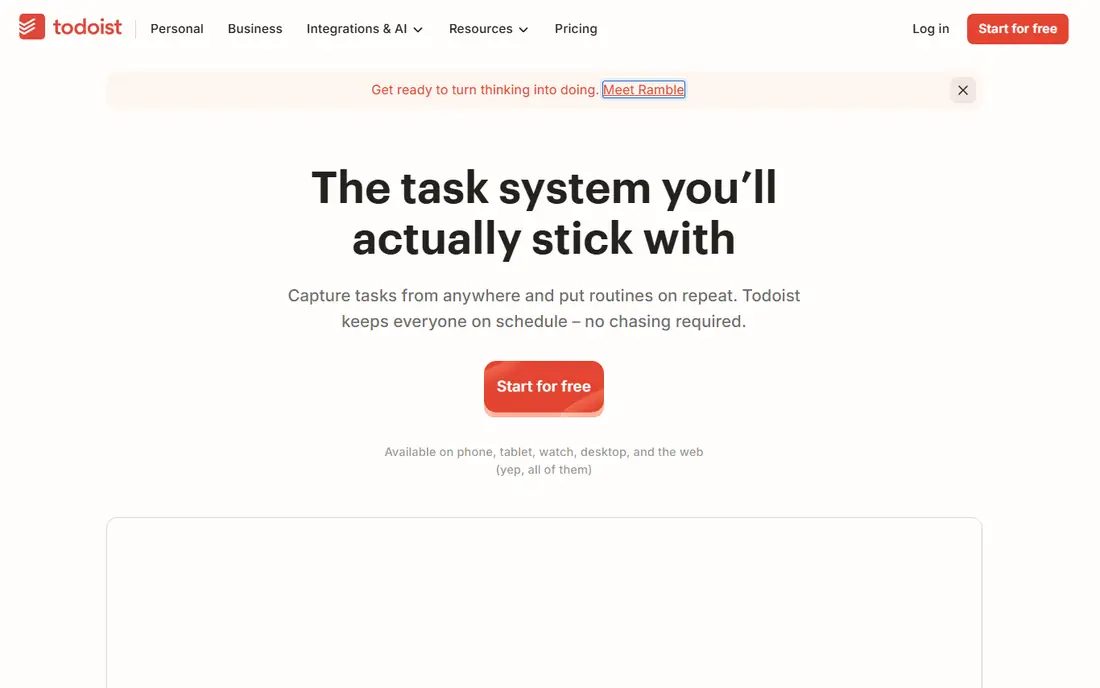
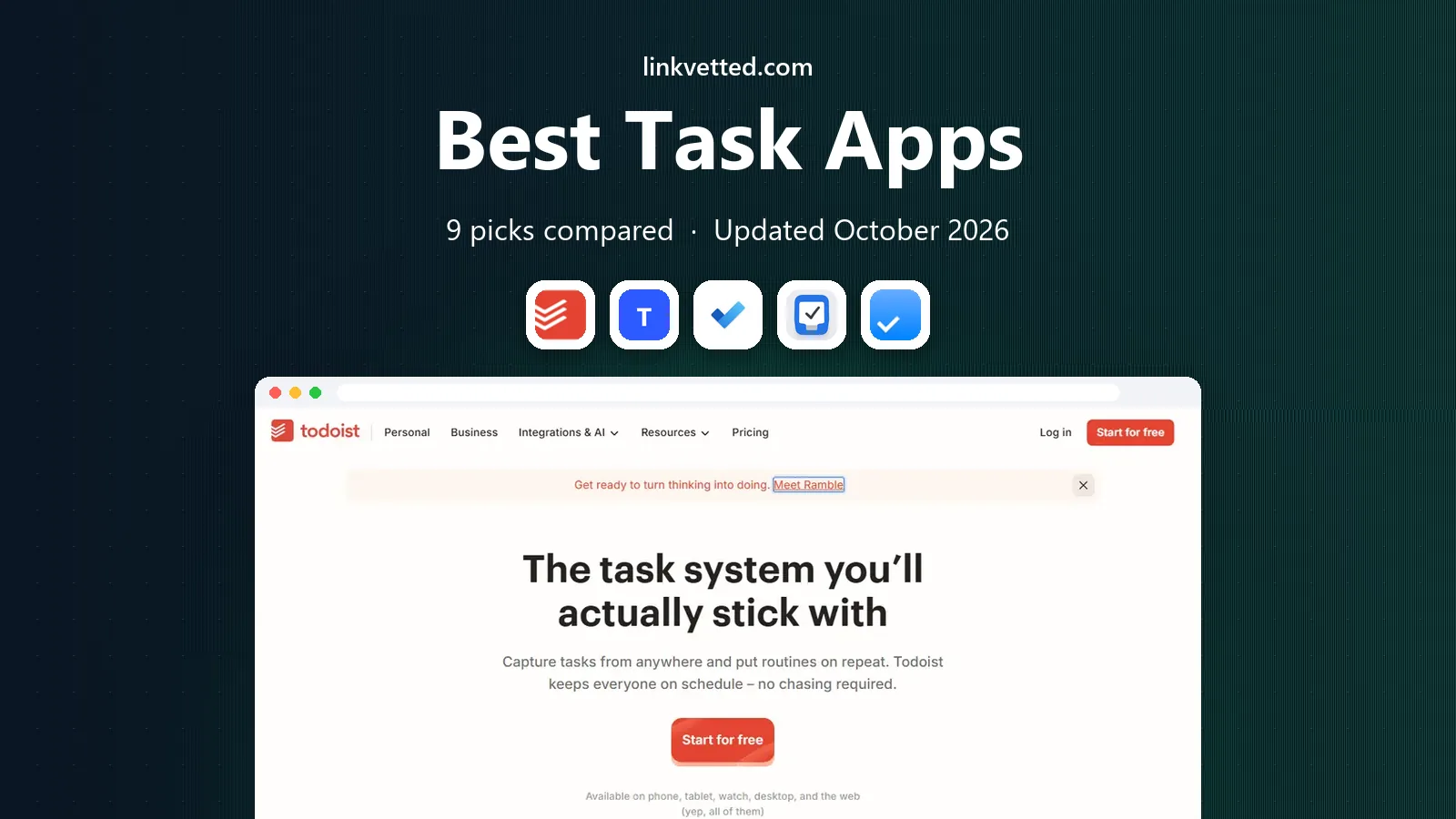
Todoist is the easiest recommendation in this list because it does so few things badly. You can type "call the dentist every Tuesday at 9am" and it turns that sentence into a repeating task with the right time, which removes a lot of the friction that makes other lists go stale. Projects, labels, priorities, and filters give you room to grow, but the basic list stays simple enough for a grocery run.
The catch is the free plan. Five active projects sounds fine until work, home, school, and a side project all need a home, and the calendar view that many people want sits behind Pro. If you use Todoist every day, Pro is a fair price for reminders, a calendar layout, and a much higher project limit. If you only need a short daily list, the free plan may be all you ever need.
- Fast natural language input
- Works on every major platform
- Clean lists, boards, and filters
- Free plan caps projects at five
- Calendar view needs a paid plan

TickTick is the best choice if you want one app to hold tasks, a calendar, habits, and focus sessions. The calendar view is available without the awkward workarounds some rivals require, and the Pomodoro timer and habit tracker mean you may be able to drop two other apps. Smart lists and custom filters help you slice a long list by tag, date, or priority.
The trade-off is density. TickTick packs a lot onto each screen, so people who love Todoist's spare look may find it noisy at first. It also lacks the deeper team controls of a full project tool, so it fits personal planning and light sharing better than company wide work. For solo users, though, the mix of features per dollar is hard to beat.
- Built in calendar, habits, and Pomodoro timer
- Strong free plan
- Good value on the annual plan
- Interface can feel busy
- Fewer team features than Asana or ClickUp

Microsoft To Do is the quiet, dependable option, and for many people it is the right one precisely because it costs nothing. It covers lists, due dates, reminders, steps inside a task, and sharing, and it syncs with Outlook tasks and Microsoft 365. The My Day view gives you a clean place to plan each morning without building a whole system first.
What you give up is power. There is no rich filtering system, no built in habit tracker, and no calendar layout that rivals TickTick. If your work already runs on Outlook, Teams, and OneDrive, those limits rarely matter, because the app sits where your email and calendar already live. If you need heavy project structure, look at Asana or ClickUp instead.
- Completely free
- Syncs with Outlook and Microsoft 365
- Simple My Day planning view
- Fewer advanced features
- No natural language date parsing as strong as Todoist
Things 3 is our pick for Apple users who are tired of paying every month. The design is calm and consistent, with areas for parts of your life, projects for larger goals, and a Today view that helps you decide what actually gets done. Headings inside projects keep longer plans readable, and the quick entry tools make capture fast on Mac, iPhone, and iPad.
The limits are real and should decide the purchase. There is no Windows, Android, or web version, and there is no shared team workspace. You also pay per device, with the Mac version at $49.99 and the iPhone version at $9.99, so the full set costs more than the starting price suggests. If you live inside Apple hardware and plan mostly for yourself, it is a lovely long term buy.
- Beautiful, calm design
- One time purchase per device
- Excellent Today and Upcoming views
- Apple only
- No team collaboration
- Each device is a separate purchase
Any.do stands out for households and couples because it treats the calendar and the task list as one workspace rather than two separate apps. You can plan your day, see events beside tasks, and share lists for groceries, chores, or trips. The Family plan covers up to four members at one flat price, which is a better deal than paying per person for a shared home system.
For solo users, the free plan covers tasks, lists, reminders, and a calendar, which is enough for many daily routines. Premium adds recurring tasks, location reminders, color tags, and AI features, at $4.99 per month billed annually. It is not the best tool for complex team projects, but for running a home and a personal schedule together, it is one of the most practical picks here.
- Calendar and tasks in one place
- Family plan for up to four people
- Location and WhatsApp reminders on Premium
- Advanced features need Premium
- Less depth for team projects
Google Tasks is the best task app for people who want the smallest possible tool. It lives inside Gmail and Google Calendar, so a task you add from an email shows up where you already plan your day. Lists, subtasks, due dates, and simple reminders cover the basics, and there is almost nothing to learn.
That simplicity is also the ceiling. There are no tags, no saved filters, no boards, and no serious collaboration features, so a busy freelancer or a team will outgrow it quickly. If your lists are short, your calendar is Google Calendar, and you do not want another subscription, Google Tasks is a sensible default. Start here, and move to Todoist or TickTick only when you feel the limits.
- Free with a Google account
- Sits inside Gmail and Google Calendar
- Very easy to learn
- Basic features only
- No tags, filters, or rich project views
Remember The Milk has been around since the early days of web task apps, and its strength is still speed plus flexible organization. Smart Add lets you set a date, priority, repeat, and tags in one typed line, and smart lists can pull tasks together by almost any combination of rules. That makes it a good fit for people with long, messy lists who like to slice them in different ways.
The design feels older than Todoist or Things 3, and some features that rivals include for free, such as subtasks, sit behind the Pro plan at $49.99 per year. Sharing is also more limited on the free plan. If you value clever list building over a modern look, and you like reminders by email and text, it remains a solid, affordable choice.
- Fast Smart Add entry
- Very flexible smart lists and tags
- Long track record and wide platform support
- Interface looks dated
- Pro needed for subtasks and full sharing
Asana is the pick in this list when tasks belong to a team rather than one person. You can assign work, set due dates, comment on a task, and switch between list, board, and timeline views as a project grows. That structure helps a small business keep client work, content, or operations visible without moving to a full project management suite.
For personal use, Asana can feel like too much app. The free plan is genuinely useful for a small team getting started, but timelines, advanced reporting, and some automation sit on paid plans, so check current pricing before you commit a whole team. If your main need is a personal daily list, Todoist or TickTick will feel lighter. If work is shared, Asana earns its place.
- Lists, boards, and timelines in one tool
- Good task assignment and comments
- Free plan for small teams
- Can feel heavy for personal lists
- Advanced features need a paid plan
ClickUp tries to replace several tools at once, combining tasks with docs, goals, whiteboards, and chat in a single workspace. For a small team that wants everything in one place, that breadth is appealing, and the free plan covers a useful amount of work. Custom fields, statuses, and many views let you shape it around sales, content, support, or product work.
The risk is overload. ClickUp has so many settings that a new team can spend more time configuring it than doing the work, and turning on every feature can make it feel slow. Start with one space, a few lists, and only the views you need, and add more later. If you want a focused personal task app, this is not it, but as a team hub it offers a lot for the price.
- Tasks, docs, goals, and chat in one workspace
- Many views and custom fields
- Generous free plan
- Steep learning curve
- Can feel slow if you turn on too many features
How we picked these
We compared official feature pages, pricing pages, and app store listings, and looked for apps that are actively maintained, available in the United States, and genuinely useful as a daily task tool rather than a general project suite. We favored apps with fast capture, reliable reminders, and clear pricing, and we included free, one time, and subscription options so the list fits different budgets. We did not claim hands on testing, and prices here reflect vendor pages and recent pricing guides checked in October 2026, so confirm the checkout page before you pay.
What to check before you choose a task app
Start with the devices you actually use. An Apple only app is a poor pick if you also work on Windows, and a web only tool is awkward if you capture most tasks on your phone. Check whether the free plan covers your number of projects, whether reminders work the way you need, and whether sharing is included or locked behind a team plan.
Next, think about how you plan your day. If you time block, a built in calendar view matters more than a long feature list. If you mostly work from a short daily list, a simple app with a good Today view will serve you better than a heavy team tool. Try the free plan for a full week with real tasks before you pay, and only upgrade when a specific limit gets in your way.
A simple setup that works
Keep three lists to start: Today, This Week, and Someday. Put due dates only on tasks that truly have a deadline, and use a weekly review to move stale items forward or delete them. That small routine matters more than which app you pick, because even the best tool fills up with old tasks if nothing is ever cleared out.
FAQ
What is the best task app for most people?
Todoist is our pick for most people because it is fast, works everywhere, and has a free plan for simple lists. TickTick is the better value if you also want a calendar, habits, and a focus timer in the same app. If you already use Microsoft 365 or Google Workspace, the free app in that ecosystem may be enough.
Is there a good free task app?
Yes. Microsoft To Do and Google Tasks are both free and cover lists, due dates, and reminders. Todoist, TickTick, Any.do, and Remember The Milk also have free plans, with limits on projects, lists, or advanced features. Start free and pay only when you need reminders, calendar views, or more room.
What is the best task app for Apple users?
Things 3 is the best buy once option for Apple users who plan mostly for themselves and dislike subscriptions. It has a calm design and strong Today and Upcoming views, but it has no Windows, Android, or web version. Apple users who share lists or switch platforms should look at Todoist or TickTick instead.
Can a task app replace a project management tool?
For personal work and small teams, often yes, especially with Asana or ClickUp. Larger projects with dependencies, workload planning, and reporting usually need a dedicated project tool. A task app is best when the work is a list of clear next actions with owners and due dates.
How much should I pay for a task app?
Most solo users do fine on a free plan or a plan around $5 per month billed annually. Pay more only if you need team features, advanced reminders, or a calendar view that the free plan does not include. A one time app like Things 3 can cost less over several years than a subscription, if it fits your devices.