Best Survey Apps in 2026: 9 Tools Compared
Find the best survey apps for feedback, research, and forms. We compare nine survey tools on price, free plans, response limits, features, and reporting.
- Editor's choice
 SurveyMonkey
Research and analysis
Starts at$39.00 per user per monthVisit surveymonkey.comFull review - Great alternative
 Typeform
Conversational surveys
Starts at$28.00 per monthVisit typeform.comFull review - Also consider
 Google Forms
Free simple surveys
Starts atFreeVisit forms.google.comFull review
TL;DR:
- Google Forms is the best free survey tool for simple surveys with no response cap, though reporting is basic.
- SurveyMonkey suits research teams that need strong analysis, panels, and question types, but paid plans start higher.
- Typeform suits brand-led teams that want conversational surveys with higher completion rates.
- Tally offers the best free value for modern forms, with unlimited forms and responses on its free plan in recent listings.
- Response limits matter more than headline price, so model your yearly volume before you choose a paid plan.
Quick comparison
| Tool | Best for | Starts at | Free plan? | |
|---|---|---|---|---|
| SurveyMonkey | Research and analysis | $39.00 per user per month | Yes | Visit |
| Typeform | Conversational surveys | $28.00 per month | Yes | Visit |
| Google Forms | Free simple surveys | Free | Yes | Visit |
 Jotform | Forms, payments, and workflows | $34.00 per month | Yes | Visit |
 Tally | Free modern forms | Free | Yes | Visit |
 Microsoft Forms | Microsoft 365 teams | $6.00 per user per month | Yes | Visit |
 SurveySparrow | Chat-style feedback surveys | $19.00 per month | Yes | Visit |
 Zoho Survey | Survey analytics for Zoho teams | $20.00 per month | Yes | Visit |
 Qualtrics | Enterprise research | See website | No | Visit |
The best survey apps
We compared official feature pages, pricing, app listings, privacy policies, and public reviews to judge question types, logic, reporting, integrations, and response limits. Prices shown are entry paid prices on annual billing in recent listings, and free plan limits are noted where they affect real use.
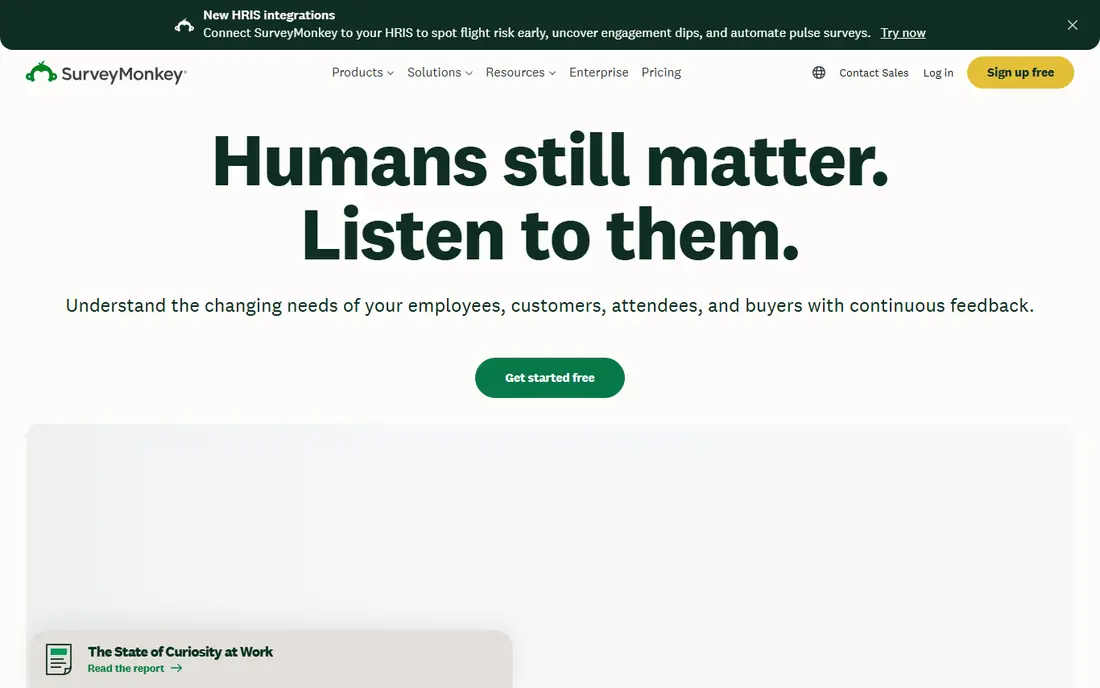
SurveyMonkey fits a research team that needs more than a simple form. It offers a wide range of question types, logic, analysis filters, and exports, plus audience panels for reaching people outside your own list. That depth makes it a safe choice for customer, employee, and market research.
The free plan limits questions and responses per survey, and paid plans start at $39.00 per user per month in recent listings. A small team with a short, simple survey will find better value in Google Forms or Tally. Choose SurveyMonkey when analysis and research features justify the higher price.
- Wide question types
- Strong analysis and filters
- Audience panel options
- Free plan is limited
- Paid price is high for a small team
Typeform suits a brand-led team that wants surveys people actually finish. The conversational layout shows one question at a time, which can feel lighter than a long form, and branding options make a survey look like part of your site. Logic jumps, payments, and integrations add useful options for lead capture and feedback.
Response limits are the main catch. The free plan covers only a small number of responses per month, and paid plans start at $28.00 per month on annual billing in recent listings. A team with high volume should model yearly responses before choosing Typeform, since higher plans are needed for larger surveys.
- One-question-at-a-time design
- Strong visual branding
- Logic and integrations
- Response caps hit quickly on lower plans
- Price rises with volume
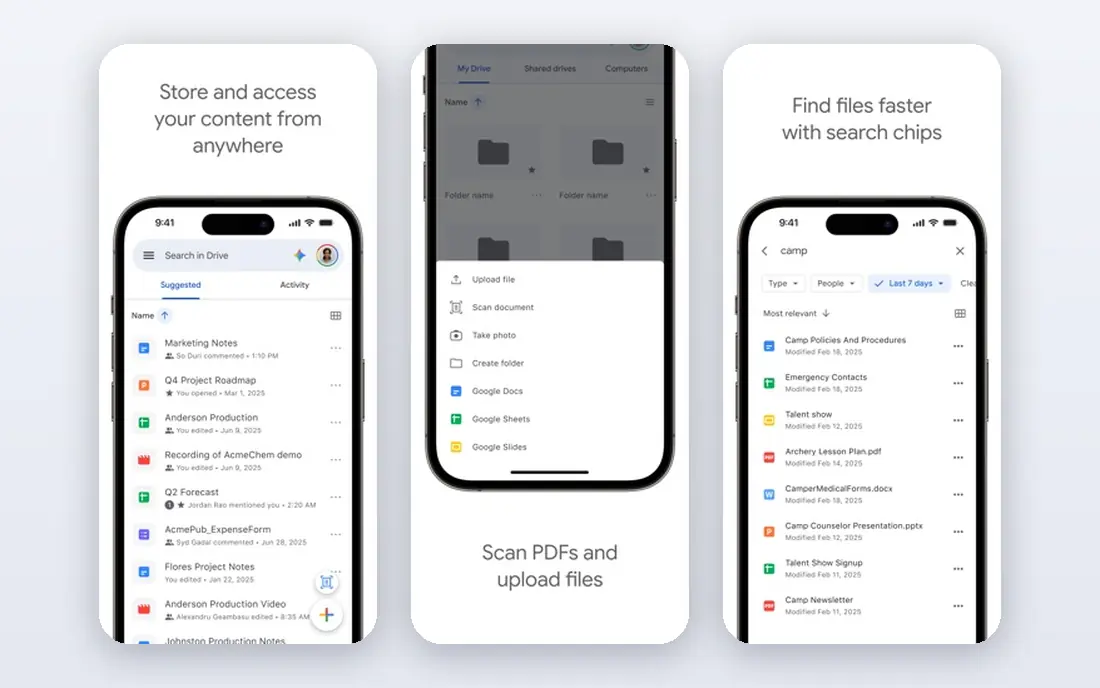
Google Forms fits a teacher, small team, or internal project that needs a free survey without worrying about response caps. You can build a form quickly, share a link, and send responses straight to Google Sheets for sorting and charts. That simplicity is why it remains the default free option for many teams.
The limits are design and analysis. Branding is basic, logic is simpler than SurveyMonkey or Typeform, and reporting lacks cross-tabs and advanced filters. For a quick poll, event signup, or internal feedback form, those limits rarely matter. For serious research, pair Google Forms with a spreadsheet or move to a paid research tool.
- Free with a Google account
- Unlimited responses
- Easy Sheets export
- Basic logic and reporting
- Limited branding and advanced analysis
Jotform suits a team that needs surveys plus order forms, registrations, and approvals in one place. The template library covers many use cases, and Jotform Tables and Report Builder help organize submissions without a separate spreadsheet. Payments, e-signatures, and workflows make it useful for operations teams.
The free plan covers a small number of forms and 100 submissions per month in recent listings, and paid plans start at $34.00 per month on annual billing. Team collaboration on lower plans is also limited, since most plans are single-user. Jotform is best for a team that will use its wider form and workflow features, not just surveys.
- Thousands of templates
- Payments and approvals
- Tables and report builder
- Free plan caps forms and submissions
- Most paid plans are single-user
Tally fits a startup, creator, or small team that wants a modern survey tool without paying for basic volume. The free plan offers unlimited forms and responses, plus logic and payments, which beats most free plans on this list. The design is clean, and forms load well on mobile, which helps completion rates.
Reporting and research analysis are simpler than SurveyMonkey or Qualtrics, and enterprise controls are fewer. A research team that needs cross-tabs, statistical tests, or panels will need a different tool. For everyday surveys, feedback forms, and signups, Tally offers the best free value on this list.
- Unlimited forms and responses on the free plan
- Clean design
- Logic and payments on free plan in recent listings
- Reporting is simpler than SurveyMonkey
- Newer product with fewer enterprise features
Microsoft Forms suits a team that already uses Microsoft 365 and wants surveys inside Teams and Excel. You can build a form or quiz, share it in Teams, and send responses to Excel for analysis. That fit with Outlook and Teams makes it a natural choice for internal feedback and training quizzes.
The tool is simpler than SurveyMonkey or Typeform, with fewer question types and less design control. A free personal version is available, while business use is tied to Microsoft 365 plans starting around $6.00 per user per month in recent listings. Choose Microsoft Forms for internal work, not for polished public research.
- Included with many Microsoft 365 plans
- Excel export
- Teams integration
- Question types and logic are basic
- Branding is limited
SurveySparrow fits a customer experience team that wants chat-style surveys and recurring feedback. Surveys can run in chat format, by email, or in a product, and recurring NPS surveys help track satisfaction over time. The entry plan starts at $19.00 per month in recent listings, which is lower than SurveyMonkey.
Free responses are limited per quarter, and larger volumes need higher plans. The tool is also more focused on feedback and CX than on deep academic research. For a team that measures satisfaction regularly, SurveySparrow offers a friendly balance of price and feedback features.
- Conversational and chat-style surveys
- Recurring surveys
- NPS and CX features
- Free responses are limited per quarter
- Higher plans needed for large volume
Zoho Survey suits a team that already uses Zoho CRM or other Zoho apps and wants survey data close to customer records. It offers solid reporting, filters, and exports, plus logic and multilingual surveys on paid plans. The entry paid plan starts around $20.00 per month in recent listings.
The interface is more functional than beautiful, and a brand-led team may prefer Typeform for public surveys. Free responses are capped per survey, so a high-volume public survey will need a paid plan. For a Zoho team that values reporting and integration, Zoho Survey is a practical fit.
- Good reporting and filters
- Zoho app integrations
- Unlimited surveys on some plans in recent listings
- Design feels less modern than Typeform
- Free plan caps responses per survey
Qualtrics fits a large company, university, or research team that needs advanced logic, statistical analysis, and enterprise controls. It supports complex surveys, conjoint and MaxDiff studies, text analysis, and large panels, with security features suited to regulated work. That depth is why it leads in enterprise research.
Pricing is quote-based, with no published entry price, and the platform can feel heavy for a simple survey. A small team should not start here unless it needs advanced research features or enterprise compliance. For serious research at scale, Qualtrics offers the most complete toolkit on this list.
- Advanced research logic
- Text and sentiment analysis
- Enterprise security and panels
- Quote-based pricing
- Too complex and costly for a small team
How we picked these
We compared official feature pages, pricing, app listings, privacy policies, and public reviews, and we favored survey tools that work in October 2026 for real feedback and research use. We judged question types, logic, reporting, integrations, and response limits, with special weight on free plan caps. We left out tools that were only form builders with no survey reporting, since this list focuses on surveys.
How to choose a survey tool for your volume
Count responses per year, not per month, since some tools cap by year and others by month. Check whether logic, branding, and exports are included on the plan you can afford, not just on the top plan. Also test a survey on a phone, since many respondents will answer on mobile, and a clunky mobile form will lower completion rates.
Anonymous surveys and privacy
If you promise anonymity, use a tool setting that truly removes names, emails, and IP data, and say so clearly in the survey intro. Avoid collecting identifying details in open text fields when you do not need them. For employee or sensitive feedback, check the privacy policy and data retention settings before you send the survey.
FAQ
What is the best free survey tool?
Google Forms is the best free tool for unlimited responses, while Tally offers a more modern free plan with unlimited forms and responses. SurveyMonkey and Typeform also offer free plans, but with tight response caps. For a simple survey, start free and only pay when you need better reporting or branding.
What is the best survey app for small business?
Tally suits a small business that wants modern forms for free, while SurveySparrow suits a team that measures customer satisfaction regularly. SurveyMonkey suits a small business that needs stronger analysis, though its price is higher. Choose based on volume, reporting needs, and whether you need payments or workflows as well.
What is the best survey software for research?
SurveyMonkey is a strong mid-market research choice, while Qualtrics leads for enterprise and academic research. Alchemer and QuestionPro, not on this list, also serve research teams, but SurveyMonkey and Qualtrics cover most research needs. Check question types, logic, and analysis features against your study design before you commit.
How do I make an anonymous survey?
Use a survey tool with an anonymous response setting, turn off email and IP collection, and avoid asking for names in the form. Tell respondents in the intro that responses are anonymous and how results will be used. For sensitive topics, test the exported data to confirm no identifying fields remain.
What is the top survey software for customer feedback?
SurveySparrow and Typeform both suit customer feedback, with SurveySparrow focused on recurring NPS and CX surveys and Typeform focused on conversational design. SurveyMonkey also works well for customer feedback with stronger analysis. Pick SurveySparrow for recurring tracking, Typeform for brand-led feedback, and SurveyMonkey for deeper analysis.