Best Social Content Design Services for SaaS in 2026: 8 Services Compared
We compare the best social content design services for saas teams in 2026, covering templates, brand kits, resizing, scheduling and pricing for growth teams.

- Editor's choice
 Canva
All-round SaaS social design
Starts atSee websiteVisit canva.comFull review - Great alternative
 Adobe Express
Affordable premium design
Starts at$9.99 per monthVisit adobe.comFull review - Also consider
 VistaCreate
Budget-friendly templates
Starts at$10 per monthVisit vistacreate.comFull review
TL;DR:
- Canva is the safest default for SaaS teams because it covers templates, video, brand kits and scheduling in one place.
- Adobe Express is the best value paid plan for teams that want strong fonts, AI image tools and commercially safe assets.
- RelayThat and similar bulk tools win when one design must become dozens of sizes without manual rework.
- Brand kits and locked templates matter more than template count, because they stop off-brand posts from reaching customers.
- Free plans are fine for testing, but storage, brand kits and background removal usually sit behind paid plans.
Quick comparison
| Tool | Best for | Starts at | Free plan? | |
|---|---|---|---|---|
| Canva | All-round SaaS social design | See website | Yes | Visit |
| Adobe Express | Affordable premium design | $9.99 per month | Yes | Visit |
| VistaCreate | Budget-friendly templates | $10 per month | Yes | Visit |
 Snappa | Very fast static graphics | $10 per month | Yes | Visit |
 Desygner | Mobile-first team design | See website | Yes | Visit |
 RelayThat | Bulk branded assets | $25 per month | No | Visit |
 Stencil | Quick social images | See website | Yes | Visit |
 Piktochart | Infographics and data visuals | See website | Yes | Visit |
The best social content design services for saas
SaaS teams need a steady flow of social posts that look consistent, explain a product clearly, and can be produced without a full design team. The tools below cover that job from different angles.
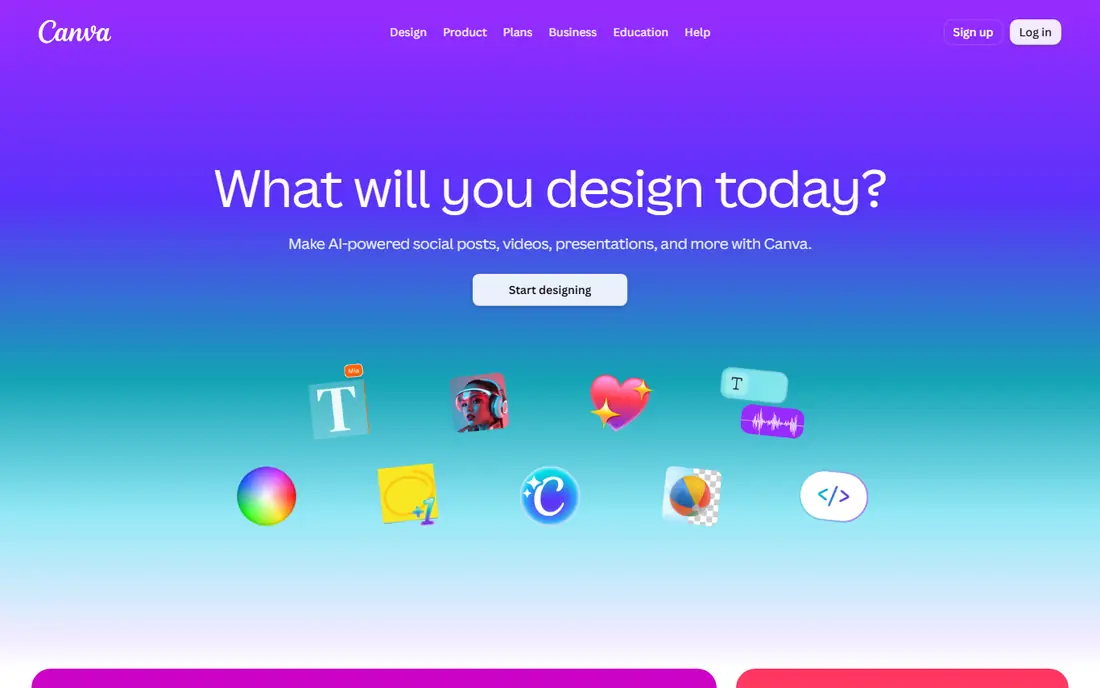
Canva is our pick for most SaaS teams because it removes the most friction. A marketer can start from a social template, apply a brand kit, resize for each channel, and schedule posts without leaving the product. Bulk Create helps when a launch needs many similar posts, and the content planner keeps a small team organised across channels.
The weakness is sameness. Because so many teams use the same templates, posts can blend together unless you invest in custom colours, fonts, photos and layouts. Paid plans also add up for larger teams, so check seat pricing before you roll it out widely. For a team that needs speed and consistency above all else, Canva remains the default to beat.
- Huge template library
- Brand kits, bulk create and content planner
- Video and presentation tools in the same account
- Paid pricing has risen in recent years
- Template-heavy work can start to look generic without custom brand work

Adobe Express is the best value premium option in this list. At $9.99 per month for Premium, it undercuts Canva Pro while offering strong typography, commercially safe AI image features and a scheduler for Instagram, Facebook, LinkedIn, Pinterest, TikTok and X. For a SaaS team that already uses Adobe fonts or stock, the fit is even stronger.
The trade-off is breadth. Canva has more templates for some SaaS use cases, and Express is not a replacement for Illustrator or Photoshop for complex work. It is, however, an excellent daily tool for social posts, carousels, short video and simple landing visuals. If budget matters and brand quality matters more than template count, start here.
- Low premium price
- Adobe Fonts and Firefly AI image tools
- Content scheduler for major social channels
- Template range is smaller than Canva for some niches
- Deeper Adobe tools still need separate apps
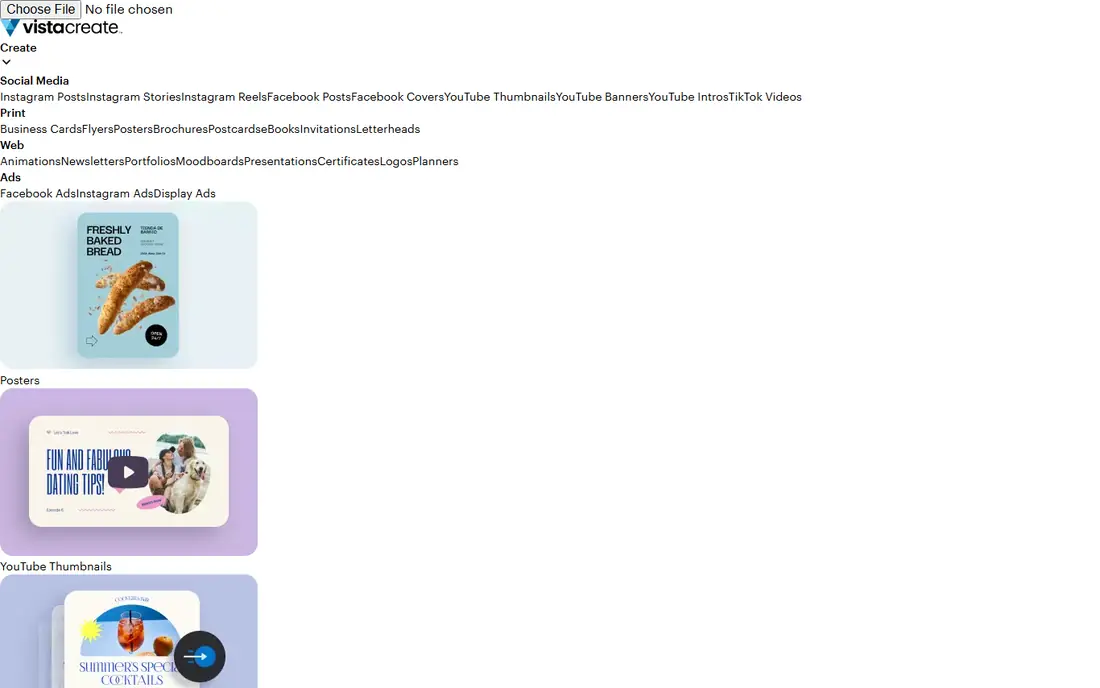
VistaCreate is a strong budget alternative to Canva for SaaS teams that mainly need social posts and animated graphics. The editor is simple, the template library covers most social sizes, and the Pro plan at about $10 per month billed annually keeps costs predictable. A small marketing team can produce a week of posts in an afternoon without design training.
The limits show up as a team grows. Brand controls, approvals and team workflows are less developed than in Canva or Adobe Express, so larger teams may need extra process to keep posts consistent. For a startup or a small SaaS team with one or two marketers, VistaCreate gives most of the value at a lower price.
- Low annual price
- Large social template and animation library
- Simple editor for non-designers
- Brand and team features are lighter than Canva
- Some advanced editing options are limited
Snappa is built for speed. If your SaaS team needs a blog header, a LinkedIn image or a quote graphic in minutes, Snappa gets out of the way. Preset dimensions remove guesswork, stock photos are built in, and the editor has far fewer controls to learn than a full design suite. That simplicity is a feature, not a flaw, for busy marketers.
The catch is scope. Snappa is weaker for video, carousels with complex layouts, and long-form brand systems. The free plan also limits monthly downloads, so active teams will need Pro at about $10 per month billed annually. Use Snappa as a fast static tool alongside a video tool, rather than expecting it to cover every format.
- Extremely fast for static posts
- Preset sizes for every channel
- Built-in stock photos and simple sharing
- Free plan limits downloads
- Video and advanced design features are limited
Desygner suits SaaS teams where marketers work from phones or tablets as often as desktops. It offers templates, brand kits, AI image tools and sharing controls that let a manager approve work before it goes live. That combination helps distributed teams and agencies that manage social content for several SaaS clients.
The downside is clarity. Plan names and prices have changed over time, so check the current pricing page before budgeting. The editor also has more options than Snappa, which means a short learning period. If mobile design and team control matter to your workflow, Desygner is worth a trial against Canva.
- Strong mobile editing
- Brand kits and team sharing
- PDF and print options alongside social formats
- Pricing and plan details vary, so confirm current rates
- Interface takes time to learn for new users
RelayThat solves a different problem from Canva. Instead of designing each size by hand, you set brand colours, fonts and layouts once, and RelayThat generates correctly sized assets for each channel. For a SaaS team running ads, social posts and email headers from one campaign, that bulk workflow saves hours each week and keeps branding tight.
The trade-off is creative freedom. RelayThat is best for consistent, repeatable assets, not for a highly artistic one-off campaign. Pricing starts higher than basic template tools, so it only pays off when volume is real. If your team produces dozens of assets per campaign, the time saved will usually justify the cost.
- One design becomes many sizes automatically
- Locked brand elements protect consistency
- Strong for agencies and multi-channel teams
- Higher starting price than template tools
- Less freeform creativity for one-off artistic designs
Stencil is a lightweight option for SaaS teams that want fast social images without a heavy tool. The editor is simple, photos and icons are built in, and you can create and share an image in a few minutes. It works well for quote graphics, announcements and blog promotion images where speed matters more than complex layout.
The limits are clear. Video support, brand systems and team workflows are thinner than in Canva or Adobe Express, and the free plan is quite limited. Stencil is best as a quick companion tool, or as a main tool for a very small team with modest needs. Larger SaaS teams should compare it with Snappa and VistaCreate on total output, not just ease of use.
- Very simple editor
- Large photo and icon library
- Fast creation and direct sharing
- Free plan is limited
- Fewer video and team features than larger rivals
Piktochart earns its place because SaaS social content is not only product screenshots. Data visuals, comparison graphics, report summaries and explainer infographics perform well on LinkedIn and blogs, and Piktochart handles charts and structured layouts better than general template tools. A team can turn product usage data or survey results into a clear visual without a designer.
The weakness is daily volume. Piktochart is not the fastest tool for dozens of short social posts, and full brand features sit on paid plans. Use it alongside Canva or Adobe Express: one tool for daily posts, Piktochart for data stories and reports. That pairing gives a SaaS feed both consistency and substance.
- Strong infographic and chart templates
- Good for product data, reports and explainers
- Easy sharing and embedding
- Less suited to daily social post volume
- Paid features needed for full brand control and downloads
How we picked these
We compared official pricing pages, template libraries, brand kit features, resizing tools, scheduling options and team controls. We favoured tools that a SaaS marketing team can use without design training, that support common social sizes, and that are operating in October 2026. Where pricing varies by billing period we used the commonly published monthly figure or wrote See website, and we did not claim hands-on testing.
How to build a SaaS social design system
Start with brand rules before you buy tools. Define colours, fonts, logo use, photo style and tone, then lock those choices into a brand kit. Without that step, every new template becomes a chance to drift off brand, and customers will notice the inconsistency before they notice the product message. A small set of approved templates beats a large library that no one follows.
Templates, resizing and approval
Build templates for your repeatable formats: product updates, customer stories, data posts, event posts and hiring posts. Each template should have a clear headline space, a product visual space and a call to action space, so any marketer can fill it without redesigning it. Use bulk resize or automated sizing where possible, then check text legibility at small sizes, because a design that looks good on desktop can fail on a phone feed. Add a simple approval step for external posts, even if it is just a second person checking claims, links and spelling before scheduling.
FAQ
Which tool is best for a small SaaS team?
Canva is the safest default, with Adobe Express close behind on value. VistaCreate and Snappa are good lower-cost options if your output is mainly static posts. Pick the tool your marketers will actually open daily, because an unused premium plan helps no one.
Do these tools schedule posts directly?
Canva and Adobe Express include scheduling for major social channels, while other tools focus on design and need a separate scheduler. If scheduling matters, check which channels each plan covers and whether approval workflows are included. A separate scheduling tool may still be better for large teams with complex calendars.
Can I keep branding consistent across a team?
Yes, if you use brand kits, locked templates and approved assets. Canva, Adobe Express, Desygner and RelayThat all offer brand controls, with RelayThat strongest on locking elements. The tool helps, but a written brand guide and a review step are still needed for consistency.
Are AI-generated images safe for commercial social posts?
It depends on the tool and licence. Adobe Express promotes commercially safe Firefly features, while other tools vary in how they licence AI output and stock. Read the licence terms for each tool, avoid using AI images that mimic a real person or brand, and keep records of asset sources for paid campaigns.
How much should a SaaS team budget for design tools?
A single marketer can start free or at about $10 per month, while a small team on Canva or Adobe Express may spend $10 to $20 per person per month. Bulk tools such as RelayThat start higher but save design time at volume. Budget for seats, stock, and any scheduler separately, and review usage after a quarter.
Do I still need a designer if I use these tools?
For daily social posts, often no, because templates and brand kits cover routine work. For a rebrand, a major launch campaign, or complex product visuals, a designer still adds real value. Many SaaS teams use tools for volume and hire design help for the few assets that define the brand.