Best SEO Tools to Use in 2026: 9 Tools Compared
Compare the best seo tools to use in 2026, with keyword research, site audits, rank tracking, backlinks, and content tools for sites of any size and budget.
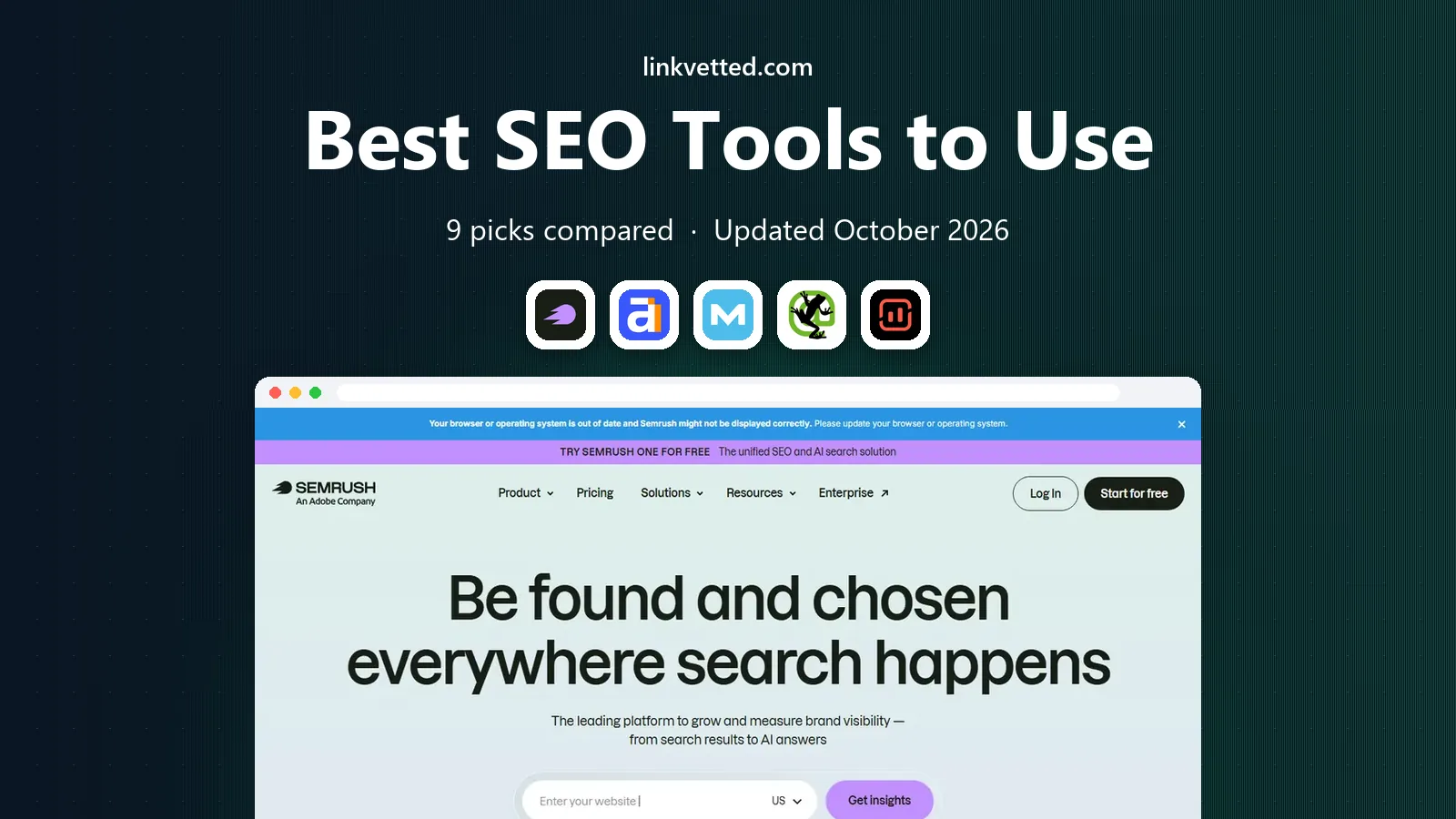
- Editor's choice
 Semrush
All-in-one SEO and PPC
Starts at$139 per monthVisit semrush.comFull review - Great alternative
 Ahrefs
Backlink research
Starts at$29 per monthVisit ahrefs.comFull review - Also consider
 Moz Pro
Beginner-friendly SEO
Starts at$49 per monthVisit moz.comFull review
TL;DR:
- Semrush is the broadest all-in-one suite, while Ahrefs leads for backlink research and competitor teardowns.
- Google Search Console is free and essential, so every site should use it alongside a paid tool, not instead of it.
- Moz Pro and SE Ranking suit smaller teams, while Screaming Frog and Surfer cover technical audits and content optimization in depth.
- Check keyword, project, and credit limits before you pay, since those caps decide whether a plan fits real weekly work.
Quick comparison
| Tool | Best for | Starts at | Free plan? | |
|---|---|---|---|---|
| Semrush | All-in-one SEO and PPC | $139 per month | Free trial | Visit |
| Ahrefs | Backlink research | $29 per month | Yes | Visit |
| Moz Pro | Beginner-friendly SEO | $49 per month | Free trial | Visit |
 Screaming Frog | Technical site audits | See website | Yes | Visit |
 Surfer | Content optimization | $59 per month | Free trial | Visit |
 Google Search Console | Free search performance | Free | Yes | Visit |
 Rank Math | WordPress SEO plugin | Free | Yes | Visit |
 Yoast SEO | WordPress SEO basics | Free | Yes | Visit |
 SE Ranking | Affordable rank tracking | $129 per month | Free trial | Visit |
The best SEO tools to use
These tools cover keyword research, technical audits, rank tracking, backlinks, and content optimization for sites of any size and budget.

Semrush combines keyword research, site audits, rank tracking, backlink analysis, competitor PPC data, and content tools under one subscription. Its SEO plan starts at $139 per month, with 5 projects and 500 keywords tracked daily, while higher Starter and Pro Plus plans add AI visibility tracking and more capacity. For agencies and marketing teams running SEO, content, and paid search together, that breadth replaces several separate tools.
The honest math is that a single-site business will use only part of the platform, and the entry price is the highest among the main suites here. Limits on projects and keywords also push growing teams to higher tiers. If SEO, content, and PPC are all in play at once, Semrush earns its price. If you only track one site, a cheaper specialist may give similar core results.
- Broadest toolset in one login
- Strong keyword and PPC data
- AI visibility tracking on newer plans
- Entry price is steep for one site
- Project and keyword limits push upgrades
- Interface is busy
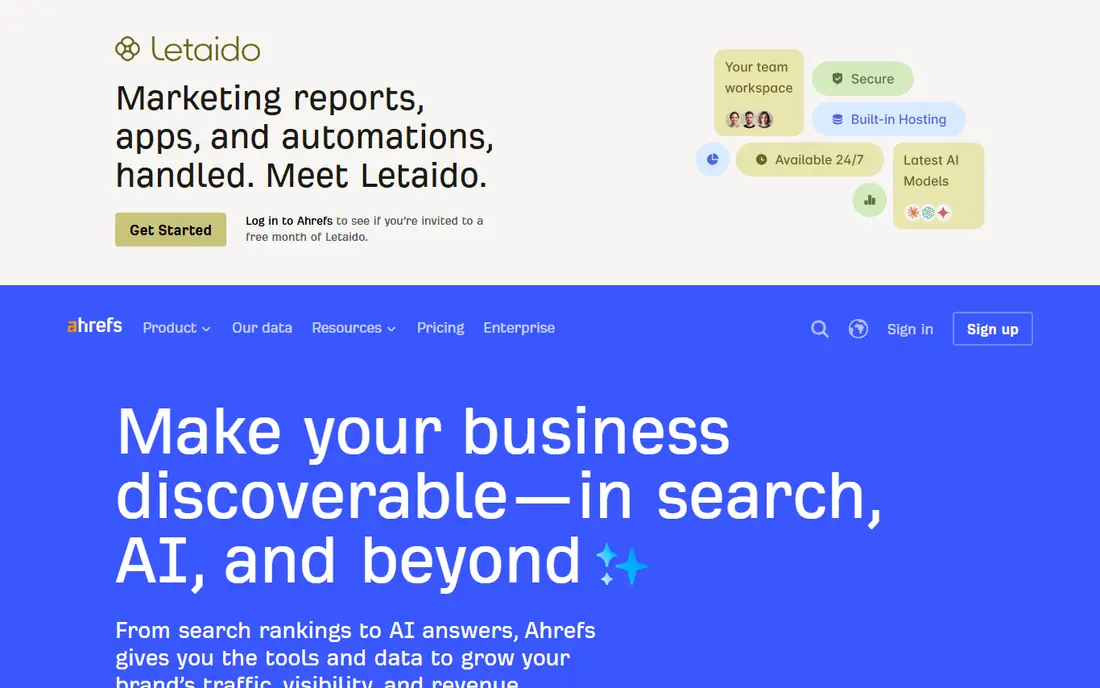
Ahrefs is known for its backlink database, competitor analysis, and clean reporting. Its Starter plan starts at $29 per month, with Lite at $129 per month for deeper research, and Standard at $249 per month for teams without credit limits. Keyword research, SERP analysis, content gaps, and site audits are all strong, and the free Webmaster Tools tier covers basic site health for verified sites.
Lite credits are the main catch, since every report opened in research tools draws from the same monthly pool, so heavy researchers move to Standard quickly. For link builders, content strategists, and competitor teardowns, Ahrefs is the tool most SEO professionals open first. For a single small site, Starter plus Search Console may be enough.
- Leading backlink index
- Clean site audit and keyword tools
- Free Webmaster Tools tier
- Lite plan credits limit heavy research
- Higher tiers cost much more
- No full free plan for all tools

Moz Pro is the easiest full SEO suite for beginners and small teams. Its single-site plan starts at $49 per month, with Standard at $99 per month, or $79 when billed annually, covering 3 campaigns and 150 keyword queries per month. It covers keyword research, rank tracking, site audits, and link research in plain language, with learning resources through Moz Academy.
Standard's keyword query limit is low for teams researching new topics every week, so Medium at $179 per month may be needed sooner than expected. Link data is also lighter than Ahrefs. For local businesses and small teams that want pro data without a steep learning curve, Moz Pro is a friendly and affordable starting point.
- Friendliest interface for beginners
- Familiar Domain Authority metric
- Good local SEO tools
- Single-site plan is limited
- Keyword query limits on Standard
- Data depth is lighter than Ahrefs
Screaming Frog SEO Spider is a desktop crawler that audits websites for broken links, duplicate content, missing titles, redirect chains, and other technical issues. It is the tool many SEO professionals run before a site launch or migration, because it finds problems that cloud dashboards summarize less precisely. A free version covers up to 500 URLs, with a paid license for larger crawls and full features.
It is not a rank tracker or keyword tool, and it requires SEO knowledge to turn crawl data into fixes. Teams that need a cloud dashboard with ongoing monitoring should pair it with Semrush, Ahrefs, or Moz. For technical audits, migrations, and large site checks, Screaming Frog is essential and inexpensive for what it does.
- Deep technical crawl and audit data
- Fast for large sites
- Good for SEO professionals
- Desktop tool, not a cloud dashboard
- Free version caps crawled URLs
- Needs SEO knowledge to use well
Surfer helps writers optimize content to rank, with content editors that score drafts against top-ranking pages for a target keyword. It suggests headings, terms, word count ranges, and structure, and it can build briefs from SERP analysis. Pricing starts at about $59 per month, with a free trial, and higher plans add more articles and AI writing features.
Surfer does not replace a full SEO suite, since backlink research and rank tracking need another tool. Content scores are also guides, not promises, and over-optimizing for a score can harm readability. For content teams that publish regularly and want a clear optimization workflow, Surfer is the best specialist on this list.
- Clear content scores and briefs
- Good for ranking content
- Integrates with writing workflows
- Needs a separate tool for backlinks and tracking
- Scores are guides, not guarantees
- Pricing rises with use
Google Search Console is free, direct from Google, and essential for every site owner. It shows which queries bring clicks, which pages rank, indexing errors, mobile usability issues, and Core Web Vitals data. It also lets you submit sitemaps, request indexing, and check how Google sees your pages. There is no paid tier and no competitor data, which is why it complements rather than replaces paid tools.
Its limits are real: keyword data is sampled, backlink data is partial, and history is limited compared with paid suites. Still, no SEO program is complete without it, because it reports what Google actually recorded for your site. Set it up on day one, verify ownership, and check it weekly alongside your paid tool.
- Free and direct from Google
- Shows real search queries and clicks
- Essential for indexing and errors
- No competitor data
- Limited keyword and backlink depth
- Data retention is limited
Rank Math is a WordPress SEO plugin that handles titles, meta descriptions, sitemaps, schema, redirections, and basic content analysis inside WordPress. Its free plan covers most on-page SEO needs for a single site, with Pro adding rank tracking, advanced schema, and analytics integrations. The setup wizard guides new users through key settings without forcing them to learn every option at once.
It only works on WordPress, so sites on other platforms need a different tool. Pro pricing varies by site count, so check current rates if you manage many sites. For WordPress site owners who want a powerful free plugin with room to grow, Rank Math is the best starting point, and it pairs well with Search Console.
- Free plugin with deep WordPress SEO features
- Good schema and redirection tools
- Clean setup wizard
- WordPress only
- Pro features need a paid plan
- Setup options can overwhelm beginners
Yoast SEO is the long-standing WordPress SEO plugin, known for its traffic light checks for readability and on-page SEO. Its free plan covers titles, meta descriptions, sitemaps, and basic content analysis, while Premium adds redirection management, internal linking suggestions, and AI title and description tools. It is widely used, well documented, and easy for beginners to understand.
Premium upsell prompts appear in the free version, and some features that Rank Math includes free, such as redirections, need Yoast Premium. For WordPress users who value a simple, trusted plugin and a large support community, Yoast remains a solid choice. For users who want the most free features, Rank Math may offer more at no cost.
- Long-standing WordPress plugin
- Clear readability and SEO checks
- Good for beginners
- WordPress only
- Premium needed for redirects and internal link suggestions
- Interface has upsell prompts
SE Ranking covers keyword research, rank tracking, site audits, backlink checks, and reporting in one cloud platform. Its Core plan starts at $129 per month, or $103.20 when billed annually, with 2,000 keywords tracked and client reporting tools that suit freelancers and agencies. White-label reports on higher plans help agencies present results under their own brand.
Backlink data is lighter than Ahrefs, and keyword limits mean teams should count tracked keywords before choosing a tier. For agencies and freelancers who live on rank reports and client dashboards, SE Ranking offers a good balance of price and features. For deep link research, pair it with Ahrefs or use Semrush as the main suite.
- Strong rank tracking and reporting
- Good value for agencies
- White-label reports on higher plans
- Entry price is higher than some rivals
- Keyword limits vary by plan
- Backlink data is lighter than Ahrefs
How we picked these
We compared official pricing pages, feature lists, and public reviews for SEO tools that are actively sold in 2026. We favored tools that cover distinct jobs, from all-in-one suites to technical audits, content optimization, and WordPress plugins, rather than listing near-duplicates. Prices are starting prices where published, and free tools are marked as Free.
What to check before you buy SEO tools
Start with the job that matters most. If rankings are dropping, you need audits and tracking first. If content is not ranking, you need keyword research and optimization. If links are weak, you need backlink research and outreach. Buying an all-in-one suite before you know the job often leads to paying for tools you never open.
Limits, data, and workflow
Count keywords, projects, and tracked sites, and check whether credits or queries limit daily research. Test the audit on your own site, and check whether reports are clear enough to share with a client or boss. Run a trial for at least two weeks, and judge the tool by whether it changes a decision, not by how many features it lists.
FAQ
What are the best SEO tools to use?
Semrush is the best all-in-one suite, Ahrefs leads for backlinks, and Moz Pro suits beginners. Google Search Console is free and essential for every site, while Screaming Frog covers technical audits and Surfer covers content optimization.
How much do SEO tools cost?
Semrush starts at $139 per month, Ahrefs Starter at $29 per month, Moz Pro single-site at $49 per month, and SE Ranking Core at $129 per month. Google Search Console, Rank Math, and Yoast SEO offer genuine free plans for core features.
Is Google Search Console enough for SEO?
No, it is essential but incomplete. It shows your own search performance and errors, but it lacks competitor data, deep keyword research, and full backlink analysis. Pair it with at least one paid suite or specialist tool for a complete program.
Which SEO tool is best for beginners?
Moz Pro is the friendliest full suite, while Yoast SEO and Rank Math are the easiest WordPress starting points. Beginners should start with Search Console plus one paid or free tool, and learn keyword research and audits before adding more tools.
Do I need more than one SEO tool?
Most teams benefit from two: Search Console plus a suite such as Semrush or Ahrefs, plus a specialist for audits or content if needed. Agencies often add SE Ranking for reporting or Screaming Frog for technical work. Avoid paying for three all-in-one suites that overlap.