Best SEO Tool in 2026: 9 Tools Compared
Compare the best SEO tool options for 2026, from Ahrefs and Semrush to free Google Search Console, with pricing, strengths, limits, and buying tips for teams.
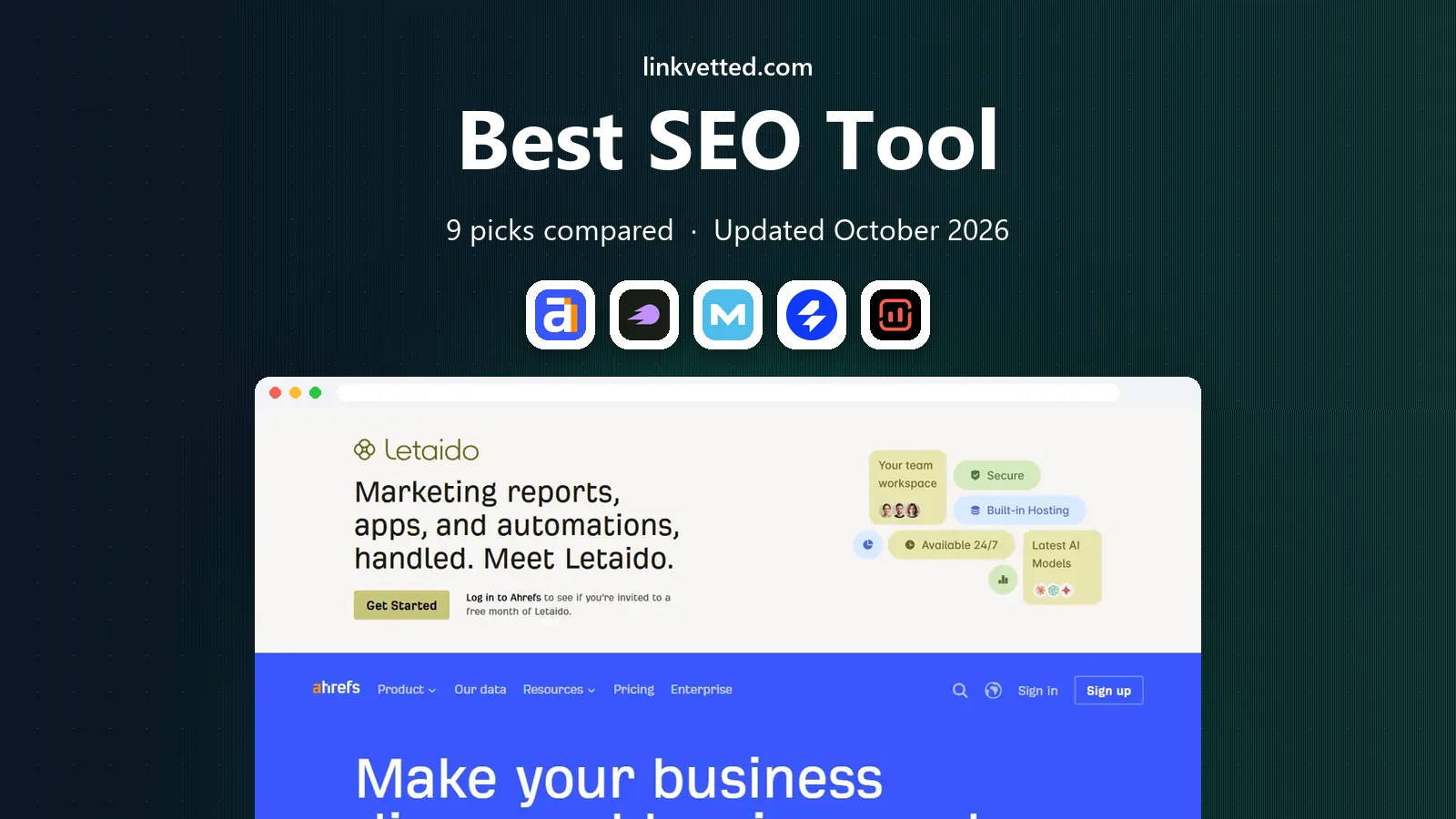
- Editor's choice
 Ahrefs
Backlink and competitor research
Starts at$129 per monthVisit ahrefs.comFull review - Great alternative
 Semrush
All-in-one marketing suite
Starts at$139 per monthVisit semrush.comFull review - Also consider
 Moz Pro
Beginner-friendly research
Starts at$99 per monthVisit moz.comFull review
TL;DR:
- Google Search Console is free and should be the first tool for any site owner, since it shows real queries, clicks, and indexing problems for sites you own.
- Ahrefs is our pick for backlink and competitor research, while Semrush is our pick for teams that want SEO, advertising research, and content tools in one suite.
- Cheap entry plans look similar until you check tracked keywords, projects, and usage credits, which decide the real monthly cost.
- No single tool replaces good content and sound site structure, and AI search tracking is now a separate line item to price on its own.
Quick comparison
| Tool | Best for | Starts at | Free plan? | |
|---|---|---|---|---|
| Ahrefs | Backlink and competitor research | $129 per month | Yes | Visit |
| Semrush | All-in-one marketing suite | $139 per month | Yes | Visit |
| Moz Pro | Beginner-friendly research | $99 per month | No | Visit |
 SE Ranking | Value all-in-one suite | $129 per month | No | Visit |
 Surfer | Content optimization | $99 per month | No | Visit |
 Screaming Frog SEO Spider | Technical site crawls | $279 per year | Yes | Visit |
 Yoast SEO | WordPress on-page SEO | $99 per year | Yes | Visit |
 Rank Math | WordPress SEO with a generous free tier | See website | Yes | Visit |
 Google Search Console | Free search performance data | Free | Yes | Visit |
The best seo tools
The best seo tool for you depends on the job: research, technical fixes, content scoring, or tracking. The tools below cover each job, and most teams pair a suite with one or two point tools.

Ahrefs is the tool we reach for first when the question is about links or competitors. Site Explorer shows which pages earn links, which keywords drive traffic, and where a rival outranks you, and its keyword data is broad enough for most content plans. Paid plans start at $129 per month for Lite, with a $29 Starter plan also listed in recent comparisons, and Ahrefs Webmaster Tools gives free site audits and backlink data for sites you verify.
The catch is metering. Ahrefs bills through credits and limits, so heavy research can push costs above the sticker price, and extra seats cost extra. If links and competitor research drive your work, Ahrefs is worth that care. If you mainly need rank tracking and local tools, compare Semrush and SE Ranking first.
- Deep backlink index
- Strong keyword and content gap tools
- Free Webmaster Tools for sites you own
- Usage credits can raise the real bill
- Rank tracking updates weekly on lower plans in some comparisons

Semrush is the broadest suite in this list. Beyond keyword research and backlinks, it covers advertising research, social scheduling, local listings, and content planning, which suits teams that want one subscription instead of four. Its SEO plan starts at $139 per month in recent pricing checks, with higher tiers adding AI search tracking and more projects and keywords. A limited free account lets new users test core reports before paying.
Breadth has a price. Semrush plans changed during 2026, so older plan names in reviews may not match the current lineup, and extra users cost extra. The interface also packs in many tools, which can slow down a solo user who only needs keyword research. For teams that will use several parts of the suite, Semrush is our pick for value per tool.
- Very broad toolkit covering SEO, ads, social, and content
- Daily rank tracking
- Strong site audits
- Higher cost as seats and add-ons grow
- Interface can feel crowded for beginners

Moz Pro suits site owners who want research without a steep learning curve. Its Standard plan starts at $99 per month in recent checks, and its guides explain keyword difficulty, link metrics, and site issues in plain terms. Campaigns, rank tracking, and site audits cover the core routine for a small site, and its free community tools help beginners check a domain or keyword before subscribing.
Moz trails the two leaders on index size and depth, which matters for large competitive niches. Entry plans also limit campaigns and tracked keywords, so growing sites should price the next tier before committing. For a first paid suite, Moz remains a friendly and honest choice.
- Clear interface and learning resources
- Useful link metrics
- Rank tracking and site audits
- Smaller keyword and link indexes than Ahrefs and Semrush in vendor comparisons
- Entry limits are tight
SE Ranking gives smaller teams and agencies a full suite at a price below the top tier of its rivals. Its Core plan starts at $129 per month, or about $103.20 per month on annual billing in recent checks, and it covers keyword research, rank tracking, site audits, backlink monitoring, and white-label reports. A 14-day trial lets teams test it on real projects before paying.
The compromise is data depth. Its backlink index is smaller than Ahrefs, and heavy users can hit project or keyword limits. For rank tracking, audits, and client reporting, SE Ranking covers the daily work well. For deep link research, pair it with Ahrefs Webmaster Tools or a short Ahrefs subscription.
- Daily rank tracking
- Audits, backlink checks, and local tools
- Agency-friendly reporting
- Backlink data is thinner than Ahrefs
- Plan limits on projects and keywords need checking
Surfer answers a narrow question well: how should this draft compare with pages that already rank? Its Content Editor scores drafts on terms, structure, and length, and its audits flag pages that need updates. The Essential plan starts at $99 per month in recent checks, with annual billing lowering the monthly equivalent. Content teams that publish often will value its briefs and scoring most.
Surfer is a point tool, not a suite. It does not crawl a whole site like Screaming Frog, and it does not match Ahrefs for backlink research. Article credits also cap how much you can optimize each month. Use Surfer beside a research suite, and judge it on whether scored drafts actually rank better for you.
- Clear content scores tied to ranking pages
- Content editor and audits
- Topical maps for planning
- Article credits limit output on lower plans
- It does not replace keyword research or technical audits
Screaming Frog SEO Spider is the standard desktop crawler for technical SEO. It scans a site for broken links, redirect chains, duplicate titles, missing metadata, and directive problems, and it exports results for fixing. The free version crawls up to 500 URLs, and the paid licence costs $279 per year in recent checks. For large sites, that flat licence is good value next to monthly suites.
It is a specialist tool. Screaming Frog does not track rankings, estimate traffic, or research keywords, so it sits beside a suite rather than replacing one. Its interface also assumes some technical comfort. For anyone fixing a site migration, a redesign, or a crawl problem, it is close to essential.
- Deep technical crawls of links, redirects, and metadata
- Free version crawls up to 500 URLs
- No per-project limits on paid use
- Desktop software with a learning curve
- It does not track rankings or research keywords on its own
Yoast SEO is the most widely used WordPress SEO plugin, and its free version covers titles, meta descriptions, sitemaps, and basic on-page checks. Premium starts at $99 per year in recent comparisons and adds redirect management, internal link suggestions, and more schema controls. For WordPress owners who want a guided setup and clear checks inside the editor, Yoast is a safe default.
Its traffic-light scores can mislead if treated as a ranking guarantee, since search engines weigh many factors beyond a single post score. Premium also adds less than some rivals give away free. Still, for WordPress sites that want steady on-page basics with little setup, Yoast earns its place.
- Easy WordPress setup
- Readability and on-page checks
- XML sitemaps and schema controls
- Premium features are modest next to Rank Math free tier
- Scores are guidance, not a ranking promise
Rank Math has grown fast by giving WordPress users many features free, including schema controls, redirection tools, and on-page analysis. Its setup wizard imports settings from other plugins, which eases switching, and its paid plans add rank tracking, analytics integration, and more automation. For new WordPress sites on a tight budget, Rank Math often covers more than Yoast free.
The breadth can confuse beginners, and its interface offers many toggles that new users may not need. Paid pricing also varies by plan and billing term, so check the current pricing page before buying. If you want the most WordPress SEO features for no upfront cost, start with Rank Math free and upgrade only when tracking or automation matters.
- Strong free feature set
- Setup wizard and schema tools
- Rank tracking and analytics in higher plans
- Feature depth can overwhelm beginners
- Some advanced tools need a paid plan
Google Search Console is the one tool every site owner should use, and it costs nothing. It shows the actual queries that bring clicks, which pages rank, indexing errors, mobile usability problems, and Core Web Vitals issues for sites you verify. No paid tool can replace that first-party data, and it pairs well with every other tool in this list.
Its limits are clear. Search Console shows only your own verified properties, so it cannot research competitors or estimate their traffic. It also focuses on Google search rather than AI answers or social traffic. Use it as your baseline, then add a paid suite for competitor research and tracking.
- Real query, click, and position data from Google
- Indexing and Core Web Vitals reports
- Fully free
- Only covers sites you verify
- No competitor data
- Data is limited to Google search
How we picked these
We compared official pricing pages, feature lists, and recent pricing audits for tools that cover research, technical SEO, content optimization, and rank tracking. We favored tools that are still maintained and open to new users, and we mixed suites with point tools so readers can build a stack that fits a budget. We did not claim hands-on testing, and we checked that each homepage below loads and belongs to the named product.
How to choose the best seo software for your budget
Start with the free baseline, then add one paid tool that matches your main job. A site owner fixing technical problems needs Screaming Frog plus Search Console. A content team needs a research suite plus Surfer. An agency needs rank tracking, audits, and client reports, which points toward SE Ranking or Semrush.
Check limits before you pay
Compare tracked keywords, projects, crawl credits, and seats, not just the headline price. A plan that looks cheap can cost more once extra users and overage apply. Use free trials on real projects, and confirm whether rank data updates daily or weekly, since that changes how fast you can react to changes.
Plan for AI search separately
AI visibility tracking is now sold as a bundle or add-on by several suites, with different prompt limits and prices. If AI answers matter to your business, price that feature on its own and test it on your brand terms before assuming a suite covers it well.
FAQ
What is the best seo tool for beginners?
Google Search Console plus Moz Pro or Mangools-style budget tools are good starting points, since they explain basics clearly. Start free, learn your own search data, and add a paid suite only when you have regular research work.
What is the best free seo tool?
Google Search Console is the best free seo tool for site owners, since it gives real Google query and indexing data. Ahrefs Webmaster Tools and Screaming Frog free also help, but only for sites you own or for crawls under 500 URLs.
Is Ahrefs or Semrush better?
Ahrefs leads on backlink depth, while Semrush leads on breadth across SEO, ads, and content tools. Pick Ahrefs for link-led work and Semrush for teams that want one suite for several marketing jobs.
What is the best tool for seo audits?
Screaming Frog is our pick for deep technical crawls, while Semrush, Ahrefs, and SE Ranking all offer cloud site audits with scheduled checks. Use a crawler for migrations and a suite audit for routine monitoring.
What is the best seo analytics tool?
Google Search Console is the best source for search performance, and pairing it with Google Analytics covers traffic and behavior. Paid suites add rank tracking and competitor estimates that free analytics cannot give.
Do I need more than one SEO tool?
Most sites benefit from two: Search Console for real data plus one suite or point tool for research or technical work. Adding more tools helps only if each one covers a job the others miss.