Best SEO CMS Platforms in 2026: 10 Platforms Compared
Compare the best SEO CMS platforms, from WordPress and Webflow to Wix, Squarespace, Ghost, and Drupal, with pricing, SEO control, and best fit. in 2026
- Editor's choice
 WordPress
Deepest SEO control
Starts atFreeVisit wordpress.orgFull review - Great alternative
 Webflow
Design led SEO control
Starts at$14 per monthVisit webflow.comFull review - Also consider
 Wix
Beginner friendly SEO
Starts at$17 per monthVisit wix.comFull review
TL;DR:
- WordPress still offers the deepest SEO control, thanks to its plugin ecosystem, but that control comes with maintenance work that hosted platforms handle for you.
- Webflow is our pick for design led marketing teams that want clean code, full meta and redirect control, and fast hosted performance without plugins.
- Wix and Squarespace are strong for small businesses that want decent built in SEO with a simpler editor, even if advanced control is more limited.
- Ghost is the best fit for publishers and newsletter driven sites that want fast, clean pages and a focused writing experience.
- The best CMS platform for SEO is the one your team will actually maintain, because stale plugins, missing redirects, and slow pages hurt rankings more than a feature list helps.
Quick comparison
| Tool | Best for | Starts at | Free plan? | |
|---|---|---|---|---|
| WordPress | Deepest SEO control | Free | Yes | Visit |
| Webflow | Design led SEO control | $14 per month | Yes | Visit |
| Wix | Beginner friendly SEO | $17 per month | Yes | Visit |
 Squarespace | Polished small business sites | $16 per month | Free trial (14 days) | Visit |
 Shopify | SEO for online stores | See website | Free trial (3 days) | Visit |
 Drupal | Complex, large sites | Free | Yes | Visit |
 Ghost | Fast publishing sites | $9 per month | Free trial (14 days) | Visit |
 HubSpot Content Hub | B2B content in HubSpot | See website | Free trial | Visit |
 Framer | Design led marketing sites | $5 per month | Yes | Visit |
 Sanity | Headless content at scale | Free | Yes | Visit |
The best SEO CMS platforms
We compared official pricing, built in SEO tools, redirect and schema control, speed, and maintenance load to find platforms that help pages rank without forcing your team into constant technical work.

WordPress remains the most flexible CMS platform for SEO, and that flexibility is the reason it still powers so much of the web. With plugins such as Yoast SEO or Rank Math, you can control titles, meta descriptions, sitemaps, schema, redirects, and internal linking at a granular level. You can also choose any host, theme, or caching setup, which means performance is in your hands for better or worse.
That freedom is also the main drawback. Core, theme, and plugin updates need regular attention, and a poorly chosen plugin can slow pages or break layouts. Teams without a developer or a managed host should budget for maintenance, or choose a hosted platform instead. For content heavy sites with an owner who will maintain it, WordPress still sets the bar.
- Huge SEO plugin choice
- Full control over URLs, redirects, and schema
- Vast theme and host options
- Hosting, updates, and security are your job
- Plugin conflicts can slow a site

Webflow is our pick for marketing teams that want both design freedom and serious SEO control without plugins. You can edit page titles, meta descriptions, Open Graph tags, redirects, and sitemaps from the editor, and the hosted output is generally clean and fast. Collections make it practical to run blogs, case studies, and landing pages from one system, with consistent templates.
The learning curve is steeper than Wix or Squarespace, especially for layout and CMS structure. Pricing also rises when you need CMS collections, more pages, or team seats, so confirm the plan that matches your content volume. For a design led brand that publishes often, those costs are usually worth it.
- Built in meta, redirect, and schema controls
- Clean hosted code
- Fast global hosting
- CMS plan costs more than the basic site plan
- Learning curve for first time builders
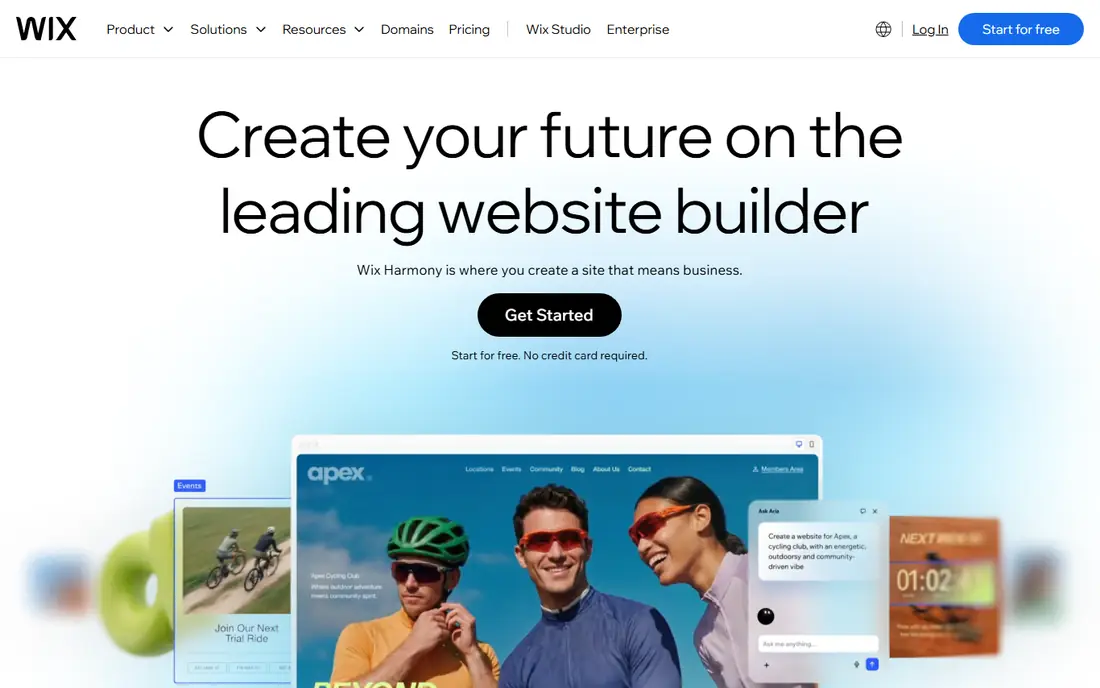
Wix has improved a great deal for SEO in recent years, and it is now a credible choice for small businesses that want to rank locally or for niche topics. Its SEO setup tool walks you through titles, descriptions, and Google Search Console connection, and the editor makes basic on page edits simple. Templates and apps also make it easy to add bookings, stores, and forms without code.
Advanced users will hit limits sooner than on WordPress or Webflow, particularly around technical SEO customization and code control. For a local business, freelancer, or small store, that trade is usually fine. For a large content site with complex schema and redirect needs, a more flexible platform will serve you better.
- Built in SEO setup checklist
- Easy meta and URL editing
- Large template and app choice
- Less granular technical control than WordPress or Webflow
- Code output is less clean
Squarespace suits creatives and small businesses that want a polished site with solid SEO basics and minimal upkeep. Titles, descriptions, sitemaps, SSL, and mobile friendly templates are built in, so you do not need plugins to cover the fundamentals. The editor is also pleasant to use, which helps teams publish consistently.
The limits show up for larger or more technical sites. There is no plugin marketplace comparable to WordPress, and some advanced SEO customizations require code injection or workarounds. If your priority is a beautiful site that ranks well for a focused set of terms, Squarespace does the job with far less maintenance than WordPress.
- Clean templates
- Built in SEO basics
- Hosting, SSL, and analytics included
- No free plan, only a trial
- Limited plugin ecosystem
- Less flexible URL and schema control
Shopify is the best CMS platform for SEO when the site is mainly a store. Product titles, descriptions, image alt text, and meta fields are built in, and the hosted platform handles speed, SSL, and checkout reliability. SEO apps can add bulk editing, redirects, and schema, which helps larger catalogs stay organized.
Content marketing is where Shopify feels thinner. Its blog editor is serviceable but less flexible than WordPress or Ghost, and URL paths for products and collections follow Shopify rules that cannot be fully changed. Stores that publish a lot of editorial content often pair Shopify with a separate blog, or accept those limits in exchange for ecommerce strength.
- Strong product SEO fields
- Fast hosted checkout
- Large app ecosystem for SEO tools
- Blog and content tools trail WordPress
- URL structure is fixed in places
- Apps add cost
Drupal is a strong pick for large organizations, universities, government sites, and publishers with complex content types and permissions. Its content modeling, multilingual support, and user roles are deeper than most hosted builders, and SEO modules cover meta tags, redirects, sitemaps, and schema. It also scales well for sites with thousands of pages and multiple editors.
That power requires technical skill. A small business without developer support will find Drupal slow to set up and harder to maintain than WordPress, let alone Wix. For teams with developers and a complex site plan, though, Drupal offers control that hosted platforms cannot match.
- Very flexible content modeling
- Strong multilingual and access control
- Good for large, structured sites
- Needs developer skill
- Smaller theme and plugin pool than WordPress
- Slower to launch
Ghost is built for publishers, and its SEO strengths follow from that focus. Pages are fast, markup is clean, and meta, sitemap, and canonical controls are built in without plugins. It also handles newsletters and paid memberships natively, which suits blogs, magazines, and creator sites that earn from readers directly.
It is not a general website builder. Design options are narrower than Webflow or Squarespace, and there is no native store comparable to Shopify. For a site where publishing speed, readability, and search performance matter most, Ghost is one of the cleanest options available.
- Very fast, clean pages
- Built in SEO and newsletter tools
- Focused writing experience
- Limited design and ecommerce options
- Membership focus may not suit all sites
HubSpot Content Hub suits B2B teams already running HubSpot CRM, marketing, and sales from one system. Its SEO tools suggest topics, track keyword performance, and connect content to contacts and deals, which helps a marketing team show which pages drive pipeline, not just traffic. Landing pages, blogs, and forms live in the same workspace.
Outside HubSpot, the value drops sharply, and pricing depends on hub tier and seats, so confirm the full quote. Design freedom also trails Webflow. For a HubSpot centered B2B team, though, the combination of SEO guidance and CRM reporting is a genuine advantage.
- SEO recommendations tied to HubSpot CRM
- Content and landing page tools in one place
- Strong reporting
- Best value only inside HubSpot
- Pricing rises with seats and tiers
- Less design freedom than Webflow
Framer is a good fit for startups and design led teams that need a fast marketing site with solid SEO basics. Its design tools feel modern, pages load quickly, and meta, sitemap, and redirect controls cover the essentials. The low starting price and free plan also make it easy to prototype before committing.
CMS depth is the limit. Large blogs, complex collections, and multi author publishing workflows are smoother on Webflow, WordPress, or Ghost. Framer is best for a marketing site with a modest blog, not for a publisher planning hundreds of articles a year.
- Very low starting price
- Strong design tools
- Fast hosted pages
- CMS depth is thinner than Webflow or WordPress
- Limited ecommerce and large site features
Sanity is a headless CMS, which means it manages content while a separate front end displays it. That separation suits product teams, publishers, and enterprises that publish to web, apps, and other channels from one content store. Editors get a customizable studio, developers get a flexible API, and SEO fields can be modeled exactly as a team needs them.
It is not a beginner tool. You need developers to build and host the front end, and there are no ready made templates like Wix or Squarespace offer. For teams with engineering resources and multi channel plans, Sanity offers scale and control that traditional CMS platforms struggle to match.
- Flexible headless content modeling
- Real time collaboration
- Strong API for multi channel publishing
- Needs developers and a front end
- No built in templates or hosting for beginners
How we picked these
We compared official pricing, built in SEO features, redirect and schema control, page speed, and maintenance load. We favored platforms that are actively maintained in 2026, support custom domains and SSL, and offer a clear path from a first site to a larger content operation. We left out page builders with no real CMS, and niche tools with no public pricing or support path.
How to choose an SEO CMS for your site
Start with who will run the site day to day. A developer led team can get the most from WordPress, Drupal, or Sanity, while a small marketing team will publish more consistently on Webflow, Wix, or Squarespace. Consistency matters for SEO, because a platform you avoid using will not rank well no matter how many features it lists.
Check the SEO basics before you buy
Confirm custom titles and descriptions, clean URLs, redirects, sitemaps, image alt text, and mobile performance on a trial site. Test how easy it is to add schema, fix a broken link, and change a URL without breaking old links. Those small tasks happen weekly on a real site, and friction there costs rankings over time.
Plan for speed and maintenance
Page speed, Core Web Vitals, and uptime all affect search performance and user trust. Hosted platforms handle much of this for you, while self hosted WordPress and Drupal need a good host, caching, and update discipline. Budget for that work in time or money, and check real page speed on a trial before you migrate content.
FAQ
What is the best CMS platform for SEO?
WordPress offers the deepest SEO control overall, while Webflow is the best hosted option for design led teams that want strong control without plugins. Wix and Squarespace are better for small businesses that want solid built in SEO with less maintenance. The best choice depends on your team size, technical skill, and content volume.
Is WordPress still good for SEO in 2026?
Yes, provided it is maintained. WordPress with a good SEO plugin, a fast host, and regular updates remains one of the strongest combinations for rankings. An unmaintained WordPress site with slow plugins and outdated themes will underperform a clean hosted site, so maintenance is part of the SEO cost.
Which CMS is best for SEO for a small business?
Wix or Squarespace are usually the simplest paths, with built in SEO basics, hosting, and SSL included. Webflow is a step up if you want more design and SEO control and are willing to learn its editor. A local business with a small site rarely needs WordPress complexity.
Do I need plugins for SEO on Webflow or Wix?
No, both include core SEO tools such as meta editing, sitemaps, and redirects without plugins. WordPress is the exception, where an SEO plugin is the normal way to manage titles, schema, and redirects. Ghost also includes core SEO features without plugins.
What is a headless CMS, and is it better for SEO?
A headless CMS stores content separately from the front end that displays it, which gives developers full control over page output and speed. It can be excellent for SEO when built well, but it needs developer resources. For most small and mid size sites, a traditional or hosted CMS will rank just as well with far less work.
Can I migrate my site to a new CMS without losing rankings?
Yes, if you plan redirects, keep URL structure where possible, and submit updated sitemaps after launch. Map every old URL to a new one, check for broken links, and monitor Search Console for errors in the weeks after migration. A rushed migration without redirects is the most common cause of ranking loss.