Best Podcast App in 2026: 7 Apps Compared
Find the best podcast app in 2026, from Apple Podcasts and Spotify to Pocket Casts, Overcast, and open-source AntennaPod with prices and audio tools compared.
- Editor's choice
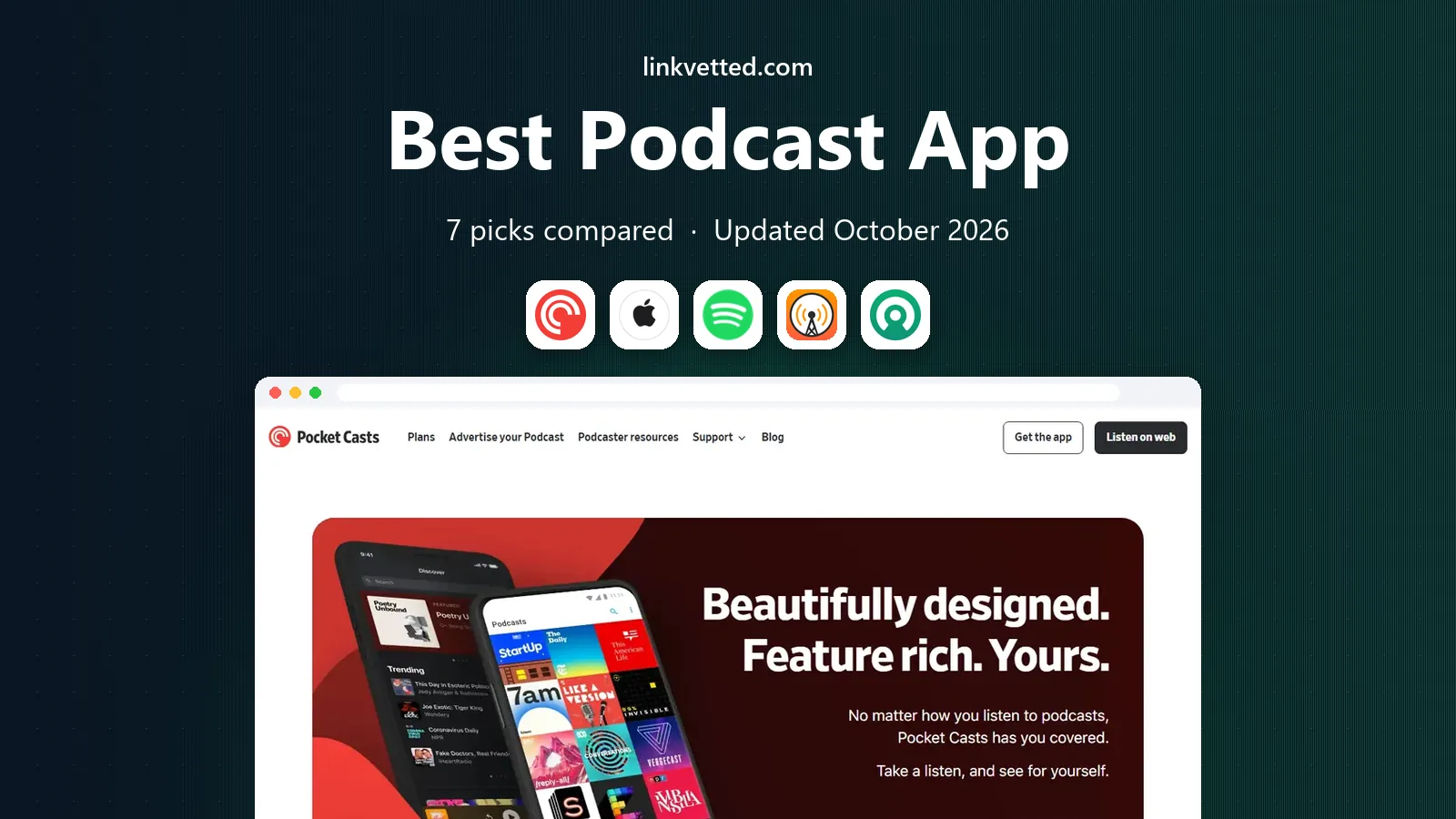
 Pocket Casts
Cross-platform podcast listening
Starts atSee websiteVisit pocketcasts.comFull review - Great alternative
 Apple Podcasts
Apple ecosystem podcast listening
Starts atFreeVisit apple.comFull review - Also consider
 Spotify
Music and podcasts in one app
Starts atSee websiteVisit spotify.comFull review
TL;DR:
- Pocket Casts is the best cross-platform pick, with sync across iOS, Android, and web, while Apple Podcasts suits users deep in the Apple ecosystem.
- Overcast suits iPhone users who want Smart Speed and Voice Boost, while Podcast Addict suits Android power users who want deep controls.
- AntennaPod is the best free, open-source pick for Android, with no ads and no account required for basic listening.
- Spotify suits listeners who want music and podcasts in one app, though podcast controls are simpler than in dedicated players.
Quick comparison
| Tool | Best for | Starts at | Free plan? | |
|---|---|---|---|---|
| Pocket Casts | Cross-platform podcast listening | See website | Yes | Visit |
| Apple Podcasts | Apple ecosystem podcast listening | Free | Yes | Visit |
| Spotify | Music and podcasts in one app | See website | Yes | Visit |
 Overcast | iPhone listening with audio enhancements | See website | Yes | Visit |
 Castro | Inbox-style queue management on iPhone | See website | Yes | Visit |
 Podcast Addict | Android power listening with deep controls | See website | Yes | Visit |
 AntennaPod | Free open-source Android listening | Free | Yes | Visit |
The best best podcast app
Most podcast apps play the same episodes, so the choice comes down to queue control, sync, and audio tools. The seven apps below cover Apple, Android, cross-platform, and open-source listening, and all are live in 2026. Try two for a week each, because the app you open without thinking is usually the right one.

Pocket Casts is our pick for most listeners, because it works well wherever you listen. Subscriptions, queue, and playback position sync across phone, tablet, and web, so you can start an episode on your phone and finish it on a laptop without losing your place. Filters and the Up Next queue also help heavy listeners sort daily news shows from long interviews, which keeps a growing library manageable.
The free version covers the core listening well, but some advanced features, such as cloud storage and extra tools, require a paid Plus plan. The interface also has more options than Apple Podcasts, so new users may need a day to set up filters and playback defaults. If you switch devices often or listen to many shows, Pocket Casts is the most dependable all-round choice here.
- Sync across iOS, Android, and web
- Filters and Up Next queue
- Trim silence and volume boost
- Some advanced features need a paid Plus plan
- Interface takes a day to learn

Apple Podcasts suits anyone who lives in the Apple ecosystem and wants zero setup. It is built into iPhone, iPad, Mac, Watch, and Apple TV, syncs through iCloud, and works with Siri and CarPlay for hands-free listening. Transcripts and chapters help you follow along and jump back to a key moment, and the library covers the same major shows as other apps.
Apple Podcasts lacks the advanced queue and audio tools of Overcast and Pocket Casts, such as Smart Speed and detailed per-show filters. There is also no Android app, so households with mixed devices cannot share one library easily. If you use only Apple devices and want a simple, free, reliable player, Apple Podcasts is hard to beat, but power listeners may want more control.
- Built into Apple devices
- ICloud sync
- CarPlay and Siri support
- Transcripts
- Limited advanced queue controls
- No Android app
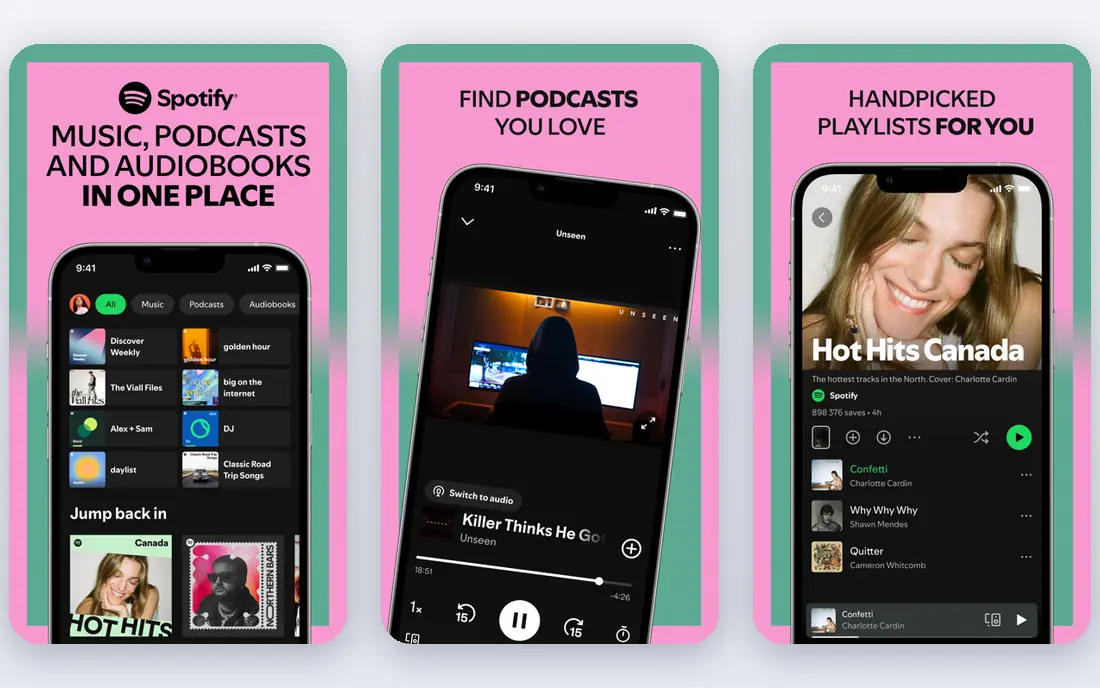
Spotify suits listeners who already use it for music and want podcasts in the same app. You can move from a playlist to a podcast without switching apps, discover new shows through personalized recommendations, and watch video podcasts where creators offer them. For casual listeners, that all-in-one convenience outweighs the lack of advanced podcast tools.
Spotify podcast controls are simpler than in dedicated players, with fewer queue filters and audio enhancement options. The free tier includes ads, and some shows are exclusive to Spotify, which can limit choice if you prefer an open podcast app. If you want one app for music and podcasts and you listen casually, Spotify is convenient, but dedicated listeners should compare it with Pocket Casts or Overcast.
- Music, podcasts, and audiobooks in one place
- Video podcasts
- Personalized discovery
- Podcast controls are simpler
- Ads on free tier
- Some shows are exclusive
Overcast is the favorite of many iPhone power listeners, and the reason is audio. Smart Speed shortens silences without changing pitch, Voice Boost normalizes volume across shows, and Smart Playlists build a queue from your rules. Those tools save time and make uneven recordings easier to hear, especially on commutes, in cars, and during workouts.
Overcast is iOS only, so Android users and cross-platform households cannot use it as a shared player. The free version includes ads in the interface, though playback itself is not interrupted by them, and a paid plan removes those ads and adds extra features. If you listen only on Apple devices and you care about sound quality and queue control, Overcast is an excellent pick.
- Smart Speed
- Voice Boost
- Smart Playlists
- Apple Watch support
- IOS only
- No Android or web player of the same depth
Castro suits listeners with too many subscriptions and not enough time. New episodes land in an inbox, and you triage each one into your queue, archive it, or star it for later, which keeps the listening list focused. That inbox flow helps heavy listeners avoid a queue that grows forever, and chapter support helps with long shows that have clear sections.
The inbox style is different from a standard subscription list, so it takes a few days to learn and to trust. Castro is also iOS only, which limits it for Android users and mixed-device households. If your podcast queue feels out of control and you use an iPhone, Castro offers a thoughtful, disciplined way to manage it.
- Inbox triage for new episodes
- Queue and archive flow
- Chapter support
- IOS only
- Inbox style takes time to learn
Podcast Addict is the Android power-user pick, with more controls than most listeners will ever need. You can set automation rules for downloads, build custom playlists, add RSS feeds, and adjust playback speed, skip intervals, and sleep timers per show. That depth suits listeners with large libraries, niche feeds, and specific routines for news, learning, and entertainment.
The interface can feel dense at first, because so many options are packed into menus and settings. Podcast Addict is also Android only, so iPhone users need another app. If you use Android and you like to fine-tune every part of listening, Podcast Addict gives you that control, and the free version covers most features, with a paid option to remove ads.
- Deep automation and filters
- RSS support
- Variable speed and sleep timer
- Android only
- Interface can feel dense for new users
AntennaPod is the best free, open-source pick in this list, and its simplicity is the point. There are no ads, no tracking-heavy account requirement for basic listening, and the core features are solid, including offline downloads, variable speed, sleep timer, and queue management. For Android users who want a clean, private player without a subscription, AntennaPod covers the essentials well.
AntennaPod is Android only, and it does not offer the same cloud sync account as Pocket Casts, so moving between devices takes more manual work. Discovery features are also smaller than in Spotify or Apple Podcasts. If you listen mainly on one Android phone and you value privacy and simplicity over sync and discovery, AntennaPod is an excellent free choice.
- Open source
- No ads
- Offline downloads
- Variable speed
- Android only
- No cloud sync account
- Smaller discovery features
How we picked these
We compared official product pages, platform support, playback features, and pricing, and we favored apps that are live and usable in October 2026. We did not rank by catalog size alone, because most major podcasts are available through open RSS feeds in several apps. We also noted platform limits, because an iOS-only or Android-only app is not a good fit for a mixed-device household, no matter how good its features are.
How to choose a podcast app for your listening habits
Start with your devices. If you listen on iPhone, Android, and web, Pocket Casts is the safest pick. If you listen only on Apple devices, Apple Podcasts or Overcast may be simpler. If you listen only on Android, Podcast Addict or AntennaPod will serve you better than an iOS-first app.
Test the queue, not just playback. Playback is similar everywhere, but queue management decides whether a large library feels calm or chaotic. Try filters, playlists, or inbox triage for a week, and notice whether new episodes pile up or whether you actually finish the shows you care about.
Check audio tools for your environment. Smart Speed, silence trimming, volume boost, and variable speed matter more in cars, gyms, and noisy commutes than in quiet rooms. If you listen in noisy places, prioritize an app with Voice Boost or similar normalization, and test it with a quiet, unevenly recorded show.
Keep your subscriptions portable. Most podcasts use open RSS feeds, so you can export and import subscriptions when you switch apps. Before you commit to an app, check that you can export your list, because that freedom protects you if the app changes pricing, features, or direction.
FAQ
What is the best podcast app overall?
Pocket Casts is a strong all-round pick for cross-platform listening, while Apple Podcasts suits Apple-only users and Podcast Addict suits Android power users. The best app is the one that fits your devices and queue habits.
Is there a free podcast app with no ads?
AntennaPod is free and open source with no ads, and it covers core listening well on Android. Apple Podcasts is also free on Apple devices, though some shows may include ads inserted by the show itself.
Can I listen to podcasts offline?
Yes, all the apps here support offline downloads, though storage limits and automation rules vary. Set download rules per show if you listen to many podcasts, so your phone does not fill up with episodes you will not hear.
Do I lose my subscriptions if I switch apps?
Usually not, because most podcasts use open RSS feeds and many apps support import and export. Check the export option in your current app before switching, and keep a backup list of your favorite shows.
Which podcast app is best for video podcasts?
Spotify and YouTube Music support video podcasts, while most dedicated players focus on audio. If video is important to you, check whether the shows you follow offer video in the app you choose.