Best Platform for Content for SaaS in 2026: 8 Platforms Compared
Compare the best platform for content for saas, with CMS, SEO, documentation, and product content tools for software teams growing through content today.

- Editor's choice
 HubSpot Content Hub
All-in-one SaaS content
Starts atFreeVisit hubspot.comFull review - Great alternative
 Contentful
Headless SaaS content
Starts atFreeVisit contentful.comFull review - Also consider
 Sanity
Developer-led content
Starts atFreeVisit sanity.ioFull review
TL;DR:
- HubSpot Content Hub suits SaaS teams that want content, SEO, and CRM in one system, while headless CMS tools suit teams with developers.
- Contentful and Sanity give SaaS teams flexible content models for marketing sites, blogs, and in-product content from one source.
- Docs and help content need their own home, so pair a CMS with a docs tool rather than forcing docs into a blog template.
- Our pick for most SaaS teams is HubSpot Content Hub for all-in-one marketing, with Contentful as the flexible option for developer-led teams.
Quick comparison
| Tool | Best for | Starts at | Free plan? | |
|---|---|---|---|---|
| HubSpot Content Hub | All-in-one SaaS content | Free | Yes | Visit |
| Contentful | Headless SaaS content | Free | Yes | Visit |
| Sanity | Developer-led content | Free | Yes | Visit |
 Webflow | Marketing sites for SaaS | Free | Yes | Visit |
 WordPress | Flexible SaaS blogs | Free | Yes | Visit |
 Ghost | SaaS blogs and newsletters | Free | Yes | Visit |
 Storyblok | Visual headless content | Free | Yes | Visit |
 GitBook | SaaS docs and guides | Free | Yes | Visit |
The best platform for content for saas
SaaS content spans marketing pages, blog posts, SEO guides, product docs, changelogs, and in-product help. A good platform for a SaaS team must handle structured content, search visibility, and fast publishing without slowing developers or marketers.
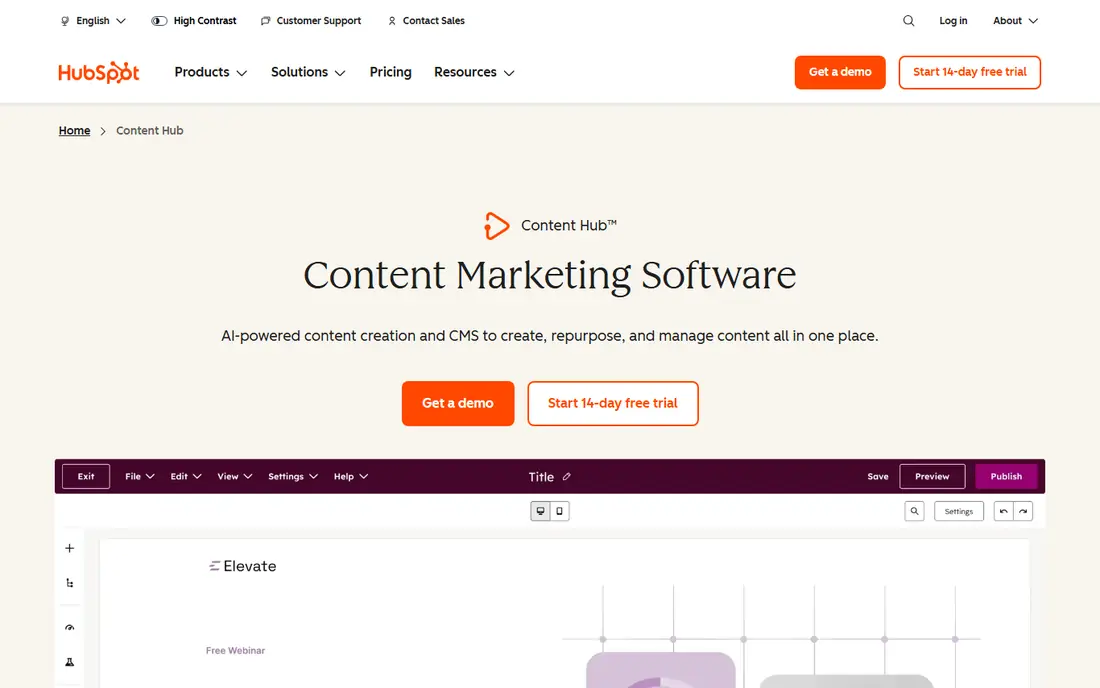
HubSpot Content Hub suits SaaS teams that grow through inbound content and want leads tied directly to content performance. Blog, landing pages, SEO recommendations, and CRM data live together, so a team can see which posts bring trials and which pages convert. Smart content lets pages adapt by lifecycle stage or list membership.
The free tools cover basic content, while Content Hub Professional is $450 per month with annual billing. That price makes sense for a SaaS team already using HubSpot for marketing or sales, but a small team that only needs a blog will find cheaper options here. For growth-stage SaaS, the connected data is the main draw.
- Content, SEO, and CRM in one place
- Smart content and personalization
- Built-in analytics
- Professional plan is $450 per month
- Can feel heavy for a blog-only team
Contentful is a headless CMS that lets a SaaS team model content once and deliver it to a website, app, help center, and email from one source. That matters for SaaS products where the same feature description appears on a marketing page, in onboarding, and in docs. Its API-first design suits teams with front-end developers and a modern stack.
The free plan is limited and intended for non-commercial use, and the Lite plan is $300 per month, so budgeting needs care. Non-technical editors may need developer support to build pages, unlike a visual website builder. For a developer-led SaaS team, Contentful offers control that all-in-one tools do not.
- Flexible content models
- Multi-channel delivery
- Large integration ecosystem
- Sharp jump from free to $300 per month Lite plan
- Editors may need developer help

Sanity is a structured content platform that appeals to SaaS teams building custom marketing sites with React or Next.js. Content is defined as code, which suits developers who want version control and reusable models, while editors get a clean studio for writing and media. Real-time collaboration helps when product, marketing, and docs teams edit together.
The free plan covers up to 20 seats with usage caps, and Growth is $15 per seat per month plus usage. That model is generous for small teams but needs forecasting as seats grow. Sanity is a strong choice when a SaaS team wants a custom site without a rigid template system.
- Generous free tier
- Schema as code
- Real-time collaboration
- Per-seat Growth pricing adds up
- Visual editing differs from page builders
Webflow lets a SaaS marketing team design and publish a polished site without waiting on developers for every page change. CMS collections handle blog posts, case studies, and feature pages, while visual design tools give control over layout and interactions. Hosting, SEO controls, and forms are included, which speeds up launches.
Site plans start with a free starter option, and CMS plans are paid, so check collection and traffic limits for a busy SaaS blog. Webflow suits teams that value design control and marketing speed over headless flexibility. For a SaaS team without a dedicated front-end developer, it is often the fastest route to a strong site.
- Visual design without code
- CMS collections for blogs
- Fast hosting
- CMS limits on lower plans
- Learning curve for complex sites
WordPress remains the most flexible option for a SaaS blog and marketing site, with a huge ecosystem of themes, SEO plugins, and integrations. The software itself is free and open source, and teams can host it anywhere, customize it deeply, and connect it to almost any marketing stack. For SEO-focused SaaS content, that flexibility is hard to match.
The trade-off is maintenance. Hosting, updates, backups, and security are your responsibility unless you pay for managed WordPress hosting. Plugin quality varies, so a SaaS team needs someone to own the site. For a content-led SaaS company with SEO as a core channel, WordPress is still a practical foundation.
- Largest plugin and theme ecosystem
- Strong SEO tools
- Full content control
- Needs hosting, updates, and security care
- Plugin quality varies
Ghost is built for publishing, which makes it a good fit for a SaaS team whose main content is a blog and newsletter. Writing is clean and focused, memberships and paid newsletters are built in, and performance is fast out of the box. That focus helps a small content team publish consistently without wrestling with a heavy CMS.
Ghost is less suited to a complex marketing site with many landing page types, calculators, or interactive tools. Self-hosting is free, while Ghost hosting is paid and priced by members. For a SaaS brand building an audience through writing, Ghost keeps the workflow simple.
- Clean writing experience
- Memberships and newsletters built in
- Fast performance
- Less suited to complex marketing sites
- Theme options are narrower
Storyblok pairs headless delivery with a visual editor, so SaaS marketers can build and preview pages from reusable components without developer help for every change. That balance suits SaaS teams that want headless flexibility but also want marketers to move fast. Component-based pages keep design consistent across blog, product, and landing pages.
The free starter plan is limited to one seat and one space, and Growth is $99 per month for five seats. Extra locales and seats add cost, so forecast for a growing team. For a SaaS team that needs both marketer freedom and developer control, Storyblok is a strong middle ground.
- Visual editor for marketers
- Component-based pages
- Headless delivery
- Growth plan is $99 per month
- Seat and locale add-ons add cost
GitBook is the docs half of a SaaS content stack. It handles product documentation, API guides, changelogs, and internal knowledge with clean navigation, search, and version control. Git sync lets developers keep docs close to code, while non-technical writers can edit in a friendly editor. For SaaS users, good docs reduce support tickets and speed onboarding.
GitBook is not a marketing CMS, so it should sit alongside a blog or site platform, not replace one. Free plans cover small projects, while team plans are paid. Pair GitBook with HubSpot, Webflow, or a headless CMS for a complete SaaS content setup.
- Clean docs experience
- Git sync for developers
- Search and versioning
- Not a marketing CMS
- Paid plans needed for larger teams
How we picked these
We compared official pricing pages, feature documentation, and public reviews for content platforms used by SaaS teams in October 2026. We kept tools that cover a distinct SaaS content job, from marketing sites and blogs to docs and headless delivery, rather than listing eight similar blogging tools. We did not claim hands-on tests we did not run.
How to build a SaaS content stack
Start with the content that drives trials and retention. For most SaaS teams, that means a marketing site and blog for acquisition, plus docs and onboarding content for activation and retention. Choose one platform for marketing content and one for docs, and keep the boundary clear so neither system becomes a dumping ground.
SEO, structure, and publishing workflow
Model content before you publish at volume. Define types for blog posts, case studies, feature pages, and docs, with fields for SEO titles, summaries, and related products. That structure makes it easier to reuse content across site, app, and email, and to report on what actually converts.
Set a publishing workflow with clear roles for writing, review, SEO, and design, and use scheduled publishing to keep cadence steady. Track trials and sign-ups by content piece, not just page views, and update top posts when product features change. Stale SaaS content hurts trust faster than a thin blog does.
FAQ
What is the best platform for content for SaaS?
HubSpot Content Hub is best for SaaS teams that want content, SEO, and CRM together, while Contentful or Sanity suit developer-led teams building custom sites. A small SaaS blog may do better on Webflow, WordPress, or Ghost.
Should a SaaS team use a headless CMS?
A headless CMS suits SaaS teams with developers who need content on a website, app, and help center from one source. Teams without developers, or with a simple marketing site, will move faster on Webflow, WordPress, or HubSpot.
How do SaaS docs fit into a content platform?
Docs need search, versioning, and clear navigation, which is why many SaaS teams use GitBook or a dedicated docs tool alongside a marketing CMS. Forcing docs into a blog template usually produces poor navigation and outdated guides.
How much does content software for SaaS cost?
Free tiers cover small blogs and docs, paid CMS plans often start at $15 per seat or $99 to $300 per month, and HubSpot Content Hub Professional is $450 per month. Always check seat, traffic, and locale limits in the quote.
Can one tool handle all SaaS content?
One tool can handle marketing content, but docs, changelogs, and in-product help usually need a separate home. A two-tool stack, one for marketing and one for docs, is common and often cleaner than forcing everything into one system.