8 Best Platforms for Content B2C in 2026: Reach Customers Directly
Compare the best platform for content b2c in 2026, from WordPress and Squarespace to Ghost and HubSpot, and pick the right home for content for your brand.
- Editor's choice
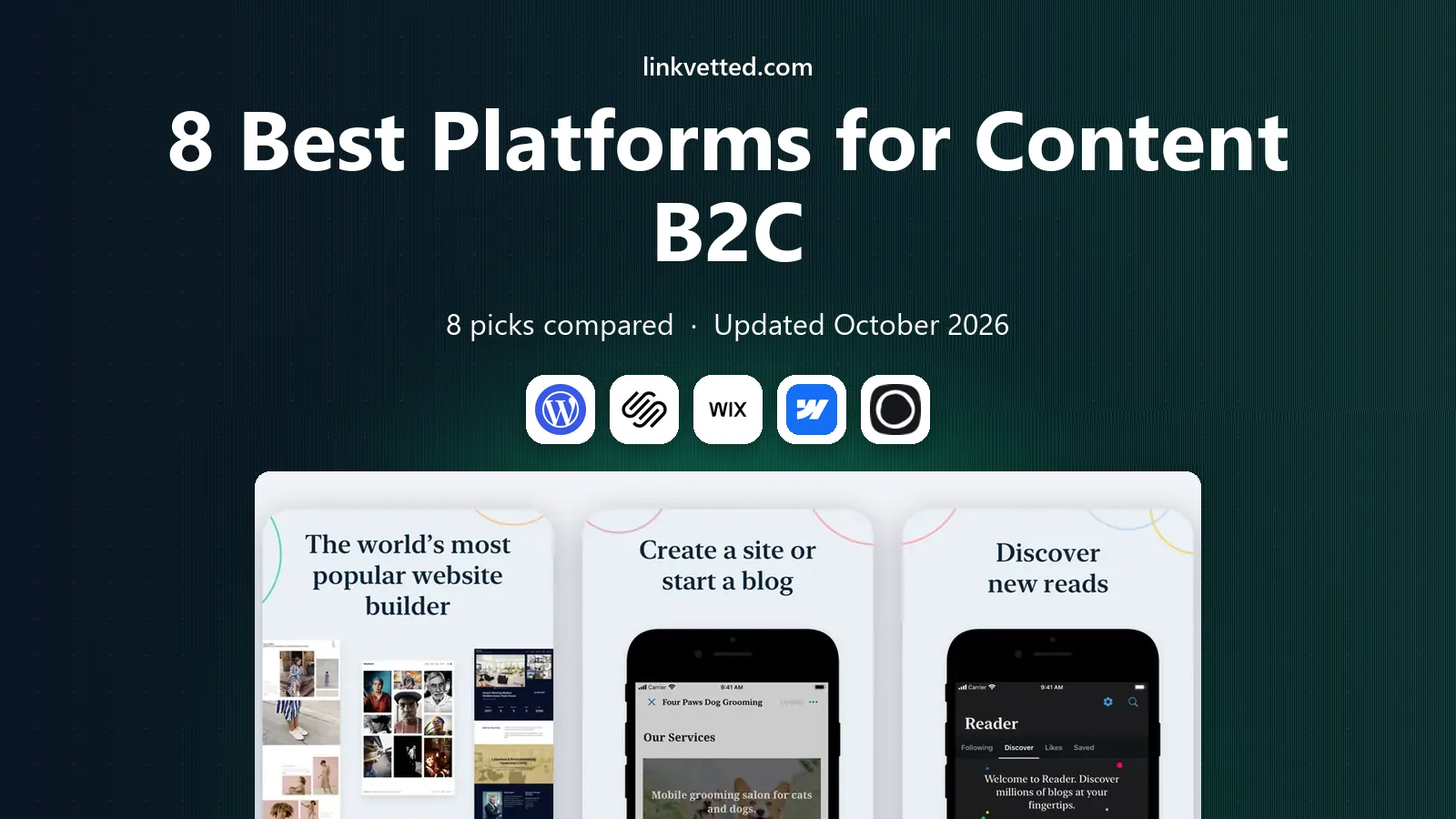
 WordPress.com
Flexible consumer content
Starts atFreeVisit wordpress.comFull review - Great alternative
 Squarespace
Design-led brand sites
Starts at$16 per monthVisit squarespace.comFull review - Also consider
 Wix
Fast all-in-one setup
Starts at$17 per monthVisit wix.comFull review
TL;DR:
- WordPress offers the widest choice of themes and plugins for consumer content, but it needs more upkeep than hosted builders.
- Squarespace, Wix and Framer get a consumer-facing site live fast, with design handled for you.
- Ghost and Substack suit publishers who put newsletters and paid subscriptions at the center.
- HubSpot and Webflow fit teams that need content tied to customer data, campaigns and design control.
Quick comparison
| Tool | Best for | Starts at | Free plan? | |
|---|---|---|---|---|
| WordPress.com | Flexible consumer content | Free | Yes | Visit |
| Squarespace | Design-led brand sites | $16 per month | Free trial | Visit |
| Wix | Fast all-in-one setup | $17 per month | Yes | Visit |
 Webflow | Design control without code | $14 per month | Yes | Visit |
 Ghost | Newsletters and memberships | $18 per month | Free trial | Visit |
 HubSpot Content Hub | Content tied to CRM | Free | Yes | Visit |
 Substack | Newsletter publishing | Free | Yes | Visit |
 Framer | Modern marketing sites | $10 per month | Yes | Visit |
The best platforms for content B2C
A business-to-consumer content platform needs to do three jobs well. It must publish articles, videos and landing pages quickly, look good on a phone, and help readers become customers. We compared official pricing, publishing tools, SEO features and ease of use for the platforms below.

WordPress powers a large share of the web for a reason. It handles blogs, guides, product pages and landing pages in one place, and thousands of themes and plugins cover SEO, forms, social sharing and email signup. If your content plan grows from a weekly blog to a resource center with courses or downloads, WordPress can grow with it without a rebuild.
The trade-off is maintenance. Themes and plugins need updates, and a poorly chosen plugin can slow a site or cause conflicts. Hosted WordPress.com plans reduce that burden compared with self-hosted WordPress, but the most flexible setup still asks more of you than a drag-and-drop builder. For teams with some technical confidence, that flexibility is worth it.
- Huge theme and plugin ecosystem
- Strong blogging tools
- Scales from a blog to a large site
- Plugin and theme upkeep takes time
- Advanced features need paid plans
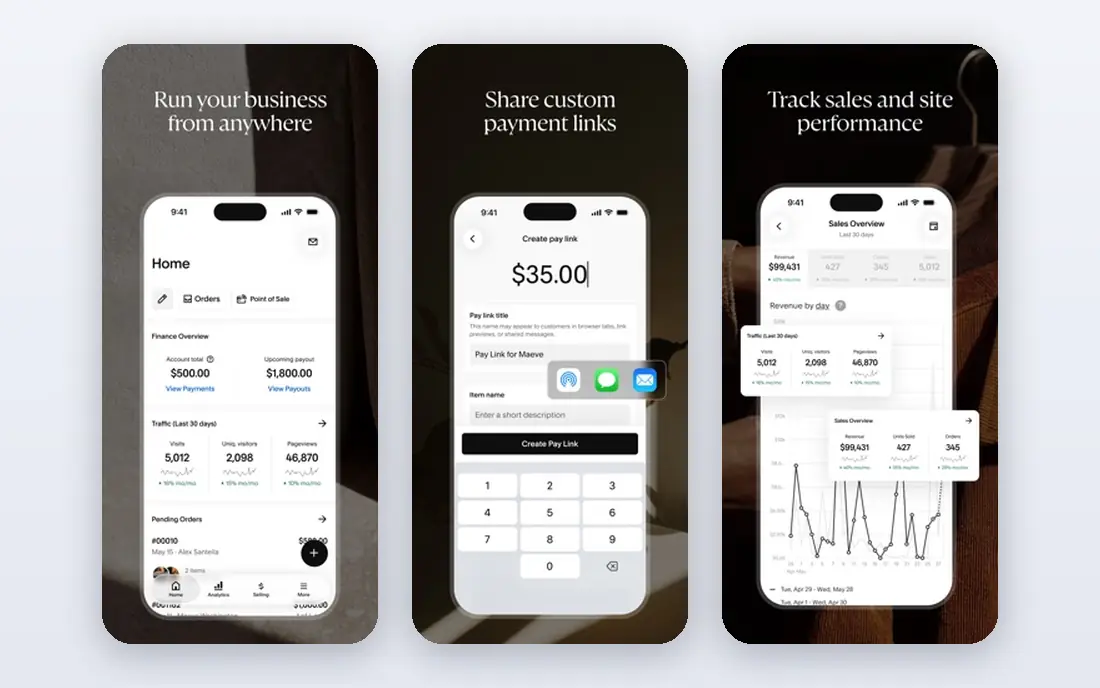
Squarespace suits consumer brands that care deeply about how a page looks. Its templates are clean and modern, and the editor lets a small team publish articles, lookbooks and product stories without hiring a designer for every post. Blogging, email campaigns and basic commerce live in the same account, which keeps tools and billing simple.
Customization is the limit. You cannot add the same range of plugins as WordPress, and a highly custom layout may need code workarounds. For most consumer brands, though, the template quality and the low learning curve matter more. Squarespace is a calm, dependable home for content that needs to look premium.
- Polished templates
- Blogging and commerce in one place
- Built-in analytics
- Less plugin choice than WordPress
- Customization has limits for complex sites
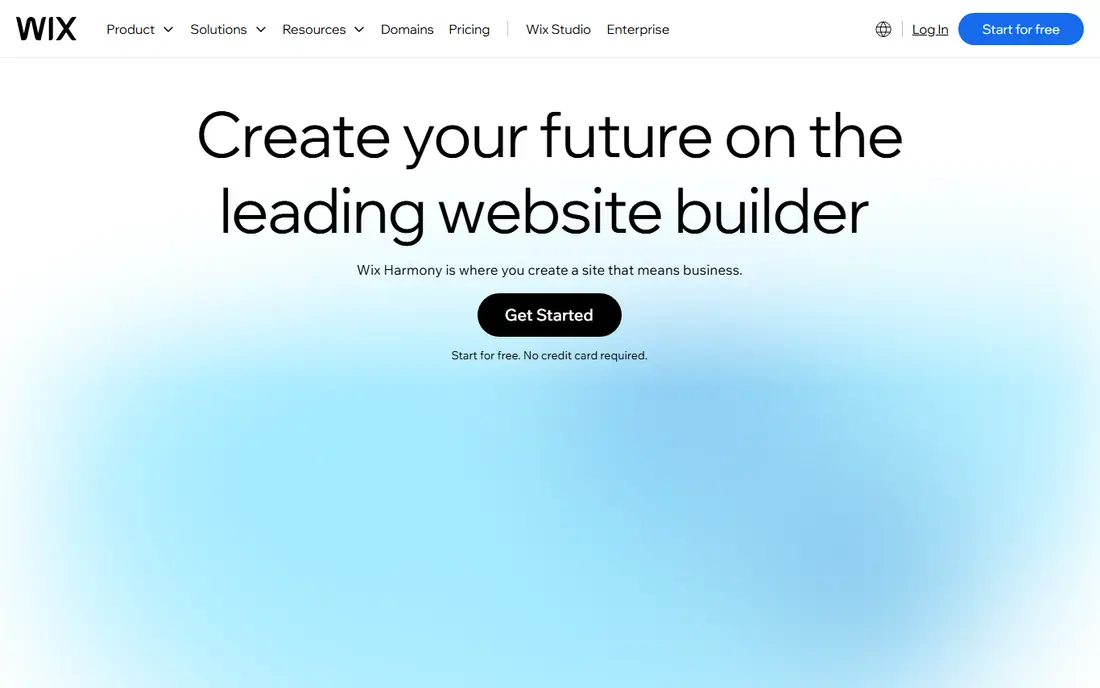
Wix is built for speed. A small business can pick a template, drag sections into place, add a blog and publish in a day. Its app market adds booking, forms, chat and social feeds without code, and its AI builder can draft a starting site from a few answers. That makes Wix a good fit for a new consumer brand that needs to start publishing now.
The catch appears later. Once you pick a template, switching to a very different design can mean rebuilding pages. Very large blogs with complex categories also feel less tidy than on WordPress or Ghost. If your priority is launching quickly and keeping costs low, Wix does that job well.
- Drag-and-drop editor
- Many templates and apps
- Free plan to test ideas
- Template switching is limited
- Large content libraries can feel cluttered
Webflow gives designers and marketers unusual control over layout, animation and content structure without writing code for every page. Its CMS collections let you build repeatable templates for blog posts, product guides, case studies and landing pages, so a growing library stays consistent. Hosting, SSL and a content delivery network are included, which removes a separate hosting decision.
Learning Webflow takes longer than learning Squarespace or Wix. The interface assumes some design knowledge, and a team without a designer may move slowly at first. Once the system is set, though, Webflow produces distinctive consumer sites that do not look like every other template site.
- Precise visual design control
- Strong CMS collections
- Clean hosting included
- Steeper learning curve
- CMS plans cost more than basic site plans
Ghost is a publishing platform first and a website builder second, and that focus shows. Its editor is clean, pages load fast, and newsletters and paid memberships are built in rather than added through plugins. A consumer brand can publish free articles, send them by email, and offer a paid tier for deeper content from the same dashboard.
Ghost is less suited to a complex store or a site that needs many custom page types. It also has fewer templates than larger builders. For publishers, creators and brands whose content itself is the product, Ghost is one of the clearest choices in this list.
- Fast publishing
- Built-in newsletters and paid memberships
- Clean editor
- Fewer page-builder options
- Commerce features are limited compared with Shopify
HubSpot Content Hub, formerly CMS Hub, ties publishing to customer data. A blog post can connect to a contact record, a campaign and a form, so a marketing team can see which articles lead to enquiries rather than guessing. The free tier covers basic pages and blogging, and paid plans add personalization, A/B testing and deeper reporting.
The price climbs as your team and contact list grow, and the platform makes most sense if you already use HubSpot for email or CRM. A brand that only needs a blog may find it more than necessary. For a consumer business that runs campaigns across email, ads and content, that connection is the point.
- Free tier to start
- Content connects to contacts and campaigns
- Strong SEO tools
- Paid plans rise in price as seats grow
- Best value if you already use HubSpot
Substack removes almost every barrier to publishing for consumers. You write a post, it appears on the web and in subscribers inboxes, and paid subscriptions can be switched on when you are ready. There is no theme shopping, plugin upkeep or hosting bill to manage at the start, which suits writers, experts and small brands testing a newsletter idea.
Design control is limited, and Substack works best when you already have, or can build, an audience through social media, search or word of mouth. It is not a full website builder for a large brand site. As a content channel that feeds a wider brand, or as the main home for a writer-led brand, it is hard to beat for simplicity.
- Free to start
- Email and web publishing in one place
- Paid subscriptions built in
- Limited site design control
- Discovery depends on your own audience building
Framer started as a design tool, and its website builder keeps that visual strength. Templates look current, animations feel smooth, and a small team can publish a marketing site plus a blog without a developer. The free plan lets you test the editor before paying, and paid plans add custom domains and more pages.
Blogging and content management are simpler than on WordPress or Ghost, and the ecosystem of third-party tools is smaller. Framer suits a consumer brand that needs a sharp marketing site with regular articles, rather than a large editorial operation. For that use case, it is quick, attractive and easy to maintain.
- Fast, modern templates
- Smooth animations
- Easy publishing from design
- Blogging tools are simpler than WordPress
- Smaller plugin ecosystem
How we picked these
We compared official pricing pages, publishing features, SEO tools, mobile design and membership or commerce options for platforms that serve consumer audiences in October 2026. We favored platforms that are actively maintained, offer a free plan or trial, and can publish and distribute content without extra tools for basic use. We excluded single-purpose social apps and platforms that no longer accept new signups.
How to choose a B2C content platform
Start with the job, not the feature list
Decide whether your main job is blogging, selling, building an email list or all three. A newsletter-led brand needs Ghost or Substack. A brand that sells products needs strong commerce and content together. A design-led brand needs templates and layout control. Matching the job first avoids paying for features you never use.
Check ownership, SEO and email capture
Make sure you can use a custom domain, edit page titles and descriptions, and collect email addresses without a workaround. Check how easy it is to export your content and subscriber list if you move later. A platform that makes export hard is a risk, even if its editor feels pleasant today.
Test the editor with a real article
Publish a full article with images, headings, links and a signup form before you commit. That test reveals slow editors, awkward mobile layouts and missing SEO fields faster than any feature page. Invite a colleague to read the draft on a phone, since most consumers will do the same.
FAQ
What is the best platform for B2C content for a small business?
For most small businesses, WordPress.com or Squarespace offer the best balance of publishing tools, design and cost. WordPress gives more flexibility and plugin choice, while Squarespace gives a faster start with polished templates. Choose WordPress if you plan a large content library, and Squarespace if design and simplicity matter more.
Is a free plan enough for consumer content?
A free plan is enough to test an idea, publish a few articles and learn an editor. It usually shows platform branding, limits custom domains and restricts advanced SEO or membership features. Move to a paid plan once you have a regular publishing rhythm and want your own domain and full analytics.
Do I need a separate email tool with these platforms?
Ghost and Substack include newsletters, and HubSpot includes email marketing in its wider platform. WordPress, Squarespace, Wix, Webflow and Framer usually connect to an external email tool for newsletters. Check whether that connection is built in or needs a paid integration before you choose.
How does B2C content differ from B2B content?
Consumer content usually aims for a faster decision, with clearer language, stronger visuals and a direct call to action such as buy, book or subscribe. Business content often needs longer guides, comparison tables and proof for a buying committee. The platform matters less than the audience, but consumer sites benefit most from fast mobile pages and simple signup paths.
Can I move my content to another platform later?
Most platforms in this list allow content export, but the ease varies. WordPress export is widely supported, while builders with custom layouts may require manual rebuilding of page designs. Keep a backup of your articles, images and subscriber list from the start, so a future move is a project rather than a crisis.