Best Personal Finance Software in 2026: 9 Tools Compared
Compare the best personal finance software for budgeting, bills, and net worth. We review nine tools on price, bank sync, security, free plans, and value.

- Editor's choice
 Monarch Money
Complete household dashboard
Starts at$14.99 per monthVisit monarchmoney.comFull review - Great alternative
 YNAB
Hands-on zero-based budgeting
Starts at$14.99 per monthVisit ynab.comFull review - Also consider
 Quicken Simplifi
Low cost automatic tracking
Starts at$5.99 per monthVisit quicken.comFull review
TL;DR:
- Monarch Money is our pick for a complete household dashboard, with budgeting, bills, investments, and net worth in one place.
- YNAB suits people who want a hands-on budgeting method and are willing to assign every dollar a job each month.
- Quicken Simplifi offers strong automatic tracking at a lower price than Monarch or YNAB.
- Tiller Money is a strong spreadsheet option for users who want full control over categories and reports in Google Sheets or Excel.
- This is not financial advice. Use these tools to track spending and plan, and talk to a qualified adviser for investment or debt decisions.
Quick comparison
| Tool | Best for | Starts at | Free plan? | |
|---|---|---|---|---|
| Monarch Money | Complete household dashboard | $14.99 per month | No | Visit |
| YNAB | Hands-on zero-based budgeting | $14.99 per month | No | Visit |
| Quicken Simplifi | Low cost automatic tracking | $5.99 per month | No | Visit |
 Tiller Money | Spreadsheet budgeting and tracking | $79.00 per year | Free trial (30 days) | Visit |
 Rocket Money | Subscription tracking | Free | Yes | Visit |
 Copilot Money | Apple users who value design | $13.00 per month | No | Visit |
 EveryDollar | Simple zero-based budgeting | Free | Yes | Visit |
 Goodbudget | Envelope budgeting without bank links | Free | Yes | Visit |
 PocketGuard | Safe to spend number | $12.99 per month | Yes | Visit |
The best personal finance software
We compared official feature pages, pricing, app store listings, privacy policies, and public reviews to judge budgeting method, bank sync, bill tracking, investment views, and ease of use. Prices shown are entry prices in recent listings, and they can change with promotions and billing period.
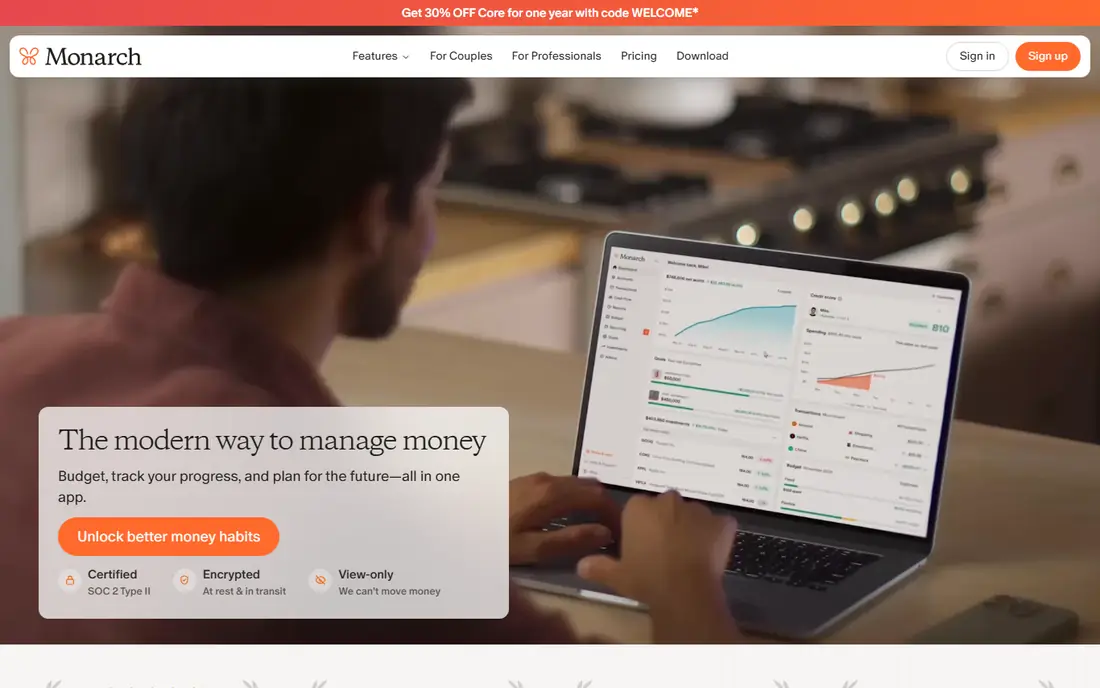
Monarch Money fits a household that wants one clear view of money without juggling several apps. You can connect bank, card, loan, and investment accounts, set budgets, track bills, and watch net worth over time. Shared budgets help couples or housemates plan together while keeping some accounts private.
The price is $14.99 per month or $99.99 per year in recent listings, which is higher than Simplifi. The 7-day trial also gives little time to test bank sync and categorization with real transactions. If you will use the full dashboard, including investments and shared budgets, Monarch is worth the price.
- Budgeting, bills, investments, and net worth in one view
- Shared household budgets
- Customizable dashboards
- Higher price than Simplifi
- 7-day trial feels short for a full test
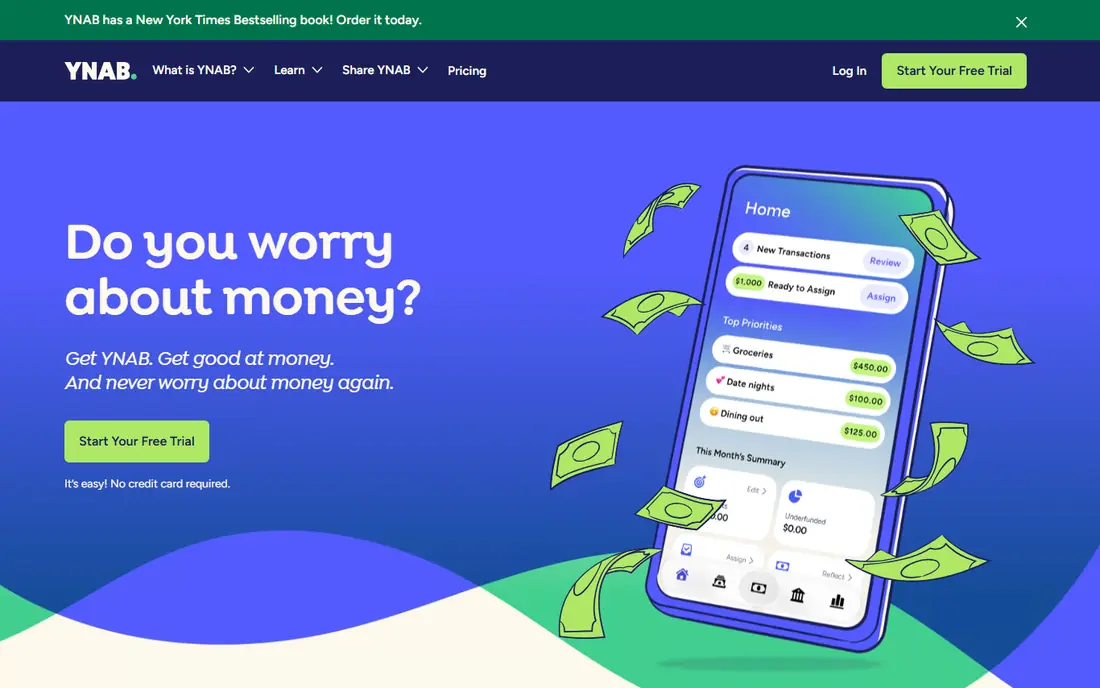
YNAB, short for You Need A Budget, suits a person who wants to change spending habits, not just track them. The method asks you to assign every dollar a job before you spend it, age your money, and adjust categories when plans change. That hands-on work is the point, and many long-term users credit it with better control over debt and savings.
The price is $14.99 per month or $109.00 per year in recent listings, with a 34-day trial. The first two weeks can feel like homework, especially if you are used to automatic tracking. If you stick with the method, YNAB offers the strongest behavior change on this list.
- Clear zero-based method
- Debt payoff tools
- Strong guides and community support
- Learning curve in the first weeks
- No free tier beyond the trial
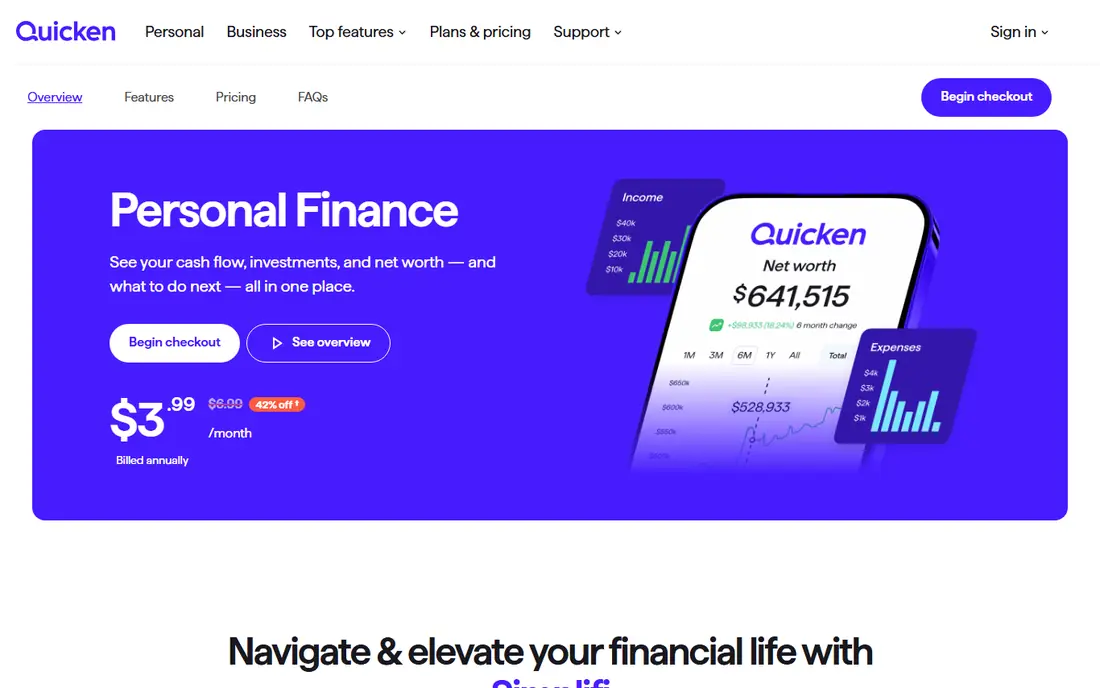
Quicken Simplifi fits a household that wants automatic tracking without a high monthly cost. It syncs bank and card accounts, categorizes spending, and shows a spending plan with upcoming bills and projected balances. That cash flow view helps you see whether a month will end short before it happens.
The regular price is $5.99 per month on annual billing in recent listings, with lower first-year promotions in some offers. Investment tracking is simpler than Monarch, so investors may need a second tool. For everyday budgeting and bill tracking at a lower price, Simplifi is a strong value pick.
- Automatic sync and categorization
- Spending plan and cash flow views
- Lower price than rivals
- Investment tracking is basic
- First-year promotions can hide the renewal price
Tiller Money fits a spreadsheet user who wants bank feeds without giving up control of the layout. It pulls transactions into Google Sheets or Excel, where you can build your own budgets, reports, and charts. That flexibility suits a household that already plans money in a spreadsheet and wants automation added to it.
The trade-off is effort and polish. You need comfort with spreadsheets to get the most from Tiller, and there is no full mobile budgeting app to match Monarch or Simplifi. The price is $79.00 per year in recent listings, with a 30-day trial. For a spreadsheet-first user, that control is worth the learning curve.
- Automatic bank feeds into spreadsheets
- Full control over categories
- Strong reporting in Sheets and Excel
- Needs spreadsheet comfort
- No polished mobile budgeting app like Monarch
Rocket Money fits a person whose main problem is forgotten subscriptions and rising bills. The free tools sync accounts, list recurring charges, and flag subscriptions you may no longer use. Paid Premium adds bill negotiation help and more budgeting features, with a pay-what-you-think-is-fair model in recent listings.
Premium pricing has varied, often from about $7.00 to $14.00 per month, so check the current offer before you subscribe. Bill negotiation also depends on the provider and the bill, so savings are not guaranteed. For subscription cleanup, Rocket Money is the easiest starting point on this list.
- Free account sync
- Subscription detection
- Bill negotiation help on paid plans
- Premium price varies
- Bill negotiation results are not guaranteed
Copilot Money suits an iPhone or Mac user who wants a polished, easy-to-read money app. It syncs accounts, categorizes transactions with learning rules, and shows budgets, net worth, and investments in a clean layout. The design makes daily check-ins quick, which helps a budget stay current.
The main limit is platform. Copilot is built for Apple devices and web, with no Android app in recent listings, so Android users should look elsewhere. The price is $13.00 per month or $95.00 per year in recent listings, with a trial for new users. For an Apple household, Copilot is a strong design-led choice.
- Clean Apple-focused design
- Smart categorization
- Net worth and investment views
- Apple and web only in recent listings
- No Android app for most users
EveryDollar fits a person who likes simple zero-based budgeting without a complex dashboard. The free version lets you enter transactions by hand and assign every dollar to a category, which keeps the method clear. That manual step can also help you notice spending more than automatic sync alone.
Bank sync requires Premium, priced at $17.99 per month or $79.99 per year in recent listings. Investment tracking is also limited compared with Monarch. EveryDollar is best for a user who wants a simple budget and does not mind manual entry, or who is willing to pay for sync.
- Simple zero-based budget
- Free manual version
- Easy to learn
- Bank sync needs Premium
- Investment tracking is limited
Goodbudget suits a household that likes cash envelope budgeting but wants a digital version. You divide money into envelopes for groceries, rent, transport, and other categories, then record spending against each envelope. That visible limit helps stop overspending in one category from quietly spreading to others.
The free plan covers a limited number of envelopes, accounts, and devices in recent listings, while Plus starts at $10.00 per month or $80.00 per year. Bank sync is available on Plus for US banks, but the free version relies on manual entry. Goodbudget is a calm, privacy-friendly choice for envelope budgeting.
- Digital envelope method
- Works without bank links
- Shared envelopes for households
- Free plan limits envelopes and accounts
- Bank sync needs Plus in the US
PocketGuard fits a person who mainly asks one question each day: how much can I spend safely. It syncs accounts, subtracts bills and savings goals, and shows a leftover figure for the rest of the period. That single number makes it easier to decide on a purchase without opening a full budget.
The free version covers a limited number of accounts, while Plus starts at $12.99 per month or $74.99 per year in recent listings. Category budgeting and reporting are simpler than YNAB or Monarch. If a simple daily spending guide is what you will actually use, PocketGuard is a practical pick.
- Clear safe-to-spend figure
- Bill and subscription views
- Simple daily check
- Budgeting depth is lower than YNAB
- Plus price is high for a simple app
How we picked these
We compared official feature pages, pricing, app store listings, privacy policies, and public reviews, and we favored personal finance software that works in October 2026 for US users. We judged budgeting method, bank sync reliability, bill tracking, investment views, and price at the entry tier. We left out apps that had shut down or that only offered a single feature, such as credit score checks, without budgeting or tracking.
How to choose personal finance software for your household
Start with the problem you actually have. Choose YNAB or EveryDollar for hands-on budgeting, Monarch or Simplifi for a full automatic dashboard, and Rocket Money for subscription cleanup. Test bank sync during the trial with your real accounts, and check whether categorization handles your main merchants well.
Security and bank connections
Use strong passwords, turn on two-factor authentication, and read how each app stores and uses account data. Most apps use read-only connections through a data aggregator, which means they can view transactions but should not move money. If a connection breaks often during a trial, treat that as a warning sign for long-term use.
FAQ
What is the best personal finance software?
Monarch Money is the best all-around pick for a household dashboard, while YNAB is best for hands-on budgeting. Quicken Simplifi offers strong value at a lower price, and Rocket Money is best for free subscription tracking. The right choice depends on whether you want control, automation, or investment views most.
What is the best money management software for couples?
Monarch Money suits couples best, with shared budgets and account privacy controls. Goodbudget also works for couples who like envelope budgeting and shared envelopes. Test shared access during a trial, and agree on which accounts each person can see before you connect everything.
What is the best personal finance app for budgeting?
YNAB is best for a strict budgeting method, while Monarch and Simplifi suit automatic budgeting with less daily work. EveryDollar suits a simple zero-based budget, and Goodbudget suits envelope budgeting. Pick the method you will stick with, since a perfect system you ignore helps no one.
Is personal finance software safe to use?
Reputable apps use encryption, read-only bank connections, and two-factor authentication, but no system is risk-free. Use a unique password, turn on all security options, and review connected accounts regularly. Never share your bank login directly with a person or an unofficial app, and use the official app store listing for downloads.
What is the best free personal finance software?
Rocket Money is the best free option for subscription tracking, while EveryDollar and Goodbudget offer useful free manual budgets. EveryDollar and Goodbudget also offer free versions with manual entry. Free plans usually limit accounts or features, so check those limits before you rely on a free tier alone.