Best Payroll Software for Small Business in 2026: 8 Tools Compared
Compare the best payroll software for small business, covering tax filing, pricing per employee, contractor pay, and benefits, for teams under 50 staff.
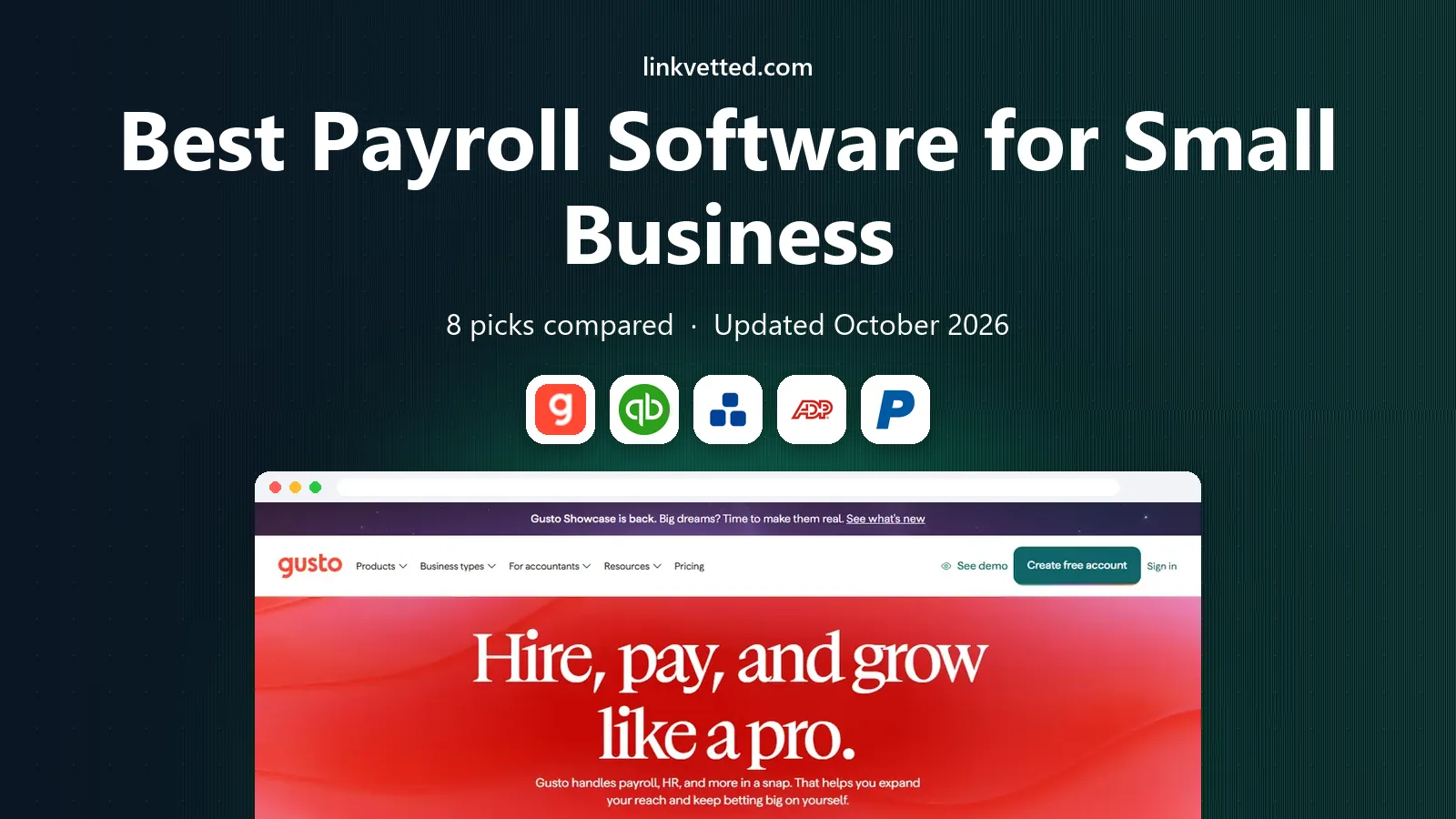
- Editor's choice
 Gusto
Most small businesses
Starts atSee websiteVisit gusto.comFull review - Great alternative
 QuickBooks Payroll
QuickBooks Online users
Starts atSee websiteVisit quickbooks.intuit.comFull review - Also consider
 OnPay
Flat pricing with full features
Starts atSee websiteVisit onpay.comFull review
TL;DR:
- Full-service tax filing is the feature that saves the most time, because it removes federal and state filing deadlines from your weekly workload.
- Most small business pricing follows a base fee plus a per-person fee, so compare the total at your actual headcount, not just the starting price.
- Gusto suits most small teams, QuickBooks Payroll suits QuickBooks users, and Patriot suits tight budgets that can handle simpler setups.
- Contractor-only teams should check contractor pricing separately, since some plans charge contractors differently from employees.
Quick comparison
| Tool | Best for | Starts at | Free plan? | |
|---|---|---|---|---|
| Gusto | Most small businesses | See website | Free trial | Visit |
| QuickBooks Payroll | QuickBooks Online users | See website | Free trial | Visit |
| OnPay | Flat pricing with full features | See website | Free trial | Visit |
 ADP RUN | Growing teams needing compliance depth | See website | No | Visit |
 Paychex Flex | Payroll plus HR support | See website | No | Visit |
 Square Payroll | Retail and restaurant teams | See website | Free trial | Visit |
 Patriot Software | Budget-conscious small teams | See website | Free trial | Visit |
 Rippling | Payroll, HR, and IT in one system | See website | No | Visit |
The best payroll software for small business
We compared official pricing pages, tax filing coverage, contractor handling, benefits support, and integrations, with a focus on teams under 50 people.

Gusto is our default pick for most small businesses because it balances ease of use with serious payroll coverage. Employees complete their own tax forms and direct deposit details, payroll runs can be scheduled in advance, and full-service filing covers federal and state taxes in most cases. Benefits administration, time tracking, and contractor payments round out a system that grows with a small team.
The main drawback is price at scale. A low base fee looks friendly for two people, but per-person charges add up as you hire, so model the cost at 10 and 25 employees before you commit. For a typical team that wants payroll handled without hiring a payroll specialist, Gusto still offers the clearest all-round value.
- Full-service tax filing
- Simple employee onboarding
- Benefits and contractor tools included on higher tiers
- Costs rise with headcount
- Some advanced HR features need higher plans

QuickBooks Payroll makes the most sense if your books already live in QuickBooks Online. Payroll entries flow into your accounts without manual exports, tax filings are handled on full-service plans, and the interface feels familiar to anyone who already runs invoices and expenses in QuickBooks. That single-system benefit saves time every pay period.
If you do not use QuickBooks, the advantage fades, and you may prefer a standalone payroll tool with stronger HR features. Pricing also varies by plan and add-ons, so confirm whether same-day direct deposit or workers compensation administration costs extra. For QuickBooks shops, though, this is the low-friction choice.
- Payroll posts directly to QuickBooks books
- Full-service tax filing
- Familiar interface for existing users
- Best value only inside QuickBooks
- HR features are lighter than dedicated HR platforms
OnPay appeals to owners who dislike tiered pricing puzzles. One plan covers most payroll features, including full-service tax filing, unlimited runs, and benefits administration, at a base fee plus a per-person rate. That simplicity makes budgeting easy, and small teams that pay contractors and employees together will appreciate the straightforward structure.
The interface is functional rather than polished, and HR extras such as performance tools are thinner than on larger platforms. If you want payroll done well without paying for features you will never open, OnPay is a strong value pick, and its trial is worth running alongside Gusto.
- One plan with most features included
- Full-service tax filing
- Unlimited payroll runs
- Interface feels plainer than Gusto
- Fewer HR extras
ADP RUN suits businesses that expect to grow past the small-team stage and want compliance support that scales with them. It covers payroll, tax filing, time tracking, and HR tools, with access to ADP's wider platform if you later need enterprise features. Owners who worry about multi-state rules or complex hiring will value that depth.
Pricing is quote-based, which makes quick comparison harder, and the setup can feel more formal than Gusto or OnPay. Very small teams may find it more system than they need. If growth and compliance are your main concerns, request a quote and compare the total at your projected headcount.
- Deep compliance and HR resources
- Clear upgrade path to larger ADP platforms
- Strong support options
- Pricing requires a quote
- Can feel heavy for very small teams
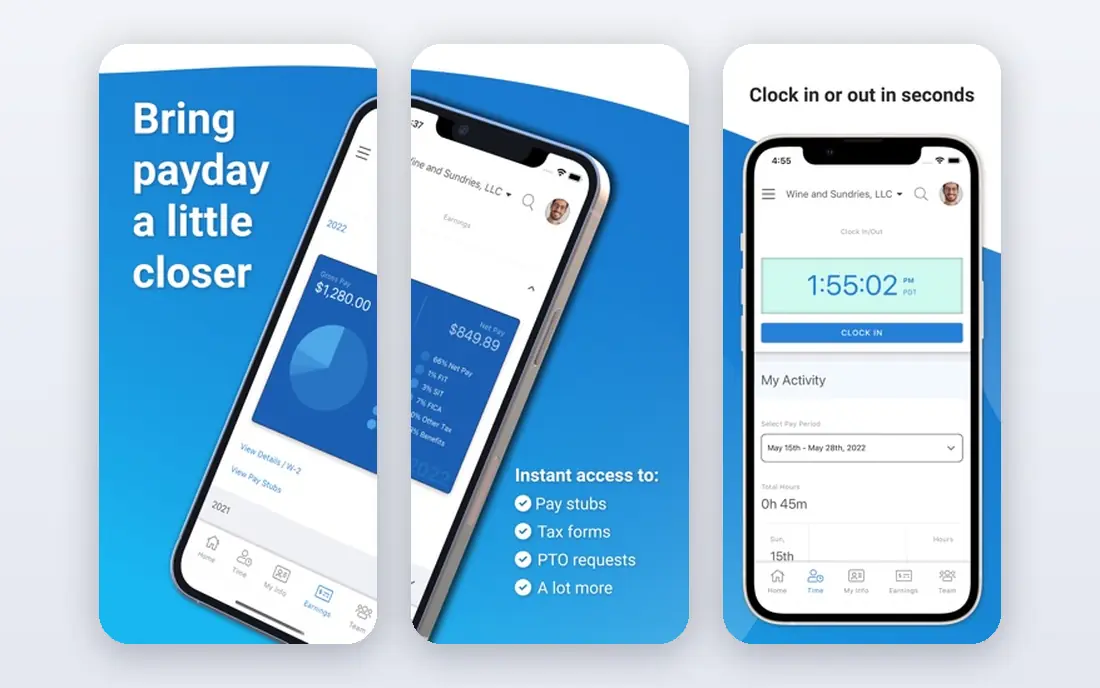
Paychex Flex combines payroll, tax filing, time and attendance, and HR tools in one platform, with support that many owners prefer over self-service help centres. Employees can view pay stubs, update details, and manage time off in the mobile app, which reduces routine questions for the owner. Businesses with 25 or more staff often find the bundled approach useful.
Quote-based pricing means you need a conversation before you can compare totals, and optional modules can push costs up. Ask for an itemised quote that separates payroll, HR, and add-ons. For teams that want a person to call when payroll goes wrong, Paychex Flex is a credible choice.
- Bundled payroll and HR
- Dedicated support options
- Employee self-service app
- Pricing requires a quote
- Add-ons can raise the total
Square Payroll is a natural fit for shops, cafes, and restaurants already using Square for payments and timecards. Hours flow from Square into payroll, tips and shift data are easier to handle, and contractor-only teams can avoid a monthly base fee in some configurations. That tight link between the till and payroll removes a common source of errors.
Businesses outside Square lose much of the advantage, and HR depth is lighter than Gusto or ADP. If your team already clocks in through Square, run the trial and compare the payroll total with your current setup. For Square users, the time saved on hours alone often justifies the switch.
- Hours import from Square point of sale
- Simple contractor-only option
- Clear per-person pricing
- Less suited to complex HR needs
- Best value inside the Square ecosystem
Patriot Software is the budget pick for owners who want payroll handled at a lower monthly cost. Basic payroll covers calculations and pay runs, while full-service tax filing is available on a higher tier, so you can choose how much filing work to hand over. The employee portal gives staff access to pay stubs and tax forms without extra software.
The trade-off is scope. Integrations are fewer, and some features that Gusto includes by default sit on higher Patriot tiers or are absent. Owners comfortable with a simpler system will find Patriot good value. Owners who want benefits administration and deep HR tools should compare the full-service tier total before deciding.
- Low starting price
- Free employee portal
- Straightforward payroll runs
- Full-service tax filing costs more
- Fewer integrations than larger rivals
Rippling suits growing companies that want payroll, HR, and IT setup handled together. One onboarding flow can set up pay, benefits, devices, and app accounts, which saves hours when hiring in batches. Automation rules reduce manual steps, and the platform supports contractors in many countries, which helps distributed teams.
Pricing requires a quote, and the breadth can feel excessive for a team of three. Rippling makes most sense once hiring, onboarding, and app management start to consume real owner time. If that sounds familiar, request a demo focused on your hiring workflow rather than a generic tour.
- One onboarding flow for pay, benefits, and app access
- Strong automation
- Global contractor support
- Quote-based pricing
- More system than tiny teams need
How we picked these
We compared official pricing and feature pages, tax filing coverage, contractor handling, and public support documentation for payroll tools aimed at small US businesses. We favoured full-service filing, transparent per-person pricing, and tools that remain actively supported in 2026. We did not claim hands-on payroll runs, and prices change, so confirm the current plan details before signing up.
What to check before you choose
Start with tax filing coverage in your states, since a tool that files in one state but not another creates extra work. Next, model total cost at your current headcount and at the headcount you expect in a year, including contractors. Then check direct deposit timing, pay run flexibility, and whether workers compensation and benefits fit your needs.
Questions to ask on a demo or trial
Ask how corrections are handled after a pay run, what happens when an employee changes state, and how year-end forms are delivered. Test the employee onboarding flow yourself, since a confusing setup creates support tickets every time you hire. Also confirm which integrations you actually need, such as accounting, time tracking, or benefits carriers.
Common mistakes to avoid
Do not choose on base price alone, since per-person fees dominate the total as you grow. Do not assume every plan files all taxes, since basic tiers often calculate but do not file. Finally, avoid switching payroll providers mid-quarter without a migration plan, because tax history and year-to-date figures need to transfer cleanly.
FAQ
What is the best payroll software for a small business with under 10 employees?
Gusto is a strong default for teams under 10, thanks to simple onboarding and full-service tax filing. OnPay offers similar coverage at a flat feature level, and Patriot costs less if you accept a simpler setup. Compare the total monthly cost at your exact headcount, including contractors.
Does payroll software file taxes for me?
Full-service plans do, covering federal and state filings in most cases, while basic plans may calculate taxes but leave filing to you. Check the plan details for your states, since coverage varies. If filing is the main reason you are buying software, choose a full-service tier and confirm it in writing.
How much does payroll software cost per employee?
Most small business plans charge a monthly base fee plus a per-person fee, so the total depends on headcount. Budget options start lower, while full-service plans from larger vendors cost more. Always model the total for employees and contractors together, and ask about add-on fees.
Can I pay contractors and employees in the same system?
Yes, all the tools here handle both, but pricing differs. Some charge contractors at the same per-person rate, while others offer contractor-only pricing with no base fee. If contractors form most of your team, compare contractor pricing first rather than employee pricing.
What happens if I switch payroll providers mid-year?
A mid-year switch is possible, but year-to-date pay, tax, and deduction history must transfer accurately. Most providers offer migration help, and switching at a quarter boundary is usually cleaner. Keep records from the old provider until year-end forms are confirmed.
Is payroll software worth it for a one-person business?
It can be, especially if you pay yourself a salary through an S corporation or employ contractors regularly. A low-cost plan or contractor-only option may cover your needs without a full HR suite. If you are a sole proprietor with no staff, accounting software alone may suffice until you hire.