Best Password Manager Apps in 2026: 8 Apps Compared
Compare the best password manager apps for secure logins, passkeys, and autofill, with free and paid options for all devices, for individuals and families.

- Editor's choice
 1Password
Overall polish and families
Starts atSee websiteVisit 1password.comFull review - Great alternative
 Bitwarden
Best free tier and open source
Starts atFreeVisit bitwarden.comFull review - Also consider
 Dashlane
All-in-one security extras
Starts atSee websiteVisit dashlane.comFull review
TL;DR:
- A password manager only helps if you use it everywhere, so cross-device sync and easy autofill matter more than extra features.
- Bitwarden offers the strongest free tier, 1Password offers the most polished family and business experience, and Dashlane adds VPN and monitoring tools.
- Passkey support is now a key feature, since passkeys replace passwords on many major sites.
- Use a strong master password, turn on two-factor authentication, and keep a secure recovery plan, since losing access can lock you out.
Quick comparison
| Tool | Best for | Starts at | Free plan? | |
|---|---|---|---|---|
| 1Password | Overall polish and families | See website | Free trial | Visit |
| Bitwarden | Best free tier and open source | Free | Yes | Visit |
| Dashlane | All-in-one security extras | See website | Free trial | Visit |
 LastPass | Simple, widely known manager | See website | Free trial | Visit |
 NordPass | Simple security from Nord | See website | Free trial | Visit |
 Keeper | Business and family security | See website | Free trial | Visit |
 Proton Pass | Privacy-focused manager | Free | Yes | Visit |
 Enpass | Offline vault option | See website | Free trial | Visit |
The best password manager apps
We compared official feature, pricing, and security pages, passkey support, autofill quality, sharing features, and platform coverage, with a focus on everyday use across phones and computers.

1Password is our overall pick for most people, because its apps feel polished on phones, computers, and browsers, and setup guides new users through importing passwords and enabling autofill. Families can share vaults, manage permissions, and recover access for a family member, while Watchtower flags reused, weak, or compromised passwords. Passkey support covers the growing number of sites that offer passwordless login.
The main drawback is price structure. There is no free tier for ongoing use, so you need a subscription for sync across devices. For individuals and families who will use a manager daily, the polish and support justify the cost. Start with the trial, import from your browser, and enable two-factor authentication on the account itself.
- Polished apps on all platforms
- Strong family sharing
- Passkey support and Watchtower alerts
- No permanent free tier
- Subscription only for sync
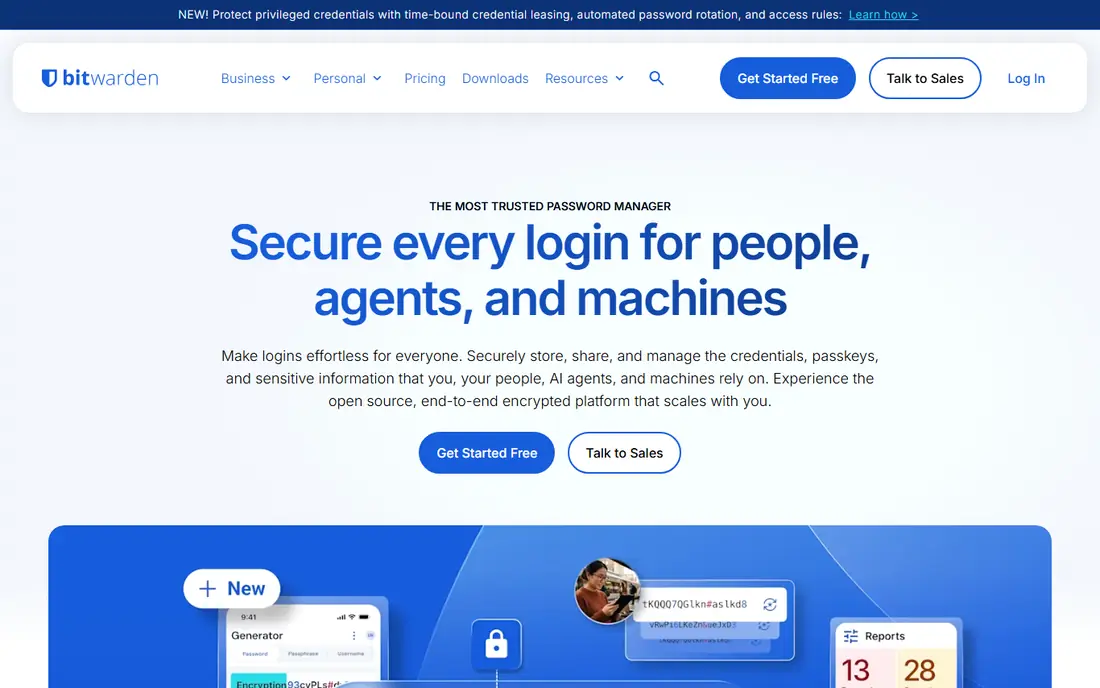
Bitwarden offers the best free password manager we found, with unlimited passwords, sync across devices, and autofill on the free tier. Its open source code allows public review, and advanced users can self-host a vault, though most people will use the hosted service. Paid plans add family sharing, emergency access, and security reports at a low cost.
The interface is functional rather than polished, and setup takes a little more initiative than 1Password. For budget-conscious users, students, and open source fans, Bitwarden is the clear value pick, and its free tier covers the core job without device limits.
- Generous free tier
- Open source code
- Self-hosting option for advanced users
- Interface is plainer than 1Password
- Some premium features need a paid plan

Dashlane suits users who want a password manager plus extra security tools in one subscription. Paid plans include a VPN, dark web monitoring, and identity alerts alongside password storage, autofill, and passkey support. The apps are polished, and onboarding guides users through weak password fixes.
The free tier is limited compared with Bitwarden, and the full plan costs more than a basic manager. If you already pay for a VPN and monitoring separately, Dashlane may save money by bundling them. If you only need passwords, a cheaper manager makes more sense.
- Built-in VPN on paid plans
- Dark web monitoring
- Passkey support
- Free tier is limited
- Price is higher than Bitwarden
LastPass remains widely known and easy to set up, with apps for major platforms, autofill, password sharing, and family plans. New users can import from browsers quickly, and the interface keeps core tasks simple. For users who already know LastPass, staying with a familiar tool has real value.
Two limits matter. The free tier restricts sync to one device type, such as computers or mobile, but not both, and LastPass has faced past security incidents that cautious readers should review before choosing it. If you want a free manager across all devices, Bitwarden is stronger. If you choose LastPass, use a strong master password and two-factor authentication.
- Easy setup
- Wide platform support
- Family and business plans
- Free tier limits device types
- Past security incidents need a careful read
NordPass, from the company behind NordVPN, offers a clean password manager with autofill, passkey support, and breach monitoring on paid plans. The interface is simple, setup is quick, and users who already trust Nord products will find the account system familiar. Family plans cover sharing for households.
The free tier limits use across devices, so full sync needs a paid plan. The ecosystem is also smaller than 1Password, with fewer integrations for businesses. For individual users who want a simple, modern manager, NordPass is a solid mid-price option.
- Clean interface
- Passkey support
- Breach monitoring on paid plans
- Free tier limits device use
- Smaller ecosystem than 1Password
Keeper suits families and small businesses that want strong security controls alongside password storage. It offers vault sharing, admin controls, secure file storage, and breach monitoring, with a security model that emphasises encryption and zero-knowledge design. Businesses can manage team vaults and permissions centrally, which helps when staff join or leave.
The interface feels more business-focused than 1Password, and add-ons such as extra storage raise the total. Individuals who only need basic passwords may find Keeper more system than they need. For families and teams that value admin controls, Keeper is a credible, security-first choice.
- Strong security certifications
- Family and business controls
- Secure file storage options
- Interface can feel business-focused
- Price rises with add-ons
Proton Pass, from the company behind Proton Mail and Proton VPN, appeals to privacy-focused users. It offers end-to-end encryption, a free tier with sync, passkey support, and email alias features on paid plans that help hide your real address when signing up for sites. Users already in the Proton ecosystem gain a manager that fits their other tools.
Proton Pass is newer than 1Password or Bitwarden, so its ecosystem and third-party integrations are still growing. Advanced sharing and monitoring features need paid plans. For privacy-minded users who want a free start and a clear privacy stance, Proton Pass is worth a trial.
- Privacy-focused design
- Free tier with sync
- Email alias features on paid plans
- Newer ecosystem than 1Password
- Some advanced features need paid plans
Enpass suits users who want control over where their vault lives, including offline or local storage options alongside cloud sync through services you choose. It supports major platforms, autofill, and passkey features, and offers purchase options beyond a standard subscription in some cases. For users wary of storing a vault only on a vendor server, that flexibility matters.
Sync setup takes more steps than 1Password or Bitwarden, since you choose and configure the sync method. The interface is also less polished. If offline control is your priority, Enpass is the pick. If you want the simplest setup, start with Bitwarden or 1Password instead.
- Offline vault and local storage options
- One-time purchase options
- Wide platform support
- Sync setup needs more steps
- Interface is less polished
How we picked these
We compared official security, feature, and pricing pages, passkey support, autofill coverage, sharing features, and platform support for managers that remain actively developed in 2026. We favoured managers with strong encryption, cross-device sync, and clear recovery options, and we noted past security issues honestly where relevant. We did not claim hands-on security audits, and prices change, so check the vendor pricing page before subscribing.
How to set up a password manager properly
Start by importing passwords from your browser, then change reused and weak passwords for email, banking, and social accounts first. Turn on autofill on your phone and computer, and enable two-factor authentication on the manager account itself, since it guards every other login. Keep a written recovery plan in a safe place, such as emergency access for a trusted family member, so a lost phone does not lock you out.
Passkeys, sharing, and family use
Passkeys let you sign in with your device instead of a typed password, and most managers here now store and sync them. Use passkeys where sites offer them, and keep the manager as your passkey home so you can move between devices. For families, shared vaults work better than sharing one login, since each person keeps their own master password and permissions stay clear.
What to avoid
Do not reuse your master password anywhere else, and do not store it in an unencrypted note or email. Avoid managers that lack two-factor authentication or clear encryption details, and be wary of free tools with unclear funding or ownership. A manager you trust with email and banking deserves a careful choice, not just the first free download.
FAQ
What is the best password manager app for most people?
1Password is our overall pick for polish, family sharing, and support, while Bitwarden is the best free option with sync across devices. Choose 1Password if you want the smoothest setup, and Bitwarden if you want a strong free tier or open source code. Both support passkeys and autofill.
Are free password managers safe to use?
Reputable free managers such as Bitwarden and Proton Pass use strong encryption and offer sync on their free tiers. Safety depends on the vendor's security practices, your master password, and two-factor authentication, not only on price. Avoid obscure free managers with unclear ownership or missing security details.
What is a passkey, and do I need a password manager for it?
A passkey is a device-based login method that replaces a typed password with a cryptographic key stored on your device or in a manager. You do not strictly need a manager for passkeys, but a manager helps you sync passkeys across phones and computers. Most managers here now support passkey storage.
What happens if I forget my master password?
Most managers cannot recover your master password, because they use zero-knowledge encryption that keeps even the vendor from reading your vault. Recovery options vary, such as emergency access, family recovery, or a printed recovery key, so set one up during onboarding. Keep that recovery information in a safe offline place.
Should families share one password manager account?
Families should use a family plan with individual accounts and shared vaults, rather than sharing one login. That setup gives each person a private vault plus shared vaults for household accounts, and it allows recovery if one member loses access. 1Password, Bitwarden, Dashlane, and Keeper all offer family plans.
Is it safe to store bank passwords in a password manager?
A reputable manager with strong encryption is generally safer than reusing weak passwords or storing them in plain notes. Use a strong master password, two-factor authentication, and device locks, and change banking passwords if you suspect a breach. No tool removes all risk, but a manager reduces the larger risk of password reuse.