Best Network Monitoring Software in 2026: 8 Tools Compared
Compare the best network monitoring software in 2026, from free open source tools to cloud platforms for hybrid, multi-site, and enterprise networks today.

- Editor's choice
 Paessler PRTG
All-in-one monitoring for Windows teams
Starts atSee websiteVisit paessler.comFull review - Great alternative
 Auvik
Cloud network maps for MSPs and multi-site teams
Starts atSee websiteVisit auvik.comFull review - Also consider
 SolarWinds Network Performance Monitor
Enterprise network performance on premises
Starts atSee websiteVisit solarwinds.comFull review
TL;DR:
- Paessler PRTG and Auvik are the most approachable picks for small and mid-sized IT teams that need maps and alerts fast.
- Zabbix and Nagios XI suit teams that want deep control and are willing to invest setup time.
- Datadog and LogicMonitor fit cloud and hybrid estates where network data sits next to servers, apps, and cloud services.
- SolarWinds NPM and ManageEngine OpManager remain strong for traditional on-premises networks with many device types.
Quick comparison
| Tool | Best for | Starts at | Free plan? | |
|---|---|---|---|---|
| Paessler PRTG | All-in-one monitoring for Windows teams | See website | Yes | Visit |
| Auvik | Cloud network maps for MSPs and multi-site teams | See website | Free trial | Visit |
| SolarWinds Network Performance Monitor | Enterprise network performance on premises | See website | Free trial | Visit |
 Datadog | Cloud-native observability with network data | See website | Yes | Visit |
 Zabbix | Open source monitoring with full control | Free | Yes | Visit |
 ManageEngine OpManager | Mid-market networks on a budget | See website | Yes | Visit |
 LogicMonitor | Hybrid infrastructure in the cloud | See website | Free trial | Visit |
 Nagios XI | Custom monitoring built on plugins | See website | Yes | Visit |
The best network monitoring software
We compared deployment style, discovery, alerting, and pricing models across on-premises, cloud, and open source tools. The best pick depends on your network size, your team's skills, and how much administration you want to take on.
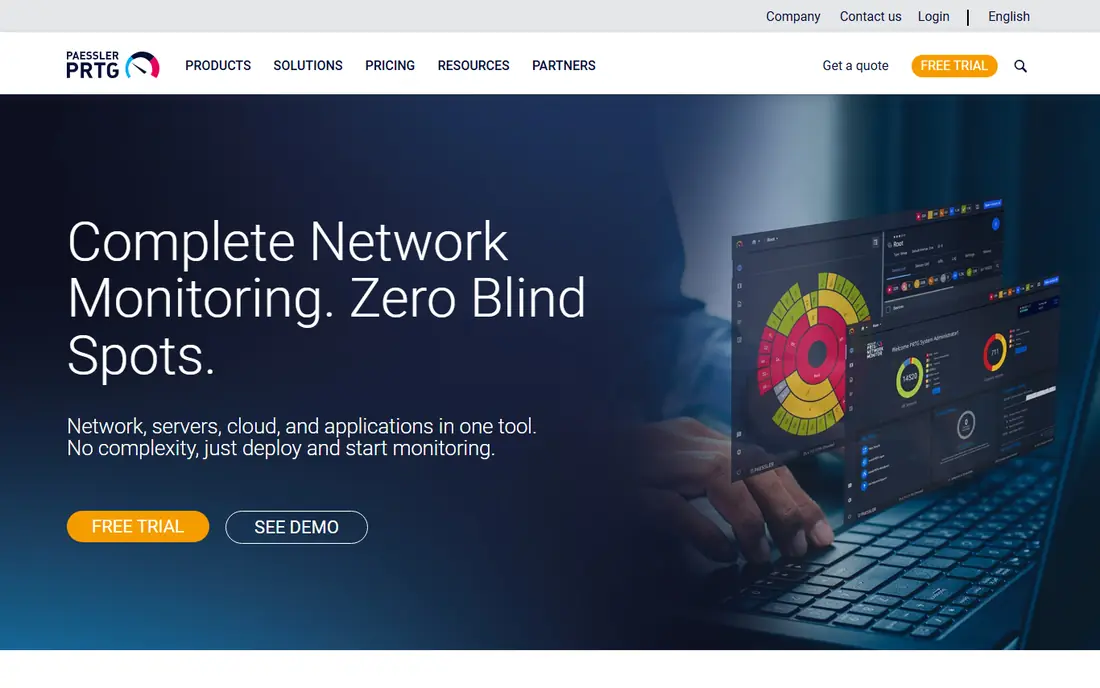
PRTG is our pick for most small and mid-sized teams that want one tool to watch switches, servers, and services without a long project. It discovers devices, builds maps, and offers sensors for common protocols including SNMP, WMI, NetFlow, and packet sniffing. The free tier covers 100 sensors, which is enough to test the tool on a real network before paying.
The catch is licensing by sensor. A single device can use many sensors, so costs can grow faster than device counts suggest. Plan your sensor use early, and turn off noisy sensors you do not need. For Windows-based teams that want fast setup and clear dashboards, PRTG remains one of the best network monitoring tools available.
- Auto-discovery and maps
- Sensor-based licensing
- Free tier with 100 sensors
- Windows-focused deployment
- Sensor counting needs care as networks grow

Auvik is built for teams that manage many sites or many clients. It discovers the network, draws a live map, and keeps monitoring running from the cloud, so you do not maintain a monitoring server yourself. Configuration backup and traffic insight help when a change breaks something and you need to see what shifted.
The trade-off is price structure. Per-device pricing is simple to understand, but a large estate with many switches and access points can become costly. Auvik offers a free trial, so test it on your largest site before committing. For managed service providers and distributed teams, Auvik is hard to beat for speed of deployment.
- Automatic discovery and live topology maps
- Cloud managed, so no server to maintain
- Configuration backup features
- Per-device pricing can add up
- Best value for multi-site and MSP use
SolarWinds Network Performance Monitor
Best for: Enterprise network performance on premises
SolarWinds NPM suits large, multi-vendor networks run by a dedicated IT team. It polls devices, tracks performance over time, and adds path analysis to show where traffic slows down across a network. For enterprises with hundreds or thousands of elements, that depth matters more than a quick setup.
The catch is effort. NPM is not a install-and-forget tool. It needs planning, tuning, and ongoing care to keep alerts useful rather than noisy. A free trial lets you test it against your real device inventory. If you run a large on-premises estate and have staff to run it, SolarWinds NPM is a proven enterprise monitoring software choice.
- Deep performance analytics
- Multi-vendor device support
- NetPath for path visualization
- Requires dedicated administration
- Licensing and setup can be complex
Datadog is the best network monitoring tool pick for cloud-first teams that already monitor apps and infrastructure in one platform. Its network monitoring sits alongside host metrics, logs, and traces, so a slow app and a network problem can be investigated in the same place. It covers cloud hosts, containers, and network devices through agents and SNMP-based device monitoring.
The catch is cost control. Datadog pricing is based on hosts, devices, and usage, so an unplanned rollout can grow the bill quickly. Use the free tier and trial to model costs with your real inventory. If your team already uses Datadog for observability, adding network monitoring there is often simpler than running a separate tool.
- Network data next to logs, traces, and metrics
- Strong cloud and container coverage
- Broad integration set
- Usage-based pricing needs careful budgeting
- Can be more than a pure network team needs
Zabbix is the top open source pick for teams that want full control without license fees. It monitors servers, network devices, and services through agents and standard protocols, and its templates make it possible to apply consistent checks across many devices. Paid support is available if you want help, but the core software itself is free.
The trade-off is time. Zabbix rewards teams with Linux skills and patience for configuration, and it can feel heavy for a team that just wants a quick map and a few alerts. If you have the skills in house and a tight budget, Zabbix gives you enterprise-grade monitoring without a per-device bill, which is why it stays on every serious shortlist.
- Free open source core
- Agents plus SNMP, ICMP, and HTTP checks
- Strong templating and alerting
- Setup and tuning take time
- Interface feels technical for beginners
OpManager suits mid-market teams that want solid network and server monitoring without enterprise pricing. It discovers devices, tracks performance and availability, and supports workflows that can restart a service or run a script when an alert fires. That automation can cut down on repetitive night-time work for a small team.
The catch is complexity in the interface. There is a lot packed into OpManager, and new users may need time to find the views that matter. A free edition and trial let you test it on your own devices. For budget-conscious teams with mixed Cisco, Juniper, Fortinet, and HP estates, OpManager is a practical pick.
- Device-based licensing with perpetual options
- Workflow automation
- Broad multi-vendor support
- Interface can feel dense
- Advanced flow analysis may need add-ons
LogicMonitor is a cloud platform for hybrid infrastructure, covering on-premises networks, cloud services, and servers from one console. Collectors gather data locally and send it to the cloud, so you avoid running a large monitoring server farm. Automated discovery and templated monitoring help new devices get covered quickly.
The trade-off is pricing transparency. LogicMonitor uses per-device pricing that usually requires a quote, so budgeting needs a direct conversation with the vendor. A free trial helps you test coverage and alert quality. For hybrid teams that want a managed platform with broad reach, LogicMonitor is a strong enterprise option.
- SaaS platform with minimal on-premises servers
- Broad hybrid coverage
- Automated discovery and alerting
- Quote-based pricing
- Can be costly for very large device counts
Nagios XI is the commercial edition of the long-running Nagios monitoring system, built around plugins that can check almost anything. If your team already uses Nagios plugins, or you need a custom check for an unusual device, Nagios gives you the freedom to build it. It covers network devices, servers, and services with alerting and reporting.
The catch is setup effort. Nagios rewards teams that enjoy scripting and configuration, and its interface will not feel as modern as Auvik or Datadog. A free version of the core product and a trial of XI let you test the fit. For shops that value custom checks and long-term stability over polish, Nagios XI remains a respected choice.
- Huge plugin ecosystem
- Highly customizable checks
- Nagios Core available free
- Configuration takes effort
- Interface feels dated next to newer cloud tools
How we picked these
We compared official vendor pages, pricing models, deployment options, and public user reviews, focusing on tools that support SNMP, flow data, or agent-based monitoring across multi-vendor networks. We included on-premises, cloud, and open source options because network teams differ widely in skills and budgets. We favored tools with a free tier, trial, or open source edition so readers can test before buying, and we treated review scores as one signal among many, not as a final verdict.
How to choose the right monitoring tool
Start with an honest device inventory. Count switches, routers, firewalls, access points, servers, and cloud resources you need to watch, and note which protocols they support. A tool priced per sensor, per device, or per host will cost very different amounts on the same network, so model the price on your real inventory, not on a vendor example.
Match the tool to your team, not just your network
A powerful tool that nobody has time to tune will produce noisy alerts and get ignored. Small teams often do better with Auvik or PRTG, where discovery and maps come quickly. Larger teams with dedicated network staff can get more from SolarWinds NPM, Zabbix, or Nagios. Cloud teams should weigh Datadog and LogicMonitor, where network data sits next to the rest of the stack.
Run a pilot on your busiest site
Use a free tier or trial on one real site with real devices, and judge three things: how fast discovery builds a useful map, how many alerts are actionable in the first week, and how clear the path is from an alert to a cause. Turn off noisy checks early, set thresholds with your team, and check that configuration backup and reporting cover your compliance needs. The best IT infrastructure monitoring software for you is the one your team will actually keep tuned after the pilot ends.
FAQ
What is the best network monitoring tool for a small business?
Paessler PRTG and Auvik are strong small business picks because they discover devices and build maps quickly. PRTG offers a free tier for smaller networks, while Auvik suits multi-site setups. Start with a trial on your real network before you pay.
What are the best network monitoring tools for enterprise networks?
SolarWinds NPM, Datadog, and LogicMonitor lead for enterprise use, with different strengths. SolarWinds suits large on-premises estates, Datadog suits cloud-native stacks, and LogicMonitor suits hybrid infrastructure. The best enterprise monitoring software choice depends on where your workloads run.
What is the best home network monitoring tool?
For home use, start with the tools built into your router and a free option such as PRTG with its free sensor tier or Zabbix on a small server. Home networks rarely need enterprise licensing. Keep the setup simple and focus on device discovery and alerts for outages.
What is the best cloud monitoring tool for hybrid networks?
LogicMonitor and Datadog both cover hybrid networks well, with LogicMonitor leaning toward infrastructure monitoring and Datadog leaning toward full observability. Compare device pricing and integration coverage for your cloud providers. A pilot on a hybrid workload will show which console your team prefers.
Is open source network monitoring good enough for production?
Yes, for teams with the skills to run it. Zabbix and Nagios Core monitor production networks for many organizations, and paid support is available. Open source saves license fees but costs staff time for setup, tuning, and upgrades. Budget that time honestly before you choose.
How is IT infrastructure monitoring software different from network monitoring?
Network monitoring focuses on devices, links, traffic, and availability across the network itself. IT infrastructure monitoring software covers a wider scope, including servers, storage, cloud resources, and applications. Many tools on this list do both, so check that the product covers the assets you actually need to watch.