Best Money Making Apps in 2026: 8 Apps Compared
Looking for the best money making apps? We compared 8 legit apps and sites for cash back, surveys, studies, freelancing and delivery by payout rules and fees.

- Editor's choice
 Rakuten
Earning cash back on shopping you already do
Starts atFreeVisit rakuten.comFull review - Great alternative
 Ibotta
Groceries, in-store shopping and everyday offers
Starts atFreeVisit ibotta.comFull review - Also consider
 Fetch
Scanning receipts for gift cards
Starts atFreeVisit fetch.comFull review
TL;DR:
- Cash back apps are the lowest-effort way to earn: Rakuten lists cash back at 3,500+ stores and pays every three months once you have earned more than $5.
- Prolific is one of the few survey-style sites that pays in real money, and it requires researchers to pay at least $8.00 per hour; you can cash out via PayPal once you reach $6.
- Fetch and Swagbucks pay in points that turn into gift cards, so the real value depends on how you redeem them.
- Upwork and DoorDash can pay far more per hour than survey apps, but they come with fees, requirements and uneven work: Upwork's service fee ranges from 0% to 15% per contract.
- Be wary of any app that asks for money up front or promises to win real money; we left out betting and game-for-cash apps for that reason.
Quick comparison
| Tool | Best for | Starts at | Free plan? | |
|---|---|---|---|---|
| Rakuten | Earning cash back on shopping you already do | Free | Yes | Visit |
| Ibotta | Groceries, in-store shopping and everyday offers | Free | Yes | Visit |
| Fetch | Scanning receipts for gift cards | Free | Yes | Visit |
 Swagbucks | A mix of surveys, shopping and games in one account | Free | Yes | Visit |
 Survey Junkie | Straightforward paid surveys for US adults | Free | Yes | Visit |
 Prolific | Paid academic and market research studies | Free | Yes | Visit |
 Upwork | Skilled freelancers looking for client work | Free | Yes | Visit |
 DoorDash Dasher | Flexible delivery work with a car, scooter or bicycle | See website | No | Visit |
The best money making apps
This list mixes apps that save you money, apps that pay for small tasks, and two that pay for real work. Most people will not replace a paycheck with any of them, and your results will vary. This is general information, not financial or tax advice.
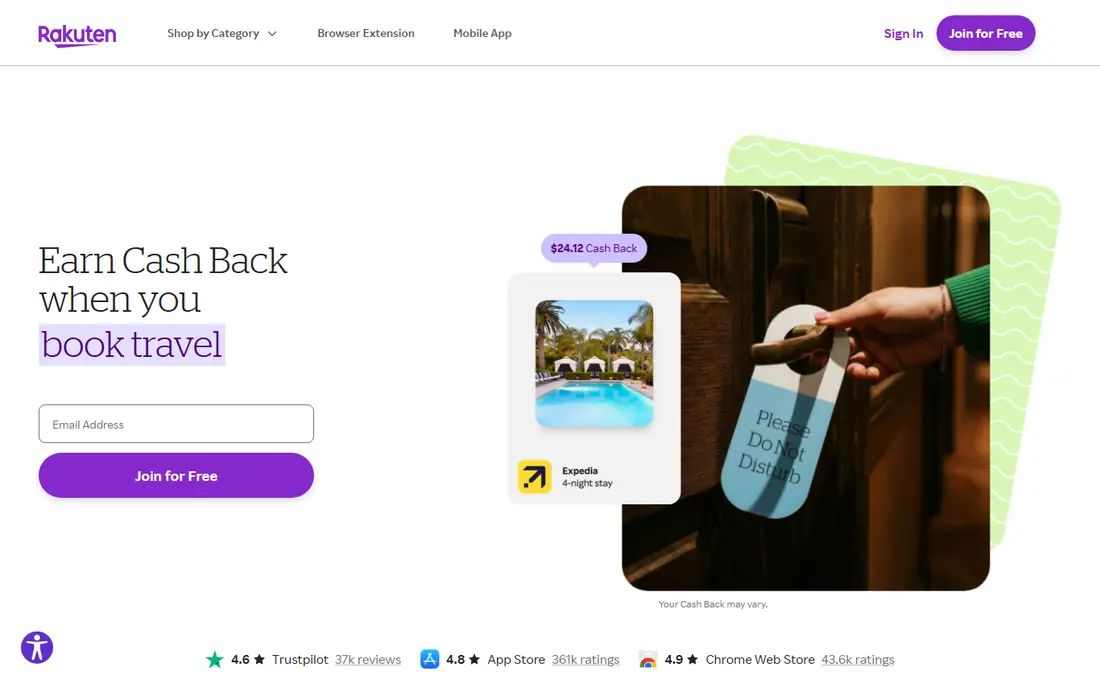
Rakuten is a free shopping platform. When you buy through its site or app, the store pays Rakuten a commission and Rakuten shares part of it with you as cash back. Its help center lists cash back at more than 3,500 stores and says members have earned over $4.6 billion since 1999. A $100 order at a store offering 5% pays $5.
Payments go out every three months as long as you have earned more than $5. You can be paid via PayPal, Bilt Points or check, and eligible American Express card members can take Membership Rewards points instead.
This is our pick for most people, because it needs almost no effort. The catch is the slow payout and the temptation to buy things just to earn cash back. It saves money you were going to spend anyway, but it is not income.
- Cash back at 3,500+ stores
- Pays via PayPal, Bilt Points or check
- Free to join
- Payments come only every three months
- Cash back is a percentage of purchases, so you earn only when you spend

Ibotta pays cash back on things you buy in stores and online. Its homepage says the app has 50 million registered users. You add offers in the app before you shop, then upload a receipt or link a loyalty card to get paid. The App Store listing says you can withdraw to a bank account or PayPal, or cash out as gift cards.
The same listing claims top users earn over $100 per month. Treat that as a ceiling reached by heavy users, not an average. It comes from the company's own marketing.
Ibotta is a good fit for a household that already buys groceries and household goods at the partner stores. It takes a few minutes per trip, so the payoff is modest and steady. The honest drawback is that it rewards specific brands, so you may end up buying what has an offer instead of what you wanted.
- Free app with offers for in-store and online purchases
- Withdraw to a bank account, PayPal or gift cards
- Works with receipt uploads or linked loyalty cards
- You have to add offers before you shop
- Top-earner claims are not typical
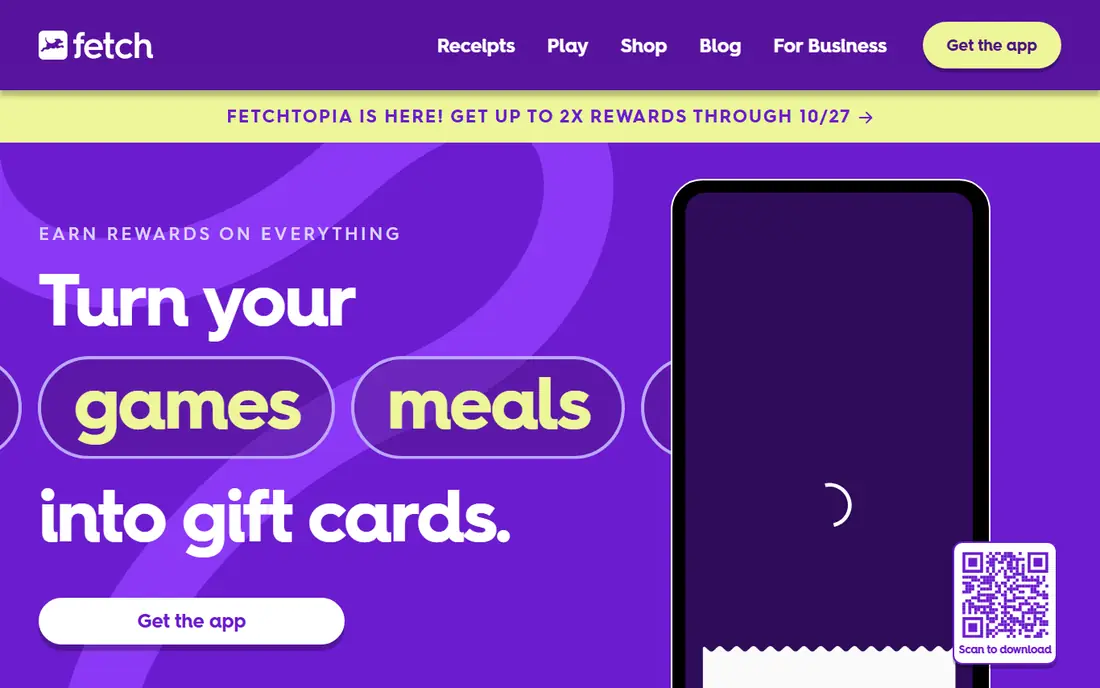
Fetch is the easiest app here to understand: snap a photo of any receipt and earn points. Fetch's help center says each physical receipt earns at least 25 points, and eReceipts from online purchases come in when you connect an eligible email or retailer account. Personalized offers on specific products give bonus points.
Points are redeemed for rewards, mostly gift cards. The help page says rewards take about 72 hours to process, and a Visa card is the only reward that has a physical option. The homepage says more than $1 billion in rewards has been redeemed, and it advertised a 2X points week running October 21 to 27, which is a short-term promotion.
We would use Fetch as a free add-on to what you already do. The tradeoff is value: you need many receipts to reach a gift card you care about, and the points are worth less than the cash from apps like Rakuten.
- Earn at least 25 points for each physical receipt you scan
- Connect email to capture online receipts
- Many gift card options
- Rewards are gift cards, not cash
- Points add up slowly
Swagbucks is run by Prodege and lets members earn points called SB through paid surveys, shopping through its store, games and offers. Its sign-up page lists a $10 bonus, worth 1,000 SB, but you must activate it and spend at least $25 at a featured store, so it is not free money. The site says SB can be redeemed for gift cards.
The App Store listing describes surveys, cash back shopping at stores such as Amazon and Walmart, daily trivia and mobile game rewards. A notice at the top of the site also warns that an ad blocker may stop you from earning SB.
It works for someone who wants one account for many small tasks. The honest catch is time: points come slowly, and the games and offers that pay the most often ask for more effort or a purchase. Read the terms of any offer before you start.
- Several ways to earn: surveys, cash back shopping, videos and games
- Redeem points for gift cards
- Free to join
- Points have to be converted into gift cards
- Welcome bonus has strings attached
Survey Junkie is a survey community run by DISQO, and its App Store listing says it has over 11 million members. You earn points by completing surveys, profile questionnaires and other actions marked as rewardable, then redeem points once you reach 1,000.
The listing says redemption options include cash through PayPal, popular e-gift cards and direct bank transfer. Membership is limited to people who are 18 or older and live in the United States.
It is a sensible first stop if you want the simplest version of paid surveys. The catch is the same one every survey app has: how much you earn depends on how often you qualify, and the payout per survey is small. Never pay to join a survey site, and be careful about the personal information you share.
- Redeem for PayPal cash, e-gift cards or bank transfer
- Cash out from 1,000 points
- Free to join
- Only for US residents aged 18 or older
- Survey availability depends on your profile
Prolific connects researchers with people who want to take part in studies. Its participant page says you are rewarded in real money, with no gift cards or cashback, and that tasks are voluntary so you can exit at any time. Joining involves a waitlist, an invitation and an identity check that the site says takes about 15 minutes.
Its help center explains the pay rules. Researchers must follow a minimum pay rate of 6.00 pounds or $8.00 per hour, and they cannot pay with gift cards or vouchers. You can cash out to PayPal once your approved balance across both currencies reaches 6 pounds or $6, usually once per day.
Prolific works well for people who can sit down for a short study here and there. The honest limits are the waitlist and inconsistent supply: there may be days without a study that fits you. Studies can also ask personal questions, so read each description first.
- Pays in real money rather than gift cards
- Researchers must pay at least $8.00 per hour
- Cash out to PayPal from $6
- You may start on a waitlist
- Study availability varies
Upwork is a freelance marketplace, so it pays for skills you already have: writing, design, bookkeeping, development, customer support and more. Its job pages invite you to create a free profile, then you send proposals to client job posts. Proposals use Connects, which the help center describes as virtual tokens used to submit proposals and some ad products.
Upwork charges freelancers a service fee that it says ranges from 0% to 15% per contract and is fixed once the contract begins. The fee percentage is shown when you send a proposal or receive an offer, so you know it before you accept. The company says the fee covers payment protection, fraud prevention and dispute resolution.
It has the highest earning potential on this list, and also needs the most effort. New freelancers often spend weeks on proposals and a profile before landing a first client. If you have a marketable skill, it is worth a try. If you are looking for quick spare change, Upwork is the wrong tool.
- Free profile
- Payment protection for hourly and fixed-price work
- Wide range of categories
- Fees of 0% to 15% per contract
- Proposals use Connects, which can cost money
DoorDash Dasher
Best for: Flexible delivery work with a car, scooter or bicycle
DoorDash lets you sign up as a Dasher and deliver orders on your own schedule. DoorDash says pay has three parts: base pay, promotions such as Challenges and Peak Pay, and tips. You can choose to earn per offer, where base pay reflects estimated time, distance and desirability, or by time at a minimum guaranteed hourly rate.
The requirements are specific. Dashers must be 18 or older, with 19 required in several states and 21 in California. You need a car, scooter or, in select cities, a bicycle, plus ID and a Social Security number used for a background check. After your first delivery DoorDash sends an activation kit with items such as a food warming bag.
The sign-up page does not list a fee. The real costs are fuel, wear on your vehicle and your time, so estimate your profit after expenses before you count on it. Delivery work is an independent contractor arrangement, which means no benefits and your own taxes to handle.
- You choose when and where you work
- Pay combines base pay, promotions and tips
- Any car, scooter or bicycle in select cities
- Age and ID requirements vary by state
- Earnings depend on demand and your costs
How we picked these
We looked for apps and platforms that exist and work today, pay out in a way ordinary US consumers can use, and publish how payments work. For each one we compared the vendor's own site, help center articles, app store listings and sign-up terms, focusing on payout minimums, fees, requirements and how rewards are paid.
We did not run hands-on tests or accept payment for placement. We left out apps that promise to win real money through betting, sweepstakes or games of chance, and anything that asks for a fee before you can earn. Earnings claims such as Ibotta's top-user figure are company claims, and we say so.
How to choose a money making app
Decide how much effort you want to spend
Cash back apps like Rakuten, Ibotta and Fetch take minutes and pay small amounts. Surveys and studies take more time per dollar. Freelancing and delivery take the most effort and pay the most.
Read the payout rules first
Check the minimum payout, how long payment takes and what you receive. Rakuten pays every three months. Prolific pays real money and has a $6 cash-out minimum. Fetch and Swagbucks pay in gift cards, which are less flexible than PayPal or a bank transfer.
Watch for fees and hidden costs
Free apps can still cost you in other ways: Upwork's service fee, Connects for proposals, fuel for deliveries, and the money you spend chasing cash back. Never pay a fee to join a survey site, and be cautious of any app that asks for your bank login or card number beyond a normal payout setup.
Remember taxes
Money from freelancing, delivery and some other work may be taxable income. Prolific has a help article on earnings and tax, and other platforms have their own. Keep records, and speak to a tax professional if you are unsure.
FAQ
What is the best money making app?
For almost no effort, Rakuten is our pick because it pays cash back on shopping you already do. For work that pays more, Upwork suits people with skills and DoorDash suits people with a vehicle. No single app is best for everyone.
What are the best apps to earn money fast?
No honest app pays quickly in large amounts. Fetch rewards come as gift cards after about 72 hours of processing, and Prolific lets you cash out once you reach $6. Be skeptical of any app that promises fast, big payouts.
Are there apps that pay real money without gift cards?
Yes. Prolific says it pays in real money rather than gift cards, and Survey Junkie offers PayPal cash and bank transfer. Ibotta can pay to a bank account or PayPal, and Rakuten pays via PayPal or check.
Is there an app to win real money?
Apps that promise you can win real money usually involve betting, sweepstakes or games of chance, and you can lose money. We did not include them. Stick to apps that pay for shopping, tasks or work.
Can you make a living with money making apps?
Very unlikely with cash back, receipt or survey apps. Freelancing on Upwork or delivery work can produce real income, but earnings vary and costs reduce your profit. This is general information, not financial advice.
Sources
- https://www.rakuten.com/help/article/how-rakuten-works
- https://www.rakuten.com/help/article/when-will-i-get-paid-360002117667
- https://ibotta.com/
- https://apps.apple.com/us/app/ibotta-save-earn-cash-back/id559887125
- https://fetch.com/
- https://help.fetch.com/hc/en-us/articles/115015863848
- https://help.fetch.com/hc/en-us/articles/115015889908
- https://www.swagbucks.com/p/about
- https://apps.apple.com/us/app/swagbucks-earn-real-rewards/id640439547
- https://apps.apple.com/us/app/survey-junkie/id1462195529
- https://www.prolific.com/participants
- https://participant-help.prolific.com/en/articles/445063-when-can-i-cash-out
- https://participant-help.prolific.com/en/articles/445061-can-researchers-offer-gift-cards-or-vouchers-as-payment
- https://support.upwork.com/hc/en-us/articles/211062538-Learn-about-the-Freelancer-Service-Fee
- https://support.upwork.com/hc/en-us/articles/211062898-Understanding-and-using-Connects
- https://www.upwork.com/freelance-jobs/
- https://dasher.doordash.com/en-us