Best Keyword Research Tool Under $50 Per Month in 2026: 8 Tools Compared
Best keyword research tool under $50 per month compared in 2026: Mangools, Moz, Ahrefs Starter and more that stay inside a small budget for small sites.

- Editor's choice
 Mangools
Simple suite for small sites
Starts at$29 per monthVisit mangools.comFull review - Great alternative
 Moz Pro
Authority metrics and learning
Starts at$39 per monthVisit moz.comFull review - Also consider
 Ahrefs Starter
Starter Ahrefs data
Starts at$29 per monthVisit ahrefs.comFull review
TL;DR:
- Mangools is our pick for most small sites, with KWFinder plus rank tracking in one suite.
- Moz Pro and Ahrefs Starter both sit under $50 on entry plans, but with smaller limits than their full suites.
- Google Keyword Planner is free and useful, but its volume ranges are broad and it is built for advertisers.
- Check daily query limits and tracked keyword counts, because those limits decide whether a cheap plan stays useful.
Quick comparison
| Tool | Best for | Starts at | Free plan? | |
|---|---|---|---|---|
| Mangools | Simple suite for small sites | $29 per month | Yes | Visit |
| Moz Pro | Authority metrics and learning | $39 per month | Free trial | Visit |
| Ahrefs Starter | Starter Ahrefs data | $29 per month | Yes | Visit |
 Google Keyword Planner | Free advertiser keyword data | Free | Yes | Visit |
 Ubersuggest | Simple keyword and site ideas | See website | Yes | Visit |
 Keysearch | Low cost keyword research | $17 per month | Free trial | Visit |
 Wincher | Focused rank tracking plus research | $49 per month | Free trial | Visit |
 LowFruits | Low competition keyword ideas | See website | Free trial | Visit |
The best Keyword Research Tool Under $50 Per Month
A keyword tool under $50 per month will not match Ahrefs or Semrush at full price, but it does not need to. For a small site, the job is finding keywords with real search demand, realistic difficulty, and clear intent, then tracking a modest set of terms. The tools below all offer a plan at or under $50 per month, and our pick for most small sites is Mangools for its clean suite, while Moz Pro is the pick when Domain Authority and learning resources matter most.

Mangools fits bloggers and small sites that want one simple suite. Its clearest strength is a full suite at a low price, which matters when you need keyword, SERP, and rank data together. For teams that want a tool you can learn in an afternoon, this focus keeps the day to day work simpler than a broad platform that tries to cover every related job at once.
The catch is its limits on the plan you would actually buy. That does not rule it out, but it does mean you should check daily limits on your plan before you commit, and run a small pilot with a real project rather than a demo file. If that pilot passes, Mangools is a sound pick for simple suite for small sites.
We compared Mangools on its official feature and pricing pages, public documentation, and user reviews. What stood out was its clean interface. What held it back in our comparison was its smaller keyword database.
- KWFinder plus SERPChecker, SERPWatcher, LinkMiner, and SiteProfiler
- Clean interface
- Low learning curve
- Smaller database than Ahrefs or Semrush
- Daily query limits on lower tiers
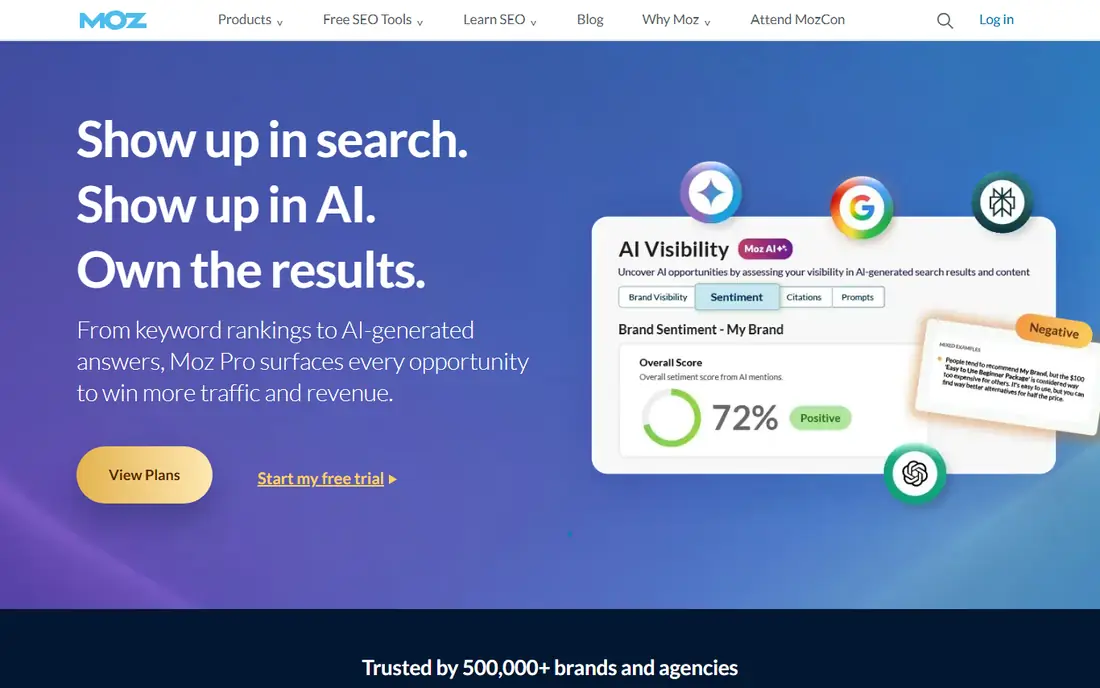
Moz Pro fits small businesses that value authority metrics. Its clearest strength is keyword research with trusted authority metrics, which matters when Domain Authority guides your link and content choices. For teams that want education alongside the tool, this focus keeps the day to day work simpler than a broad platform that tries to cover every related job at once.
The catch is its limits on the plan you would actually buy. That does not rule it out, but it does mean you should check rank update frequency on your plan before you commit, and run a small pilot with a real project rather than a demo file. If that pilot passes, Moz Pro is a sound pick for authority metrics and learning.
We compared Moz Pro on its official feature and pricing pages, public documentation, and user reviews. What stood out was its Domain Authority and guides. What held it back in our comparison was its database size.
- Domain Authority
- Keyword research, audits, and rank tracking
- Strong learning resources
- Smaller keyword database than rivals
- Weekly rank updates on lower plans
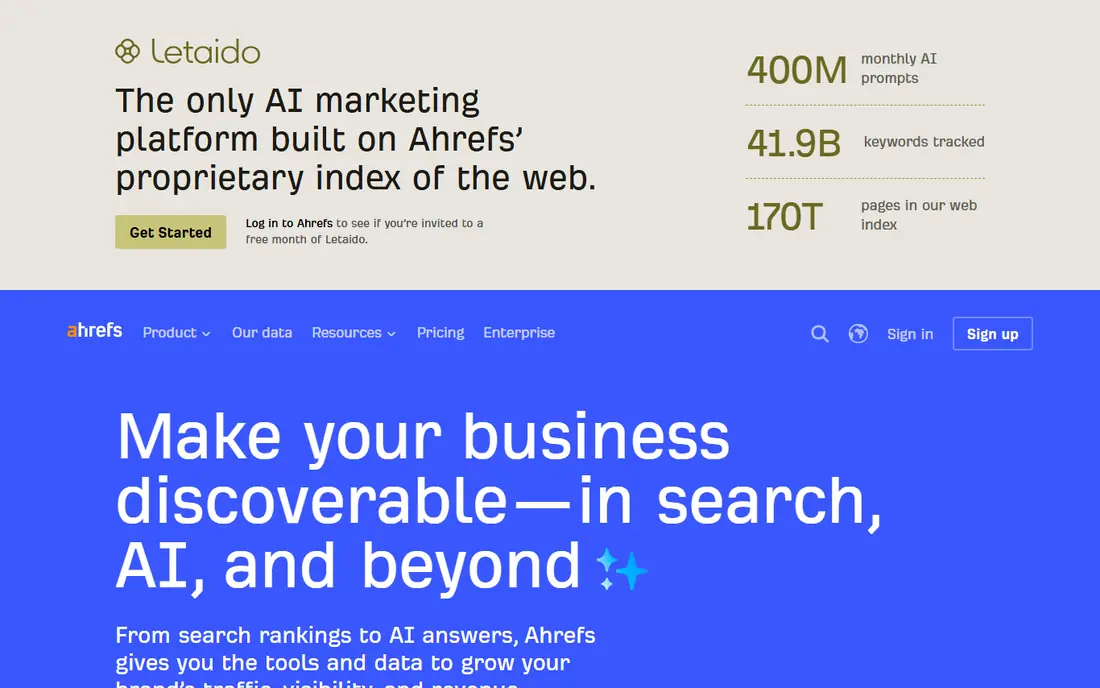
Ahrefs Starter fits sites that want Ahrefs data on a tight budget. Its clearest strength is low cost entry to Ahrefs data, which matters when you want Ahrefs metrics without a full suite price. For teams that need a starter plan for one site, this focus keeps the day to day work simpler than a broad platform that tries to cover every related job at once.
The catch is its limits on the plan you would actually buy. That does not rule it out, but it does mean you should check tracked keyword and credit limits before you commit, and run a small pilot with a real project rather than a demo file. If that pilot passes, Ahrefs Starter is a sound pick for starter ahrefs data.
We compared Ahrefs Starter on its official feature and pricing pages, public documentation, and user reviews. What stood out was its data quality at entry price. What held it back in our comparison was its tight Starter limits.
- Ahrefs keyword and backlink data at a low entry price
- Free tools for sites you own
- Starter limits are tight, with a small tracked keyword count
- Full features need higher tiers
Google Keyword Planner fits anyone starting keyword research for free. Its clearest strength is free keyword ideas from Google, which matters when budget is zero and you need a starting list. For teams that want Google data before paying, this focus keeps the day to day work simpler than a broad platform that tries to cover every related job at once.
The catch is its limits on the plan you would actually buy. That does not rule it out, but it does mean you should check whether your account shows exact volumes before you commit, and run a small pilot with a real project rather than a demo file. If that pilot passes, Google Keyword Planner is a sound pick for free advertiser keyword data.
We compared Google Keyword Planner on its official feature and pricing pages, public documentation, and user reviews. What stood out was its free access. What held it back in our comparison was its broad volume ranges.
- Free with a Google Ads account
- Search volume ranges
- Keyword ideas from Google data
- Volume data is ranged, not exact, for most accounts
- Built for ads, not SEO difficulty
Ubersuggest fits beginners who want simple keyword guidance. Its clearest strength is simple keyword research for beginners, which matters when you need ideas and difficulty without complexity. For teams that want content ideas alongside keywords, this focus keeps the day to day work simpler than a broad platform that tries to cover every related job at once.
The catch is its limits on the plan you would actually buy. That does not rule it out, but it does mean you should check which features sit on your tier before you commit, and run a small pilot with a real project rather than a demo file. If that pilot passes, Ubersuggest is a sound pick for simple keyword and site ideas.
We compared Ubersuggest on its official feature and pricing pages, public documentation, and user reviews. What stood out was its simple workflow. What held it back in our comparison was its shallower data depth.
- Keyword ideas, difficulty, and content ideas
- Site audit basics
- Simple interface
- Data depth lags larger suites
- Some features need higher tiers
Keysearch fits budget focused SEOs who need core research. Its clearest strength is core keyword research at a low price, which matters when every dollar matters and core data is enough. For teams that need rank tracking on the same bill, this focus keeps the day to day work simpler than a broad platform that tries to cover every related job at once.
The catch is its limits on the plan you would actually buy. That does not rule it out, but it does mean you should check daily search and tracking limits before you commit, and run a small pilot with a real project rather than a demo file. If that pilot passes, Keysearch is a sound pick for low cost keyword research.
We compared Keysearch on its official feature and pricing pages, public documentation, and user reviews. What stood out was its low price. What held it back in our comparison was its smaller database.
- Low starting price
- Keyword difficulty and volume
- Rank tracking and competitor checks
- Smaller database and fewer integrations than larger suites
- Interface feels dated to some users
Wincher fits small teams that prioritize daily rank data. Its clearest strength is daily rank tracking under $50, which matters when rank movement matters more than suite breadth. For teams that need client ready reports, this focus keeps the day to day work simpler than a broad platform that tries to cover every related job at once.
The catch is its limits on the plan you would actually buy. That does not rule it out, but it does mean you should check keyword and tracking limits on Basic before you commit, and run a small pilot with a real project rather than a demo file. If that pilot passes, Wincher is a sound pick for focused rank tracking plus research.
We compared Wincher on its official feature and pricing pages, public documentation, and user reviews. What stood out was its daily tracking. What held it back in our comparison was its narrower suite depth.
- Daily rank tracking
- Keyword research basics
- Clean reporting for clients
- Suite depth is narrower than Mangools or Moz
- Price sits at the top of this budget
LowFruits fits new sites hunting winnable keywords. Its clearest strength is low competition keywords for new sites, which matters when a new site must find terms it can actually rank for. For teams that want SERP weakness signals, this focus keeps the day to day work simpler than a broad platform that tries to cover every related job at once.
The catch is its limits on the plan you would actually buy. That does not rule it out, but it does mean you should check plan limits and keyword credits before you commit, and run a small pilot with a real project rather than a demo file. If that pilot passes, LowFruits is a sound pick for low competition keyword ideas.
We compared LowFruits on its official feature and pricing pages, public documentation, and user reviews. What stood out was its low competition focus. What held it back in our comparison was its narrow suite scope.
- Focus on low competition keywords
- SERP weakness analysis
- Useful for new sites
- Narrower focus than a full suite
- Needs a broader tool as a site grows
How we picked these
We compared official feature pages, pricing pages, documentation, and public reviews for each product, and we kept only products that exist, work in October 2026, and fit the topic on their own terms. We checked starting prices on vendor sites and used See website where a vendor does not publish a simple starting price or prices by quote. We favored products with clear controls for safety, privacy, and rollback, and we noted limits plainly instead of hiding them behind praise.
What to check before you choose a keyword tool
Check the limits that matter most
Free plans, credit caps, seat minimums, export limits, and quote-only pricing change the real cost fast. Read the pricing page for the plan you would actually buy, not the cheapest headline price, and confirm what happens when you hit a limit mid-project.
Plan for the day something goes wrong
The best tool in this kind of list is often the one that makes it easy to pause, roll back, export your work, or cancel. Keep a copy of your work outside the tool, note who owns the account, and confirm support hours before a deadline depends on it.
Start with the smallest real test
Pick one real project, one real audience, and one clear success measure before you pay for a full plan. A short pilot shows whether setup, limits, and support match the sales page, and it gives you a clean comparison point if you try a second tool later.
FAQ
What is the best keyword research tool under $50 per month?
Mangools is our pick for most small sites, Moz Pro is the pick for authority metrics and learning, and Ahrefs Starter is the pick for Ahrefs data on a budget. Google Keyword Planner is the best free starting point.
Is Ahrefs really under $50 per month?
Yes, on its Starter plan, which is listed near $29 per month in recent pricing guides, with tight limits on tracked keywords and credits. Check the current Ahrefs pricing page, because tiers and limits change.
Can I do keyword research for free?
Yes, with Google Keyword Planner, Google Search Console, and free tiers from several tools in this list. Free tools give volume ranges and ideas, while paid tools add exact difficulty, SERP analysis, and rank tracking.
What matters more, volume or difficulty?
Intent matters most, then difficulty, then volume. A lower volume keyword with clear buying or learning intent and weak competition often beats a high volume keyword you cannot rank for.
How many keywords should I track?
Start with 20 to 50 keywords tied to pages you actually plan to build or improve. Tracking hundreds of terms on a cheap plan wastes limits and hides the movement that matters.