Best Free SEO Keyword Research Tools in 2026: 9 Tools Compared
Find the best free SEO keyword research tools for search volume, questions and competitor ideas, with free limits and paid upgrades compared in 2026 today.

- Editor's choice
 Google Keyword Planner
Free volume data from Google
Starts atFreeVisit ads.google.comFull review - Great alternative
 Google Trends
Seasonality and rising topics
Starts atFreeVisit trends.google.comFull review - Also consider
 Google Search Console
Keywords your site already ranks for
Starts atFreeVisit search.google.comFull review
TL;DR:
- Google Keyword Planner is our pick for free volume data straight from Google, with a free Google Ads account.
- Google Trends and Google Search Console are essential free companions, for seasonality and your own site data.
- Ahrefs free tools and Semrush free accounts give a taste of professional data, but with strict daily limits.
- AnswerThePublic and Keyword Surfer are best for question ideas and quick in-search data, not full volume research.
- Free tools round search volumes and limit exports, so combine two or three tools before you commit to a content plan.
Quick comparison
| Tool | Best for | Starts at | Free plan? | |
|---|---|---|---|---|
| Google Keyword Planner | Free volume data from Google | Free | Yes | Visit |
| Google Trends | Seasonality and rising topics | Free | Yes | Visit |
| Google Search Console | Keywords your site already ranks for | Free | Yes | Visit |
 Ahrefs Free Tools | Professional keyword data taste | Free | Yes | Visit |
 Semrush Free Account | Daily professional research queries | Free | Yes | Visit |
 Ubersuggest | Beginner-friendly keyword ideas | Free | Yes | Visit |
 AnswerThePublic | Question and phrase ideas | Free | Yes | Visit |
 Moz Keyword Explorer | Difficulty scores with free queries | Free | Yes | Visit |
 Keyword Surfer | Quick volume data in search results | Free | Yes | Visit |
The best free SEO keyword research tools
Free keyword tools will not replace a full paid suite, but they can take a small site a long way. The trick is using each tool for what it does best: Google for volume and trends, your own Search Console data for reality, and question tools for content angles.
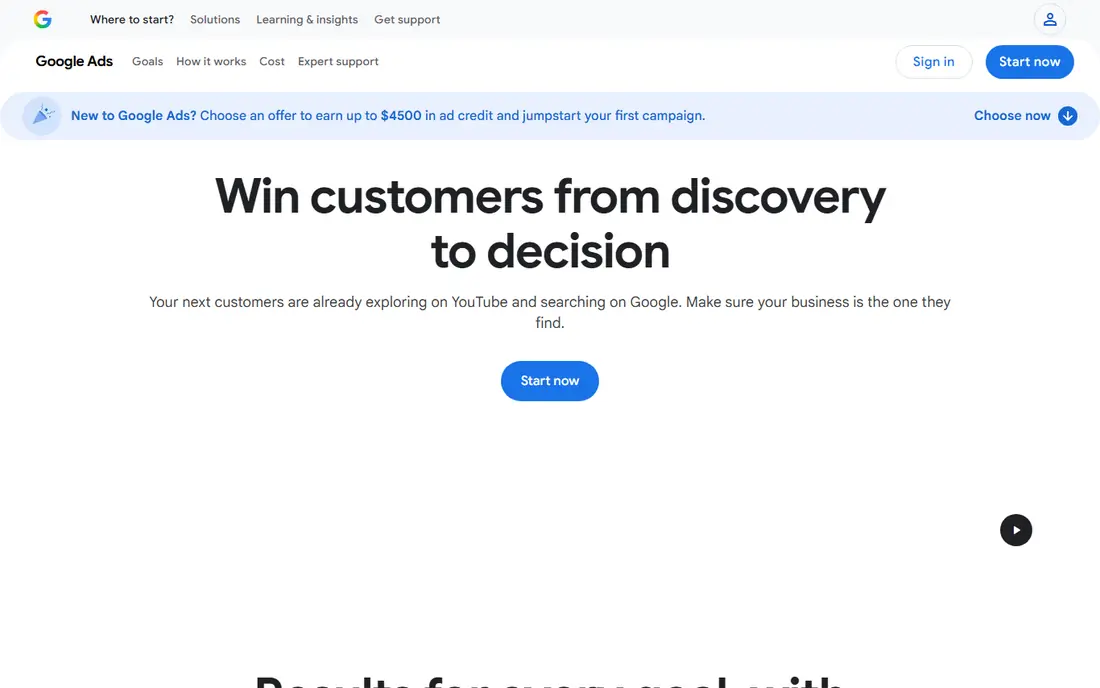
Keyword Planner is the baseline free tool, because its data comes from Google itself. Enter a seed keyword, get ideas with average monthly searches, competition for ads and suggested bids, and filter by location and language. It needs a Google Ads account, but you do not need to run ads to use it.
The catch is rounding. Without active campaigns, volumes appear as broad ranges, such as 1,000 to 10,000, rather than exact numbers. Use Planner for relative size and idea generation, then cross-check promising terms in Search Console, Trends or a paid tool before you build content around them.
- Volume data straight from Google
- Keyword ideas by seed term
- Free with a Google Ads account
- Volumes are rounded to ranges without active ad spend
- No difficulty score
- Built for advertisers, not SEOs
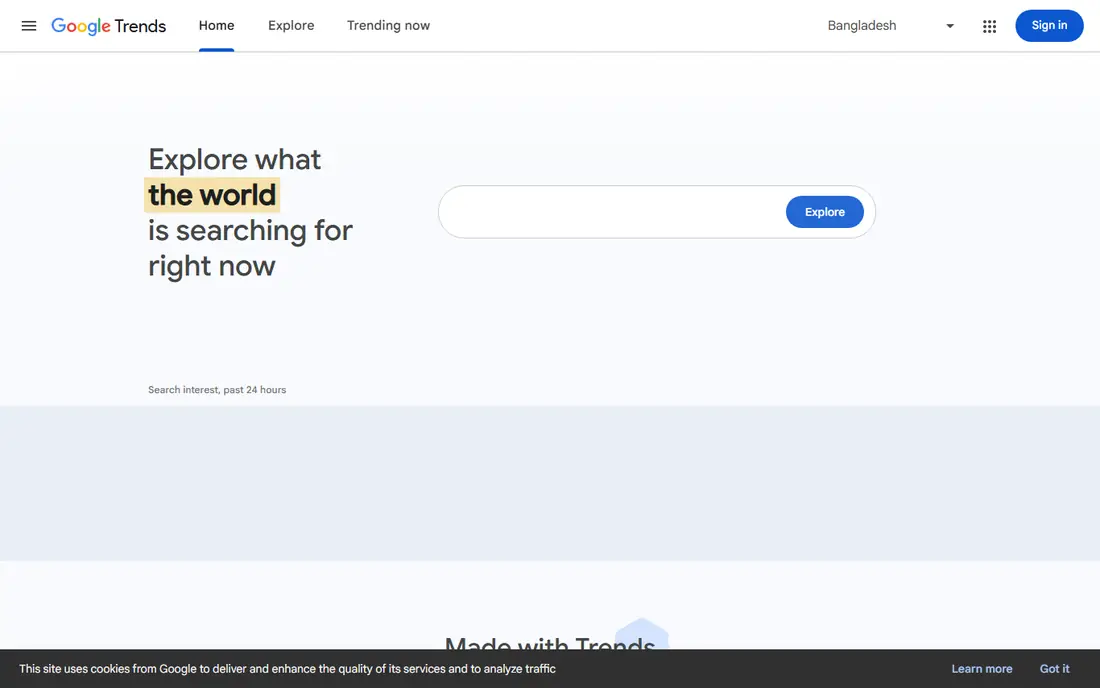
Google Trends answers a question Planner cannot: is this topic rising, falling or seasonal? Compare terms over time, by region and by related queries, and spot a trend before it peaks. That helps a content plan avoid chasing a term that only spikes once a year, or missing a rising topic early.
Trends shows relative popularity on a 0 to 100 scale, not search counts, so pair it with Planner for volume. Used together, Trends tells you when to publish and Planner tells you how big the prize might be.
- Free and unlimited
- Shows seasonality and rising queries
- Compares up to five terms
- Shows relative interest, not absolute volume
- No difficulty data
- Limited for very low-volume terms

Search Console is the most underused free keyword tool, because it shows what people actually typed before clicking your site. Filter by query, page and country, find terms where you rank on page two, and improve those pages first, since a small ranking gain can bring real traffic. That near-miss work often beats chasing brand-new keywords.
It only covers your own site, so it cannot replace competitor research. Combine Search Console with Planner and a question tool, and you have a solid free workflow: find what you already rank for, check its size and seasonality, then build better content around it.
- Free
- Shows real queries, clicks and impressions for your site
- Finds near-miss rankings to improve
- Only shows data for your own verified site
- No competitor data
- Limited to recent history
Ahrefs offers free standalone tools, including a keyword generator and a keyword checker, plus free Webmaster Tools for your own verified sites. Those free tools give a useful sample of Ahrefs data quality, with keyword ideas and basic difficulty signals, without a subscription. Paid plans start with Starter at $29 per month and Lite at $129 per month for fuller access.
Free limits mean you cannot run a whole content programme on Ahrefs free alone. Use it to sanity-check difficulty and ideas for your most important pages, and use Google tools for the bulk of free research. If you later pay for one SEO suite, Ahrefs is a strong candidate.
- Free keyword generator and checker
- Large keyword database behind paid plans
- Useful difficulty signals on paid tiers
- Free tools are limited
- Full data needs a paid plan from $29 per month for Starter
- No full competitor research free
A free Semrush account gives a limited number of daily research queries, with keyword ideas, difficulty estimates and search intent, plus a small site audit and tracked keywords. That daily allowance is enough to research a few terms a day for a small site, and it shows how the full platform works before you pay.
The limits frustrate anyone researching in bulk, and the full Pro plan at $139.95 per month is a big jump. Use the free account for your highest-value terms, and lean on Google tools for volume work. For agencies and larger sites, the paid suite is a different proposition.
- Free account with daily research queries
- Keyword ideas, difficulty and intent filters
- Full suite on paid plans
- Daily limits are strict
- Full Pro plan costs $139.95 per month
- Some reports need a paid plan
Ubersuggest is the friendliest free tool for beginners, with keyword ideas, volume estimates, difficulty scores and content suggestions in a plain interface. The free plan allows a few searches a day, which suits a blogger or small business researching one topic at a time. Paid plans start low, with Individual plans reported around $12 per month in some comparisons, making an upgrade affordable.
Data depth and accuracy trail the big suites, so treat Ubersuggest as a starting point, not a final verdict. Cross-check its volume and difficulty calls in Planner or Ahrefs free tools before you invest in a long article.
- Free searches each day
- Simple keyword ideas, volume and difficulty
- Content ideas included
- Free searches are limited to a few per day
- Data depth is thinner than Ahrefs or Semrush
- Paid plans needed for bulk work
AnswerThePublic turns a seed keyword into the questions, prepositions and comparisons people actually search for, presented as a visual map. That makes it ideal for FAQ sections, blog outlines and content that answers real user questions, rather than repeating a head term. The free tier allows a few searches a day, with paid plans from around $5 per month in some comparisons.
It gives no search volume or difficulty data, so pair it with Planner for sizing. Use AnswerThePublic for angles and headings, then check which questions have enough search demand to justify a full article.
- Visual question and preposition maps
- Great for FAQ and blog angles
- Free searches each day
- Free searches limited to three per day in published comparisons
- No volume or difficulty data
- Paid plan needed for exports
Moz Keyword Explorer offers free monthly queries with difficulty, opportunity and volume estimates, plus a clean interface that suits beginners. Its difficulty scoring is respected, and the tool helps you judge whether a term is realistic for your site authority before you write. Free access is limited, with ten queries per month in published comparisons.
That limit means Moz free works best as a second opinion on difficulty for your shortlist, not as a bulk research tool. If you already use Moz Pro, Keyword Explorer becomes a natural daily tool. Otherwise, use it sparingly for your most important terms.
- Free queries each month
- Difficulty and opportunity scores
- SERP analysis on paid plans
- Free queries limited to ten per month in published comparisons
- Full Moz Pro costs more
- Database smaller than Ahrefs
Keyword Surfer is a free Chrome extension that shows estimated search volume, CPC and related keywords directly in Google search results, without opening another tool. That makes it perfect for quick checks while you browse: is this term worth pursuing, and what related terms look promising? It is lightweight, fast and genuinely free.
Estimates are rough, and there is no full workflow for tracking, exporting or analysing a large keyword list. Use Keyword Surfer for quick triage, then confirm promising terms in Planner, Search Console or a paid tool before committing content time.
- Free Chrome extension
- Shows volume and CPC data in Google search results
- Quick related ideas
- Browser extension only
- Data is estimated
- No full research workflow or exports
How we picked these
We compared official feature pages, pricing pages and public reviews for free keyword research tools in October 2026, favouring tools with a real free tier or free account, not just a trial. We included Google tools, professional free tiers, question tools and a browser extension, and we noted where free limits apply. Paid prices shown are starting rates for context, not the free price.
What to check before you trust a free tool
Free volume data is often rounded or estimated, so never build a whole strategy on one number. Check a term in two tools, look at Trends for seasonality, and check Search Console for terms your site already ranks for. Judge difficulty honestly against your site authority: a high-volume term with strong competitors is not a free win. Start with low-competition, specific terms, win those, then move up to broader keywords as your authority grows.
FAQ
What are the best free keyword research tools for SEO?
Google Keyword Planner, Google Trends and Google Search Console are the best free trio, covering volume, seasonality and your own site data. Add Ahrefs free tools or Semrush free accounts for professional difficulty checks, and AnswerThePublic for question ideas.
What are the best free SEO keyword research tools without signing up?
Keyword Surfer works in the browser with no full account workflow, and Google Trends needs no SEO subscription. Most full tools, including Planner, Search Console and Semrush, need a free Google or vendor account, which is normal for free tiers.
Is Google Keyword Planner really free?
Yes, Keyword Planner is free with a Google Ads account, and you do not need to run ads to use it. Without active ad spend, search volumes are shown as broad ranges rather than exact numbers, which is the main free limitation.
How accurate are free keyword tools?
Free tools give useful relative signals, but volumes are often rounded or estimated, and difficulty scores vary between tools. Use two or three tools together, and treat their numbers as guidance for prioritising content, not as exact traffic promises.
Can I do keyword research without paying for Ahrefs or Semrush?
Yes, for a small site. Google tools plus AnswerThePublic, Ubersuggest free searches and Keyword Surfer cover ideas, volume, seasonality and questions. Paid suites become worth it when you need competitor research, bulk data and tracking at scale.
What is the difference between search volume and keyword difficulty?
Search volume estimates how many people search a term each month. Difficulty estimates how hard it is to rank for that term, based on the strength of pages already ranking. A good target has enough volume to matter and difficulty low enough for your site to compete.
Sources
- https://ads.google.com/home/tools/keyword-planner/
- https://trends.google.com/trends/
- https://search.google.com/search-console/about
- https://ahrefs.com/free-seo-tools
- https://www.semrush.com/pricing/
- https://neilpatel.com/ubersuggest/
- https://answerthepublic.com/pricing
- https://moz.com/explorer
- https://www.keywordsurfer.com