Best Food Delivery App in 2026: 9 Apps Compared
Find the best food delivery app for your next order. We compare nine apps on restaurant choice, delivery fees, subscriptions, coverage, speed, and value.
- Editor's choice
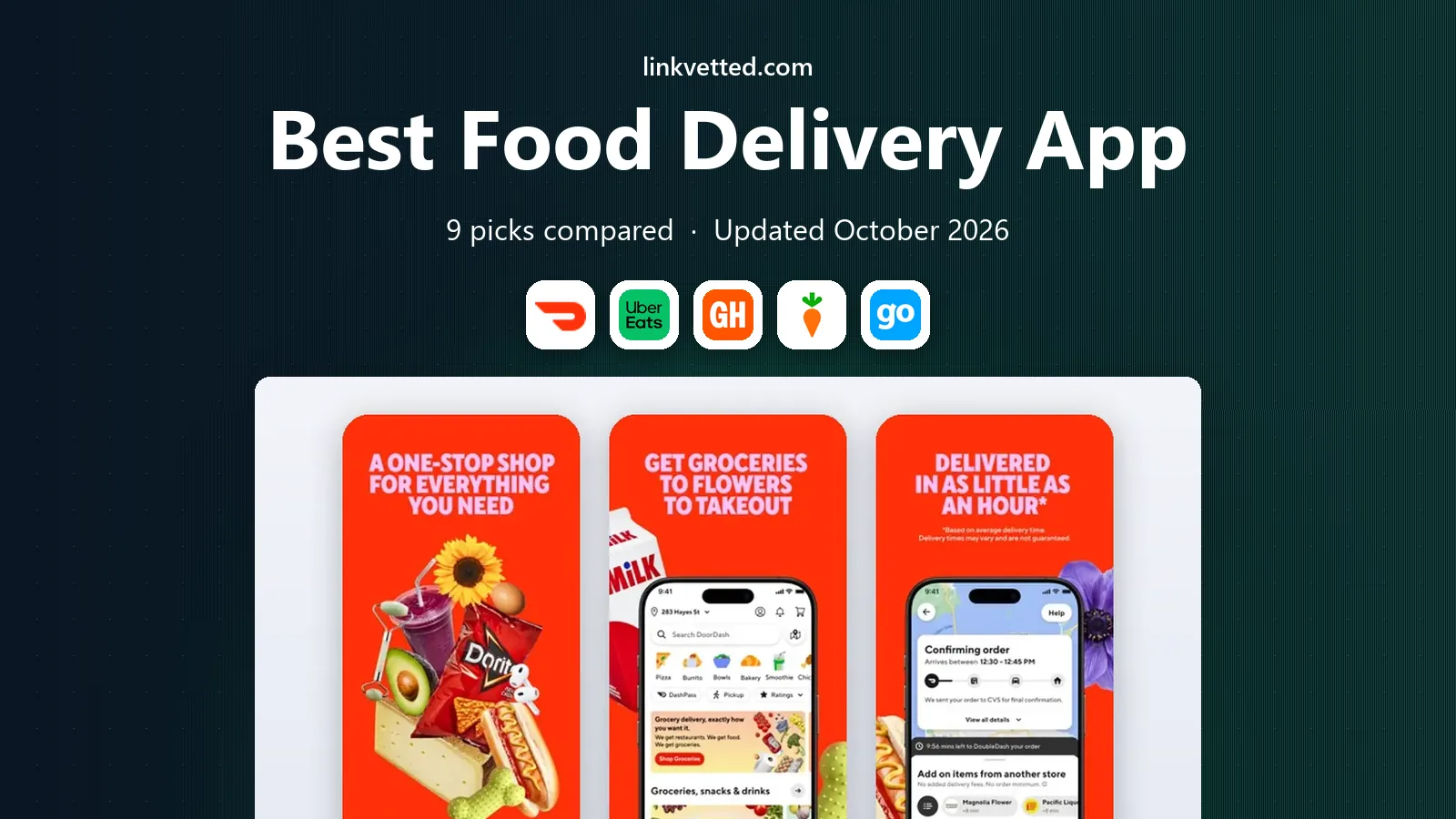
 DoorDash
Widest choice and coverage
Starts atFreeVisit doordash.comFull review - Great alternative
 Uber Eats
City delivery and Uber One value
Starts atFreeVisit ubereats.comFull review - Also consider
 Grubhub
Restaurant delivery and perks
Starts atFreeVisit grubhub.comFull review
TL;DR:
- DoorDash offers the widest restaurant and retail choice in most US cities, making it the safest first app for most orders.
- Uber Eats suits city users who want fast delivery and a subscription that also covers rides.
- Grubhub suits users who want restaurant-focused delivery and perks through work or loyalty programs in some markets.
- Delivery fees, service fees, and tips add up fast, so compare the full checkout total, not just the menu price.
- A subscription only saves money if you order often enough to cover its monthly cost with fee savings.
Quick comparison
| Tool | Best for | Starts at | Free plan? | |
|---|---|---|---|---|
| DoorDash | Widest choice and coverage | Free | Yes | Visit |
| Uber Eats | City delivery and Uber One value | Free | Yes | Visit |
| Grubhub | Restaurant delivery and perks | Free | Yes | Visit |
 Instacart | Grocery and food delivery | Free | Yes | Visit |
 goPuff | Convenience and late night orders | Free | Yes | Visit |
 Favor Delivery | Texas food delivery | Free | Yes | Visit |
 ChowNow | Direct restaurant ordering | Free | Yes | Visit |
 Slice | Local pizza ordering | Free | Yes | Visit |
 Hungryroot | Grocery plus meal delivery | Free | Yes | Visit |
The best food delivery app
We compared official feature pages, app store listings, fee descriptions, subscription pages, and public reviews to judge restaurant choice, delivery speed, fees, and coverage. Fees vary by restaurant, distance, and time, so we focus on fee structure and subscription value rather than a single order total.
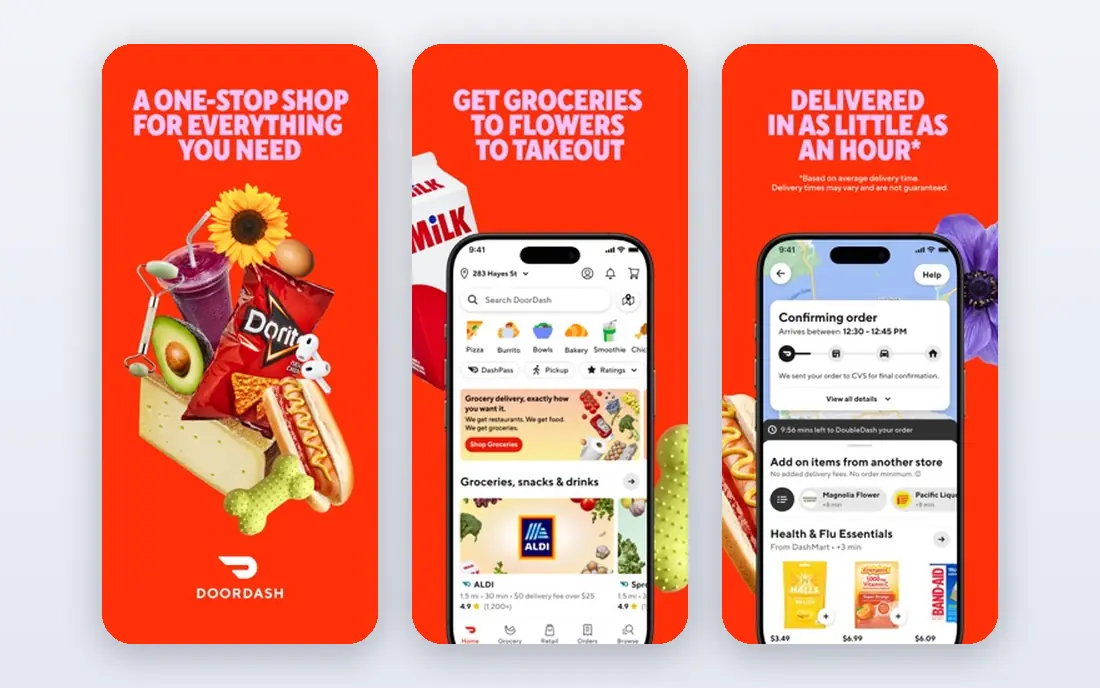
DoorDash fits most US users as a first food delivery app, since it covers restaurants, grocery, convenience, and retail in many cities. You can filter by cuisine, price, rating, and delivery time, track an order in the app, and schedule delivery for later. That breadth makes it useful for both a quick lunch and a larger household order.
The catch is cost. Delivery fees, service fees, and tips vary by restaurant and demand, and some menus cost more on DoorDash than in store. DashPass, at $9.99 per month in recent listings, can lower delivery and service fees on eligible orders, but only frequent users will save enough to cover it. Always check the full checkout total before you confirm.
- Largest restaurant and retail selection in many cities
- DashPass for frequent orders
- Grocery and convenience delivery
- Fees and menu markups vary by restaurant
- Delivery quality varies by driver and area

Uber Eats suits a city user who already uses Uber for rides and wants one subscription for both. The app offers restaurant, grocery, and convenience delivery, with live tracking and scheduled orders. Uber One, which covers eligible delivery orders and rides, can be good value if you use both services regularly.
Fees still vary by restaurant, distance, and busy periods, and surge-style pricing can raise a total during peak hours. Menu prices may also differ from in-store prices, so a cheap-looking order can become costly at checkout. For a city user who orders often, Uber Eats offers speed and convenience that are hard to beat.
- Strong city coverage
- Live tracking
- Uber One benefits across rides and delivery
- Fees vary by demand
- Some restaurants cost more than in store
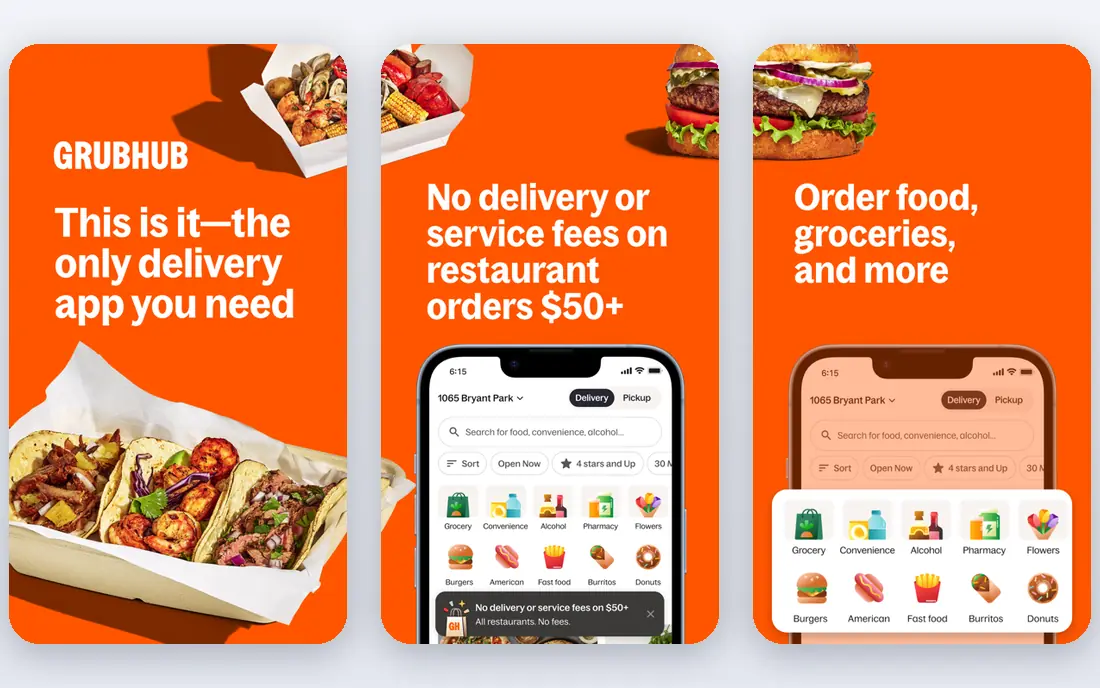
Grubhub fits a user who mainly wants restaurant food and values a focused restaurant app. You can save favorite restaurants, filter by cuisine and rating, and track orders in the app. Grubhub Plus, at $9.99 per month in recent listings, offers free delivery on eligible orders over a set amount, plus deals for members.
The main limit is coverage. In many cities Grubhub has fewer restaurants than DoorDash or Uber Eats, especially outside larger markets. Fees and small order charges also vary, so check the checkout total. Grubhub is a strong second app, especially if your employer or a loyalty program covers Grubhub Plus.
- Restaurant-focused selection
- Grubhub Plus for eligible free delivery
- Perks in some work programs
- Coverage is thinner than DoorDash in many cities
- Fees vary by restaurant
Instacart suits a household that wants groceries and prepared food in one app. You can shop from grocery stores, retail shops, and some restaurants, choose a delivery window, and chat with a shopper about replacements. That flexibility helps for a weekly shop as well as a last-minute meal.
Grocery delivery fees often start around $3.99 or more, with service fees and tips on top, so a small grocery order can feel costly. Instacart Plus, at $9.99 per month in recent listings, lowers fees on eligible orders, but only frequent shoppers will save enough to cover it. Use Instacart for larger shops where the fee spreads across more items.
- Grocery, retail, and restaurant delivery in many areas
- Scheduled delivery
- Live shopper chat
- Delivery fees start higher for grocery orders
- Tips and service fees add up
goPuff fits a user who needs snacks, drinks, or household items quickly, especially late at night. Orders come from a local goPuff facility rather than scattered restaurants, which can make pickup and delivery faster. The app is simple to use for a small convenience order when a full restaurant meal is not needed.
The limit is scope. goPuff does not offer the wide restaurant choice of DoorDash or Uber Eats, and it only operates in its own zones. Delivery fees and minimums vary by area, so check the checkout total. For late night convenience in a covered city, goPuff is a useful extra app.
- Fast convenience delivery from local facilities
- Late night hours in covered zones
- Snacks, drinks, and household goods
- Limited to goPuff zones
- Restaurant choice is narrow compared with DoorDash
Favor Delivery fits a Texas user who wants food delivery from local restaurants across the state. The app focuses on Texas cities, with local runners and a restaurant list built around Texas dining. Reordering from favorites is easy, and the local focus can mean better coverage of independent Texas restaurants than a national app in some areas.
The limit is geography. Favor only operates in Texas, so it cannot serve a user in another state, and coverage still varies by city. Fees and delivery times vary by restaurant, as with other apps. If you live in Texas and order often, Favor is a useful local app beside a national delivery app.
- Texas-focused restaurant choice
- Local delivery runners
- Easy reordering
- Texas only, so it cannot serve users outside the state
- Coverage varies by Texas city
ChowNow fits a user who wants to support a local restaurant directly and avoid marketplace markups. Orders go to the restaurant itself, rather than through a large marketplace, and many restaurants offer pickup or delivery through ChowNow. That direct model can mean fairer prices for the restaurant and, in some cases, lower costs for you.
The trade-off is choice. ChowNow covers fewer restaurants than DoorDash or Uber Eats, and delivery in many areas is handled by a partner service. If your favorite local spot uses ChowNow, it is worth checking first, but it will not replace a big marketplace for wide choice.
- Orders go direct to the restaurant
- No menu markup on many orders
- Pickup and delivery options
- Restaurant choice is smaller than big marketplaces
- Delivery is handled by partners in many areas
Slice fits a pizza lover who wants local pizzerias rather than only large chains. The app focuses on independent pizza shops, with easy ordering, reordering, and deals from local stores. That focus helps small shops reach customers without joining a large marketplace on the same terms.
The limit is obvious. Slice only covers pizza, so it cannot serve a household that wants sushi, tacos, and salads in one order. Coverage also varies by city, with stronger choice in areas with many independent pizzerias. Keep Slice as a pizza app beside a general delivery app.
- Focus on local pizzerias
- Easy pizza ordering and reordering
- Deals from local shops
- Pizza only, so it cannot cover a full range of cuisines
- Coverage varies by city
Hungryroot suits a household that wants groceries and simple meals delivered on a schedule, rather than a one-off restaurant order. You take a quiz, get personalized grocery and recipe suggestions, and receive a weekly box with ingredients and meal ideas. That structure helps with planning and reduces daily ordering decisions.
It is not a restaurant delivery app in the usual sense, since orders follow a weekly plan rather than on-demand delivery. Weekly minimums and subscription costs apply, so check the plan price for your household size. For a family that wants planned meals and groceries together, Hungryroot is a useful alternative to daily delivery.
- Grocery and meal kits in one box
- Personalized recommendations
- Flexible delivery schedule
- Subscription model, not on-demand restaurant delivery
- Weekly minimums apply in many plans
How we picked these
We compared official feature pages, app store listings, fee descriptions, subscription pages, and public reviews, and we favored food delivery apps that work in the US in October 2026. We judged restaurant and store choice, delivery speed, fee structure, subscription value, and coverage. We left out apps that had shut down or that only operated in a single small city without a clear national or regional role.
How to lower the cost of food delivery
Compare the full checkout total across two apps before you order, since fees and menu prices differ by restaurant. Look for pickup when it is convenient, since pickup often removes delivery and service fees. If you order twice a week or more, test a subscription for a month and check whether fee savings actually cover its cost.
Fees to watch at checkout
Delivery fees, service fees, small order fees, and tips each add to the menu total, and busy periods can raise some fees. Menu prices on delivery apps can also differ from in-store prices, so a low delivery fee does not always mean a low total. A quick total comparison across apps usually saves more than any single promo code.
FAQ
What is the best food delivery app?
DoorDash is the best general pick for widest choice and coverage, while Uber Eats suits city users and Grubhub suits restaurant-focused users. The best app for you depends on your city, favorite restaurants, and how often you order. Test two apps with the same order to compare full checkout totals.
What is the best food delivery app right now for frequent orders?
DoorDash with DashPass and Uber Eats with Uber One both suit frequent users, since they lower delivery and service fees on eligible orders. Grubhub Plus also suits frequent restaurant orders, especially if it is covered by a work program. Track one month of fee savings against the subscription cost before you renew.
What is the best delivery food app for cheap orders?
No single app is cheapest for every order, since fees and menu prices vary by restaurant and time. Pickup, promo codes, and subscription savings can each lower a total, but the best check is the full checkout total across two apps. Small orders often carry extra fees, so bundling items into one larger order can help.
How do food delivery apps charge fees?
Most apps charge a delivery fee, a service fee based on the order total, and sometimes a small order fee, plus a tip for the driver. Restaurants may also set higher menu prices on delivery apps than in store. The exact mix varies by app, restaurant, distance, and demand, so read the checkout breakdown before you pay.
What is the best food app for delivery in New York City?
Grubhub offers strong New York restaurant choice, while DoorDash and Uber Eats offer wider coverage across food, grocery, and convenience. Grubhub suits a user who mainly orders from local restaurants in the city. For grocery and convenience as well as restaurants, DoorDash or Uber Eats may be more useful.