Best Email Warmup Service for Cold Outreach in 2026: 8 Services Compared
We compared warmup networks, deliverability tools and safety to find the best email warmup service for cold outreach with consent based lists in 2026.
- Editor's choice
 Instantly
Warmup plus outreach campaigns
Starts atSee websiteVisit instantly.aiFull review - Great alternative
 Smartlead
High volume outreach and deliverability
Starts atSee websiteVisit smartlead.aiFull review - Also consider
 Lemlist
Personalized outreach with warmup
Starts atSee websiteVisit lemlist.comFull review
TL;DR:
- Instantly and Smartlead are our top picks for most cold outreach teams, because they pair warmup with sending, inbox placement checks, and campaign controls.
- Lemlist, Woodpecker, and Reply.io suit teams that want warmup inside a full outreach workflow, rather than a standalone warmup tool.
- Warmup Inbox, Mailwarm, and Warmbox suit smaller teams and single inboxes that need a simple, focused warmup ramp.
- Warmup only helps lawful outreach: use it only for lists with consent or a clear lawful basis, follow anti-spam laws, and never use it to send spam or to bulk mail purchased lists without permission.
Quick comparison
| Tool | Best for | Starts at | Free plan? | |
|---|---|---|---|---|
| Instantly | Warmup plus outreach campaigns | See website | Free trial | Visit |
| Smartlead | High volume outreach and deliverability | See website | Free trial | Visit |
| Lemlist | Personalized outreach with warmup | See website | Free trial | Visit |
 Woodpecker | Agencies and B2B outreach | See website | Free trial | Visit |
 Reply.io | Multichannel outreach with warmup | See website | Free trial | Visit |
 Warmup Inbox | Simple inbox warmup | See website | Free trial | Visit |
 Mailwarm | Focused warmup for small teams | See website | Free trial | Visit |
 Warmbox | Automated warmup with inbox network | See website | Free trial | Visit |
The best email warmup services for cold outreach
Email warmup gradually builds a sending reputation for a new domain or inbox by exchanging messages with a network of real inboxes, opening, replying, and marking messages as important, so mailbox providers learn to trust the sender. Done well, it can improve inbox placement for legitimate outreach. Done badly, it cannot fix spammy content, purchased lists, or misleading subject lines, and it will not save a domain that is already burned.
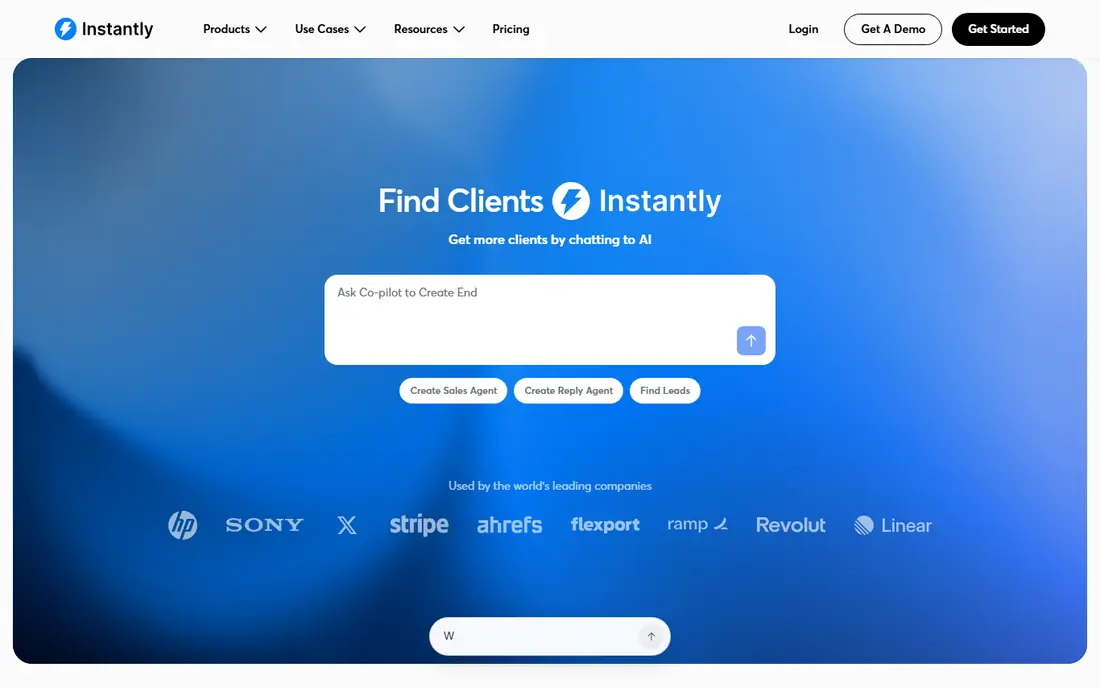
Instantly is our pick for most outreach teams because warmup and sending live in the same place. You can warm a new inbox, check inbox placement, manage multiple sending accounts, and run campaigns without exporting data between tools. That integration helps teams keep warmup volume, campaign volume, and domain health in view at once.
Beginners should still start slowly. Instantly makes it easy to add inboxes, but a new domain still needs a gradual ramp, clean lists, and honest subject lines. Teams should also set up SPF, DKIM, and DMARC correctly before warming, since warmup cannot replace proper authentication. For a team that sends outreach every week, Instantly is a strong all-in-one choice.
- Warmup built into outreach campaigns
- Inbox placement and deliverability tools
- Easy multi inbox management
- Feature depth can overwhelm beginners
- Pricing rises with inbox count

Smartlead suits agencies and larger outreach teams that manage many inboxes and clients. Warmup is included on many plans without a per inbox cap, and deliverability tools help teams spot inbox placement problems before a campaign scales. Centralized reporting also helps managers see which domains are healthy and which need a pause.
The platform rewards careful setup. Domain authentication, inbox rotation, and campaign limits must be configured thoughtfully, or volume can outrun reputation. Smartlead is best for teams with a clear outreach process and a person responsible for deliverability. Smaller teams with one inbox may find a simpler tool easier to run.
- Unlimited warmup on many plans
- Strong deliverability features
- Good for agencies with many clients
- Setup takes care for large teams
- Pricing is higher than standalone warmup tools
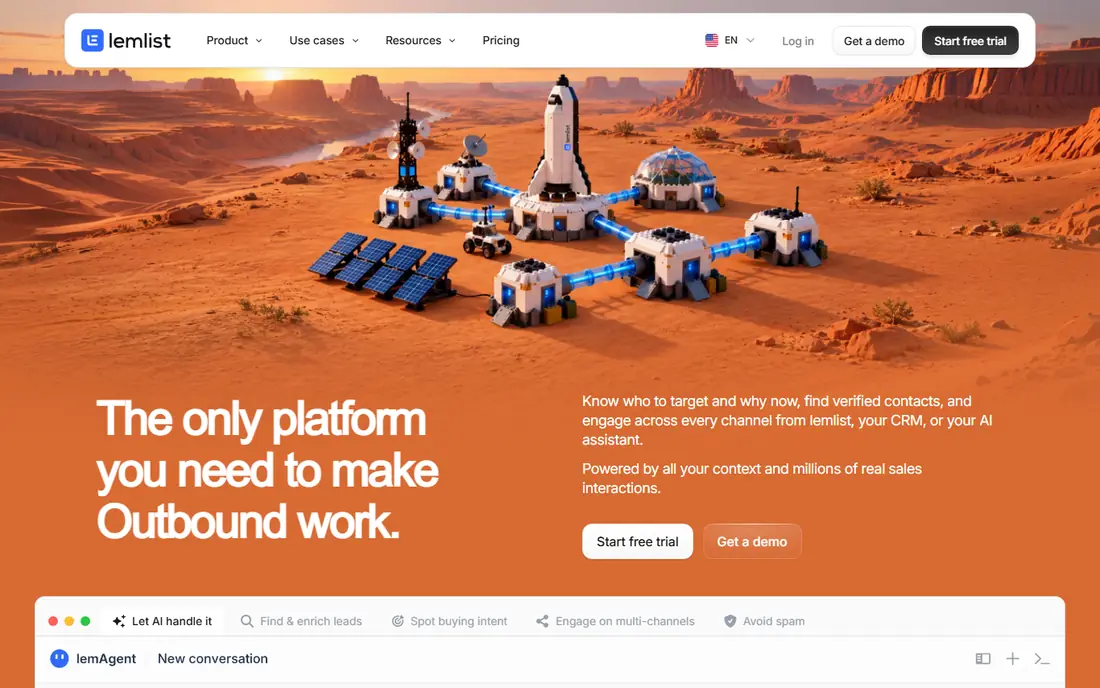
Lemlist is a good fit for teams that personalize outreach at scale. Its warmup tool, often called Lemwarm, runs beside campaigns that use custom images, videos, and dynamic text, so the outreach itself feels less generic. That combination can lift reply rates for legitimate B2B prospecting, where relevance matters more than volume.
Lemlist is not the cheapest warmup only option. Teams that only need to warm an inbox, with no campaign features, should compare Warmup Inbox or Warmbox first. For teams that want warmup, personalization, and multistep sequences in one workflow, Lemlist offers a coherent and well supported package.
- Warmup plus personalized campaigns
- Email and LinkedIn steps
- Useful analytics
- Warmup is part of a larger suite
- Cost is higher than warmup only tools
Woodpecker suits B2B agencies and sales teams that want steady, controlled outreach. Warmup runs beside campaigns with bounce protection, sending limits, and condition based follow-ups, which helps teams avoid burning a domain with a single aggressive blast. Agency features make it easier to separate clients, domains, and inboxes.
The interface is functional rather than flashy, and some users may prefer Instantly or Lemlist for design. Warmup settings also need checking by plan, since not every tier includes the same ramp controls. For an agency that values control, deliverability hygiene, and client separation, Woodpecker is a dependable choice.
- Warmup and bounce protection tools
- Agency friendly client management
- Clear campaign controls
- Interface feels dated to some users
- Warmup depth varies by plan
Reply.io fits teams that run multichannel outreach, where email is one step beside LinkedIn messages and calls. Warmup and deliverability tools sit inside that flow, so a team can warm inboxes, run sequences, and track replies without a separate warmup subscription. AI assisted writing can help draft first messages, though every message should still be reviewed for accuracy and relevance.
Small teams that only send email may find Reply.io broader than needed, and seat based pricing adds up. For sales teams that already work across channels, the integration is a real time saver. As with every tool here, Reply.io works best with consent based lists, relevant targeting, and a clear opt-out in every message.
- Email, LinkedIn, and call steps in one flow
- Warmup and deliverability tools
- AI assisted writing options
- Larger suite can be more than small teams need
- Pricing grows with seats
Warmup Inbox is a focused choice for a single inbox or a small team that just needs warmup. Setup is short: connect the inbox, set a daily ramp, and watch opens, replies, and spam rescue activity in a simple dashboard. That focus is a benefit for founders and freelancers who do not want to learn a full outreach suite just to prepare a new domain.
The limit is scope. Warmup Inbox does not run campaigns, manage lists, or track replies for sales, so teams will still need an outreach tool once warming is done. For a new domain that needs a careful ramp before any campaign, or for an inbox that has seen a dip in placement, Warmup Inbox is easy to run and easy to understand.
- Focused warmup only tool
- Simple setup
- Clear ramp and reporting
- No campaign features
- Limited value once warmup is complete
Mailwarm offers a straightforward warmup service for small teams and solo founders. It connects to Gmail, Outlook, and other providers, exchanges messages with a warmup network, and reports on inbox health and placement trends. That simplicity helps teams that want to warm a domain before a product launch or a first outreach campaign.
Mailwarm does not replace an outreach platform. Teams will need a separate tool for sequences, list management, and reply tracking. It also cannot fix a poor list or misleading content, so consent, targeting, and authentication still matter. For a focused, low friction warmup, Mailwarm is a solid and affordable option.
- Simple warmup network
- Inbox health monitoring
- Quick setup for Gmail and Outlook
- No outreach campaign tools
- Smaller feature set than all-in-one suites
Warmbox automates warmup through a network of inboxes, with opens, replies, and spam folder rescue actions designed to build sender reputation over time. It supports multiple email providers, offers deliverability alerts, and lets teams set ramp speed and daily volume. For teams warming several inboxes at once, that automation saves daily manual work.
Warmbox is a warmup tool, not an outreach suite, so campaign work happens elsewhere. Ramp settings also deserve care: a ramp that is too fast for a brand new domain can hurt more than help. Start slow, monitor placement, and only increase campaign volume when inbox health is stable. Used that way, Warmbox is a practical warmup choice.
- Automated warmup with a large inbox network
- Deliverability alerts
- Supports multiple providers
- No campaign management
- Setup needs careful ramp settings
How we picked these
We compared official warmup features, inbox network claims, deliverability tools, authentication guidance, pricing, and trial options for services used by B2B outreach teams. We favored services that explain ramp speed, offer inbox placement checks, support SPF, DKIM, and DMARC setup, and state list and consent expectations clearly. We did not test warmup with purchased lists or spam content, since that would violate the lawful use standard we recommend.
How to use email warmup for cold outreach the right way
Warmup is preparation, not permission. It helps a properly set up domain earn trust, but it does not make an unsolicited bulk blast legitimate. Start with a new domain or subdomain for outreach, separate from your main company domain, so a deliverability problem does not affect customer email. Set up SPF, DKIM, and DMARC, add a clear physical address and opt-out link where required, and warm for at least two to four weeks before scaling.
Build lists with consent and relevance
Use only lists where contacts have given consent or where you have a clear lawful basis for business outreach under applicable law, such as CAN-SPAM in the United States and GDPR or PECR where they apply. Target by role and need, personalize the first line with a real reason for contact, and stop mailing anyone who opts out or bounces repeatedly. Purchased lists with no consent, scraped emails, and misleading subject lines will harm your domain no matter which warmup tool you use.
Ramp slowly and watch placement
Increase daily sending gradually, keep campaign volume below warmup volume in the early weeks, and check inbox placement, bounce rate, and spam complaints weekly. If placement drops, pause campaigns, check authentication and list quality, and let warmup stabilize the domain before resuming. A patient ramp protects the domain you will rely on for months, while a rushed ramp can burn it in days.
FAQ
What is the best email warmup service for cold outreach?
Instantly and Smartlead lead for most outreach teams, since they combine warmup with campaign and deliverability tools. For warmup only, Warmup Inbox, Mailwarm, and Warmbox are simpler and often cheaper.
How long should I warm up a new domain before cold outreach?
Most teams warm for at least two to four weeks, starting with a low daily volume and increasing gradually. The exact time depends on domain age, inbox count, and campaign volume, so watch inbox placement rather than following a fixed calendar alone.
Does email warmup guarantee inbox placement?
No. Warmup helps build sender reputation, but inbox placement also depends on authentication, list quality, content, engagement, and complaint rates. Spammy content or a poor list will still land in spam, even with warmup.
Can I use warmup for purchased email lists?
You should not. Warmup is for lawful outreach to lists with consent or a clear lawful basis. Purchased lists often contain stale, incorrect, or non-consenting addresses, which raise bounces and complaints and can harm your domain and legal standing.
Do I need a separate domain for cold outreach?
In most cases, yes. A separate domain or subdomain for outreach protects your main company domain if a campaign hits a deliverability problem. It also makes tracking, authentication, and reputation management cleaner.
Is cold outreach legal?
Cold business outreach can be legal when it follows applicable laws, including CAN-SPAM in the United States, with accurate headers and subject lines, a valid opt-out, and a physical address where required. Rules differ by country and audience, so check the law for your recipients and get legal advice for large programs.