Best EDR Tools in 2026: 8 Tools Compared
We compare eight endpoint detection and response tools for small teams and large firms, covering detection, response and pricing, so you can choose well.
- Editor's choice
 CrowdStrike Falcon
Large firms with mature security teams
Starts atSee websiteVisit crowdstrike.comFull review - Great alternative
 SentinelOne Singularity
Autonomous response for lean teams
Starts atSee websiteVisit sentinelone.comFull review - Also consider
 Microsoft Defender for Endpoint
Microsoft 365 organisations
Starts atSee websiteVisit microsoft.comFull review
TL;DR:
- EDR goes beyond antivirus by recording endpoint activity, detecting suspicious behaviour and helping teams respond and roll back attacks.
- Small teams should favour autonomous response and managed detection, while large firms need deep investigation, threat hunting and SIEM links.
- Most EDR pricing is quote-based, so compare modules, endpoint counts and managed-service costs, not just a headline price.
- No tool replaces patching, backups, access control and staff training; EDR works best as one layer in a wider security plan.
Quick comparison
| Tool | Best for | Starts at | Free plan? | |
|---|---|---|---|---|
| CrowdStrike Falcon | Large firms with mature security teams | See website | Free trial | Visit |
| SentinelOne Singularity | Autonomous response for lean teams | See website | Free trial | Visit |
| Microsoft Defender for Endpoint | Microsoft 365 organisations | See website | Free trial | Visit |
 Palo Alto Networks Cortex XDR | Converged XDR and SIEM path | See website | No | Visit |
 Sophos Intercept X | Small and mid-size businesses | See website | Free trial | Visit |
 Bitdefender GravityZone | Flexible business endpoint security | See website | Free trial | Visit |
 VMware Carbon Black | Enterprises needing deep control | See website | No | Visit |
 Trend Micro Vision One | Broad platform with EDR included | See website | Free trial | Visit |
The best EDR tools
We compared official product pages, feature lists and managed-service options for endpoint detection and response tools that serve business users. The list covers cloud-native leaders, Microsoft-native protection and broader platforms, so IT and security teams can match the tool to team size and existing systems.
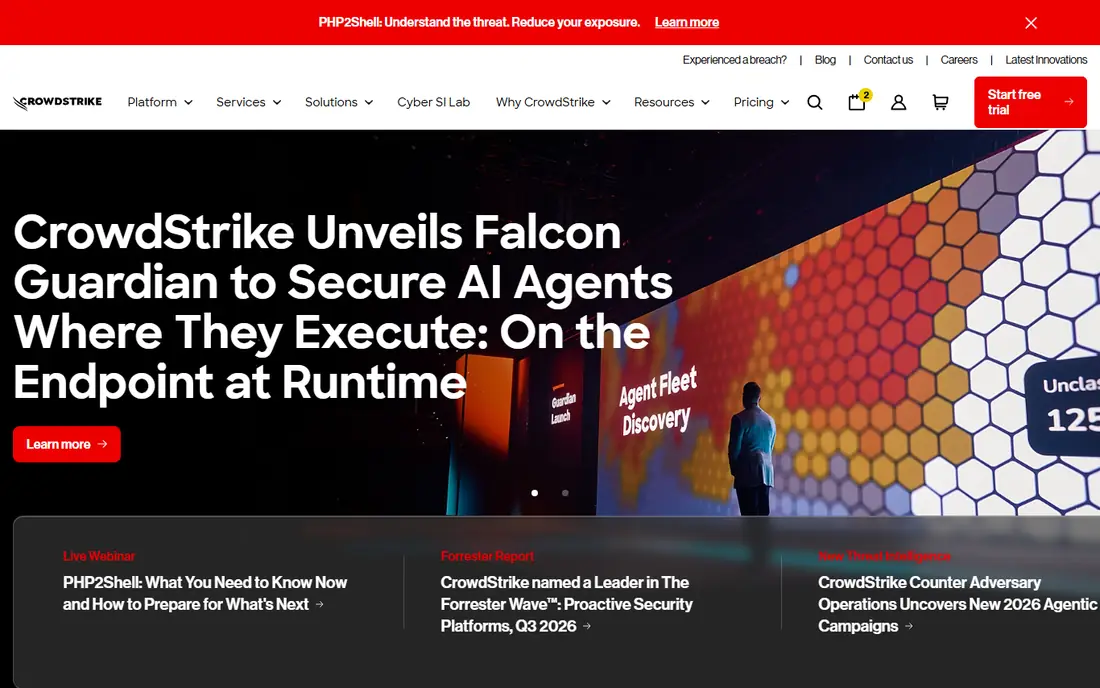
CrowdStrike Falcon is a cloud-native platform built around a light agent and a threat graph that links endpoint activity to known adversary behaviour. Its detection, investigation and response tools suit firms with a security operations team that can hunt threats, triage incidents and tune detections. Falcon Complete adds a fully managed option for firms that want vendor analysts to handle response.
Pricing is quote-based and depends on modules and endpoint counts, so small firms should get a clear quote before assuming fit. The platform rewards skilled use, and teams without dedicated analysts may get more value from Falcon Complete or a simpler autonomous tool.
- Cloud-native agent
- Deep threat intelligence
- Managed Falcon Complete option
- Quote-based pricing
- Full value needs skilled analysts or a managed service
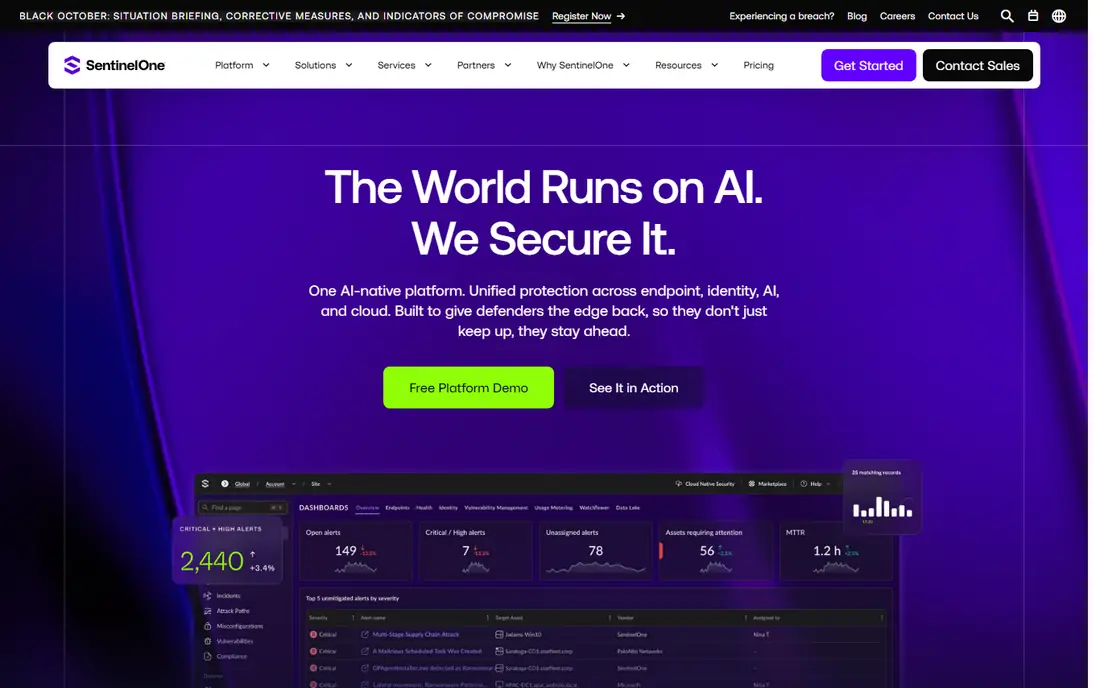
SentinelOne Singularity focuses on autonomous action: its agent can detect, block and roll back ransomware and other attacks on the device, even with limited cloud connectivity. Storyline technology links related events into a clear attack timeline, which helps small teams understand what happened without digging through raw logs. That autonomy suits lean teams that cannot staff a round-the-clock operations centre.
The trade-off is modular pricing, since broader XDR, identity and cloud features sit in higher tiers. Get a quote that covers the modules you actually need, and test rollback and alert handling in a trial. For teams that need fast, automatic response, SentinelOne is a strong contender.
- On-device autonomous detection
- One-click rollback
- Cloud console for management
- Quote-based pricing
- Advanced XDR modules add cost

Microsoft Defender for Endpoint suits organisations already standardised on Microsoft 365 and Azure. It is built into Windows, shares signals with identity, email and cloud apps, and offers automated investigation and remediation in the Defender portal. For a Microsoft shop, that native link reduces console sprawl and licensing complexity.
Organisations outside the Microsoft stack may find standalone EDR tools simpler to adopt, and full value often needs E5 licences or Plan 2 add-ons. Check your current licences before you compare prices, since bundled pricing can change the total cost picture sharply.
- Native to Windows and Microsoft 365
- Cross-signal correlation
- Automated investigation tools
- Best value needs Microsoft 365 E5 or add-on licences
- Non-Windows coverage needs agents
Cortex XDR goes beyond endpoint data by pulling in network, cloud and identity signals to build a fuller incident view. That breadth helps large firms that want one investigation path from endpoint alert to network and cloud context, with built-in playbooks for response. A path to Cortex XSIAM adds SIEM and automation for firms that want a converged platform.
Complexity and enterprise pricing are the honest catches. Deployment, tuning and module choice need planning, and small teams may find a simpler EDR tool faster to run. For large firms already using Palo Alto Networks products, Cortex XDR offers a coherent, scalable path.
- Unifies endpoint, network, cloud and identity data
- Built-in response playbooks
- Unit 42 managed option
- Enterprise pricing and complexity
- Needs planning for full deployment
Sophos Intercept X combines endpoint protection with detection and response features aimed at small and mid-size businesses. It includes anti-ransomware, exploit prevention and deep-learning detection, with a console that is easier to run than enterprise-only platforms. Sophos Managed Detection and Response adds human analysts for firms without a full security team.
Higher EDR features, such as deeper investigation and threat hunting, sit in upper tiers, so check which plan covers your needs. For a small business that wants solid protection plus a managed option, Sophos gives a practical balance of power and usability.
- Anti-ransomware and exploit protection
- Clear console
- Managed threat response option
- Advanced EDR features sit in higher tiers
- Larger firms may want deeper hunting tools
Bitdefender GravityZone is a modular business platform that covers endpoint protection, detection and response, risk management and more from one console. Businesses can start with core protection and add EDR, XDR and other modules as needs grow. That flexibility suits firms that want to scale security in stages rather than buying a full suite at once.
Module choice takes care, since the range of options can confuse first-time buyers. Work with a partner or the vendor to map modules to your endpoints, servers and cloud workloads. For flexible, layered business security, GravityZone is a versatile choice.
- Modular platform with many security layers
- EDR and XDR options
- Broad OS support
- Module choice can confuse
- Full XDR needs higher tiers
VMware Carbon Black, now part of Broadcom, offers deep endpoint visibility, application control and audit features that suit enterprises with strict control needs. Its EDR tools help teams trace attacks, lock down approved apps and gather evidence for compliance reviews. Regulated firms often value that audit depth alongside detection.
Administration needs skill, and pricing is enterprise-focused, so small firms may find simpler tools faster to deploy. For a large firm that needs tight control, detailed records and integration with VMware infrastructure, Carbon Black remains a serious option.
- Deep endpoint visibility
- App control and audit tools
- Strong for regulated environments
- Quote-based enterprise pricing
- Needs skilled administration
Trend Micro Vision One brings endpoint detection into a wider XDR platform that also covers email, network and cloud signals. That cross-layer view helps teams see how an attack moves from an email or web threat to an endpoint, rather than viewing each alert alone. A managed service option adds analyst support for smaller teams.
Firms that only need endpoint protection may find the full platform larger than required, and pricing depends on layers and endpoints. For organisations already using Trend Micro products, or firms that want a broad XDR view, Vision One offers a coherent upgrade from endpoint-only tools.
- Cross-layer XDR view
- Endpoint, email, network and cloud signals
- Managed service option
- Broad platform can feel large for endpoint-only needs
- Pricing is quote-based
How we picked these
We compared official product pages, feature lists, managed-service options and platform coverage for tools that offer true endpoint detection and response, not antivirus alone. We kept a mix of cloud-native leaders, Microsoft-native protection and broader XDR platforms, and we favoured tools with clear trial or demo paths. We did not claim hands-on testing; our comparison rests on vendor pages and public documentation.
How to choose an EDR tool for your team size
Start with who will respond to alerts. A lean team needs autonomous blocking, rollback and a managed detection option, while a mature security team needs hunting, custom detections and SIEM integration. Count endpoints, servers and cloud workloads honestly, since pricing and agent coverage follow that count.
Next, test the trial on real endpoints, not just a demo. Check alert volume, false positives, rollback behaviour and console clarity during a normal work week. Confirm OS support, offline protection, data residency and support hours, and keep backups and patching in place. EDR should strengthen a security plan, not replace its basics.
FAQ
What is the difference between EDR and antivirus?
Antivirus mainly blocks known malware, while EDR records endpoint activity, detects suspicious behaviour and helps teams investigate and respond. Most modern business tools combine both, with EDR adding the timeline, hunting and response features.
Do small businesses need EDR?
Small businesses face the same ransomware and phishing risks as large firms, but often lack a security team. Tools with autonomous response and managed detection, such as SentinelOne, Sophos and Microsoft Defender, suit small teams better than analyst-heavy platforms.
How much does EDR cost?
Most business EDR pricing is quote-based and depends on endpoint count, modules and whether you add a managed service. Expect to request quotes from two or three vendors and compare the full module list, not just a base price.
Can EDR work offline?
Some tools, notably SentinelOne, offer strong on-device detection and rollback without constant cloud access, while others degrade when offline. Check offline behaviour in a trial if you have remote, mobile or intermittently connected endpoints.
Does EDR replace a firewall or backups?
No, EDR is one layer alongside firewalls, patching, access control, email security and backups. A good plan uses EDR to detect and respond, while backups ensure recovery if ransomware still succeeds.
Sources
- https://www.crowdstrike.com
- https://www.sentinelone.com
- https://www.microsoft.com/en-us/security/business/threat-protection/endpoint-defender
- https://www.paloaltonetworks.com/cortex/cortex-xdr
- https://www.sophos.com/en-us/products/endpoint-antivirus
- https://www.bitdefender.com/business
- https://www.vmware.com/products/carbon-black.html
- https://www.trendmicro.com/en_us/business/products/vision-one.html