Best Ecommerce Platform in 2026: 8 Platforms Compared
Compare the best ecommerce platform for online stores, covering pricing, templates, payments, shipping, and SEO for small sellers, for stores of every size.

- Editor's choice
 Shopify
Most online sellers
Starts atSee websiteVisit shopify.comFull review - Great alternative
 WooCommerce
WordPress stores with full control
Starts atFreeVisit woocommerce.comFull review - Also consider
 BigCommerce
Growing stores with built-in features
Starts atSee websiteVisit bigcommerce.comFull review
TL;DR:
- Shopify suits most sellers who want a hosted store that handles hosting, security, and payments with little technical work.
- WooCommerce suits WordPress users who want full control and lower software costs, but it needs more setup and maintenance.
- Transaction fees, app costs, and payment processing charges matter more than the headline monthly plan price.
- Start with the sales channels you actually need, such as your own site, social selling, or marketplaces, rather than buying every feature at once.
Quick comparison
| Tool | Best for | Starts at | Free plan? | |
|---|---|---|---|---|
| Shopify | Most online sellers | See website | Free trial | Visit |
| WooCommerce | WordPress stores with full control | Free | Yes | Visit |
| BigCommerce | Growing stores with built-in features | See website | Free trial | Visit |
 Squarespace | Design-led small stores | See website | Free trial | Visit |
 Wix | Simple stores for beginners | See website | Free trial | Visit |
 Adobe Commerce | Large, complex stores | See website | No | Visit |
 Ecwid | Adding a store to an existing site | Free | Yes | Visit |
 Square Online | Square sellers going online | Free | Yes | Visit |
The best ecommerce platforms
We compared official pricing and feature pages, template quality, payment options, shipping tools, app ecosystems, and support, with a focus on sellers who need a working store rather than a development project.

Shopify is our default pick for most sellers because it removes hosting, security updates, and server maintenance from your workload. You choose a theme, add products, connect a payment provider, and start selling, while the app store covers email marketing, reviews, subscriptions, and other needs. Shopify Payments, shipping discounts, and sales channel links to social platforms and marketplaces round out a system that scales from a first store to a large catalogue.
Costs need a close read. Monthly plans are only part of the total, since apps, themes, and transaction fees on outside payment providers add up. If you use Shopify Payments, those extra transaction fees usually fall away. For sellers who want to focus on products rather than website maintenance, Shopify offers the best balance.
- Hosted and easy to set up
- Large app store
- Strong payment and shipping tools
- Transaction fees on outside payment providers
- App costs can add up
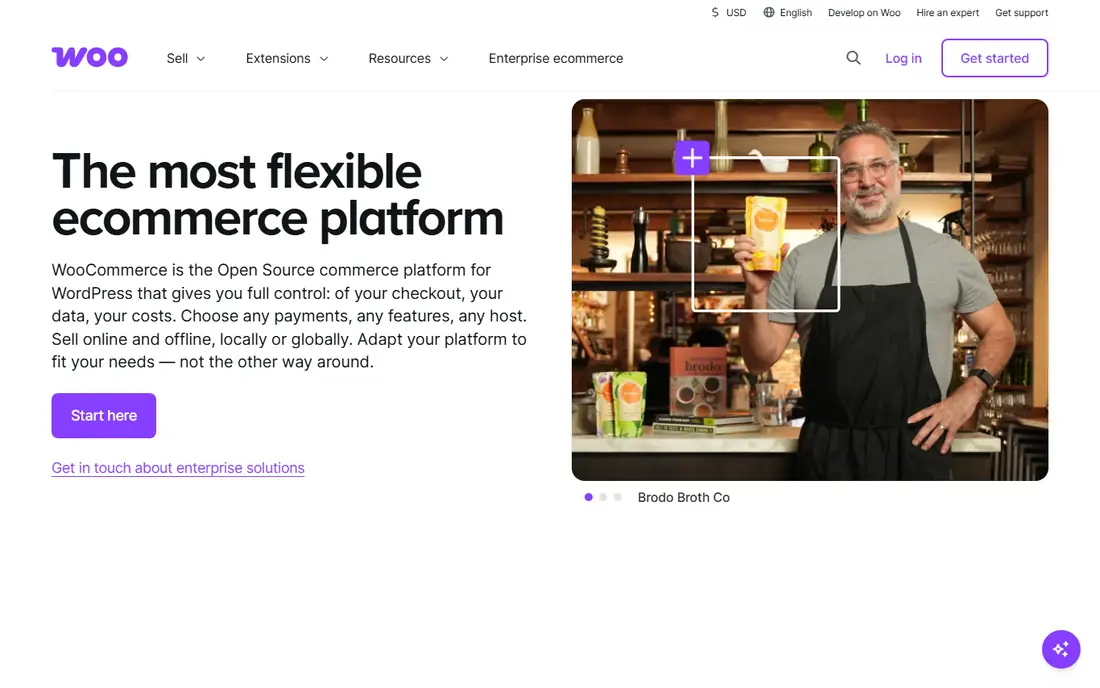
WooCommerce turns a WordPress site into a full store, and it suits sellers who already run WordPress or want complete control over their site and data. The core plugin is free, the extension library covers payments, shipping, subscriptions, and bookings, and you can customise almost any part of the checkout or product page. For content-led stores that also publish articles and guides, WooCommerce keeps content and commerce in one place.
Control brings responsibility. You handle hosting, security updates, backups, and plugin compatibility, which takes time or paid help. Hosting and premium extensions also add costs that a hosted platform bundles into its plan. If you value control and already know WordPress, WooCommerce is the most flexible choice here.
- Free core plugin
- Full control over data and design
- Huge WordPress plugin ecosystem
- Needs hosting and maintenance
- Costs shift to hosting, themes, and extensions

BigCommerce suits growing stores that want built-in features rather than a long app list. Product options, discounts, customer groups, and multi-currency tools come included on many plans, and BigCommerce does not add its own transaction fee on top of payment processor charges in the usual plan structure. That built-in depth helps larger catalogues without forcing sellers to stitch together many paid apps.
The theme and app ecosystem is smaller than Shopify's, so niche needs may need custom work. Advanced settings also take time to learn. For mid-size stores that have outgrown a basic builder, BigCommerce offers a strong hosted alternative with room to grow.
- Many features built in without apps
- No extra transaction fees on many plans
- Strong SEO tools
- Theme and app choice is smaller than Shopify
- Learning curve for advanced settings
Squarespace appeals to sellers who care deeply about how the store looks. Templates are polished, the editor is simple, and a small store can look professional without hiring a designer. Content pages, blogging, and commerce live in one platform, which suits artists, makers, and service businesses that sell a limited range alongside their main work.
Advanced ecommerce needs, such as complex product options or large-scale marketplace integrations, are thinner than on Shopify or BigCommerce. Transaction fees also depend on the plan, so check the commerce plan details. For design-led small stores with modest catalogues, Squarespace is an attractive, low-friction choice.
- Polished templates
- Simple editor
- Content and commerce in one platform
- Fewer ecommerce apps than Shopify
- Advanced selling features are limited
Wix is one of the easiest ways to launch a first store, thanks to a drag-and-drop editor, a wide template range, and built-in tools for email, bookings, and social selling. Beginners can publish a store in a weekend without coding, and the guided setup covers payments, shipping, and taxes in plain steps. For a small catalogue or a side business, that speed matters.
Very large stores may hit limits on catalogue management and advanced ecommerce workflows, and changing templates after launch can require rebuilding parts of the site. Wix suits beginners and small sellers who value ease over scale. If your catalogue grows into thousands of products, compare Shopify or BigCommerce before committing long term.
- Very easy drag-and-drop builder
- Many templates
- Built-in marketing tools
- Less suited to very large catalogues
- Switching templates later can be restrictive
Adobe Commerce, formerly Magento, is built for large and complex stores that need custom workflows, B2B pricing, multi-store setups, and deep integrations. Its flexibility is unmatched on this list, and the ecosystem of developers and agencies supports enterprise projects worldwide. For a large retailer with specific checkout, catalogue, or integration needs, Adobe Commerce is a serious contender.
Small sellers should skip it. Adobe Commerce needs developer support, hosting management, and a larger budget, and a simple store will pay for complexity it never uses. Consider it only when your catalogue, customer segments, or integrations exceed what hosted platforms handle comfortably.
- Deep customisation for complex catalogues
- Strong B2B features
- Large enterprise ecosystem
- Needs developers and higher budgets
- Overkill for small stores
Ecwid suits sellers who already have a website and want to add commerce without rebuilding it. You embed a store into WordPress, Squarespace, Wix, or a plain HTML site, manage products in one dashboard, and sell on social channels as well. The free starter plan lets you test selling with a small catalogue before paying, which lowers the risk for side projects.
Design control is more limited than a full platform, since the store must fit inside your existing site, and advanced features such as abandoned cart recovery need paid plans. For adding commerce to an existing site, Ecwid is the simplest path. For a brand-new store, a dedicated platform usually offers more design freedom.
- Embeds into existing websites
- Free starter plan
- Sells on social channels too
- Design control is more limited
- Advanced features need paid plans
Square Online is the natural online step for businesses already using Square for in-person payments. Inventory, orders, and customer data sync with Square point of sale, so a shop or restaurant can add online ordering without managing two stock systems. The free starter plan covers basic selling, and setup is quick for sellers who already know Square.
Design flexibility and advanced ecommerce features are more limited than Shopify or BigCommerce, and sellers outside Square lose the main advantage. If your business already runs on Square, Square Online saves time and reduces stock errors. If you are starting fresh online, compare it with Shopify first.
- Free starter option
- Syncs with Square point of sale and inventory
- Simple setup
- Design and ecommerce depth are limited
- Best value inside Square
How we picked these
We compared official pricing, feature, and template pages, payment and shipping tools, app ecosystems, and support documentation for platforms that remain actively developed in 2026. We favoured platforms with clear strengths for a specific seller type, rather than listing every builder on the market. We did not claim hands-on store builds, and prices change, so check the vendor pricing page before choosing.
How to choose the right platform
Start from your catalogue size, sales channels, and technical comfort. A small catalogue with a design focus points to Squarespace or Wix, a growing catalogue points to Shopify or BigCommerce, a WordPress site points to WooCommerce, and an existing Square business points to Square Online. List the payment methods, shipping options, and tax tools you need, then confirm each platform covers them in your country.
Total cost, not just the monthly plan
Add payment processing fees, transaction fees, app subscriptions, theme costs, and any email or marketing tools you will need. A cheap plan with many paid apps can cost more than a pricier plan with built-in features. Run a trial with real products, test checkout on a phone, and check shipping calculations before you commit to a yearly plan.
Growth, SEO, and migration
Check how the platform handles product variants, discounts, customer accounts, and search optimisation, since those features matter as you grow. Also ask how hard it is to export products, orders, and customer data, because a platform that locks your data in creates risk later. A platform you can grow with and leave if needed is safer than a cheap platform that traps you.
FAQ
What is the best ecommerce platform for beginners?
Shopify is the best all-round beginner platform for most sellers, thanks to hosted setup, clear guidance, and a large app store. Wix and Squarespace are simpler for very small stores, while WooCommerce suits WordPress users comfortable with setup. Start with a trial and a real product list to judge ease of use.
Is Shopify or WooCommerce better?
Shopify is easier, since hosting, security, and updates are handled for you, while WooCommerce offers more control and lower software costs but needs hosting and maintenance. Choose Shopify if you want to focus on selling, and WooCommerce if you already use WordPress and want full control over your site and data.
How much does an ecommerce platform cost?
Costs include a monthly plan, payment processing fees, possible transaction fees, apps, themes, and marketing tools. Free starters such as WooCommerce core, Ecwid, and Square Online still carry hosting or processing costs. Model the total for your expected sales volume, not just the advertised plan price.
Can I sell on social media and marketplaces too?
Yes, most platforms here connect to social selling channels and marketplaces, though the exact channels vary by platform and country. Shopify and BigCommerce offer broad channel support, while Ecwid and Square Online focus on simpler social selling. Confirm the channels you need before choosing.
Do I need coding skills to run an online store?
No for hosted platforms such as Shopify, Squarespace, Wix, and Square Online, which use visual editors and guided setup. WooCommerce and Adobe Commerce benefit from technical skills or developer help, especially for customisation. Most sellers can launch without coding, then hire help for specific custom work.
Can I switch platforms later?
Yes, but migration takes work, since products, orders, customer data, and redirects need careful transfer. Choose a platform that exports data cleanly, keep backups of product and customer records, and plan redirects so search rankings and old links keep working. Switching is easier early, before a large catalogue and order history accumulate.