Best Content Curation Tools in 2026: 8 Tools Compared
We compared feeds, boards, newsletters and sharing to find the best content curation tools for marketers, researchers and small teams across the US in 2026.

- Editor's choice
 Feedly
Following many sources in one feed
Starts at$6 per monthVisit feedly.comFull review - Great alternative
 Pocket
Saving articles to read later
Starts atFreeVisit getpocket.comFull review - Also consider
 Scoop.it
Publishing curated topic pages
Starts atSee websiteVisit scoop.itFull review
TL;DR:
- Feedly is the strongest tool for following many sources in one feed, with AI filtering on paid plans.
- Pocket is the best personal save for later tool, while Scoop.it and UpContent suit public or team sharing.
- Wakelet is a strong free choice for collecting links into shareable boards for classes and teams.
- Flipboard works best for casual discovery, not for structured team curation with approvals.
- The right tool depends on the output: a reading feed, a newsletter, a social queue or a resource board need different features.
Quick comparison
| Tool | Best for | Starts at | Free plan? | |
|---|---|---|---|---|
| Feedly | Following many sources in one feed | $6 per month | Yes | Visit |
| Pocket | Saving articles to read later | Free | Yes | Visit |
| Scoop.it | Publishing curated topic pages | See website | Yes | Visit |
 Flipboard | Magazine style discovery | Free | Yes | Visit |
 Wakelet | Collecting links into shareable boards | Free | Yes | Visit |
 UpContent | Team curation for marketing and sales | $15 per month | Yes | Visit |
 elink | Turning links into visual collections | See website | Yes | Visit |
 Paper.li | Turning feeds into a newsletter | See website | Yes | Visit |
The best content curation tools
We compared official pricing and feature pages, and kept tools that help you find, organise and share other publishers content with proper credit, not tools that only schedule your own posts.
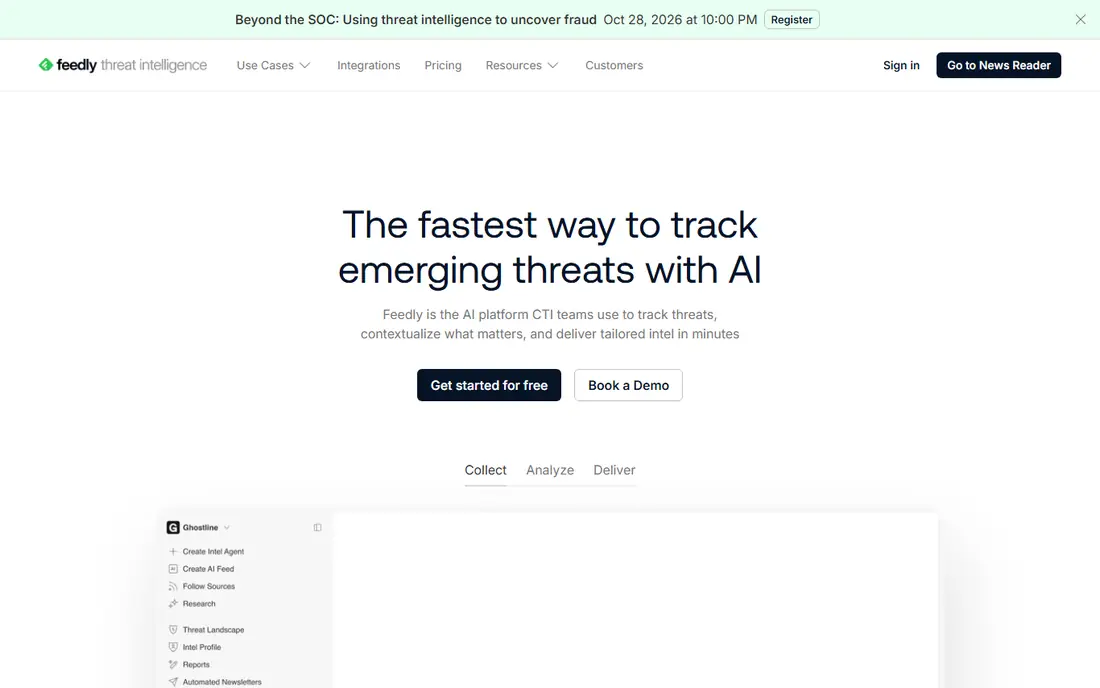
Feedly is the workhorse for anyone who follows a lot of sources. Blogs, news sites, newsletters and keyword searches can be grouped into feeds, saved to boards and shared with a team, which beats visiting dozens of sites each morning. Its AI assistant, Leo, can prioritise topics and summarise articles on paid plans. The free plan is useful for a trial, but it limits sources and folders, and search and AI features sit behind paid tiers starting around $6 per month when billed annually. For a researcher or marketer who reads widely every day, that paid tier is usually worth it. For casual reading, Pocket or Flipboard may be enough.
- Follows blogs, news, newsletters and YouTube in one feed
- Boards for organising
- AI assistant Leo on paid plans
- Best features need paid plans
- Smaller free source limits than in earlier years

Pocket solves the simplest curation problem: you find something good, you have no time to read it, and you do not want to lose it. Save it with one click, read it later in a clean view without ads and clutter, and tag it so you can find it again. That simplicity is why it remains popular even as feed tools get more complex. It is not a replacement for Feedly. Pocket does not follow sources for you, and team sharing is basic compared with Scoop.it or UpContent. Use Pocket as your personal reading shelf, and pair it with a feed tool if you also need to discover new material each day.
- One click saving from browser and phone
- Clean reading view
- Tags and search for saved items
- Not a feed reader
- Curation for teams is limited
- Premium features need a subscription
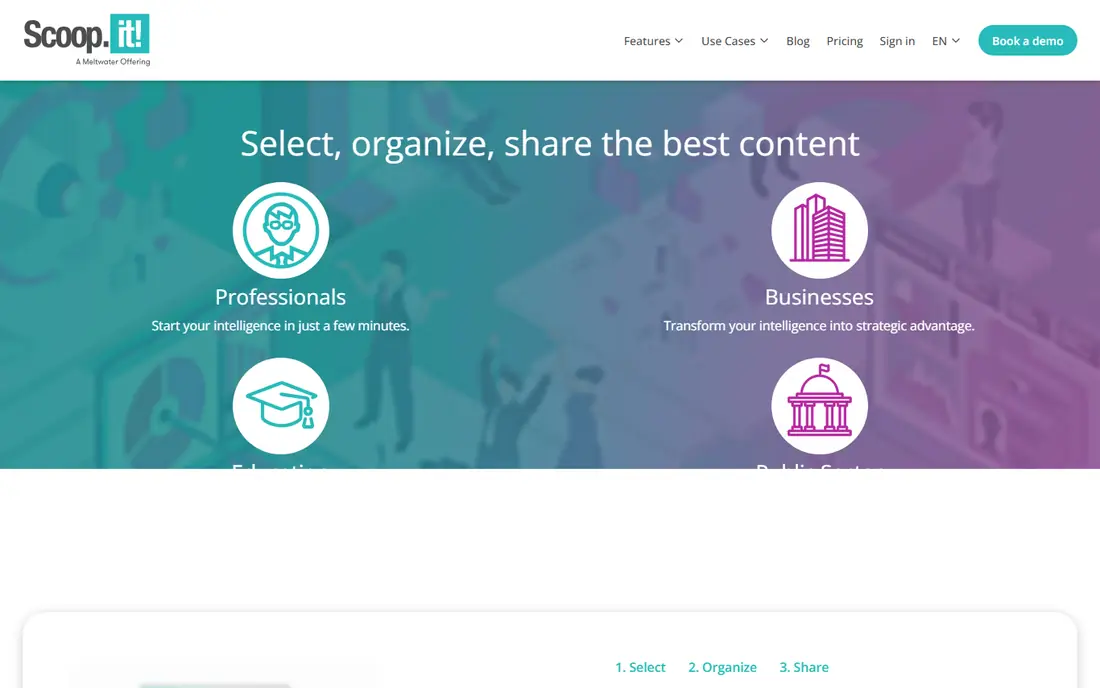
Scoop.it is built for public curation. You pick a topic, the tool suggests relevant articles, and you publish the best ones to a topic page that others can follow. That makes it useful for a consultant, a teacher or a small brand that wants to show expertise by sharing good third party material with comments and context. The interface feels less modern than Feedly or Wakelet, and pricing needs a check on the vendor site. The strength is the output: a public, followable topic page, rather than a private feed only you see. If your goal is audience building, that public page matters more than a slick reader.
- Curated topic pages you can publish
- Suggestion engine for relevant articles
- Sharing to social and newsletters
- Pricing is not simple to compare at a glance
- Design feels older than newer rivals
Flipboard turns following topics into a magazine you can browse. Pick interests, follow publishers and creators, and flip through a visual feed of articles and videos. For casual discovery and personal reading, that format is pleasant and easy, and it costs nothing for personal use. For structured work curation, Flipboard is weaker. You cannot control sources as precisely as in Feedly, and team approval, scheduling and newsletter workflows are not its focus. Choose Flipboard when discovery and reading pleasure matter most, and choose a team tool when curation must feed marketing or sales work.
- Magazine style reading
- Easy topic following
- Free for personal use
- Less control over sources than Feedly
- Weak team and approval features
Wakelet is the easiest free way to turn a pile of links into something shareable. Create a collection, add articles, videos, PDFs and notes, arrange them in order, and share one link with a class, a team or a client. Teachers use it for lesson resources, and teams use it for onboarding packs and research collections. Wakelet does not follow sources or suggest new articles the way Feedly or Scoop.it do, so you still need to find material yourself. Think of it as the shelf, not the shop: great for organising and sharing what you already found, less useful for daily discovery.
- Free collections of links, videos and files
- Easy sharing with a link
- Popular with teachers and teams
- No feed following like Feedly
- Discovery depends on links you add
UpContent is built for business curation rather than personal reading. It discovers articles relevant to marketing, sales and HR topics, lets a team review and approve items, and shares approved content to social tools, email and CRM systems. That approval step matters when shared content represents a brand. At $15 per month for a starting plan, it costs more than a personal reader, but the comparison is not fair: a personal reader does not do team approval or CRM sharing. Small businesses that share third party content regularly will get more value here than from a free board tool alone.
- Discovery tuned for marketing and sales topics
- Sharing to social and email tools
- Team collections
- Starting price is higher than personal tools
- Best value for business use
elink focuses on presentation. Paste links, and it builds a visual page, a newsletter or an embeddable collection that looks polished without design work. That makes it useful for a weekly resource roundup, a client pack or a team newsletter where appearance matters. Discovery is lighter than in Feedly or UpContent, so elink works best when you already have links to share. If your weekly job is to send a good looking digest to clients or staff, elink will save design time. If your job is to find new material daily, start with a feed tool instead.
- Turns link collections into visual web pages and newsletters
- Templates for sharing
- Embed options
- Pricing varies by plan
- Less feed discovery than Feedly
Paper.li takes sources you choose and turns them into a scheduled newsletter that looks like a newspaper. A small business, a club or a school can send a regular digest without writing every item from scratch, as long as sources are credited and commentary is added where it helps readers. The free plan is a good trial, but it carries limits and Paper.li branding, so a professional newsletter will usually need a paid plan. Also, curation is not copying: always credit original publishers, add your own context, and do not republish full articles without permission.
- Builds a newspaper style newsletter from sources you choose
- Scheduled sending
- Social sharing
- Free plan limits and branding
- Design options need paid plans
How we picked these
We compared official pricing and feature pages, and kept tools that are live in October 2026 and that cover a real curation job: discovering sources, saving for later, organising into boards, publishing topic pages or sending newsletters. We left out pure social schedulers and pure RSS readers with no sharing features, since curation means selecting and sharing with a purpose, not just reading alone.
How to curate well without copying
Add your own context
A link list without comment is just a list. Add one or two sentences on why an item matters, who it helps and what to notice in it. That context is what turns shared links into useful guidance.
Credit sources clearly
Link to the original publisher, name the source, and do not republish full text without permission. Good curation drives readers to the source, and that trust helps both you and the publisher.
Match the format to the audience
A team needs a board or a shared feed. Clients may prefer a short newsletter. A public audience may follow a topic page. Pick the format your readers will actually open, then choose the tool that produces it best.
FAQ
What is the best content curation tool?
Feedly is our pick for following many sources, Pocket for personal saving, and UpContent for team marketing curation. The best tool depends on whether the output is a private feed, a shared board or a newsletter.
Is content curation legal?
Sharing a link with credit and your own commentary is normal practice, but republishing full articles without permission is not. Always link to the original and add your own context.
What is the best free content curation tool?
Wakelet and Flipboard are strong free choices, Wakelet for shareable boards and Flipboard for discovery. Feedly and Pocket also have free plans for following and saving.
How is curation different from content creation?
Curation selects and shares other publishers work with context, while creation produces original work. Most good marketing mixes both, using curation to fill gaps between original articles.
Can curation tools post to social media?
Yes, Scoop.it, UpContent and Paper.li all support sharing to social or email channels. Check which networks each tool supports before buying, since integrations vary.