Best Content Calendar Apps in 2026: 8 Apps Compared
Searching for the best content calendar apps for your marketing team? We compare 8 editorial tools for planning, approvals and publishing. Read our guide first.
- Editor's choice
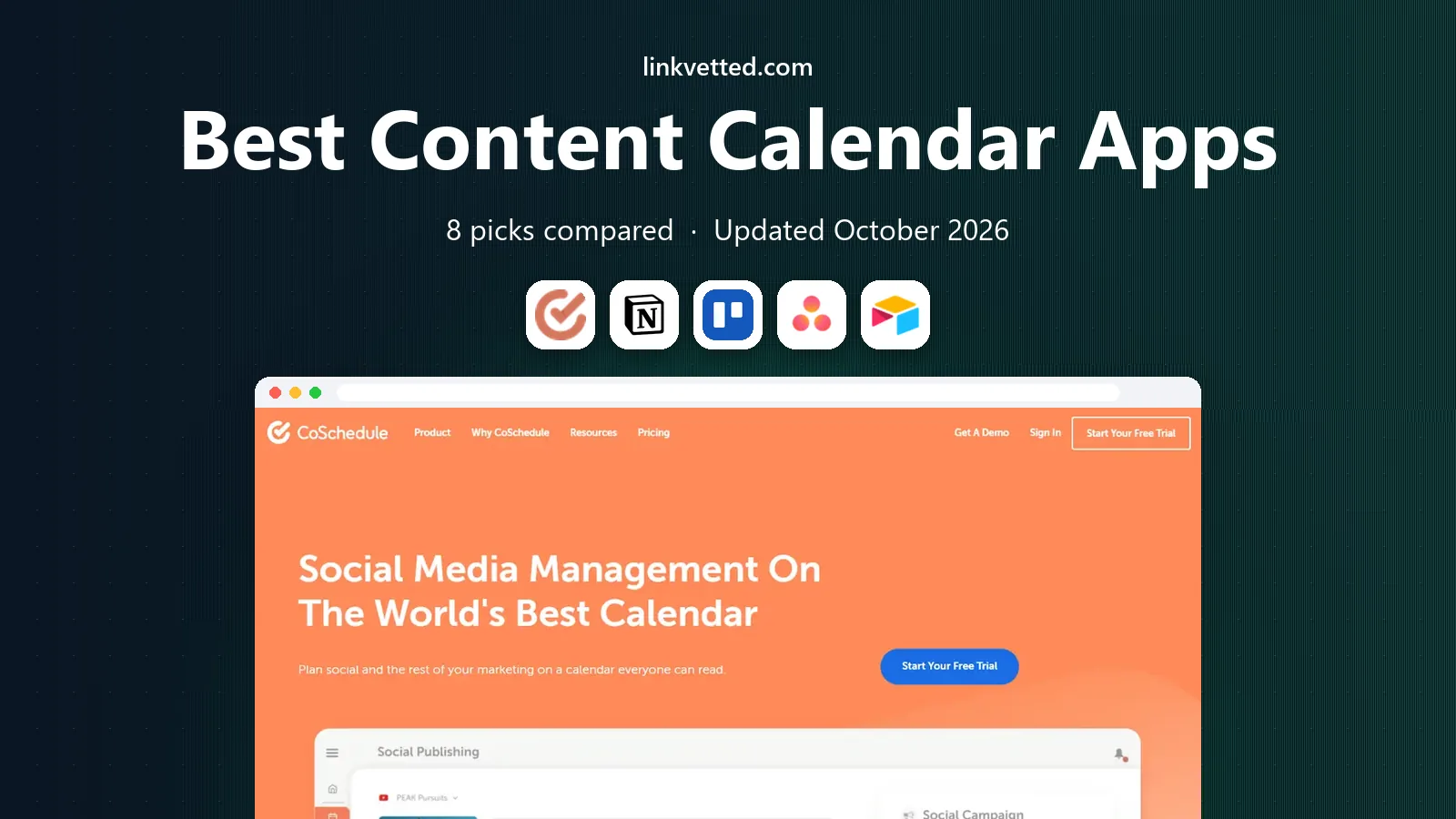
 CoSchedule
Purpose-built marketing calendar
Starts atFreeVisit coschedule.comFull review - Great alternative
 Notion
Flexible database calendar
Starts atFreeVisit notion.comFull review - Also consider
 Trello
Simple visual planning
Starts atFreeVisit trello.comFull review
TL;DR:
- CoSchedule is the most purpose-built marketing calendar, with social publishing built in.
- Notion and Airtable suit teams that want a flexible database calendar they can shape themselves.
- Trello and Asana work well when content work already lives in a project tool.
- Buffer, Hootsuite and Planable add publishing and approvals for social-first teams.
- Pick by publishing need first, because a planning-only calendar will not publish posts for you.
Quick comparison
| Tool | Best for | Starts at | Free plan? | |
|---|---|---|---|---|
| CoSchedule | Purpose-built marketing calendar | Free | Yes | Visit |
| Notion | Flexible database calendar | Free | Yes | Visit |
| Trello | Simple visual planning | Free | Yes | Visit |
 Asana | Team workflow with calendar view | Free | Yes | Visit |
 Airtable | Structured content database | Free | Yes | Visit |
 Buffer | Simple social scheduling | Free | Yes | Visit |
 Hootsuite | Large social teams | $99 per user per month | Free trial | Visit |
 Planable | Client approvals | $33 per workspace per month | Yes | Visit |
The best content calendar apps
A content calendar must hold the plan, hold the work, and, for many teams, publish the post. The tools below differ in that last job, so a planning tool and a publishing tool are not always the same product.

CoSchedule is the most purpose-built option here, because it was designed around a marketing calendar first. You can view blog, email and social items on one calendar, schedule social posts, and run workflows for drafts and approvals. That single view helps a marketing lead spot gaps and clashes across channels.
Social publishing is built in, but it is not as deep as Hootsuite for large social teams. Paid plans charge per user, so a large team should model that cost. For a content team that wants planning and publishing in one place, CoSchedule is a strong starting point.
- Marketing calendar with social publishing
- Workflow tools
- Headline tools
- Social features are lighter than dedicated social suites
- Paid tiers add up per user
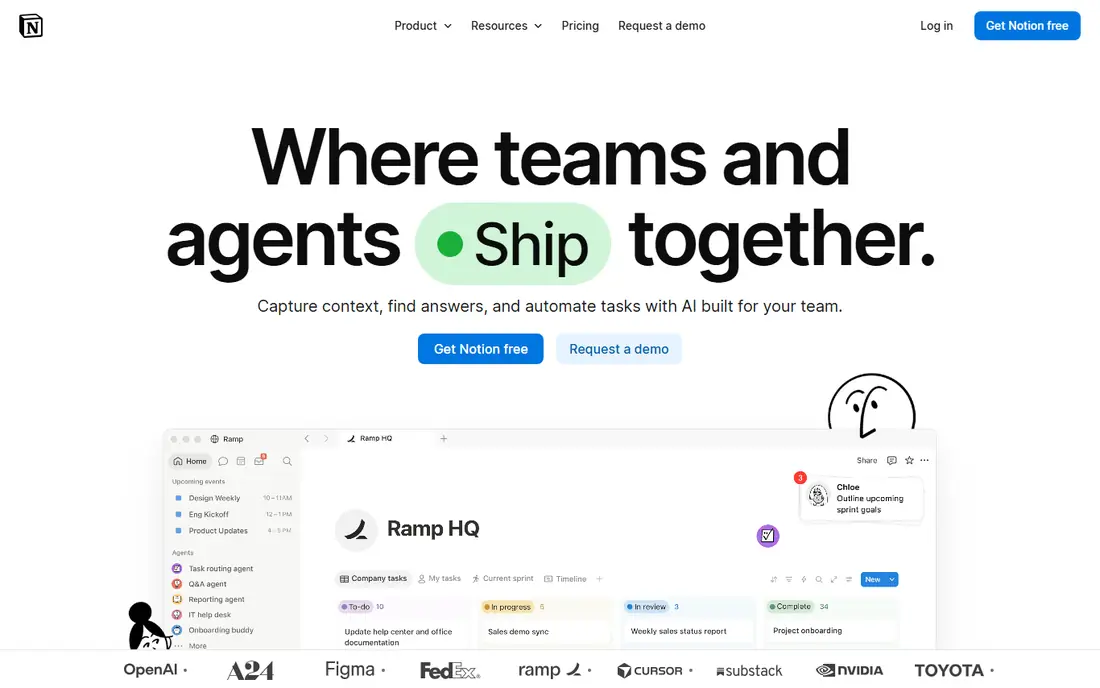
Notion gives you a blank canvas that can become a content calendar, with databases, calendar views, board views and docs for briefs. That flexibility suits teams that want one workspace for ideas, drafts, assets and the calendar itself. The free plan covers individual use well, with paid plans adding team features.
Setup is the cost. Someone must design the database, statuses and templates, and that design can break when that person leaves. Notion also does not publish to social channels on its own, so pair it with Buffer or a similar tool if publishing matters.
- Flexible databases with calendar and board views
- Docs and briefs in one place
- Generous free plan
- Needs setup time
- No native social publishing

Trello suits small teams that want a visual content plan without a complex system. Cards move through stages such as idea, draft, review and published, and a calendar view shows due dates at a glance. Checklists and labels help with simple workflows, and the free plan covers many small teams.
High volume is where Trello strains, because boards can grow messy without strict rules. It also lacks native social publishing, so you will need another tool or a manual step to post. For a simple editorial calendar, Trello is fast to start and easy to teach.
- Simple kanban boards
- Calendar view
- Low learning curve
- Low entry price
- No native social publishing
- Can get messy at high volume
Asana works well when content is part of a wider project workflow, with owners, due dates, approvals and dependencies. Its calendar and timeline views show the plan, while tasks hold briefs, assets and comments. That structure helps larger teams coordinate writers, designers and reviewers.
It is not built only for content, so social publishing and editorial features need integrations or manual steps. Paid plans start higher per user than Trello, so small teams should test the free plan first. If your team already runs projects in Asana, adding a content calendar there is often the simplest move.
- Strong task workflow
- Calendar and timeline views
- Good for larger teams
- Less specialised for content marketing
- Paid tiers start at a higher per-user price
Airtable sits between a spreadsheet and a database, which suits content teams that track many fields, such as channel, author, status, keyword and asset link. Calendar, grid and kanban views show the same data in different ways, and automations can move items through stages. Linked records help when one campaign spans many posts.
Setup time is real, and the free plan has record limits that matter at scale. Airtable does not publish to social on its own, so use it for planning and asset tracking, not as a scheduler. For data-heavy editorial teams, it is one of the most powerful options here.
- Flexible database with calendar, grid and kanban views
- Automations
- Linked records
- Needs setup
- No native social publishing
- Paid tiers start per seat
Buffer is the simplest social calendar in this list, with a clean queue for scheduling posts across channels. Its free plan covers a small number of channels, which suits solo creators and small teams. Paid plans add channels, team features and deeper analytics.
Reporting and approvals are lighter than Hootsuite or Planable, especially on lower tiers. If you need client approvals or enterprise reporting, look at those tools instead. For straightforward scheduling and a clear calendar view, Buffer is hard to beat for ease of use.
- Clean scheduling interface
- Free plan for a few channels
- Easy queueing
- Limited reporting on lower tiers
- Approvals need higher plans
Hootsuite gives large social teams a full calendar, publishing, inbox, analytics and approval workflow in one suite. It suits firms that manage many accounts, need team roles, and want reporting for leadership. Its calendar view shows planned posts across channels, with drag-and-drop rescheduling.
Price is the main barrier, with an entry plan listed at $99 per user per month on annual billing in recent pricing pages. Solo creators and small teams will find Buffer or Planable cheaper for the same basic scheduling. For a large team, Hootsuite scale and controls can justify the cost.
- Full social calendar, publishing and analytics
- Approvals and team controls
- Many integrations
- High entry price
- Overkill for solo creators
Planable is built for teams that need clients or stakeholders to approve posts before they go live. Its calendar shows posts in a visual feed, with comments and approval states that clients can use without learning a complex tool. Paid workspaces allow unlimited users, which helps agencies with many clients.
It is less deep for blog and project workflow than Asana or Notion, so use it for social approval, not for full editorial project management. A free starter allowance lets you test approvals with real posts. For agencies, that approval flow is the main reason to choose Planable.
- Visual calendar with client approvals
- Unlimited users on paid workspaces
- Free starter posts
- Less project depth than Asana
- Publishing focus is social, not blog workflow
How we picked these
We compared official feature pages, pricing pages and calendar views for tools that help teams plan, approve and publish content in October 2026. We included purpose-built calendars, flexible workspaces and social suites, because content teams use all three types. We did not claim hands-on testing, and we used See website where pricing varies by seat or plan.
How to build a calendar that stays full
A calendar tool alone does not fill a calendar. Start with a simple weekly rhythm, such as two blog posts and a set number of social posts, and assign an owner and a due date to each item. Review the calendar each week, and move or cut items that no longer fit, rather than letting overdue cards pile up.
Separate planning, approval and publishing
Planning tools such as Notion, Airtable and Trello hold ideas and drafts, while approval tools such as Planable and Hootsuite hold the final sign-off. Publishing tools such as Buffer, CoSchedule and Hootsuite send posts live. A team that tries to force one tool to do all three jobs often ends up with a messy workflow, so pick a primary tool for each job and link them clearly.
Keep fields simple at first
Start with title, channel, owner, due date and status, and add fields only when a real need appears. Too many required fields slow writers and lead to blank calendars. You can add keyword, asset link and campaign fields later, once the basic rhythm works for a month.
FAQ
What is the best content calendar app?
CoSchedule is the best purpose-built marketing calendar, while Notion is best for a flexible database calendar you shape yourself. Buffer is best for simple social scheduling, and Planable is best for client approvals. The best choice depends on whether you need planning, publishing or approvals most.
What is the best editorial calendar tool for a small team?
Trello and Notion suit small teams, because both offer free plans and a low learning curve. Trello is faster to start, while Notion gives more structure for briefs and databases. Add Buffer if you need social publishing, because neither Trello nor Notion publishes on its own.
Is there a free content calendar tool?
Yes, CoSchedule, Notion, Trello, Asana, Airtable, Buffer and Planable all offer free plans or free starter allowances, with limits on users, channels or posts. Free plans suit solo creators and small teams, but larger teams usually need a paid plan for approvals, reporting or extra seats.
What is the best content calendar software for social media?
Hootsuite suits large social teams, Buffer suits solo creators and small teams, and Planable suits agencies that need client approvals. CoSchedule also covers social publishing inside a wider marketing calendar. Pick by team size, approval needs and reporting depth.
Can I use Google Sheets as a content calendar?
Yes, a spreadsheet can hold a simple content calendar at no cost, with columns for title, date, channel and status. It lacks publishing, approvals, reminders and asset links, so it works best for solo creators or very small teams. Move to a dedicated tool when coordination or publishing becomes a bottleneck.
How do I choose between Notion and Airtable for a content calendar?
Notion suits teams that want docs, briefs and a calendar in one flexible workspace, with more free-form writing. Airtable suits teams that want structured data, linked records and automations across many fields. Try both free plans with a real week of content before you commit.