Best Chat App in 2026: 9 Apps Compared
Compare the best chat app for friends, family, and work, with secure messaging, group chats, video calls, and clear notes on privacy and device support.
- Editor's choice
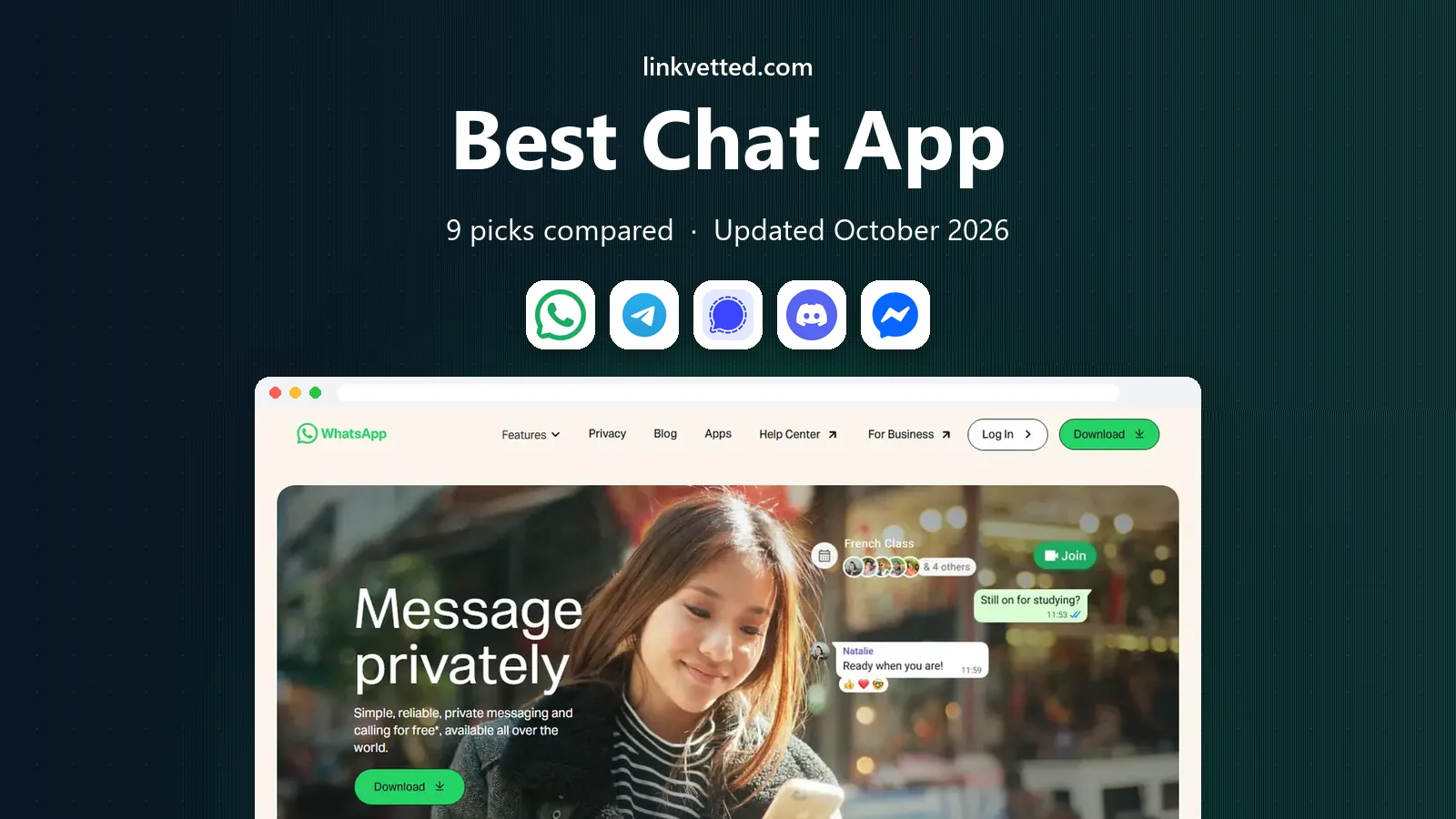
 WhatsApp
Everyday personal chats
Starts atFreeVisit whatsapp.comFull review - Great alternative
 Telegram
Large groups and channels
Starts atFreeVisit telegram.orgFull review - Also consider
 Signal
Private messaging
Starts atFreeVisit signal.orgFull review
TL;DR:
- WhatsApp and Signal cover most personal chats, with WhatsApp winning on reach and Signal winning on privacy defaults.
- Telegram suits large groups and channels, while Discord suits communities, gaming groups, and study servers.
- Messenger and Google Messages fit people who already use Facebook or Android, with less setup for contacts.
- For work, Slack and Element offer channels, threads, and admin controls that personal chat apps lack.
Quick comparison
| Tool | Best for | Starts at | Free plan? | |
|---|---|---|---|---|
| WhatsApp | Everyday personal chats | Free | Yes | Visit |
| Telegram | Large groups and channels | Free | Yes | Visit |
| Signal | Private messaging | Free | Yes | Visit |
 Discord | Communities and gaming | Free | Yes | Visit |
 Messenger | Facebook contacts | Free | Yes | Visit |
 Slack | Work teams | Free | Yes | Visit |
 Google Messages | Android texting | Free | Yes | Visit |
 Viber | International calls and chats | Free | Yes | Visit |
 Element | Secure team and community chats | Free | Yes | Visit |
The best chat apps
We compared official feature pages, app store listings, privacy policies, and public reviews, focusing on encryption, group size, calls, device support, and ease of joining. Reach matters as much as features, since a chat app only works if your contacts use it.

WhatsApp fits almost any personal chat need, from family groups to a quick call with a friend abroad. Messages, calls, and status updates use end-to-end encryption by default, and the app works on iOS, Android, and desktop through a linked device. Because so many people already have it, you rarely need to convince contacts to install something new.
The main limits are its phone-number signup and its ownership by Meta, which concerns some privacy-focused users. Business messages and some backup settings also follow different rules, so check backup encryption if you store chats in the cloud. For everyday reach and simplicity, WhatsApp remains the default for most people.
- Huge user base
- End-to-end encryption by default
- Voice and video calls
- Needs a phone number
- Linked to Meta
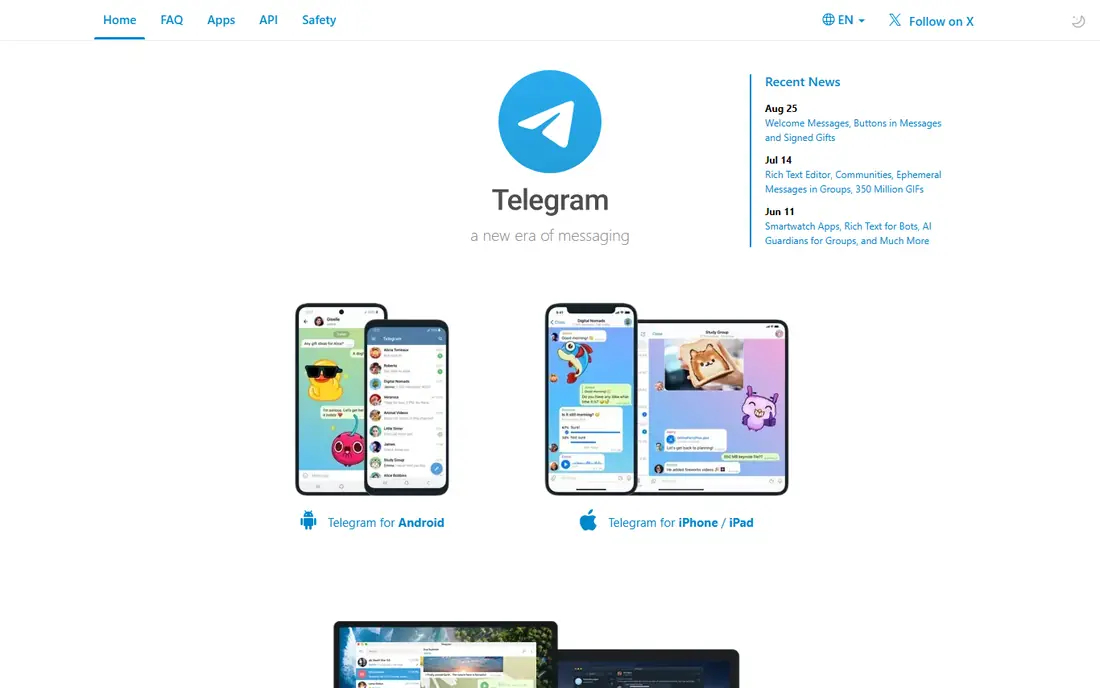
Telegram suits communities, clubs, classes, and creators who need large groups, channels, and files in one place. Groups can hold very large numbers of members, channels can broadcast to followers, and messages sync quickly across phone, tablet, and desktop. Bots, polls, and folders help organizers run busy groups without extra tools.
Privacy needs care here, because only Secret Chats use end-to-end encryption by default, while regular cloud chats use server-side encryption. If private one-to-one chats matter most, use Secret Chats or another app on this list. For public and large-group communication, Telegram is hard to beat.
- Very large groups and channels
- Fast sync across devices
- Rich media and bots
- Cloud chats are not end-to-end encrypted by default
- Secret chats need a separate mode
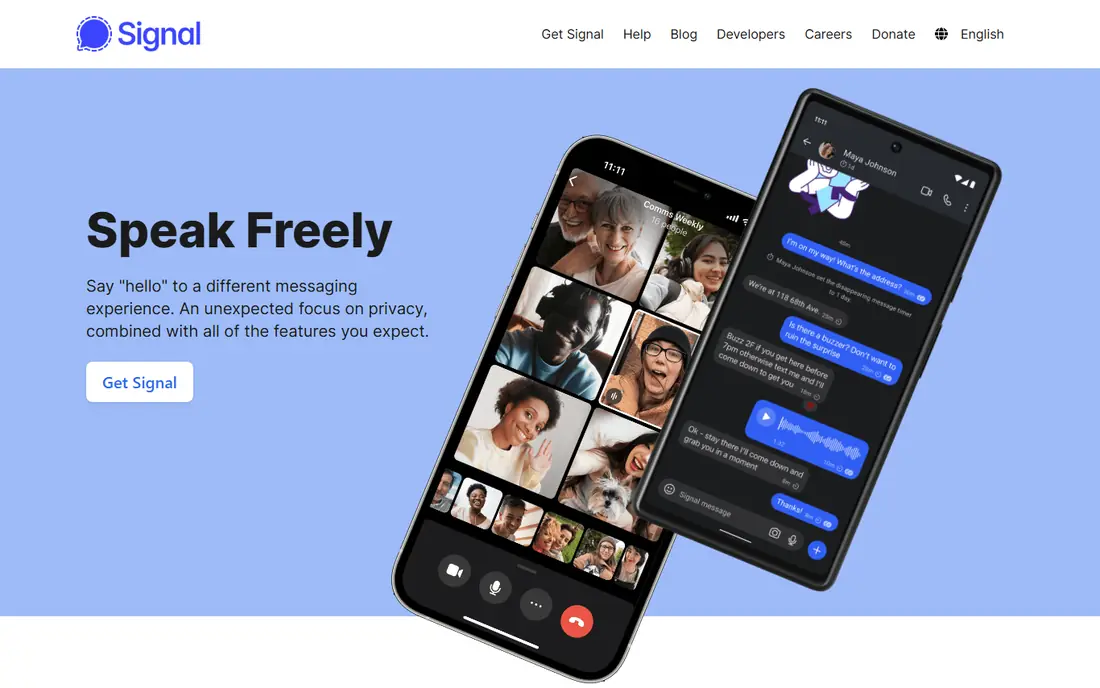
Signal is our pick for private messaging, because it encrypts chats, calls, and group messages by default and collects very little metadata. The nonprofit behind it publishes open source code, and the app includes disappearing messages, a screen lock, and relay options for calls. Setup uses a phone number, but usernames can now limit how often you share it.
The smaller user base is the real drawback, since friends and family may need to install it first. It also lacks the channels, bots, and large-group extras that Telegram offers. If privacy is your top need, that trade is worth making, and Signal works well as a second app for sensitive chats.
- End-to-end encryption by default
- Open source
- Minimal data collection
- Smaller user base
- Fewer social features
Discord fits gaming squads, study groups, hobby clubs, and online communities that need text, voice, and video in one server. Servers use channels for topics, threads for side talks, and voice rooms for live play or study sessions. The free tier covers most needs, while Nitro adds larger uploads and extra customization.
Discord is not a private messenger in the Signal sense, since server messages are not end-to-end encrypted. The interface can also feel busy for a simple one-to-one chat. For a group that lives online and wants voice rooms plus text, Discord is a strong and flexible choice.
- Servers with channels and voice
- Great for gaming and study groups
- Free core features
- Messages are not end-to-end encrypted
- Can feel busy for simple chats
Messenger suits people whose friends and family already use Facebook, since contacts, groups, and calls are ready without a new signup. It supports text, voice, video, reactions, and group chats, and it works on phone, tablet, and web. That low friction explains why it remains popular for casual chats.
Encryption is the point to check, because end-to-end encryption applies to many chats but settings and chat types vary, so confirm the lock icon for sensitive talks. A Meta account link also matters for users who want separation from Facebook. For casual chats with existing contacts, Messenger is convenient and familiar.
- Easy for Facebook users
- Video calls and groups
- Wide device support
- End-to-end encryption varies by chat
- Meta account links
Slack fits work teams, classes, and projects that need organized conversation rather than one long chat thread. Channels group talks by topic, threads keep replies tidy, and integrations bring files, calendars, and tasks into the same workspace. Search helps a new team member catch up on past decisions.
The free plan limits searchable message history, so growing teams often need a paid plan for full access. Slack also feels formal for family chats, where a simpler app works better. For work, it remains one of the clearest ways to keep many talks organized.
- Channels and threads for work
- Many app integrations
- Strong search
- Free plan limits message history
- Not ideal for personal chats
Google Messages suits Android users who want a clean texting app that also handles richer chats when RCS is available. RCS adds typing indicators, read receipts, high-quality media, and reactions, much like modern chat apps, while still sending SMS where RCS is not supported. A web version lets you text from a computer.
RCS support still depends on carrier, phone, and contact, so some chats will look plain. iPhone conversations may also lack the richer features in some setups, depending on current carrier and device support. For Android-first texting, Google Messages is a solid default.
- Built into many Android phones
- RCS chats with media and reactions
- Web access
- Features depend on carrier and phone
- IPhone chats fall back to SMS in some cases
Viber fits people with family or friends abroad who need free app-to-app calls plus low-cost calls to regular phone numbers. Private chats and calls use end-to-end encryption, and the app supports groups, stickers, and communities. It works on phone and desktop, which helps for longer calls.
In the US, Viber has fewer users than WhatsApp or Messenger, so contacts may need to install it. Some paid calling rates and features also vary by country. If international calling is a regular need, Viber is a practical and affordable option.
- Free chats and calls
- End-to-end encryption for private chats
- Low-cost calls to non-users
- Smaller US user base
- Some features vary by country
Element suits privacy-minded teams, open source communities, and groups that want control over their chat server. Built on the Matrix network, it supports encrypted rooms, threads, spaces, and bridges to other services, and larger groups can self-host for full control. That openness is rare among mainstream chat apps.
Setup is more technical than WhatsApp or Signal, and mainstream contacts are less likely to already use it. Admins also need to manage server and encryption settings with care. For a team or community that values openness and control, Element offers a level of freedom the bigger apps do not.
- Open Matrix network
- End-to-end encryption
- Self-hosting option
- Setup is more technical
- Smaller mainstream user base
How we picked these
We compared official feature pages, app store listings, privacy policies, and public reviews, and we weighed encryption defaults, group and call features, device support, and real-world reach. We did not claim hands-on testing. We kept personal, community, and work apps in one list, since readers often need different apps for different circles.
How to choose a chat app
Start with the people you actually talk to, since reach often decides the winner. A private app is only useful if your key contacts will use it, so many people keep one mainstream app for family and one private app for sensitive talks. Check encryption for each chat type, not just the app name, because group and cloud chats can differ.
Privacy, groups, and calls
If privacy matters most, choose an app with end-to-end encryption by default and minimal data collection, such as Signal. If you run a large group or channel, Telegram and Discord offer better organization, moderation, and media tools. For work, Slack or Element add channels, search, and admin controls that personal apps lack.
Backups and account safety
Turn on two-step verification where the app offers it, and check whether cloud backups are encrypted. Save account recovery details in a safe place, and review group privacy settings before sharing personal photos or locations. A quick settings check can prevent far more trouble than any feature upgrade.
FAQ
What is the best chat app overall?
WhatsApp is the best chat app overall for most people, because it combines a huge user base with encrypted chats and free calls. Signal is better for privacy, while Telegram is better for large groups and channels.
What is the best secure messaging app?
Signal is the best secure messaging app for most private chats, thanks to end-to-end encryption by default, open source code, and minimal data collection. WhatsApp also encrypts personal chats by default, but its Meta link and backup settings deserve a check.
What is the best texting app for Android?
Google Messages is the best texting app for many Android users, since it supports RCS chats with media, reactions, and typing indicators where available. WhatsApp and Signal are better if you want the same experience across iPhone and Android.
What is the best chat app for large groups?
Telegram is best for very large groups and channels, while Discord is best for communities that also need voice rooms and topic channels. Both offer moderation tools, but neither should be treated as fully private for sensitive talks.
What is the best live chat software for ecommerce?
For ecommerce support, a dedicated live chat tool on your website usually beats a personal chat app, because it adds queues, canned replies, and order context. WhatsApp Business and Messenger can still help for customer chats, but they lack full support ticketing on their own.
Can I use more than one chat app?
Yes, most people do, with one app for family, one for friends or work, and sometimes one private app for sensitive chats. Keep notifications and backup settings tidy, and use the same profile photo and name so contacts recognize you across apps.