Best Blog Software for SEO in 2026: 8 Platforms Compared
Compare the best blog software for SEO in 2026, from WordPress and Ghost to Webflow and HubSpot, with pricing, speed, and SEO features that matter most.
- Editor's choice
 WordPress
Maximum SEO flexibility
Starts atFreeVisit wordpress.orgFull review - Great alternative
 Ghost
Fast publishing with memberships
Starts at$9 per monthVisit ghost.orgFull review - Also consider
 Webflow
Design-led SEO sites
Starts atSee websiteVisit webflow.comFull review
TL;DR:
- The best blog software for SEO combines fast pages, clean URLs, editable meta tags, sitemaps, and structured data without heavy plugin work.
- WordPress remains the most flexible SEO platform, while Ghost offers cleaner defaults and faster pages out of the box.
- Webflow suits design-led teams that want visual control, and HubSpot suits teams that want blogging tied to marketing automation.
- Price the full stack, including hosting, themes, and plugins, since a free core can still cost real money each month.
Quick comparison
| Tool | Best for | Starts at | Free plan? | |
|---|---|---|---|---|
| WordPress | Maximum SEO flexibility | Free | Yes | Visit |
| Ghost | Fast publishing with memberships | $9 per month | No | Visit |
| Webflow | Design-led SEO sites | See website | Yes | Visit |
 Squarespace | Simple all-in-one sites | See website | No | Visit |
 Wix | Beginner-friendly blogging | See website | Yes | Visit |
 Framer | Fast visual sites | See website | Yes | Visit |
 HubSpot CMS | Marketing and blogging together | See website | No | Visit |
 Blogger | Free simple blogging | Free | Yes | Visit |
The best blog software for seo
We compared these platforms on page speed, technical SEO controls, editing ease, structured data, sitemap handling, and price. A platform can rank well only if it also helps you publish consistently, so ease of use counts alongside raw SEO controls.
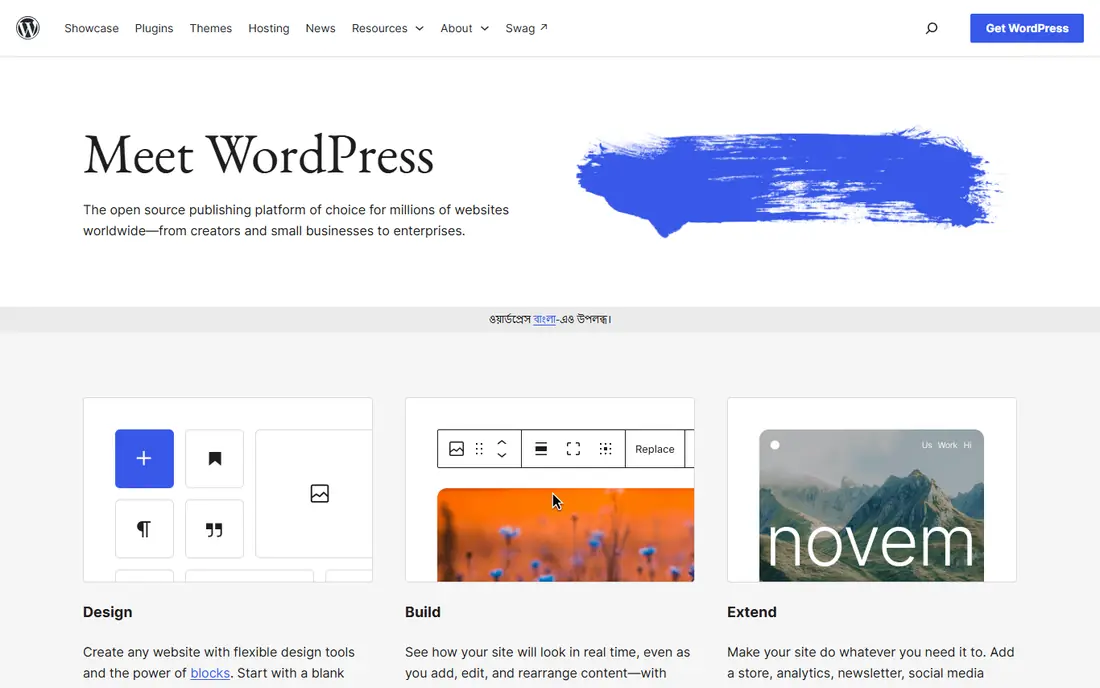
WordPress powers a large share of the web for a reason: it gives you control over almost every SEO lever. With plugins like Yoast SEO or Rank Math, you can edit titles, meta descriptions, schema, breadcrumbs, and redirects without code. Themes and caching plugins affect speed, and hosting choice affects Core Web Vitals, so the platform rewards teams willing to tune it. The open source core is free, and you can move hosts freely.
The trade is maintenance. You own updates, backups, security, and plugin compatibility, and a bloated theme or too many plugins can slow a site badly. Budget hosting at roughly $5 to $30 per month for a small blog, plus premium theme or plugin costs if you need them. For teams that want maximum control and a huge support community, WordPress is still the default SEO pick.
- Free open source core
- Huge SEO plugin ecosystem
- Full control over URLs, schema, and redirects
- Hosting, themes, and plugins add cost
- Upkeep and security need attention

Ghost is an open source publishing platform with a clean editor, fast default templates, and built-in membership and newsletter tools. SEO basics like XML sitemaps, structured data, meta tags, canonical URLs, and social cards are included without plugins. Managed Ghost hosting starts at $9 per month on some plans, with higher tiers for larger member counts, while self-hosting the open source software is free if you can run a server.
Ghost has far fewer themes and integrations than WordPress, and custom features often need developer help. That focus is also its strength: there is less to break, and pages tend to load fast. Publishers who want speed, clean SEO defaults, and paid memberships in one tool should shortlist Ghost first.
- Fast pages by default
- Built-in SEO basics
- Memberships and newsletters included
- No free hosted plan
- Fewer plugins and themes than WordPress
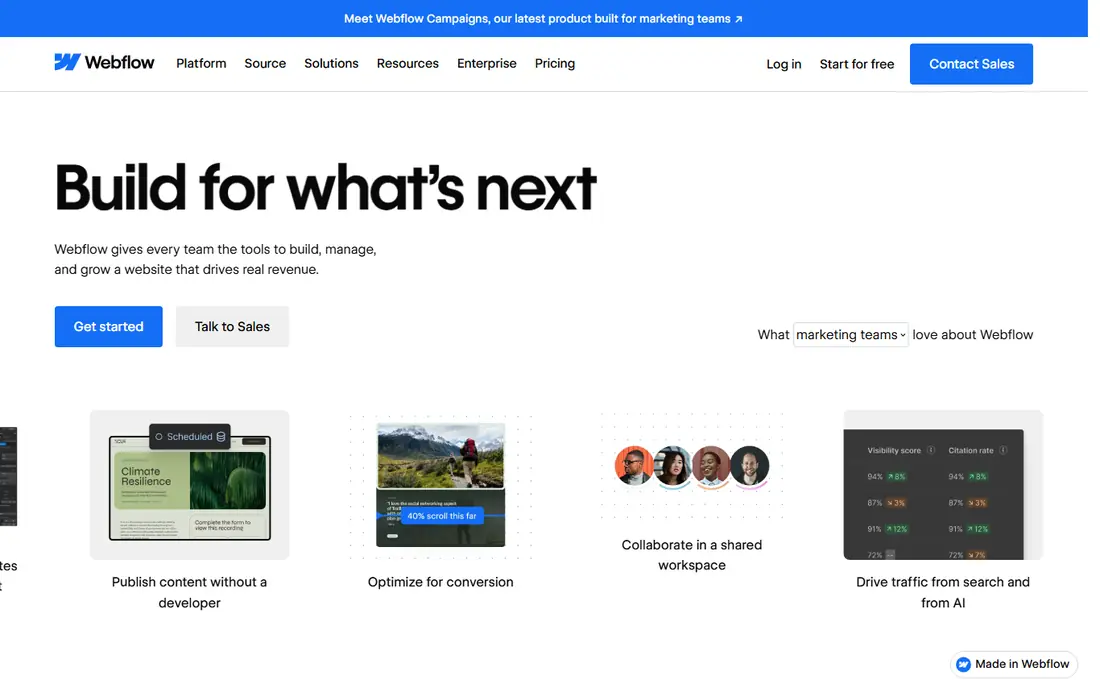
Webflow lets designers build custom sites visually while keeping control over headings, meta tags, alt text, URLs, and redirects. Pages can be fast when images and code are kept lean, and the CMS supports structured blog content with categories and authors. For design-led brands that want a distinctive blog without a generic theme, Webflow offers a middle path between a page builder and hand-coded development.
Webflow takes time to learn, and CMS item limits and hosting tiers affect price as a blog grows. It also has less of a plugin ecosystem than WordPress, so some SEO workflows need manual setup or third-party tools. Teams with design skills and a need for custom layouts will get the most from it.
- Visual design control
- Clean code output
- Editable SEO fields per page
- Learning curve for complex sites
- CMS and hosting costs rise with scale
Squarespace bundles hosting, templates, and blogging in one subscription, which suits small businesses that want a good-looking site without managing plugins. SEO fields for titles, descriptions, URLs, and social sharing are built in, and templates are mobile-friendly by default. Setup is fast, and support covers the whole stack.
Flexibility is the limit. Advanced schema control, redirect management, and plugin options are thinner than WordPress, and large blogs with complex taxonomies can feel constrained. For a small business blog where design and simplicity matter more than deep technical SEO tuning, Squarespace is a solid, low-fuss choice.
- All-in-one hosting and templates
- Simple SEO fields
- Good design defaults
- Less SEO flexibility than WordPress
- Template limits for complex blogs
Wix is one of the easiest ways to start a blog, with a drag-and-drop editor, templates, and a free plan for testing. Its SEO tools include editable meta tags, URL slugs, sitemaps, and a checklist that walks beginners through basic optimization. That guidance helps new bloggers avoid common mistakes like missing titles or duplicate content.
Wix sites can be slower than Ghost or a tuned WordPress site if pages get heavy with apps and animations, and advanced users may miss WordPress-level control. The free plan also carries Wix branding and a subdomain. Beginners who want to publish quickly and learn SEO basics should start here, then move if they outgrow it.
- Free plan to start
- Drag-and-drop editor
- Built-in SEO tools and checklists
- Free plan shows Wix branding
- Advanced SEO control is limited
Framer started as a design tool and grew into a site builder known for fast, polished pages. Its visual editor suits teams that care about layout and motion, and its CMS can run a blog with posts, categories, and authors. SEO fields for titles, descriptions, and social cards are included, and published sites tend to score well on speed tests when images are optimized.
Framer has a smaller blogging community and fewer SEO integrations than WordPress, so some workflows need manual work. It is also newer as a blogging platform, which means fewer tutorials for advanced SEO setups. Design-led teams that prioritize speed and visual quality should test Framer with a few real posts before committing.
- Very fast pages
- Modern visual editor
- Built-in CMS for blogs
- Smaller SEO plugin ecosystem
- Newer blogging community than WordPress
HubSpot CMS Hub combines blogging with CRM, email, landing pages, and marketing automation in one system. SEO recommendations appear inside the editor, analytics tie posts to leads and customers, and content can be personalized by lifecycle stage. For marketing teams that already use HubSpot, blogging inside the same system removes integration work and gives clearer reporting.
Price is the barrier. HubSpot CMS is quote-based at higher tiers and costs more than WordPress or Ghost for a standalone blog. Teams that only need blogging, without CRM and automation, will not get full value. Teams that want blogging as part of a wider marketing engine should compare HubSpot total cost against WordPress plus separate marketing tools.
- Blogging tied to CRM and marketing automation
- SEO recommendations built in
- Strong analytics
- Higher price
- Best value requires HubSpot marketing tools
Blogger, owned by Google, remains a free way to publish a blog with Google hosting and a simple editor. You can use a custom domain, edit basic SEO fields, and publish without hosting bills. For a personal blog, a classroom project, or a test site, that zero cost is hard to beat.
Blogger lacks modern SEO depth, theme choice, and plugin support, and Google has not invested in it like newer platforms. Serious publishers who plan to grow traffic should choose WordPress or Ghost instead. Blogger still works for simple, low-stakes publishing where cost matters most.
- Completely free
- Google hosting
- Simple publishing
- Limited SEO controls and design options
- Future development is uncertain
How we picked these
We compared official product pages, pricing pages, and independent platform comparisons for blog software with SEO features. We favored platforms that exist today, support custom domains, meta tags, sitemaps, and mobile-friendly templates, and publish clear pricing or a free tier. We excluded pure newsletter tools without a public blog and pure page builders without a real blogging CMS. Where vendors do not publish a simple starting rate, we list See website.
How to pick blog software for SEO
Start with speed and control. Check that you can edit titles, descriptions, URLs, headings, and image alt text for every post, and that the platform generates a sitemap automatically. Test a demo post on a phone, because mobile speed and readability affect rankings and readers. Also check structured data: article schema helps search engines understand your posts, and some platforms add it automatically while others need plugins.
Plan for publishing habits, not just features. A platform you enjoy using will get more posts than a powerful platform you avoid. Set up redirects if you migrate, keep URL slugs short and stable, and use internal links between related posts. SEO tools for blogs help with research and audits, but consistent, useful posts on a fast, clean platform matter more than any single plugin.
For beginners
Start with Wix, Squarespace, or Ghost, depending on budget and design taste. All three let you publish quickly with sensible SEO defaults. Move to WordPress only when you need plugins or custom features they lack.
For growing publishers
Choose WordPress or Ghost. WordPress offers the widest plugin and theme choice, while Ghost offers speed and memberships with less upkeep. Test both with ten real posts, and judge speed, editing ease, and analytics before you migrate a full archive.
FAQ
What is the best blog software for SEO?
WordPress is the most flexible SEO platform overall, thanks to its plugin ecosystem and full control. Ghost is the best choice for publishers who want fast pages and clean SEO defaults without plugins. The right pick depends on your technical comfort and growth plans.
What is the best SEO blog platform for beginners?
Wix and Squarespace are easiest for beginners, with guided SEO fields and all-in-one hosting. Ghost is also beginner-friendly once you accept paid hosting. WordPress is more powerful but needs more setup and upkeep, so beginners should weigh that trade.
Is WordPress or Ghost better for SEO?
WordPress offers more control through plugins, themes, and custom schema, which suits advanced SEO work. Ghost offers faster default pages and built-in SEO basics, which suits publishers who want less tuning. Both can rank well; the difference is how much work you want to do to get there.
Do I need SEO tools for blogs separately?
A good platform covers technical basics, but keyword research, rank tracking, and site audits still benefit from dedicated SEO tools. Many teams pair WordPress or Ghost with a tool like Ahrefs, Semrush, or Google Search Console for research and monitoring, while the platform handles publishing.
Can I migrate my blog without losing SEO?
Yes, if you plan redirects, keep URL slugs where possible, and submit an updated sitemap after the move. Map every old URL to a new one, check for broken links, and monitor Search Console for crawl errors in the first weeks. A rushed migration without redirects is the most common cause of lost traffic.
How much does blog software for SEO cost?
Costs range from free for WordPress core, Blogger, and Wix free plans to $9 per month and up for Ghost hosting, plus hosting and plugin costs for WordPress. All-in-one platforms and HubSpot cost more but bundle hosting and support. Always price hosting, themes, and plugins together.