Best Automated SEO Tools in 2026: 8 Tools Compared
Compare the best automated SEO tools in 2026, from Semrush and Ahrefs to Surfer and Screaming Frog, with automation, pricing, audits and best uses today.
- Editor's choice
 Semrush
All in one SEO automation
Starts atSee websiteVisit semrush.comFull review - Great alternative
 Ahrefs
Backlink and competitor automation
Starts at$29 per monthVisit ahrefs.comFull review - Also consider
 SE Ranking
Affordable automated tracking
Starts atSee websiteVisit seranking.comFull review
TL;DR:
- Semrush and Ahrefs are the most complete automated SEO platforms, covering keyword research, audits, rank tracking and competitor analysis in one place.
- Surfer and Frase automate content work best, scoring drafts and building briefs from search results, while suites handle research and tracking.
- Screaming Frog automates technical crawling, finding broken links, missing tags and redirect problems at scale.
- Automation saves time only when you act on its output, so pair scheduled audits and alerts with a weekly review habit.
- Free tools such as Google Search Console cover your own site data, but they do not replace competitor and keyword research.
Quick comparison
| Tool | Best for | Starts at | Free plan? | |
|---|---|---|---|---|
| Semrush | All in one SEO automation | See website | Free trial | Visit |
| Ahrefs | Backlink and competitor automation | $29 per month | Yes | Visit |
| SE Ranking | Affordable automated tracking | See website | Free trial | Visit |
 Moz Pro | Beginner friendly automation | See website | Free trial | Visit |
 Surfer | Automated content optimization | See website | Free trial | Visit |
 Frase | Automated content briefs | See website | Free trial | Visit |
 Screaming Frog SEO Spider | Automated technical crawls | See website | Yes | Visit |
 SEO PowerSuite | Desktop SEO automation | See website | Yes | Visit |
The best automated SEO tools
Automated SEO tools run the repetitive work for you. They crawl your site, track rankings, watch competitors, find keyword gaps and flag errors while you focus on fixes and content. The eight tools below mix full suites, content tools and a technical crawler, so choose by the work you want automated most.

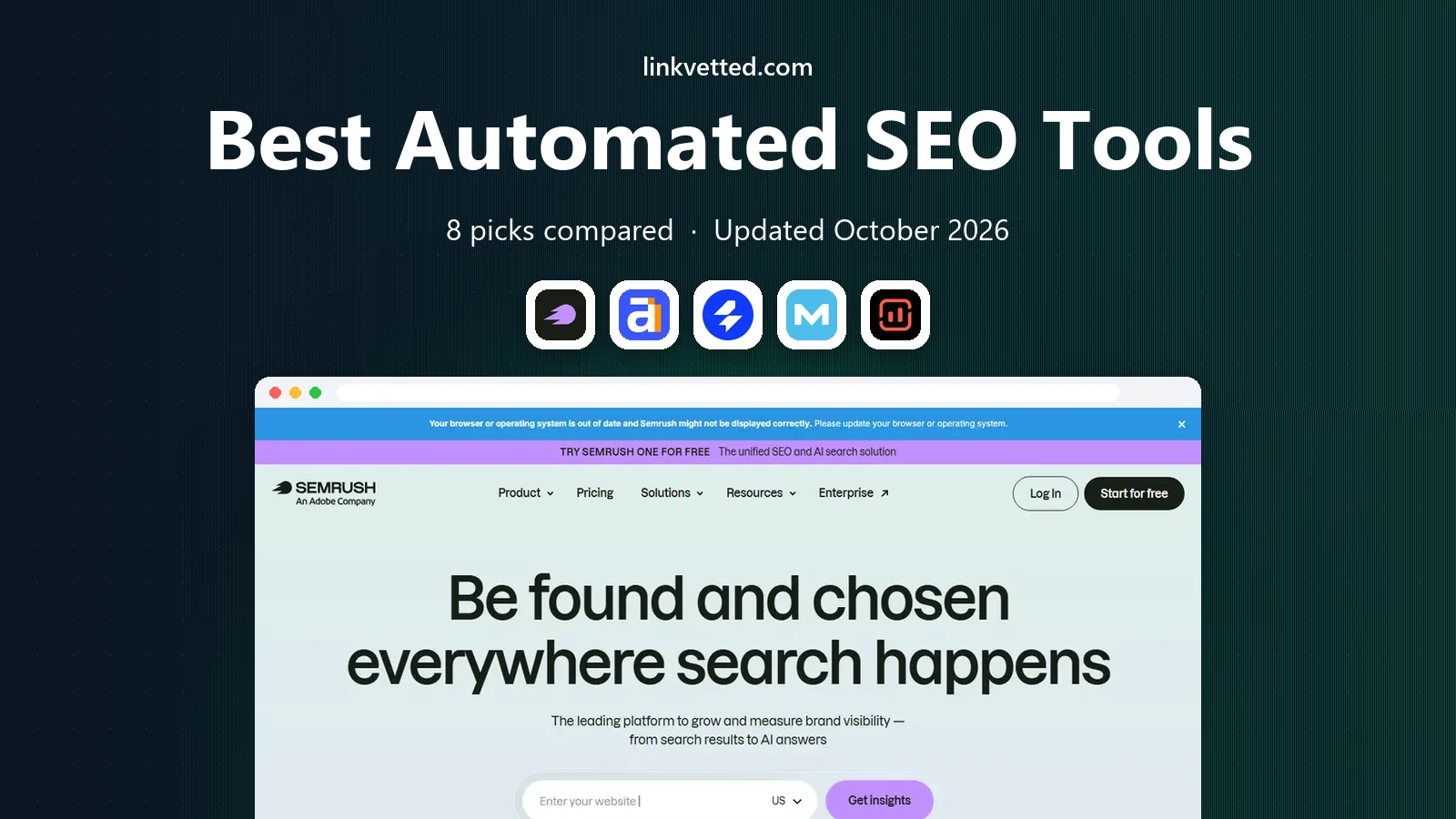
Semrush automates more of the SEO workflow than any other single tool here. Position tracking, site audits, backlink monitoring and content ideas can all run on a schedule, with alerts when rankings move or new errors appear. Its keyword database is huge, and newer plans add AI search visibility tracking, which matters as more answers come from AI summaries rather than classic results pages.
The catch is price and sprawl. The entry plan costs more than several rivals, and the sheer number of tools can overwhelm a beginner. If you run several sites or work for clients, that breadth pays for itself. If you run one small site, a cheaper suite plus Google Search Console may cover your needs for less.
- Very broad toolkit
- Scheduled audits and position tracking
- AI visibility tracking on newer plans
- Entry price is high for a solo site
- Some tools sit on higher tiers or as add ons
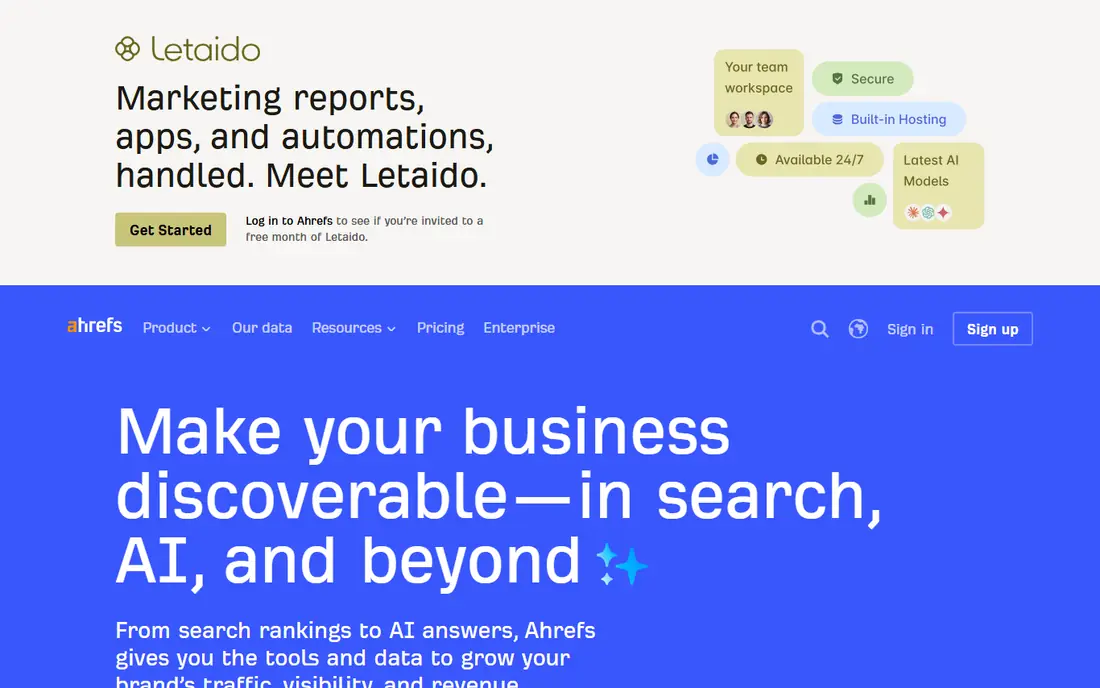
Ahrefs is best known for backlinks, and its automated alerts are genuinely useful. You can watch competitors gain links, track your own link profile, and get notified when rankings move, without checking manually each week. Site Explorer, Site Audit and Rank Tracker cover the core loop of research, fixing and measuring, and the Starter plan gives small sites a low cost way in.
The Starter plan is limited compared with Lite, so check credit and tracking limits before you buy. AI content features cost extra, so Ahrefs is not the cheapest content tool. For link driven SEO and competitor research, though, few tools match its data quality and alert system.
- Strong backlink index
- Automated alerts for new links and ranking changes
- Clear site audit reports
- Full Lite plan costs much more than the Starter plan
- AI content tools are a paid add on

SE Ranking gives freelancers and small agencies a lot of automation for the money. Rank tracking, site audits, backlink monitoring and reporting can all run on schedules, and its white label reports suit client work. The Core plan includes AI search tracking, which helps smaller teams watch how they appear in AI answers without buying a separate tool.
Its backlink database is not as deep as Ahrefs, so link builders may still need a second source. Limits on projects, keywords and seats also matter for agencies, so model your real portfolio before choosing a tier. For tracking and reporting at a sensible price, SE Ranking is a strong middle ground.
- Strong rank tracking and audit automation
- Client reporting for agencies
- AI search tracking on Core plans
- Backlink data is thinner than Ahrefs
- Higher plans are needed for larger portfolios
Moz Pro suits beginners who want automation without a steep learning curve. Scheduled site crawls, rank tracking and keyword research are presented in plain language, and Moz learning resources explain what each metric means and what to fix first. Domain Authority remains a common shorthand in link outreach, which makes Moz reports easy to share with clients and partners.
Power users may find its keyword and backlink data thinner than the leaders, and campaign limits on lower plans can pinch agencies. For a small business owner or a new SEO who wants clear, automated checks and guidance, Moz Pro is an approachable and capable choice.
- Clear interface and learning resources
- Automated crawls and rank tracking
- Domain Authority metric widely used in outreach
- Data depth lags Semrush and Ahrefs in some areas
- Higher tiers needed for more campaigns
Surfer automates the hardest part of content SEO, which is knowing what a page should cover and how it compares with pages that already rank. Paste a draft into the Content Editor and it scores structure, headings, terms and length against live search results, with clear suggestions as you write. Automated audits do the same for published pages, flagging posts that need updates.
Surfer is not a replacement for a research suite. It does not track rankings or backlinks with the depth of Semrush or Ahrefs, and lower plans cap the number of articles you can optimize. Pair it with a suite or with Search Console, and use it where it shines, which is turning a rough draft into a page built to compete.
- Content Editor scores drafts against top ranking pages
- Automated audits for existing content
- AI tracking add ons
- Not a full SEO suite
- Article credits limit lower plans
Frase speeds up the start of content work. Give it a keyword and it pulls questions, headings and themes from top ranking pages, then turns them into a brief a writer can follow. Its editor scores drafts as you write, and publishing integrations push finished posts to your site. That workflow suits teams that produce many posts and need consistent briefs without hours of manual research.
Limits matter on the Starter plan, which covers one seat and a small number of articles per month, so growing teams should price the next tier. Frase also does not replace rank tracking or technical audits. As a brief and optimization tool, though, it is fast, clear and cheaper than several rivals.
- Builds research briefs from top ranking pages in minutes
- Content scoring and CMS publishing
- Lower entry price than Surfer
- Lower plans limit seats, sites and articles
- Research depth is less than a full suite
Screaming Frog is the technical SEO workhorse. Point it at a site and it crawls every page, reporting broken links, missing titles, duplicate content, redirect chains and slow pages in one exportable list. That automation turns a manual audit that would take days into a job you can run, filter and hand to a developer in an afternoon. The free version covers up to 500 URLs, which suits small sites.
The interface is technical, and beginners may need a guide to read its reports. It also runs on your desktop, so very large sites need the paid licence and a machine that can handle the crawl. For technical fixes, migrations and regular health checks, it remains an essential tool alongside any suite.
- Deep technical crawling
- Finds broken links, duplicate tags and redirect chains
- Free version covers up to 500 URLs
- Desktop tool with a technical interface
- Paid licence is needed for larger sites
SEO PowerSuite bundles Rank Tracker, WebSite Auditor, SEO SpyGlass and LinkAssistant into one desktop package. Together they automate rank checks, technical audits, backlink analysis and outreach tracking, which covers the full SEO loop without a monthly cloud subscription for every tool. The free version lets you try the core features before paying.
Desktop software has limits. There is no cloud dashboard for clients to log into, and reports need exporting and sharing by hand. The interface also looks older than Semrush or Ahrefs. For a solo SEO or small agency that prefers desktop tools and a different pricing model, SEO PowerSuite offers a lot of automation for the money.
- Four tools in one desktop bundle
- Rank tracking, audits, backlinks and link building
- One time style pricing options
- Desktop only, so no cloud collaboration
- Interface feels dated next to cloud suites
How we picked these
We compared official pricing pages, feature lists and documentation, plus public reviews, for tools that automate a real SEO task in October 2026, from crawling and tracking to briefs and reporting. We kept only tools with a working official homepage and current plans, and we favored tools whose automation is scheduled and alert based, not just a one off report. We did not claim hands on testing, and where pricing varies by billing term or tier, we used See website rather than a single figure.
How to build an automated SEO workflow
Automation works best as a loop, not a single report. Start with a weekly site audit that flags new errors, broken links and slow pages, and assign fixes the same week. Add rank tracking for your most important keywords, with alerts for big moves, and a monthly competitor check for new links and content. That routine catches problems early, before they cost traffic.
Content automation without losing quality
Use Surfer or Frase to build briefs and score drafts, but keep a human editor in charge of facts, tone and usefulness. Automated briefs reflect what already ranks, so they can push every article toward the same shape. Add original examples, data and expert input to stand out, and update older posts when audits show they have slipped. Automation should speed up research, not replace judgment about what readers actually need.
Reporting and limits to watch
Set reports to go to the people who act on them, not just to an inbox nobody reads. Before you buy, check limits on tracked keywords, crawled pages, projects and seats, since those caps decide whether a plan fits your real workload. Also check whether AI visibility, API access and extra users cost more. A tool that looks cheap on its entry plan can become expensive once you add the limits you actually need.
FAQ
What is the best automated SEO tool for beginners?
Moz Pro is a good start for beginners, thanks to its clear interface and learning resources, while SE Ranking offers strong tracking at a lower price than the big suites. Start with one suite plus Google Search Console, learn the weekly audit and tracking routine, and add a content tool only when you publish regularly.
Can automated SEO tools replace an SEO specialist?
No. Tools automate crawling, tracking and research, but they do not decide strategy, fix code, write expert content or build relationships for links. The best results come from a person using automation to find problems faster, then fixing them with judgment. A tool alone will not rank a thin or unhelpful site.
What is the best automated SEO tool for content?
Surfer is our pick for optimizing drafts against ranking pages, while Frase is best for fast research briefs. Use Surfer when you want a live score as you write, and Frase when you need briefs for a team of writers. Both work best alongside a suite that handles research, tracking and technical audits.
How much should I pay for automated SEO tools?
A solo site can start with free tools and a low cost plan, while agencies need higher tiers with more projects and seats. Budget for the plan that covers your tracked keywords, crawled pages and users, plus any add ons for AI visibility or API access. Check renewal and monthly versus annual pricing, since annual billing often lowers the monthly rate.
Do automated SEO tools work for AI search?
Some do, in part. Semrush, SE Ranking and Surfer now offer AI visibility tracking that shows how your brand appears in AI answers and prompts. That data is newer and less complete than classic rank tracking, so treat it as a guide, not a precise measure. The basics still matter, since clear, factual and well structured content is what AI systems cite most.