Best Apps for Productivity Tips in 2026: 8 Apps Compared
Compare the best apps for productivity tips in 2026, from simple task lists to full workspaces, and find the tool that fits your daily work routine today.
- Editor's choice
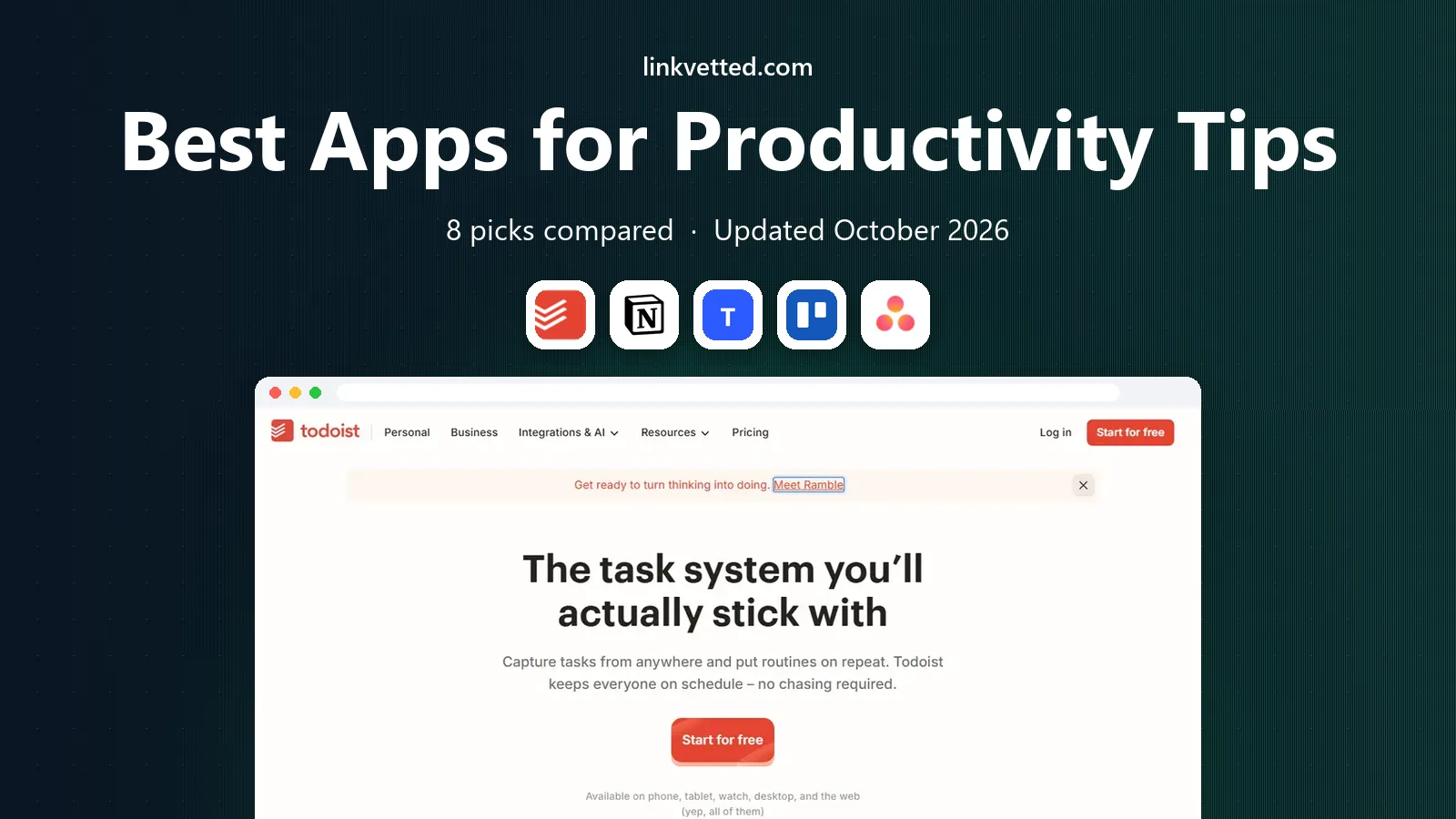
 Todoist
Personal task lists
Starts at$4 per monthVisit todoist.comFull review - Great alternative
 Notion
All-in-one workspace
Starts at$10 per user per monthVisit notion.comFull review - Also consider
 TickTick
Tasks, habits, and focus timer
Starts at$35.99 per yearVisit ticktick.comFull review
TL;DR:
- The best productivity app is the one you will open every day, not the one with the longest feature list.
- Todoist and TickTick suit personal task management, while Notion, Asana, and ClickUp suit shared projects and notes.
- Free tiers are strong, so test daily capture, reminders, and calendar sync before paying for a team plan.
- If you work on a phone most of the day, check mobile capture speed and offline access before you commit.
Quick comparison
| Tool | Best for | Starts at | Free plan? | |
|---|---|---|---|---|
| Todoist | Personal task lists | $4 per month | Yes | Visit |
| Notion | All-in-one workspace | $10 per user per month | Yes | Visit |
| TickTick | Tasks, habits, and focus timer | $35.99 per year | Yes | Visit |
 Trello | Visual boards | $5 per month | Yes | Visit |
 Asana | Team project tracking | $10.99 per user per month | Yes | Visit |
 ClickUp | Custom team workflows | $7 per user per month | Yes | Visit |
 Microsoft To Do | Simple Microsoft lists | Free | Yes | Visit |
 Any.do | Daily planning prompts | $4.99 per month | Yes | Visit |
The best apps for productivity tips
We compared official feature and pricing pages for apps that help with tasks, notes, planning, and focus. This guide covers the best productivity apps for work, the best work productivity apps for teams, and simpler options for personal use.

Todoist remains our first suggestion for most people because capture is fast. You can type a task in plain language with a date and time, and it lands in the right project without extra steps. That speed matters, because a task app fails when adding a task feels like work in itself.
The free tier covers basic projects and collaboration, while Pro adds reminders, filters, and calendar sync. We think Todoist fits people who want a reliable daily list and do not want to build a custom system. If you need deep notes or team dashboards, pair it with another tool or choose a workspace app instead.
- Fast natural language task entry
- Clean Today and Upcoming views
- Works on almost every platform
- No built-in calendar time blocking
- Notes are limited compared with a full workspace
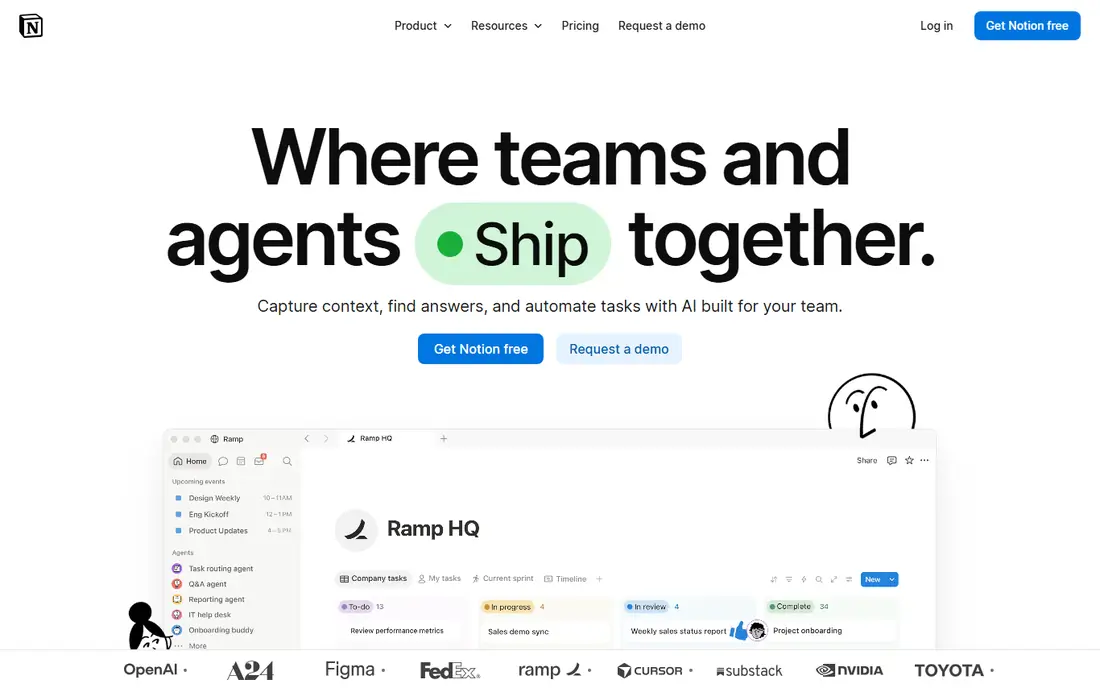
Notion suits people who want tasks, notes, docs, and project trackers in one place. You can build a daily planner, a content calendar, a habit log, or a team wiki from the same building blocks. Templates help you start without designing everything from scratch, and shared pages make team work easier to follow.
The trade-off is setup time. Notion can feel open-ended at first, and you may spend a week building a system before it feels useful. We recommend it for people who enjoy shaping their own workspace and who want notes and tasks linked together, rather than a simple list.
- Flexible pages, databases, and templates
- Strong collaboration
- Generous free tier for individuals
- Setup takes time
- Task capture is slower than a dedicated to-do app

TickTick is a strong all-rounder for personal productivity. It combines task lists with a calendar view, habit tracking, and a focus timer, so you do not need three separate apps for a daily routine. That combination is useful if you want to plan your day, track a habit, and run focused work sessions from one place.
The free tier is useful, but Premium adds fuller calendar features, custom filters, and longer habit history. We think TickTick fits freelancers and students who want depth without paying for a full team platform. If you prefer a calmer interface, Todoist may feel cleaner.
- Tasks, calendar, habits, and Pomodoro timer in one app
- Good value on annual pricing
- Wide platform support
- Interface can feel busy
- Some advanced views are paid
Trello works best when you think in columns, such as To Do, Doing, and Done. Cards move with a drag, checklists track steps, and team members can see status at a glance without a meeting. That visual clarity makes it a good fit for small teams, content pipelines, and personal projects with clear stages.
For complex work, Trello needs paid features or integrations to add timelines, reporting, and automation. We recommend it for visual planners and small teams who want a simple board, not a heavy project system. If your work has many dependencies, Asana or ClickUp may fit better.
- Easy drag-and-drop boards
- Simple for team status tracking
- Many integrations
- Limited reporting on basic plans
- Large projects can need paid features
Asana suits teams that need clear ownership and deadlines. You can view work as a list, board, timeline, or calendar, assign tasks, and track progress without chasing updates in chat. That structure helps small businesses and work teams who juggle several projects at once.
For a single person, Asana may feel like more tool than needed, and the free tier has limits on team size and features. We think it is one of the best business productivity apps when several people share work and need one source of truth for who is doing what, and by when.
- Clear project timelines and task ownership
- Strong team views
- Good integrations
- Can feel heavy for personal use
- Best features are paid
ClickUp aims to replace several tools at once, with tasks, docs, goals, calendars, and time tracking in a single workspace. Teams can build custom views for their workflow, automate routine steps, and keep project notes close to the tasks themselves. That breadth is appealing for growing teams that want one platform.
The cost is complexity. New users may need time to choose views, set permissions, and avoid feature overload. We recommend ClickUp for teams that will invest in setup and want a best productivity management software option that can grow with them, rather than a quick personal list.
- Highly customizable views and automation
- Docs, goals, and time tracking in one platform
- Generous free tier
- Setup and settings can overwhelm new users
- Mobile experience is denser than simpler apps
Microsoft To Do is the simplest pick on this list, and that is its strength. If you already use Outlook or Microsoft 365, your tasks sync with email and calendar without extra setup. The My Day view helps you pick a small set of tasks for today, which is a useful productivity habit on its own.
It lacks the depth of Notion or ClickUp, and it does not offer the same filters or habit tools as TickTick. We think it fits Microsoft users who want a free, reliable list and do not want another subscription. For more advanced planning, pair it with a calendar or choose a paid task app.
- Free and simple
- Integrates with Outlook and Microsoft 365
- My Day view helps daily focus
- Fewer advanced task features than Todoist or TickTick
- Limited workspace features
Any.do focuses on a daily habit: review your tasks each morning, pick what matters today, and clear the rest. That prompt helps people who collect tasks but rarely plan the day. Lists, reminders, and a calendar view keep the system simple enough to maintain.
The free tier covers basic lists, while Premium adds location reminders, custom recurring tasks, and more. We recommend Any.do for people who forget to use a task app, because the daily prompt gives the app a clear moment in your routine. For team projects, a dedicated project tool will serve you better.
- Daily planning prompt encourages a morning review
- Clean lists and calendar view
- Works across platforms
- Premium features are needed for fuller planning tools
- Team features are lighter than Asana or ClickUp
How we picked these
We compared official feature pages, pricing pages, and platform support, and we favored apps that work today on major platforms and offer a free tier or trial. We looked at task capture speed, reminders, calendar sync, collaboration, and whether the app helps with daily planning, focus, or team tracking. We also weighed setup time, because a powerful app that you abandon in week two is not productive.
How to choose a productivity system that sticks
Start with one job, not five. If your main problem is forgetting tasks, choose a fast task app. If your main problem is scattered notes and projects, choose a workspace. If your main problem is team visibility, choose a project tool with clear ownership.
Next, test the daily loop for a week. Capture tasks on your phone, check the Today view each morning, and review completed work at the end of the day. If any step feels slow, the app will not stick. Finally, keep the system small at first. Add habits, timers, or dashboards only after the basic list works for two weeks.
Practical productivity tips that work with any app
Use one inbox for new tasks, review it once a day, and keep your Today list short enough to finish. Time block the hardest task first when possible, and use a timer for focused work sessions. Review weekly: clear stale tasks, move future work out of Today, and note what slowed you down. These habits matter more than the app itself, and they work in Todoist, Notion, TickTick, or a paper list.
FAQ
What are the best Android apps for productivity?
Todoist, TickTick, Notion, and Microsoft To Do all work well on Android, with fast capture and calendar sync. TickTick is a strong Android pick if you also want habits and a focus timer in the same app.
What is the best productivity app for work?
For personal work, Todoist or TickTick work well. For shared work, Asana or ClickUp give teams clearer ownership, timelines, and progress views. Choose based on whether you work alone or with a team.
What is the best productive app for daily planning?
Any.do and Microsoft To Do both support a daily review habit, while TickTick adds calendar and habit views. The best choice is the one whose morning review you will actually use.
Do I need a paid productivity app?
Not always. Free tiers from Todoist, Notion, TickTick, Trello, and Microsoft To Do cover daily tasks well. Pay when you need reminders, calendar sync, team features, or automation that the free tier does not include.
How many productivity apps should I use?
Use as few as possible, ideally one for tasks and one for notes or calendar if needed. Too many apps create extra checking and copying, which defeats the purpose of a productivity system.