Best Antivirus Software in 2026: 8 Tools Compared
Compare the best antivirus software for Windows, Mac and mobile, with real-time protection, VPN extras, free plans, renewal prices and honest limits included.
- Editor's choice
 Bitdefender
Most households
Starts atSee websiteVisit bitdefender.comFull review - Great alternative
 Norton
All-in-one protection
Starts atSee websiteVisit us.norton.comFull review - Also consider
 McAfee
Multi-device families
Starts atSee websiteVisit mcafee.comFull review
TL;DR:
- Bitdefender is our pick for most households, because it pairs strong malware protection with a light system impact and clear family plans.
- Microsoft Defender is a solid free baseline on Windows, but it lacks some extras found in paid suites, such as a full VPN or identity tools.
- Norton, McAfee and Kaspersky suit people who want an all-in-one suite with VPN, password tools and identity protection in one bill.
- Free antivirus can help, but check what it leaves out, such as ransomware protection, firewall controls or support, before relying on it alone.
Quick comparison
| Tool | Best for | Starts at | Free plan? | |
|---|---|---|---|---|
| Bitdefender | Most households | See website | Yes | Visit |
| Norton | All-in-one protection | See website | No | Visit |
| McAfee | Multi-device families | See website | No | Visit |
 Kaspersky | Strong malware detection | See website | Yes | Visit |
 Avast | Free baseline protection | Free | Yes | Visit |
 Malwarebytes | Extra malware cleanup | Free | Yes | Visit |
 Microsoft Defender | Windows baseline | Free | Yes | Visit |
 Avira | Light free protection | Free | Yes | Visit |
The best antivirus software
The best antivirus software stops malware before it runs, catches threats that slip through, and stays out of your way while you work. Paid suites add extras such as VPNs, password managers and identity monitoring, but those extras are only worth paying for if you will use them. We compared official feature pages, pricing pages and platform support to separate core protection from bundle filler.
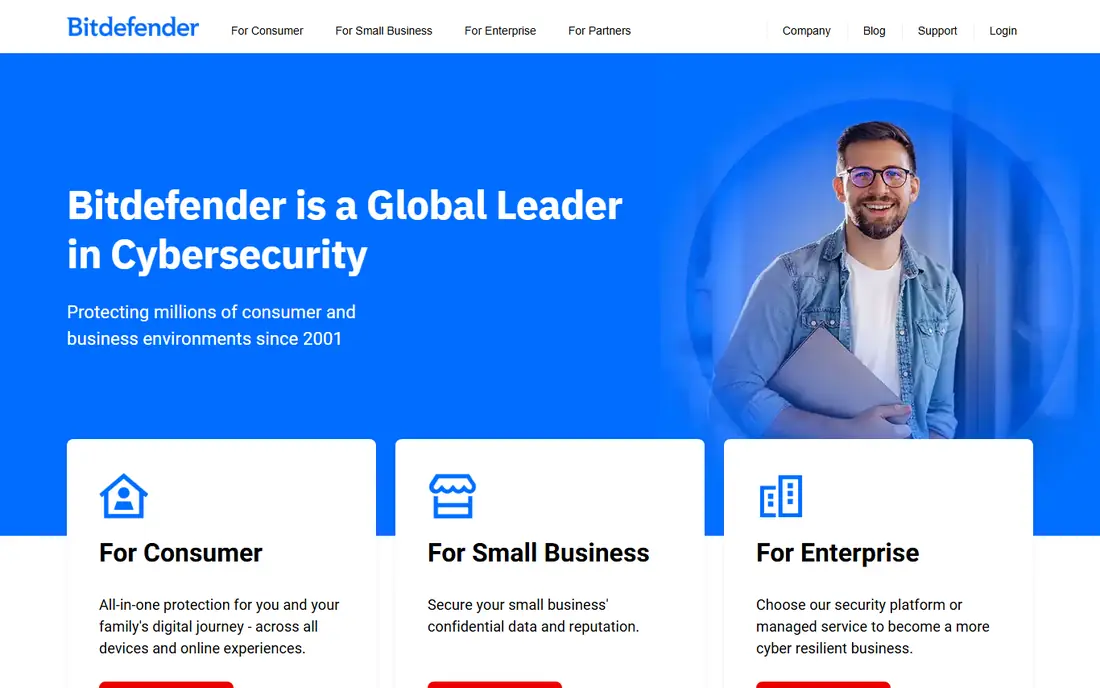
Bitdefender is the safest all-round pick for most households. Its real-time protection, web protection and ransomware remediation cover the main threats on Windows, Mac, Android and iOS, and it tends to run quietly in the background without slowing everyday work. Family plans make it easy to cover laptops, phones and tablets under one account.
The VPN included in lower plans has data limits, so heavy VPN users will need an upgrade or a separate VPN. Some settings are also aimed at confident users rather than beginners. For core protection plus a sensible set of extras, Bitdefender gives the best balance of price, coverage and ease of use.
- Strong real-time malware protection
- Light impact on system speed
- Family plans cover many devices
- VPN in basic plans has limits
- Some advanced settings suit confident users best

Norton suits people who want one subscription to cover antivirus, VPN, password management and identity protection. Its higher plans bundle dark web monitoring, cloud backup and parental controls, which can replace several separate subscriptions for a family. That bundle value is the main reason to choose Norton over a leaner antivirus tool.
Renewal pricing is the catch. First-year discounts are often steep, and renewal prices can rise sharply, so check the renewal price before you buy, not just the introductory offer. Users who only want antivirus will also find the suite heavier than Bitdefender or Defender. Choose Norton when you will actually use the bundle.
- Antivirus plus VPN, password manager and identity tools
- Good parental controls on higher plans
- Long track record with consumer security
- Higher renewal prices than first-year offers
- Suite can feel large for users who only want antivirus
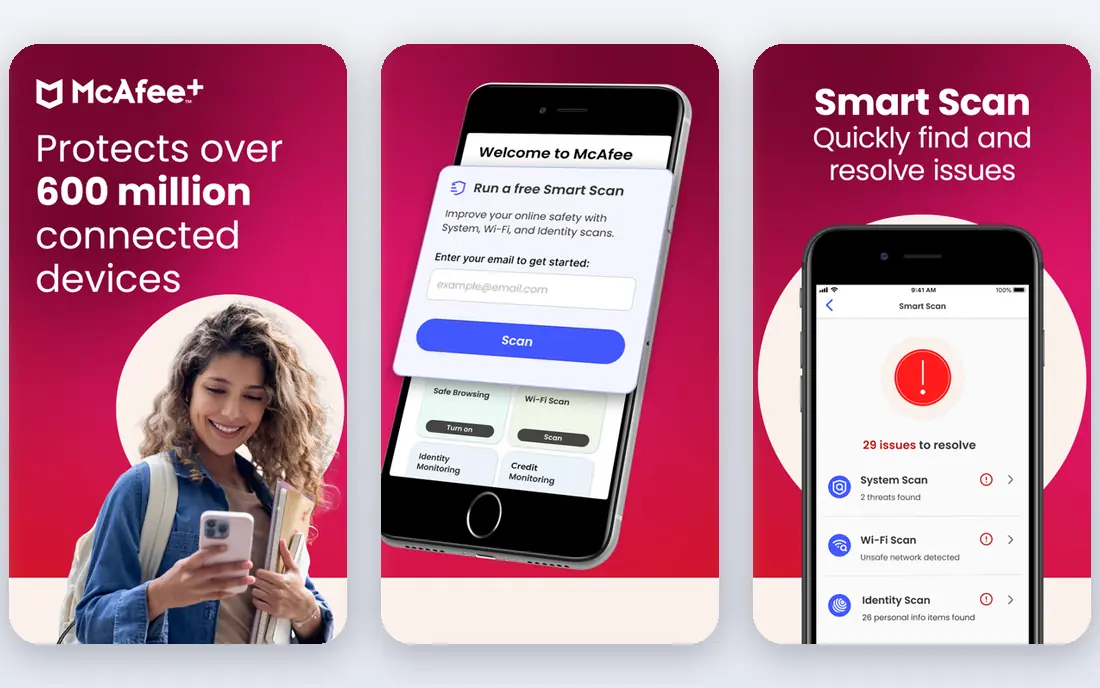
McAfee is a strong family choice because some plans cover an unlimited number of devices, which helps households with laptops, phones, tablets and older computers. Its suite includes a VPN, identity monitoring and password tools, so a family can standardise on one product rather than mixing several apps.
The interface packs in a lot, and new users may need time to find the settings that matter. Renewal prices also deserve a check, as with Norton. If your household has many devices and you want one bill for protection, McAfee is a practical pick.
- Unlimited device plans on some tiers
- VPN, identity and password tools included
- Good for households with many devices
- Interface can feel busy
- Renewal prices need checking
Kaspersky has long been known for strong detection, and its current products cover antivirus, web protection, VPN and privacy tools across major platforms. Its free tier gives core protection for users who cannot or do not want to pay, while paid plans add the full suite.
Trust and availability are the honest caveats. Government guidance and vendor availability vary by country, and some households prefer a vendor based elsewhere for policy reasons. Check current guidance for your country and employer rules before choosing Kaspersky, especially for work devices. On detection alone, it remains a strong product.
- Strong malware and phishing detection
- Good performance tools and privacy controls
- Free tier covers core antivirus
- Availability and trust questions vary by country
- Some users prefer a US or EU based vendor
Avast is one of the most capable free antivirus options, with real-time protection, web shields and behaviour monitoring in its free tier. For a single Windows or Mac computer on a tight budget, it gives more than Defender in some areas, especially in its network and behaviour tools.
Upsell prompts are the price of free. The app regularly suggests paid upgrades, which can annoy users who just want quiet protection. Full VPN, advanced firewall and ransomware features also sit in paid plans. Avast suits budget users who can tolerate prompts, while paid users should compare it with Bitdefender before committing.
- Free tier covers core antivirus
- Wi-Fi and behaviour shields included
- Easy to install on Windows and Mac
- Free version includes upsell prompts
- Paid extras needed for full VPN and firewall features
Malwarebytes is best known as a cleanup tool, and it earns that reputation. Its free scanner finds adware, potentially unwanted programs and malware that other tools sometimes miss, which makes it useful when a computer already feels infected. The paid version adds real-time protection, web protection and ransomware layers.
The free version does not protect in real time, so it should not be your only protection if you rely on it alone. Many users run Malwarebytes free as a second-opinion scanner alongside Defender or another antivirus. That combination is a sensible, low-cost setup for careful users.
- Excellent at finding malware other tools miss
- Free scanner for on-demand cleanup
- Light and easy to run alongside another antivirus
- Free version lacks real-time protection
- Full protection needs a paid plan
Microsoft Defender is the baseline every Windows user already has, and for many people it is enough. It provides real-time antivirus, firewall controls, phishing protection in Edge and ransomware controls, without an extra install or bill. Because it is built into Windows, it also updates with the system and rarely conflicts with other software.
Paid suites add more, including a full VPN, password manager, identity monitoring and stronger parental controls, plus broader Mac and mobile coverage. Defender is best for careful users on Windows who keep software updated and avoid risky downloads. If you want those extras in one place, a paid suite is the next step.
- Built into Windows at no extra cost
- Solid core antivirus and firewall
- No extra install or subscription to manage
- Fewer extras than paid suites
- Best on Windows, with thinner Mac and mobile coverage
Avira suits users who want a light, simple free antivirus without a heavy suite. Its free tier covers core malware protection on Windows and Mac, and its interface stays easy to follow for beginners. Paid plans add VPN, password tools and system optimisation, though those extras are not as deep as Norton or Bitdefender bundles.
The free tier is deliberately basic, so users who need ransomware protection, advanced firewall controls or identity monitoring should look at a paid plan. Avira is a good fit for an older computer, a second device, or a user who wants free protection with a light footprint.
- Light free antivirus for Windows and Mac
- Simple interface
- Optional VPN and system tools in paid plans
- Free tier is basic
- Some features need paid upgrades
How we picked these
We compared official feature pages, pricing pages and platform support, and we kept only tools that are available now on current Windows, Mac or mobile systems. We favoured tools with clear free tiers or trials, real-time protection in paid plans, and a distinct audience, so the list is not eight copies of the same suite. We also noted renewal pricing and VPN limits, because those details change the real cost of a suite over two years.
How to choose antivirus software
Start with your devices, not the bundle
Count how many Windows, Mac, Android and iOS devices you need to protect, and check that the plan you pick covers all of them. A cheap single-device plan can cost more than a family plan once you add phones and tablets, while an unlimited-device plan can save a large household real money.
Check renewal prices and VPN limits
Introductory prices are often far below renewal prices, and VPNs in security suites often have data caps or speed limits. Read the renewal price, the VPN terms and the number of devices before you buy, and set a calendar reminder to review the subscription before it renews.
Keep good habits alongside the software
Antivirus helps, but it does not replace updates, strong passwords, two-factor authentication and caution with email attachments and links. Keep your operating system and browser updated, use a password manager, and back up important files, so one infection does not become a data loss.
FAQ
What is the best antivirus software for home use?
Bitdefender is our pick for most households, because it balances strong protection, light system impact and clear family pricing. Norton and McAfee suit households that want a full bundle with VPN and identity tools.
Is free antivirus software good enough?
Free antivirus such as Defender, Avast free, Kaspersky free or Avira free can cover core malware protection, but paid plans add real-time layers, ransomware protection, VPN and support. Careful users on Windows may be fine with Defender plus good habits, while higher-risk users benefit from a paid suite.
What is the best antivirus software for Windows?
Bitdefender and Norton are strong paid picks for Windows, while Microsoft Defender is a solid free baseline built into the system. Malwarebytes free also works well as a second-opinion scanner alongside another antivirus.
Do I need antivirus on a Mac?
Macs face fewer threats than Windows PCs, but they are not immune to malware, phishing and unwanted software. A light antivirus such as Bitdefender, Avast or Avira adds a safety layer, especially if you download software outside the Mac App Store.
Does antivirus slow down my computer?
Modern antivirus tools have a small impact on most current computers, but older machines and full system scans can feel slower. Bitdefender and Defender are generally light, while a full suite with many background tools can use more resources, so check system requirements for older devices.