Best AI Writing Tools in 2026: 10 Tools Compared
Searching for the best AI writing tools? We compared 10 AI writing apps, from ChatGPT and Claude to Grammarly and Sudowrite, by price, free plan and best use.

- Editor's choice
 ChatGPT
All-round drafting and brainstorming
Starts atFreeVisit chatgpt.comFull review - Great alternative
 Claude
Long documents and careful editing
Starts atFreeVisit claude.comFull review - Also consider
 Google Gemini
People who live in Gmail and Docs
Starts atFreeVisit gemini.google.comFull review
TL;DR:
- Seven of the ten tools have a usable free plan: ChatGPT, Claude, Gemini, Microsoft Copilot, Grammarly, QuillBot and the Hemingway web editor all let you start without paying.
- Claude Pro costs $17 per month on annual billing or $20 month to month, and Microsoft 365 Personal (which adds Copilot inside the Word desktop app) is $9.99 per month or $99.99 per year.
- Grammarly's free plan includes 100 AI prompts a month, while Pro is listed at $12 and raises that to 2,000 prompts.
- Specialist tools cost more but fit narrow jobs: Jasper starts at $59 per seat per month for marketing teams, and Sudowrite starts at $10 per month for fiction writers.
- Writesonic and Rytr, two older AI writing names, have shifted toward search visibility and relationship management, so we left them off this list.
Quick comparison
| Tool | Best for | Starts at | Free plan? | |
|---|---|---|---|---|
| ChatGPT | All-round drafting and brainstorming | Free | Yes | Visit |
| Claude | Long documents and careful editing | Free | Yes | Visit |
| Google Gemini | People who live in Gmail and Docs | Free | Yes | Visit |
 Microsoft Copilot | Writing inside Word | Free | Yes | Visit |
 Grammarly | Polishing emails and everyday writing | Free | Yes | Visit |
 QuillBot | Paraphrasing and student writing | Free | Yes | Visit |
 Jasper | Marketing teams with a brand voice | $59 per month | Free trial (7 days) | Visit |
 Sudowrite | Novelists and fiction writers | $10 per month | Free trial | Visit |
 Notion AI | Writing inside your notes and docs | $20 per month | Free trial | Visit |
 Hemingway Editor | Making writing clear and readable | Free | Yes | Visit |
The best AI writing tools
Some AI writing tools are general chat assistants that can draft anything, and others are narrow tools that fix grammar, rewrite sentences or help with fiction. We mixed both so you can pick a main assistant and, if needed, one helper for a specific job.
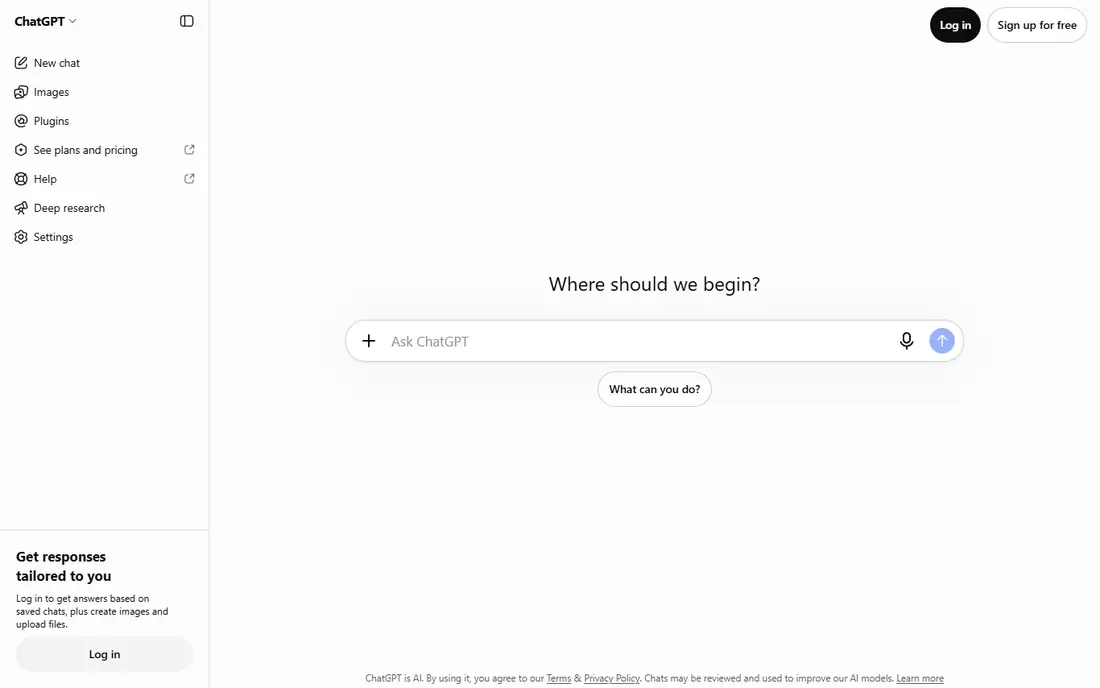
ChatGPT is still the default AI writing tool for a reason. It can draft blog posts, rewrite emails, summarize reports and brainstorm headlines in one place. The free plan offers unlimited everyday text chats (subject to OpenAI's abuse guardrails) with limited uploads, image creation and deep research.
The paid ladder runs Go, Plus and Pro. OpenAI's pricing page says Plus adds advanced reasoning models, projects, scheduled tasks and custom GPTs, plus expanded deep research. It also lists extensions for Excel, Word, PowerPoint and Google Sheets, which helps if you write inside Office.
Two honest notes. OpenAI says the Go plan may include ads, and on consumer plans your content can be used to train its models unless you opt out in settings. Check that setting before pasting anything confidential.
- Free plan with unlimited text chats under fair-use rules
- Paid tiers add deep research, projects and custom GPTs
- Apps on web, iOS and Android
- Free and Go tiers have tighter limits on uploads and memory
- The Go plan may include ads
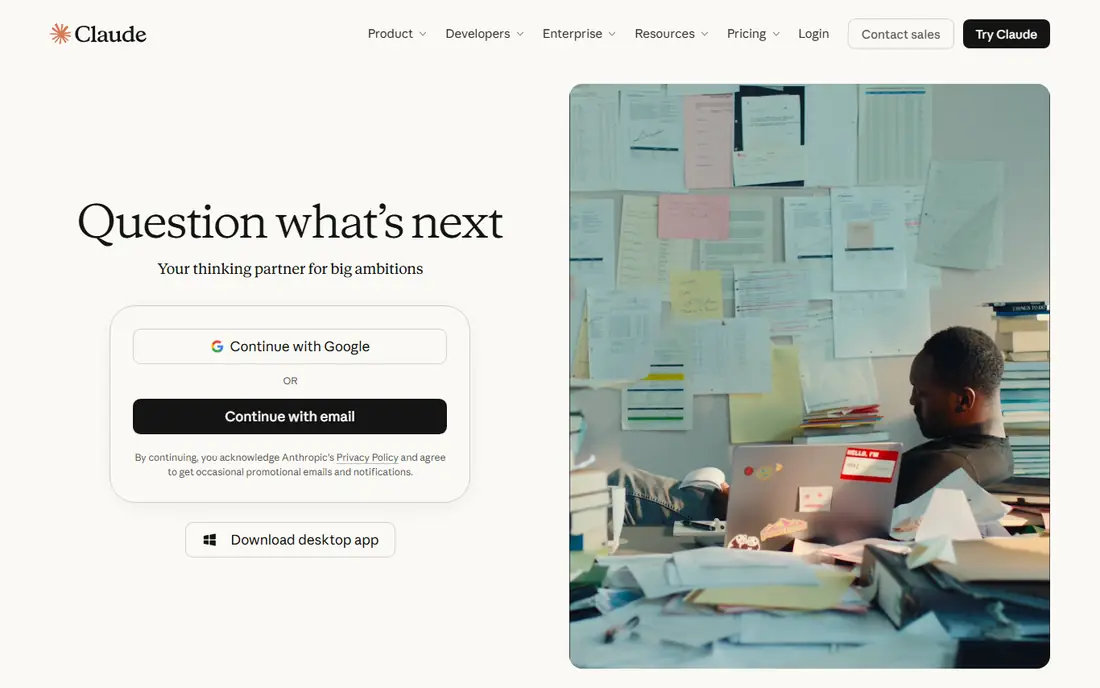
Claude, made by Anthropic, is a strong choice for people who write long pieces and want an assistant that edits rather than just generates. It is good at following a style guide, tightening a draft without flattening the voice, and explaining why it changed something.
Pricing is simple. The free plan is open to everyone, Pro costs $17 per month with an annual subscription ($200 billed up front) or $20 billed monthly, and Max starts at $100 per month for heavy users.
The weakness is limits. On the free tier you can hit a usage cap in a long session, and if you write all day you will likely end up paying. For most writers, Pro is the sensible tier.
- Free plan for everyone
- Pro is $17 per month billed annually
- Handles long drafts and detailed feedback well
- Free usage limits can run out during heavy sessions
- Max plan starts at $100 per month

Gemini makes the most sense for anyone already running their life in Google apps. The free tier includes Deep Research, Canvas for drafting, and Gems (saved custom assistants), which is plenty for outlines and first drafts.
Google's subscription page shows that the Google AI Pro plan adds Gemini in Gmail and Docs, higher usage limits and 5 TB of storage. Inside Docs, Google says Gemini can build formatted drafts from a prompt and match the format and writing style of your existing documents.
The catch is that Google's plan lineup (AI Plus, AI Pro and AI Ultra) shifts regularly, and prices vary by country. Check the current US price on Google's plans page before you upgrade.
- Free tier with Deep Research and Canvas
- Paid Google AI Pro plan adds Gemini inside Gmail and Docs
- Comes bundled with Google One storage
- The best writing features sit behind paid plans
- Plan names and limits change often
If your documents live in Word, Copilot is the most natural AI writing tool. The free Copilot chat works in a browser and app. Microsoft 365 Personal, at $9.99 per month or $99.99 per year, adds Copilot inside the Word desktop app, where you can prompt a first draft from notes and refine it in a side chat.
Microsoft 365 Family ($12.99 per month) covers up to six people, but Microsoft says the AI features are for the subscription owner only. Premium ($19.99 per month) raises Copilot limits for heavy users.
The honest drawback is that Copilot is strongest as a Word companion and less exciting as a standalone writer. If you never open Office, ChatGPT or Claude will feel more flexible.
- Free Copilot chat
- Microsoft 365 Personal adds Copilot in the Word desktop app
- Includes 1 TB of OneDrive storage on paid plans
- AI features on Family plans are for the subscription owner only
- Free tier has lower usage limits
Grammarly is less about writing from scratch and more about making what you already wrote better. It runs where you type, which is why so many people keep it switched on for work email, school essays and LinkedIn posts.
The free plan checks writing mistakes, shows tone and includes 100 AI prompts per month. Pro, listed at $12 on Grammarly's plans page, adds full-sentence rewrites, tone adjustment, plagiarism and AI-generated text detection, and 2,000 AI prompts per member per month. A free trial is available.
The weakness is depth. Grammarly will not plan a long article or keep a story consistent across chapters. Pair it with a chat assistant if you need full drafts.
- Works in your browser, email and docs
- Free plan includes 100 AI prompts per month
- Pro adds plagiarism and AI-text detection
- Free plan only catches basic mistakes
- Pro billing period is not clear on the plans page
QuillBot is the tool students tend to discover first. Its paraphraser rewrites a sentence or paragraph in different styles, and the same account includes a grammar checker, summarizer, citation generator, translator and an AI detector.
The free plan is tight: you can paraphrase up to 100 words at a time in two modes and summarize up to 1,200 words. Premium opens all nine modes, custom modes, paraphrasing in 23 languages, a plagiarism checker with 25,000 words per month, and longer summaries. QuillBot shows Premium prices on its plans page, and they can differ by region.
The honest caution is about school rules. Paraphrasing someone else's work is still their idea, and many schools treat heavy paraphrasing tools the same way they treat AI drafting. Use it to clarify your own sentences.
- Paraphraser with nine modes on Premium
- Grammar checker, summarizer and citation generator in one place
- Apps for Chrome, Word, iOS and Android
- Free paraphrasing stops at 100 words
- Easy to lean on too heavily for school work
Jasper is built for marketing teams, not casual writers. The Pro plan costs $59 per seat per month billed yearly or $69 billed monthly, with a 7-day free trial. It includes Jasper's Canvas workspace, agents for core marketing tasks, and room for 2 Brand Voices, 5 Knowledge assets and 3 Audiences.
That brand setup is the selling point. Once you load your style guide and product details, Jasper produces ads, emails and landing page copy that sound like your company rather than a generic chatbot. The Business plan, with custom pricing, adds unlimited Brand Voices, a no-code agent builder, API access and admin controls.
The downside is price. A freelancer or small business owner writing a few posts a month will get similar quality from ChatGPT or Claude for much less.
- Brand Voices, Knowledge assets and Audiences keep copy on-brand
- Agents for common marketing workflows
- Business plan adds API access and admin controls
- $69 per seat per month on monthly billing
- Overkill for personal writing
Sudowrite is the AI writing tool for people writing novels, short stories and screenplays. Instead of a blank chat box, it offers tools for brainstorming plots, describing scenes and continuing a passage in your voice.
Plans are based on monthly credits. Hobby and Student costs $10 per month with 225,000 credits, Professional costs $22 per month and adds developmental edits, line edits and beta reads, and Max costs $44 per month with 2,000,000 credits that roll over for 12 months. Sudowrite says the trial needs no credit card.
The honest catch is that credits run faster than you expect on long chapters. Start on the cheapest tier, see how many credits a chapter uses, and upgrade only if you need to.
- Made for fiction, from brainstorming to drafting scenes
- Plans start at $10 per month
- Free trial with no credit card
- Credit system takes getting used to
- Not designed for business writing
Notion AI makes sense if Notion is already where you plan projects, keep notes and draft documents. Instead of copying text into a separate chatbot, you can ask the AI to draft, summarize or rewrite right inside the page.
The pricing is the part to read carefully. Notion's pricing page shows Free and Plus ($10 per seat per month) with only a trial of Notion AI. The Business plan, at $20 per seat per month, includes Notion Agent, AI Meeting Notes and Enterprise Search.
If you do not use Notion for anything else, $20 a month for writing help is steep. Choose it for the workspace, and treat the AI as a bonus.
- AI lives inside the workspace where your notes already are
- Business plan includes Notion Agent and AI Meeting Notes
- Plus plan is $10 per seat for the workspace itself
- Free and Plus plans only include a trial of Notion AI
- Best value only if you already use Notion
Hemingway Editor is the opposite of a text generator. You paste your writing into the editor on its homepage, which we found works without signing in, and it highlights hard-to-read sentences, passive voice and wordy phrases. It is the fastest way to make a draft easier to read.
Hemingway Editor Plus adds AI sentence rewrites, grammar fixes, document review and tone adjustment. The Individual 5K plan costs $8.33 per month ($100 billed annually) with 5,000 AI rewrites per month, and there is a 2-week free trial with no credit card.
The limitation is scope. Hemingway helps you edit, not generate, so it pairs well with any of the chat assistants above.
- Free editor right on the homepage
- Highlights long sentences and wordy phrases
- Plus plan adds AI rewrites and grammar checks
- Plus costs $100 per year
- Will not write drafts for you
How we picked these
We built this list from each company's official pricing and feature pages, checked what the free plans actually include, and noted limits such as usage caps, ads and data-training settings. We also dropped well-known names whose products no longer focus on writing. We did not run long-term writing tests on every tool, so we stuck to what the vendors publish and what can be confirmed on their sites.
We then grouped the tools by job: general assistants for drafting, editors for polishing, and specialist tools for marketing, fiction and note-taking.
How to choose an AI writing tool
Start with the job, not the brand
If you need first drafts of anything, start with ChatGPT, Claude or Gemini. If your drafts are fine but need polish, Grammarly or Hemingway will help more. Fiction writers should try Sudowrite, and marketing teams with strict brand rules should look at Jasper.
Try the free plan for a full week
Most of these tools have a free plan or trial. Use it for real work, such as your actual emails or a real blog post, before paying. You will quickly see whether the free limits are enough.
Check privacy settings before pasting sensitive text
Consumer AI tools may use your content to improve their models unless you turn that off. Read the data settings, and avoid pasting client contracts, medical details or passwords into any chatbot.
Keep your own voice
AI drafts tend to sound alike. Use the tool for structure and speed, then rewrite the opening, add your own examples and cut generic sentences. Readers and search engines both reward writing that sounds like a real person.
FAQ
What is the best AI writing tool overall?
For most people, a general assistant like ChatGPT or Claude is the best starting point because it can draft, edit and brainstorm in one place. Both have free plans, and their paid tiers cost about $17 to $20 per month. Add Grammarly if you want help as you type in email and documents.
What is the best free AI writing tool?
ChatGPT, Claude and Gemini all have free plans that handle everyday drafting. Grammarly's free plan includes 100 AI prompts a month, and Hemingway's web editor is free for readability checks. Free tiers have usage limits, so heavy users usually upgrade.
What is the best AI writing software for content writing and blogs?
For blog posts, a general assistant such as Claude or ChatGPT gives the most flexibility for outlines and drafts. Marketing teams that need many pieces in a consistent brand voice may get more from Jasper. Always fact-check and edit AI drafts before publishing.
Which AI writing app is best for students?
QuillBot and Grammarly are popular with students for grammar, paraphrasing and citations. Check your school's AI policy first, because many schools limit or ban AI-generated text in assignments. Using AI to explain feedback or fix grammar is usually safer than using it to write the essay.
Is AI writing detectable?
Grammarly and QuillBot both sell AI-detection features, but detectors are not perfectly accurate and can flag human writing. The safest approach is to write in your own voice and use AI for help with structure and editing.
Are AI writing tools worth paying for?
They are worth it if you write every day and hit the free limits. If you write a few emails a week, a free plan is usually enough. Try the free version for a week of real work before you subscribe.
Sources
- https://chatgpt.com/pricing
- https://claude.com/pricing
- https://gemini.google/subscriptions/
- https://workspace.google.com/products/docs/
- https://www.microsoft.com/en-us/microsoft-copilot/for-individuals
- https://www.grammarly.com/plans
- https://quillbot.com/premium
- https://www.jasper.ai/pricing
- https://www.sudowrite.com/pricing
- https://www.notion.com/pricing
- https://hemingwayapp.com/hemingway-editor-plus
- https://writesonic.com/pricing
- https://rytr.me