Best AI SEO Tools in 2026: 7 Tools Compared
Compare the best ai seo tools in 2026, from on-page editors to site-wide planning, with pricing, limits, and the right fit for each team before you subscribe.

- Editor's choice
 Surfer
On-page optimization at volume
Starts at$49 per monthVisit surferseo.comFull review - Great alternative
 Frase
Research, briefs, and drafting in one place
Starts at$39 per monthVisit frase.ioFull review - Also consider
 Clearscope
Clean editorial optimization for teams
Starts at$129 per monthVisit clearscope.ioFull review
TL;DR:
- Surfer and Frase suit content teams that publish often, while Clearscope suits editorial teams that value a clean, shared editor.
- MarketMuse is the planning tool in this list, not a page editor, so it pairs with one of the editors below rather than replacing it.
- Semrush and Ahrefs add keyword, competitor, and site data, but their AI writing help is only part of a much larger suite.
- NeuronWriter is the lowest entry price here, and it is a sensible first paid tool for solo creators and small sites.
Quick comparison
| Tool | Best for | Starts at | Free plan? | |
|---|---|---|---|---|
| Surfer | On-page optimization at volume | $49 per month | No | Visit |
| Frase | Research, briefs, and drafting in one place | $39 per month | Free trial | Visit |
| Clearscope | Clean editorial optimization for teams | $129 per month | Free trial | Visit |
 MarketMuse | Site-wide content planning | See website | Yes | Visit |
 Semrush | Keyword, competitor, and site research plus writing help | See website | Free trial | Visit |
 Ahrefs | Backlink and competitor insight for SEO content | See website | Free trial | Visit |
 NeuronWriter | Budget content scoring and briefs | $19 per month | Free trial | Visit |
The best best ai seo tools
AI SEO tools promise faster drafts and higher scores, but the useful ones do a narrower job well. They compare your draft with pages that already rank, suggest terms and structure, and flag gaps before you publish. The seven tools below cover that job from different angles, so pick by workflow and budget, not by the longest feature list.
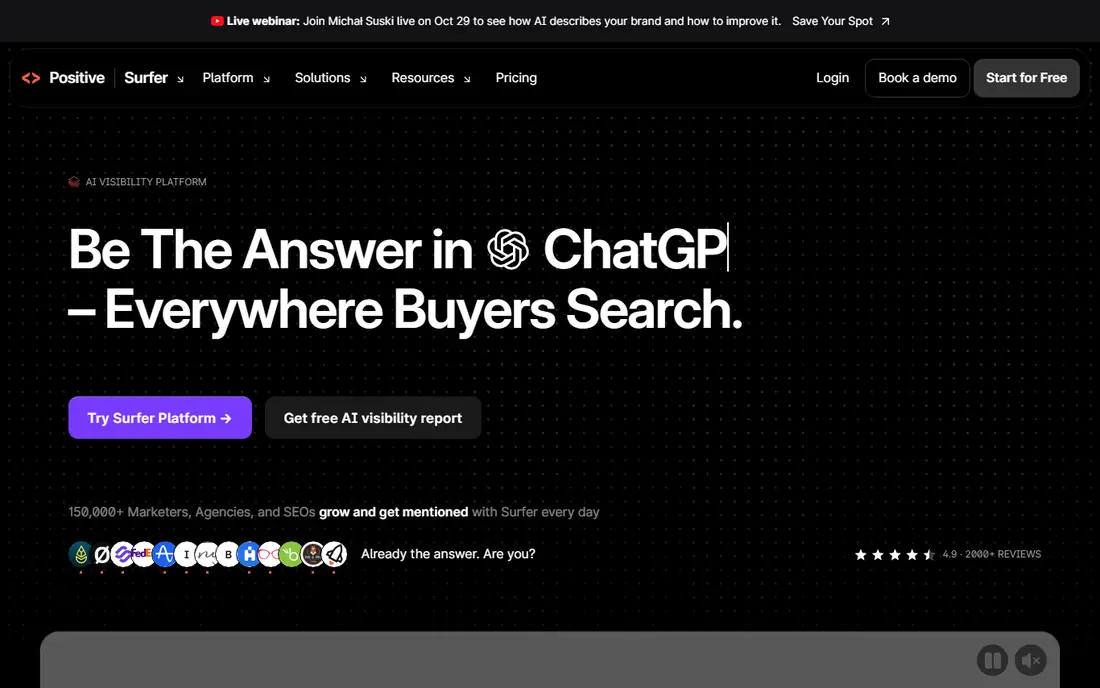
Surfer is the workhorse pick for teams that publish often and want a score to work toward. You write in its editor, and it compares your draft with ranking pages, suggesting terms, headings, and length. That live feedback helps writers who know their subject but are unsure how much detail a search result page usually covers. The audit tools also help with older pages, showing which ones have drifted behind competitors.
The pricing model needs a close read. Entry plans use annual credits that reset once a year, so a lower monthly equivalent is not the same as a small monthly commitment. Teams that publish in bursts should check how many documents they truly need before paying yearly. Surfer also does not write the article for you, and a high score does not guarantee traffic, so editors still need to check facts, add original insight, and keep the piece readable.
- Live Content Score
- SERP-based terms
- Briefs and audits
- Annual credits reset yearly
- Price rises with volume

Frase suits writers who lose time jumping between research, outlining, and drafting tools. It pulls search results, questions, and headings into a brief, then lets you draft and score in the same workspace. That flow helps freelancers and small teams move from a keyword to a structured first draft in one sitting, without pasting research across several apps.
Starter limits matter here, with caps on articles, audit pages, and sites, so check the plan against your real publishing pace. Frase also works best when you bring subject knowledge to the draft, because AI text can sound confident while missing nuance or getting details wrong. Use it to speed structure and coverage, then edit for accuracy, voice, and examples that only you can add.
- Fast SERP research
- Content briefs
- AI drafting and scoring
- No standing free plan
- Starter caps articles and sites
Clearscope is the pick for editorial teams that want a calm, readable editor rather than a dashboard full of dials. The grading focuses on relevance, showing which terms and topics a draft covers compared with competing pages, and the interface stays out of the way while writers work. Unlimited users on listed plans also helps when several editors share one workspace and per-seat pricing would push costs up.
The entry price is the main barrier, and it puts Clearscope out of reach for many solo creators. Draft, page, and exploration limits still apply even with unlimited users, so a team should count monthly output before subscribing. If you publish a small number of high-value pages and need consistent editorial standards, the price can be justified, but for high-volume, low-budget publishing, a cheaper editor makes more sense.
- Simple editor
- Relevance grading
- Unlimited users on listed plans
- Highest entry price here
- Draft and page limits still apply
MarketMuse answers a different question from the editors above. Instead of scoring one page, it looks across your whole site, maps topics, and shows where you have thin coverage or missing pages. That site view helps larger sites plan clusters, prioritize new articles, and decide which old pages deserve an update first, rather than guessing from single keywords.
MarketMuse is not the right first tool if you only need to optimize a few pages a month. Its value grows with the size of your site and your content plan, and the interface takes time to learn. Smaller sites may get more value from an editor plus a simple spreadsheet of planned topics. For a site with hundreds of pages and a team planning quarters ahead, the planning depth is hard to match with a page editor alone.
- Topic modeling
- Content inventory
- Gap and priority analysis
- Paid plans are not aimed at single-page writers
- Learning curve is real
Semrush is the broadest tool in this list, and that breadth is both its strength and its cost. You can research keywords, check competitors, audit a site, and track positions, then use the writing assistant inside that same account. For a business that already needs research and audits, adding writing guidance to the same subscription is efficient and keeps data in one place.
If you only want an AI writing editor, Semrush is more tool than you need, and the price reflects that. The interface also packs in many reports, so new users should start with one workflow, such as keyword research plus a single optimized draft, before exploring the rest. Teams that use only a small slice of the suite should compare the cost with a dedicated editor and a separate research tool.
- Large keyword and backlink data
- Site audits
- SEO Writing Assistant
- Full suite pricing is high for writing help alone
- Data can overwhelm beginners
Ahrefs earns its place for content planning that starts with competitors and links rather than drafts. You can see which pages earn links, which topics competitors cover that you do not, and which keywords are realistic for your site. That evidence helps you choose topics with a real chance to rank, instead of writing into crowded areas where your site has little authority.
Ahrefs does not replace a content editor, so most teams will pair it with Surfer, Frase, or Clearscope for the drafting stage. The suite price is also a commitment, and casual users may find the data depth more than they need. Used well, Ahrefs answers the question of what to write and why, while the editor answers how well the draft covers the topic.
- Strong backlink index
- Competitor content gaps
- Keyword data
- No dedicated content editor like Surfer or Frase
- Priced as a suite
NeuronWriter is the budget pick that still does the core job. It analyzes top pages, suggests terms, and scores your draft, and the entry price is far below the larger editors. For solo bloggers, affiliate sites, and small businesses publishing a handful of articles a month, that price makes paid optimization realistic without committing to a suite.
The trade-offs are scope and polish. Integrations and reporting are lighter than in larger tools, and the interface feels more functional than refined. You may also need a separate tool for keyword research and backlink checks. If your main need is a solid score and brief for each draft at a low monthly cost, NeuronWriter covers it, and the savings can go toward editing, images, or promotion.
- Low entry price
- NLP term coverage
- WordPress and Search Console links
- Fewer integrations
- Lighter reporting than larger suites
How we picked these
We compared official pricing pages and product documentation, and we favored tools with a clear, current job in AI-assisted SEO. We separated page editors, site planners, and research suites, because comparing them on one score hides what each one actually does. We noted free plans and trials honestly, and we did not treat a higher content score as proof of traffic, because rankings also depend on authority, intent, and page experience.
How to choose an AI SEO tool for your publishing pace
Count your output first. A tool priced per document, draft, or site makes sense only if you know how many pages you publish and update each month. Add updates to new articles, because audits and refreshes use the same allowances, and a plan that fits new posts alone can run short by mid-month.
Match the tool to the bottleneck. If briefs take too long, Frase helps most. If drafts miss coverage, Surfer or Clearscope helps most. If you do not know what to write next, MarketMuse, Semrush, or Ahrefs helps most. Buying an editor when your real problem is topic choice wastes money and still leaves the calendar empty.
Keep editorial control. AI suggestions can push writers toward stuffing terms and repeating competitor phrasing. Set a rule that facts, examples, and final wording come from your team, and use the score as a checklist, not a target to chase at the cost of readability. A clear, useful page that misses a few suggested terms usually serves readers better than a padded page that hits them all.
Test with real pages before a yearly plan. Run two or three real drafts through a trial, including one update to an old page, and check how much time you actually save. If the tool only helps on new posts and your work is mostly updates, the value drops, and a monthly plan or a cheaper editor may fit better.
FAQ
Can AI SEO tools guarantee higher rankings?
No tool can guarantee rankings, because search results also depend on site authority, user intent, page experience, and competitors. These tools improve coverage and structure, which can help, but they do not replace good content, links, and technical health.
Is Surfer or Frase better for a small team?
Surfer suits teams that want live scoring and audits at volume, while Frase suits teams that want research, briefs, and drafting in one flow. Compare article caps and yearly credit rules against your publishing pace before choosing.
Do I need Semrush or Ahrefs as well as an editor?
Many teams do, because editors score drafts while suites show keywords, competitors, and backlinks. If your budget allows only one tool, start with the editor if you already know your topics, and add a suite when topic choice becomes the bottleneck.
What is the cheapest good AI SEO tool here?
NeuronWriter has the lowest entry price in this list, starting at 19 dollars per month on the annual equivalent. It covers scoring and briefs well, though reporting and integrations are lighter than in larger tools.
Should I let AI write the whole article?
We would not recommend it. AI drafts still need fact-checking, original examples, and editing for voice and accuracy. Use AI for structure, coverage, and first drafts, then keep a human editor responsible for the published version.