Best AI Image Generation Tools in 2026: 9 Apps Compared
Searching for the best ai image generation tools? We compare 9 image generators on price, text quality, commercial use, and editing to help you pick one.
- Editor's choice
 Midjourney
Artistic and editorial imagery
Starts at$10 per monthVisit midjourney.comFull review - Great alternative
 DALL-E 3 in ChatGPT
Conversational prompting
Starts at$20 per monthVisit openai.comFull review - Also consider
 Adobe Firefly
Commercially safe design work
Starts at$9.99 per monthVisit adobe.comFull review
TL;DR:
- Midjourney leads for artistic and editorial images, while Adobe Firefly leads for commercial work where training data and licensing matter.
- Ideogram and ChatGPT image tools handle readable text in images better than most older models, which helps posters and ads.
- Leonardo AI offers a useful free daily allowance, while Midjourney has no free plan and starts at $10 per month.
- Stable Diffusion suits users who want local control and open models, but it needs more setup and a capable computer.
- Our pick for most creators is Midjourney for art and Adobe Firefly for client work, since each wins a different job.
Quick comparison
| Tool | Best for | Starts at | Free plan? | |
|---|---|---|---|---|
| Midjourney | Artistic and editorial imagery | $10 per month | No | Visit |
| DALL-E 3 in ChatGPT | Conversational prompting | $20 per month | Yes | Visit |
| Adobe Firefly | Commercially safe design work | $9.99 per month | Yes | Visit |
 Leonardo AI | Game art and creator workflows | $12 per month | Yes | Visit |
 Ideogram | Images with readable text | $8 per month | Yes | Visit |
 Stable Diffusion | Local and open-model control | Free | Yes | Visit |
 Canva Magic Media | Fast design-ready graphics | $12.99 per month | Yes | Visit |
 NightCafe | Easy daily credits and styles | $5.99 per month | Yes | Visit |
 Microsoft Designer | Free everyday graphics | Free | Yes | Visit |
The best ai image generation tools
We compared official feature pages, pricing pages, app store listings, and public reviews to find image generators that work today for art, marketing, and design. The list mixes artistic models, commercial tools, and free options, since the best pick depends on your output and budget.
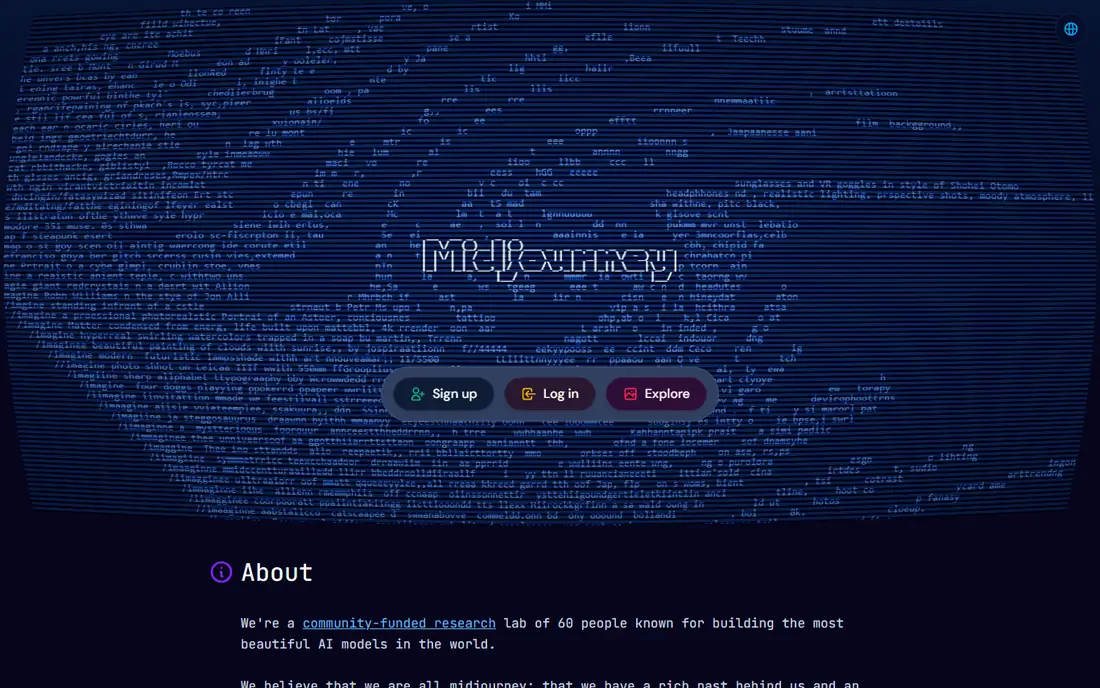
Midjourney produces images with a strong sense of light, composition, and style, which is why many illustrators and editors start here. You describe a scene in plain language, then refine it with style, aspect ratio, and variation controls. The web editor has made the tool easier than the early Discord-only workflow, though parameters still reward a short learning period.
Pricing starts at $10 per month, with no free plan, so test it only if you are ready to pay for a month. Paid plans include commercial rights, subject to the current terms, which matters for client work. We found Midjourney strongest for hero images, thumbnails, and editorial art, where the look of the image matters more than exact text.
Pick Midjourney if image quality is your top priority and you can pay. If you need a free start, Leonardo AI or Ideogram will let you test the workflow first.
- Strong aesthetic quality for illustration
- Good style control
- Commercial rights on paid plans
- No free plan
- Learning curve for parameters and settings
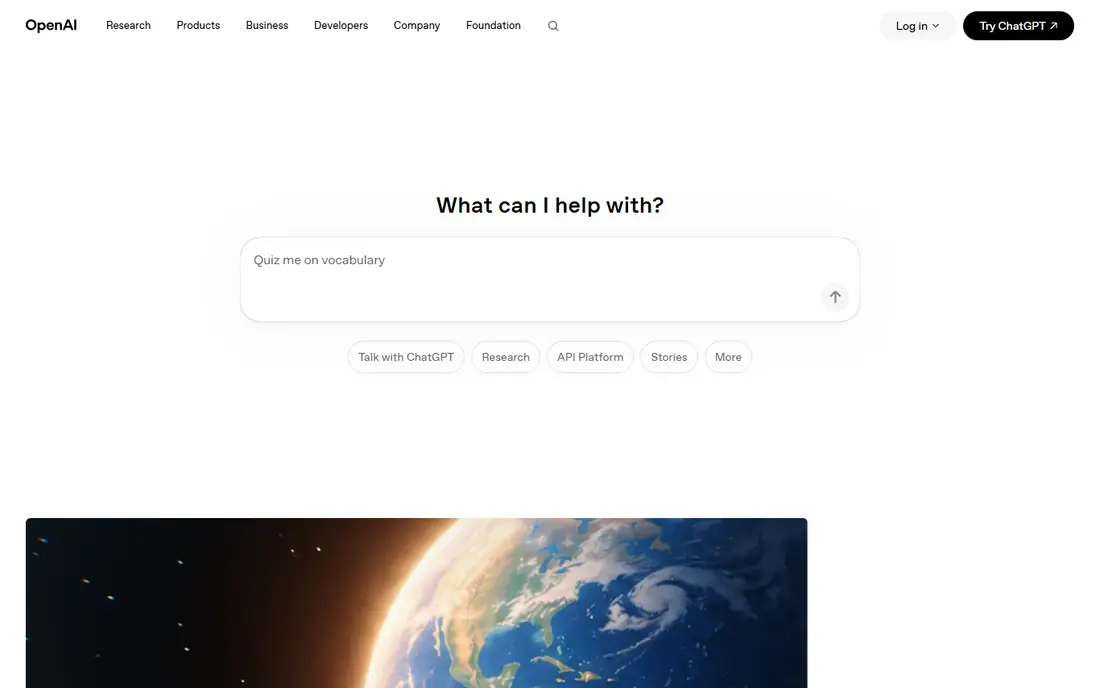
DALL-E 3, now part of ChatGPT image generation, lets you describe an image in conversation and ask for changes in plain words. You can say to change a background, adjust a pose, or try a different style, then keep refining the same image. That conversational loop suits beginners and marketers who do not want to learn model parameters.
ChatGPT Plus costs $20 per month, while a limited free tier offers some image generation, so casual users can try it before paying. We liked how well newer models handle short text in signs and posters, though long text still needs checking. The trade-off is style: without specific prompts, results can look clean but generic, so add details about light, lens, and mood.
Choose this tool if you already use ChatGPT and want the easiest path to good images. Artists who want a distinct style may still prefer Midjourney.
- Plain-language prompts and easy edits
- Good text rendering in newer models
- Integrated with ChatGPT
- Plus plan costs $20 per month
- Style can feel generic without careful prompts
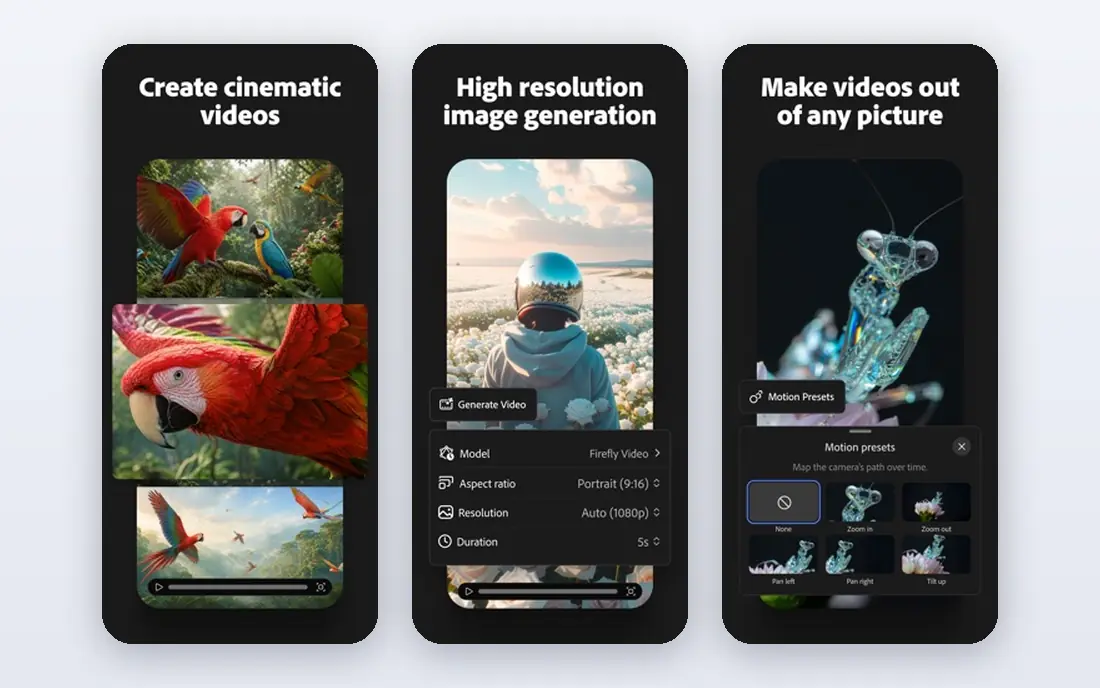
Adobe Firefly is built for commercial design teams that worry about training data and licensing. Adobe states that Firefly models are trained on licensed content, and paid plans offer commercial safeguards, which helps agencies and brands that need clear terms. The tool fits Photoshop, Illustrator, and Express, so generated images can move straight into a layout.
A limited free plan offers monthly credits, while paid plans start at $9.99 per month for more credits and features. We found generative fill especially useful, since you can extend a photo, remove an object, or change a background without leaving your editor. The honest catch is artistic range: Firefly images can feel polished but less distinctive than Midjourney for pure illustration.
Pick Firefly if client work, licensing, and Adobe workflows matter most. If you want striking art for its own sake, Midjourney remains the stronger pick.
- Trained on licensed content with commercial safeguards
- Fits Photoshop and Express workflows
- Generative fill and editing
- Artistic range can feel narrower than Midjourney
- Credit limits apply on lower plans
Leonardo AI gives creators a flexible studio with several models, styles, and an editing canvas for refining images. Game artists use it for characters, environments, and concept art, while marketers use it for product visuals and social graphics. The free plan offers 150 tokens per day, and paid plans start at $12 per month, with lower monthly rates when billed annually.
We liked the canvas tools, which let you erase, extend, and repaint parts of an image rather than starting over. Token costs vary by model and size, so a beginner should watch usage for the first week. The range of models is a strength and a weakness, since finding the right model takes trial and error.
Choose Leonardo AI if you want a generous free start and flexible editing. If you want one model with a single strong style, Midjourney may feel simpler.
- Free daily tokens
- Multiple models and styles
- Canvas editing and upscaling
- Token system can confuse new users
- Best results need model and prompt tuning
Ideogram stands out for images that need words, such as posters, book covers, social graphics, and logo concepts. Many image models garble lettering, but Ideogram handles short phrases, titles, and labels with far fewer errors. That strength makes it a practical pick for marketers who need a headline inside the image, not just beside it.
A free plan offers slow-queue generations, while paid plans start at about $8 per month for priority access and more images. We found prompt accuracy high for composition and text placement, though pure artistic illustration still favours Midjourney. Check spelling in every output, since even the best text model can slip on a long phrase.
Pick Ideogram if readable text is the deciding factor. Pair it with Midjourney or Firefly when you need both strong art and strong typography.
- Strong text rendering for posters and logos
- Good prompt accuracy
- Free plan for testing
- Artistic range is narrower than Midjourney
- Paid plans vary by priority queue
Stable Diffusion is an open model family that you can run on your own computer or through cloud services such as DreamStudio. That control appeals to developers, researchers, and privacy-minded creators who want to choose models, fine-tune styles, and keep prompts local. Local use is free apart from hardware costs, while cloud services charge for compute.
We found the community a major strength, since thousands of fine-tuned models cover anime, photorealism, product shots, and illustration styles. The trade-off is setup: you need to install software, pick a model, and learn settings for steps, guidance, and resolution. A modern GPU helps a lot, and a weak computer will make generation slow.
Choose Stable Diffusion if you want control, privacy, and no monthly fee. If you want instant results with no setup, a hosted tool on this list will save time.
- Open models you can run locally
- Large community models and tools
- No subscription for local use
- Setup needs time and a capable GPU
- Quality depends on model and settings
Canva Magic Media lets you generate an image inside the design tool where you will actually use it, whether that is a social post, a presentation, or an ad. That shortcut matters for small teams, since you can generate, crop, add text, and export without moving files between apps. A free plan offers 50 lifetime uses, while Canva Pro starts at $12.99 per month, with lower rates when billed annually.
We liked the speed for everyday graphics, though specialist models produce stronger art for hero images and editorial work. Magic Media also benefits from Canva templates, fonts, and brand kits, which keep a series of posts consistent. The honest catch is control: prompt options and editing depth are lighter than Midjourney, Leonardo, or Firefly.
Pick Canva Magic Media if you design in Canva and need fast, usable graphics. If image quality is the main job, use a specialist generator and import the result into Canva.
- Images go straight into designs
- Templates for social, ads, and presentations
- Easy for non-designers
- Image quality trails specialist models
- Free credits are limited to 50 lifetime uses
NightCafe offers an easy entry point for casual creators, with daily free credits and a range of styles and models to try. You can generate art, join community challenges, and share work without learning a complex editor. The free plan gives 5 credits per day, while paid plans start at $5.99 per month for 100 credits and more features.
We found NightCafe inviting for hobbyists and social creators who want to experiment without a large subscription. The community aspect helps beginners learn prompts by seeing what others made. The trade-off is consistency: quality depends on the model you pick, and heavy users will burn credits quickly.
Choose NightCafe if you want a low-cost, friendly start to AI art. Serious commercial work will benefit from Firefly or Midjourney instead.
- Daily free credits
- Many styles and models in one place
- Community challenges and sharing
- Credit system limits heavy use
- Quality varies by model chosen
Microsoft Designer turns a short prompt into social posts, invitations, and marketing graphics, with templates and editing tools for non-designers. It is free with a Microsoft account, which makes it a useful starting point for students, small businesses, and casual creators. The tool uses image models from Microsoft partners, and results suit everyday graphics rather than fine art.
We liked the simplicity, since you can describe a post, pick a size, and adjust text and layout in one place. That ease comes with less control over style, composition, and fine details than Midjourney or Leonardo AI. For a quick announcement graphic, Designer is enough, but for a brand hero image, a specialist tool will look stronger.
Pick Microsoft Designer if you want free, fast graphics with no subscription. If you need distinctive art or commercial safeguards, move up to Midjourney or Firefly.
- Free with a Microsoft account
- Simple prompts for social and marketing graphics
- Fits Microsoft 365 workflows
- Less control than specialist tools
- Output quality varies for complex prompts
How we picked these
We compared official feature pages, pricing pages, app store listings, and public reviews, and we kept tools that still work today and truly generate images from text prompts. We favoured a mix of artistic, commercial, and free tools, and we checked whether free plans were usable rather than just listed. Prices come from vendor pages and current pricing summaries, and they can change, so confirm the price on the vendor site before you buy.
We also weighed text rendering, commercial terms, and editing tools, since a pretty image with garbled text or unclear rights can fail in real work. A tool with clear commercial terms scored higher for client use, even if its art style was less striking. That balance is why Firefly and Ideogram sit beside Midjourney here.
How to choose an image generator for your work
Match the tool to the output, not the hype
Art and editorial work favour Midjourney, client design favours Firefly, and posters with text favour Ideogram. Social graphics favour Canva or Designer, while local control favours Stable Diffusion. Pick the tool that wins your most common output, then add a second tool only if a clear gap remains.
Check rights and text before you publish
Read the commercial terms for your plan, and check whether free-tier images can be used for client or paid work. Zoom in on any text in the image, since a small spelling error can ruin an otherwise good graphic. Keep the prompt and the original file, so you can regenerate or edit if a client asks for a change.
Test with the same three prompts
Run the same product shot, portrait, and poster prompt through your top two tools, then compare style, text, and editing ease. That direct test beats feature lists, since models differ in ways that only your own prompts reveal. Choose the tool that needs the fewest retries to reach a usable image.
FAQ
Which AI tool is best for image generation?
Midjourney is our pick for artistic quality, while Adobe Firefly is our pick for commercial design work with clearer licensing. Ideogram leads for images with readable text, and ChatGPT image tools lead for easy conversational prompting. The best tool depends on whether you need art, ads, posters, or product visuals.
What is the best AI app for pictures on a budget?
Leonardo AI offers a useful free daily allowance, while Canva, Ideogram, and Microsoft Designer offer free plans for casual use. Stable Diffusion is free if you run it locally, though it needs setup and a capable computer. Start free, then pay only when credits or quality limits block real work.
Can I use AI-generated images commercially?
Usually yes on paid plans, but terms differ by tool and plan, so read the current terms for your account. Adobe Firefly offers stronger commercial safeguards for brand work, while free tiers often restrict commercial use or keep images public. When in doubt, upgrade to a paid plan and keep a record of the terms.
Why does text in AI images look garbled?
Many models struggle with lettering, since they learn shapes rather than spelling. Tools focused on typography, such as Ideogram, and newer models in ChatGPT handle short text much better. Keep text short, check spelling at full size, and fix errors in a design tool if needed.
Is Stable Diffusion really free?
Local use of open Stable Diffusion models is free apart from hardware and electricity costs, since there is no subscription for the model itself. Cloud services charge for GPU time, and some hosted tools add a monthly fee. If you have a capable computer and time to set it up, local use is the lowest-cost path.
Sources
- https://www.midjourney.com/pricing
- https://openai.com/chatgpt/pricing
- https://www.adobe.com/products/firefly/pricing.html
- https://leonardo.ai/pricing
- https://ideogram.ai/pricing
- https://stability.ai/pricing
- https://www.canva.com/pricing/
- https://nightcafe.studio/pricing
- https://designer.microsoft.com