Best Alternatives to TP-Link in 2026: 8 Networking Brands Compared
Looking for alternatives to TP-Link? Compare 8 router and mesh brands for home Wi-Fi, small business networks, and travel, with current prices and limits.

- Editor's choice
 NETGEAR
Routers and mesh for most homes
Starts atSee websiteVisit netgear.comFull review - Great alternative
 ASUS
Powerful routers and mesh
Starts atSee websiteVisit asus.comFull review - Also consider
 Linksys
Simple mesh systems
Starts atSee websiteVisit linksys.comFull review
TL;DR:
- NETGEAR and ASUS are the closest all-round replacements for TP-Link, with routers and mesh systems at many price points.
- Linksys and eero suit buyers who want simple setup, while Ubiquiti suits homes and small offices that want more control.
- D-Link remains a budget option, Google Nest fits Google smart home users, and GL.iNet is a strong pick for travel routers.
- Check Wi-Fi generation, coverage, and port speeds before you buy, since a cheap router can bottleneck a fast internet plan.
Quick comparison
| Tool | Best for | Starts at | Free plan? | |
|---|---|---|---|---|
| NETGEAR | Routers and mesh for most homes | See website | No | Visit |
| ASUS | Powerful routers and mesh | See website | No | Visit |
| Linksys | Simple mesh systems | See website | No | Visit |
 Ubiquiti | Managed home and office networks | See website | No | Visit |
 D-Link | Budget routers and extenders | See website | No | Visit |
 eero | Easy Amazon smart home Wi-Fi | See website | No | Visit |
 Google Nest | Google Home households | See website | No | Visit |
 GL.iNet | Travel and portable routers | See website | No | Visit |
The best alternatives to tp-link
TP-Link sells everything from a single budget router to large mesh systems, so the right replacement depends on your home size, internet speed, and comfort with settings. Our pick for most people is ASUS for features and value, with NETGEAR close behind for mesh coverage.
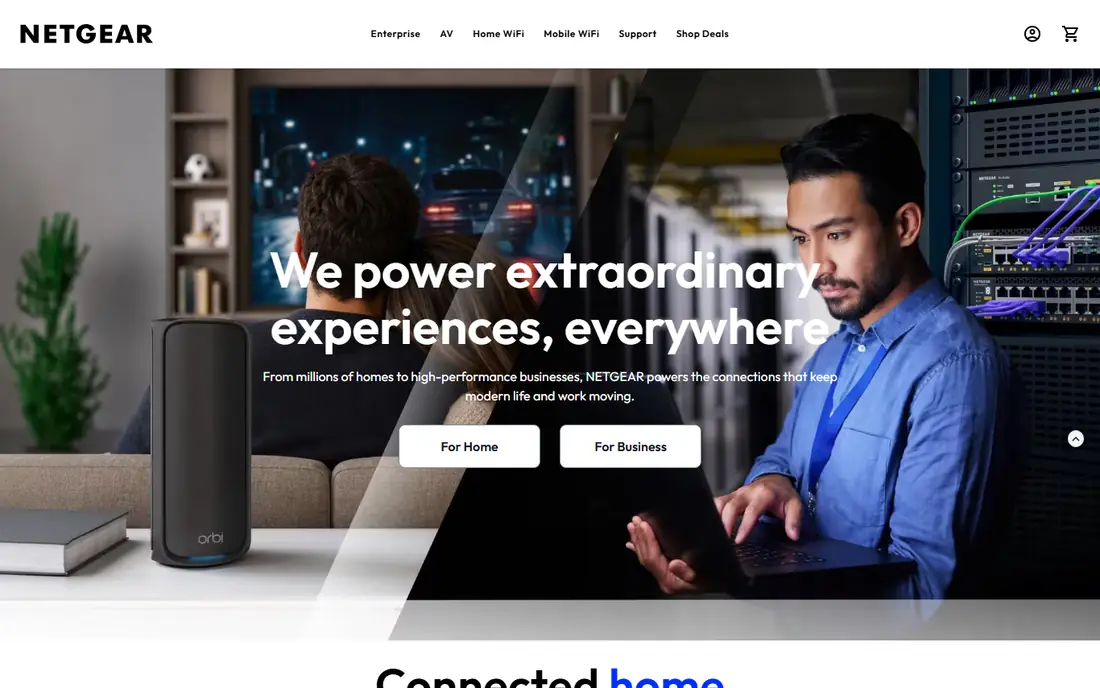
NETGEAR is the most complete TP-Link rival for home buyers. Orbi mesh systems cover large homes with a router plus satellites, while Nighthawk routers suit a single-router home, a gaming setup, or a home office. Wi-Fi 7 models are now common, but Wi-Fi 6 and 6E models remain good value if your internet plan is under a gigabit.
The main catch is subscriptions. NETGEAR Armor security and some parental control features are paid extras after a trial, so factor that into the total cost if you want them. Setup through the app is straightforward, and Orbi satellites usually need little attention after install. If you want top speed in a big house and do not mind paying for it, Orbi is one of the safest choices here.
- Wide Orbi mesh and Nighthawk router ranges
- Strong Wi-Fi 7 options
- Good app controls
- Some advanced security and parental controls need a subscription
- Premium mesh sets can be costly

ASUS stands out because its core security and parental controls, under the AiProtection name, do not need a subscription on most models. AiMesh is another plus, since it lets you add a compatible ASUS router later and turn it into a mesh node, rather than replacing the whole system. That flexibility suits buyers who start small and expand over time.
Gamers get extra tools on many models, such as a dedicated gaming port, traffic prioritization, and VPN features. The downside is complexity. ASUS routers offer many settings, which is great for enthusiasts but can feel busy for someone who only wants to set a password and move on. If you are comfortable with a few menus, ASUS offers more control for the money than most rivals.
- AiMesh lets many routers work as one system
- No subscription for core security
- Strong gaming features
- Settings can overwhelm beginners
- Some models are large and pricey

Linksys Velop systems are a good pick when simplicity matters more than deep settings. Nodes pair through the app, and you can add more Velop units as coverage needs grow. That approach suits families, renters, and anyone who does not want to learn networking terms to get whole-home Wi-Fi.
Linksys routers also work well as a single unit for flats and small homes, and many models support the latest Wi-Fi standards. The trade-off is that power users may miss the detailed controls and customization found on ASUS. Some premium Velop sets are also priced near NETGEAR Orbi, so compare coverage and port counts rather than assuming Linksys is always cheaper. For a set-and-forget mesh system, Linksys is hard to fault.
- Easy Velop mesh setup
- Broad compatibility across Velop nodes
- Clean app
- Fewer advanced controls than ASUS
- Flagship models can be expensive
Ubiquiti UniFi is the pick for buyers who want a proper managed network, not just a router in a corner. You can pair a UniFi gateway with access points and switches, manage them from one console, and add coverage room by room. That design suits large homes, small offices, workshops, and properties with outbuildings, where a consumer mesh system starts to strain.
The catch is effort. UniFi rewards a bit of planning, including where to place access points and how to run cables, and the product names can confuse first-time buyers. There is no mandatory monthly fee for core UniFi management, which helps long-term value, but you may spend more upfront than on a boxed mesh set. If you like control and plan to grow the network, Ubiquiti is worth the learning curve.
- UniFi system for routers, switches, and access points
- No mandatory subscription for core management
- Good for larger properties
- Steeper learning curve
- Buying separate parts can cost more at first
D-Link is a sensible budget alternative when the job is simple, such as connecting a flat, a small office, or a handful of devices. Its routers and Wi-Fi extenders cost less than many rivals, and setup is usually quick. For a modest internet plan and a small space, a D-Link router can do everything a TP-Link budget model does.
The limits show up with scale. Budget D-Link models may lack multi-gig ports, the latest Wi-Fi 7 features, or the mesh polish of NETGEAR and ASUS. Extenders can also cut speed in half if placed poorly, so a mesh set is a better choice for a larger home. Treat D-Link as a value pick for small spaces, and step up to another brand on this list if you have gigabit internet, many devices, or thick walls.
- Low prices for basic routers
- Useful extenders and switches
- Simple setup for small homes
- Slower to adopt the newest Wi-Fi standards on budget models
- App polish varies
eero, owned by Amazon, is built for buyers who want Wi-Fi to disappear into the background. Setup takes minutes in the app, updates happen on their own, and some models include a smart home hub for Zigbee and similar devices. If your home already runs on Alexa and Ring, eero fits that setup with little friction.
The main downside is the subscription model. eero Plus adds advanced security, content filtering, and extra controls, so check which features are free before you buy. eero units also tend to have fewer Ethernet ports than ASUS or NETGEAR routers, which matters if you wire a TV, console, and desktop. For a simple, reliable mesh system in an Amazon household, eero is a strong TP-Link Deco alternative.
- Very simple setup and updates
- Built-in smart home hub on some models
- Good Amazon device integration
- Some advanced features need a subscription
- Fewer wired ports than some rivals
Google Nest Wifi systems suit homes that already use Google Home, Chromecast, and Android phones. The mesh units blend into a room, setup runs through the Google Home app, and voice controls can pause Wi-Fi or check connected devices. That integration is the main reason to pick Nest over a generic mesh brand.
Networking enthusiasts will find the settings thin compared with ASUS or Ubiquiti. There is less control over bands, ports, and advanced routing, and some models offer only a small number of Ethernet ports. Speed and coverage are fine for most family homes, but a large property or a gigabit plan may be better served by NETGEAR or ASUS. For a Google-centered household that values simplicity, Nest is a good fit.
- Simple mesh setup
- Google Assistant and smart home integration
- Clean design
- Fewer advanced networking settings
- Wired port options are limited
GL.iNet fills a niche that TP-Link also serves, but does it with a travel focus. Its pocket routers connect to hotel Wi-Fi, a phone hotspot, or a USB modem, then share a private network for your laptop, phone, and other devices. Many models support VPN clients, which appeals to remote workers and frequent travelers who want consistent protection on public networks.
These are not whole-home routers. Range is limited, antennas are small, and a GL.iNet router will not cover a large house on its own. Think of it as a second router for travel, a caravan, or a small office corner, rather than a direct Deco replacement. If you travel often and want one device that handles captive hotel portals and VPN use, GL.iNet is one of the best options in this niche.
- Compact travel routers
- VPN client support
- Useful for hotels, RVs, and remote work
- Not a replacement for a whole-home mesh system
- Small antennas limit range
How we picked these
We compared official product pages and spec sheets for routers, mesh systems, and travel routers, and we matched brands to the main TP-Link use cases, including budget home Wi-Fi, mesh coverage, gaming, small business, and travel. We favored brands with current models in October 2026, clear app support, and a range that covers more than one price point. We avoided brands that only sell a single router or that lack US availability.
What to check before you buy a router or mesh system
Match the router to your internet plan first. A budget Wi-Fi 5 router can bottleneck a gigabit connection, while a premium Wi-Fi 7 mesh set is overkill for a 100 Mbps plan in a small flat. Count your wired devices too, since many mesh nodes have only one or two Ethernet ports, and a switch may be needed for a TV, console, and desktop.
Coverage, ports, and subscriptions
Estimate coverage by rooms and wall types, not just square footage, since brick and concrete cut signal more than open plan space. Check for 2.5 gigabit or 10 gigabit ports if you have a fast plan or a NAS, and check which security and parental control features are free versus subscription only. Those running costs can change the value of an otherwise cheap system.
FAQ
What is the closest alternative to TP-Link Deco mesh?
NETGEAR Orbi and Linksys Velop are the closest mesh rivals, with router plus satellite sets for different home sizes. ASUS AiMesh is also strong if you want to build a mesh from individual routers over time.
Is ASUS better than TP-Link for routers?
ASUS often offers more settings and free core security features, which appeals to enthusiasts and gamers. TP-Link can be cheaper at the budget end, so the better choice depends on if you value low price or deeper control.
Do I need Wi-Fi 7 in 2026?
Not necessarily. Wi-Fi 7 helps with multi-gigabit plans and many Wi-Fi 7 devices, but Wi-Fi 6 and 6E remain fine for most homes. Buy Wi-Fi 7 if you plan to keep the router for many years or already have a very fast plan.
Is Ubiquiti too complex for a home?
It can be, at first, since UniFi uses separate gateways, switches, and access points. If you are willing to plan placement and learn the console, it gives more control and room to grow than a boxed mesh set.
Can a travel router replace my home router?
No, in most cases. Travel routers like GL.iNet are built for portability and hotel networks, not whole-home coverage. Use one as a second device for trips, and keep a proper router or mesh system at home.
Should I pay for router security subscriptions?
It depends on your needs. Built-in free security from ASUS and core features from other brands may be enough for many homes. A subscription can add content filtering and detailed controls, so compare what is included before you commit.