Alternatives to QuickBooks in 2026: 7 Accounting Tools Compared
Looking for alternatives to QuickBooks? We compared 7 accounting tools for small businesses on price, free plans, invoicing and limits, from Xero to Wave.

- Editor's choice
 Xero
Small businesses that want a full QuickBooks replacement
Starts at$27 per monthVisit xero.comFull review - Great alternative
 FreshBooks
Freelancers and service businesses that mostly send invoices
Starts at$23 per monthVisit freshbooks.comFull review - Also consider
 Zoho Books
Free or low-cost bookkeeping with room to grow
Starts atFreeVisit zoho.comFull review
TL;DR:
- Xero is the closest full replacement: its Early plan is $27 per month after a 90% off introductory offer ($2.70 for 6 months), but it caps invoices at 20 and bills at 5 per month.
- Zoho Books and Wave have genuine free tiers. Zoho's Free plan covers 1 user plus 1 accountant while revenue stays under $50K, and Wave's Starter plan is $0 with card fees of 2.9% + $0.60 per transaction.
- FreshBooks suits service businesses that mostly invoice: Lite is $23 per month for 5 billable clients, and Plus is $43 for 50.
- QuickBooks lists Simple Start at $38 per month at the regular price (the $19 figure is a 3-month promo), so the cheaper alternatives save real money for a one-person business.
- Akaunting is the open-source option, with cloud plans from $12 per month, and Sage 50 is the desktop-style choice for inventory and job costing.
Quick comparison
| Tool | Best for | Starts at | Free plan? | |
|---|---|---|---|---|
| Xero | Small businesses that want a full QuickBooks replacement | $27 per month | Free trial | Visit |
| FreshBooks | Freelancers and service businesses that mostly send invoices | $23 per month | Free trial (30 days) | Visit |
| Zoho Books | Free or low-cost bookkeeping with room to grow | Free | Yes | Visit |
 Wave | Very small businesses and freelancers who need basic accounting for free | Free | Yes | Visit |
 Akaunting | People who prefer open-source accounting software | $12 per month | No | Visit |
 Sage 50 | Desktop-style accounting with inventory and job costing | See website | See website | Visit |
 ZipBooks | Simple invoicing and bookkeeping for a small business | Free | Yes | Visit |
The best alternatives to QuickBooks
This is general information, not accounting, tax or financial advice. Before you move your books, speak with a licensed accountant or bookkeeper about your tax setup and data export. For a QuickBooks comparison point, Intuit's pricing page lists Simple Start at $19 per month for the first 3 months (regular price $38), Essentials at $42.50 ($85 regular), Plus at $70 ($140) and Advanced at $170 ($340), with a 30-day free trial. The tools below are measured against those numbers.
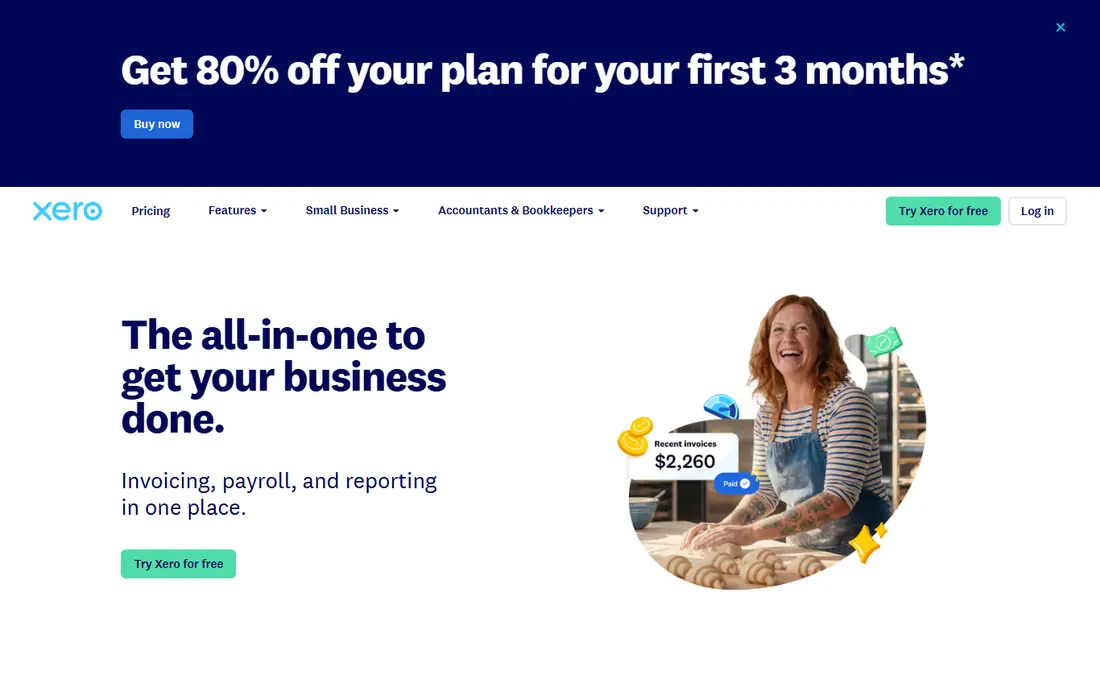
Xero is the most direct cloud rival to QuickBooks, and its US plans are Early, Growing and Established. The pricing page shows a 90% discount for new US customers for the first 6 months ($2.70, $5.90 and $9.70 per month), then $27, $59 and $97 per month. The promotion is listed as ending at 11:59pm UTC on 2 November 2026 and does not cover add-ons, usage or payment fees.
The big limit sits on Early. It allows 20 invoices (counting sending and approving) and 5 bills, which can be tight for any business that sends invoices weekly. Growing and Established list no numeric limit on invoices or bills. The page shows a "Get one month free" button but does not state the trial terms, so check them when you sign up.
Xero is a good fit if you want the same all-in-one approach as QuickBooks with a different interface. Budget for the Growing plan at $59 if you outgrow Early, because that is the realistic price for most active small businesses.
- Three plans that scale from Early to Established
- No numeric invoice limit listed on Growing and Established
- Free coaching and onboarding help for the first 90 days
- The Early plan is limited to 20 invoices and 5 bills
- Introductory pricing ends after 6 months
FreshBooks
Best for: Freelancers and service businesses that mostly send invoices

FreshBooks is built around invoicing and client billing, so it feels lighter than a full bookkeeping suite. Its pricing page lists Lite at $23 per month for 5 billable clients, Plus at $43 for 50, Premium at $70 for unlimited clients, and a custom Select plan priced by conversation. An 80% promotion lowers the monthly plans to $4.60, $8.60 and $14 for four months, and the page lists an extra 10% off on yearly billing.
The 30-day trial needs no credit card, and FreshBooks advertises a 30-day money-back guarantee after purchase. Those are friendly terms for a business testing a move away from QuickBooks.
The honest catch is the client cap. A consultant with 8 regular clients will outgrow Lite quickly, and Plus at $43 already costs more than QuickBooks Simple Start at its $38 regular price. FreshBooks is strongest for people who bill time and projects, and weaker if you need heavy inventory or multi-entity accounting.
- 30-day free trial with no credit card required
- 30-day money-back guarantee after purchase
- Unlimited billable clients on Premium
- Lite is limited to 5 billable clients
- Pricing is by client count, so costs rise with growth
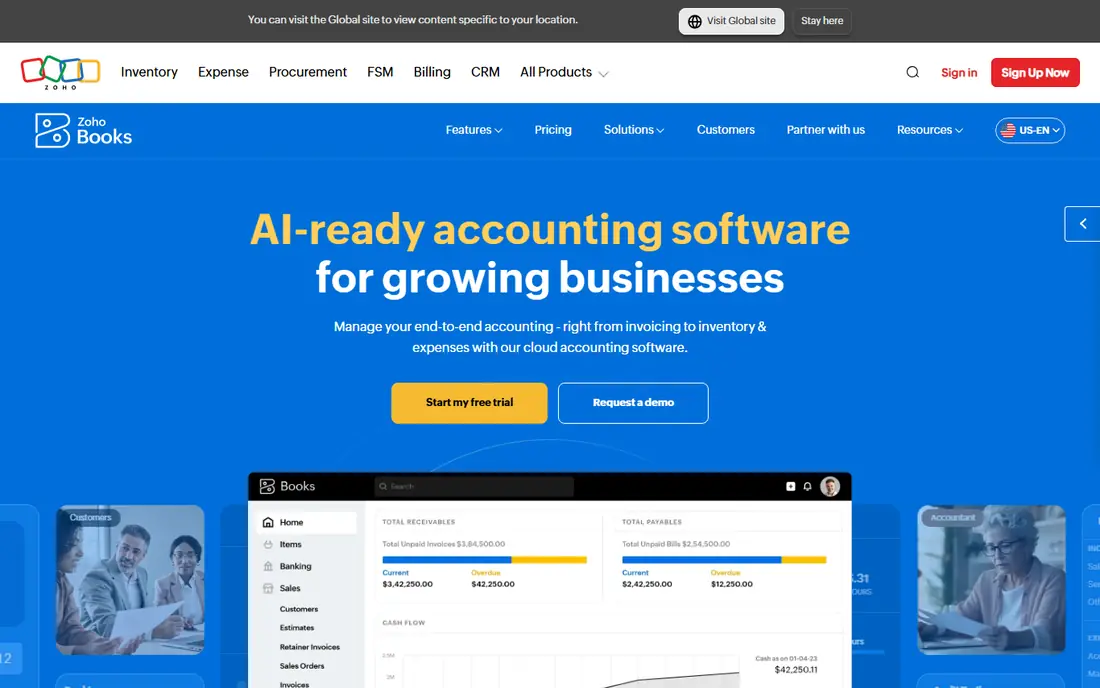
Zoho Books has the clearest step ladder here. Its US pricing page lists Free ($0), Standard at $20 per month ($15 billed yearly) with 3 users, Professional at $50 ($40) with 5 users, Premium at $70 ($60) with 10 users, Elite at $150 ($120) and Ultimate at $275 ($240). Extra users are $3 per user per month, or $2.50 billed yearly, and prices exclude local taxes.
The Free plan is generous for a tiny business: 1 user plus 1 accountant. Zoho says it stays available as long as your financial-year revenue stays under a $50K threshold. The site also offers a 14-day free trial of paid plans.
The limit is that the free tier is for very small operations, and growth quickly pushes you onto Standard or Professional. Even so, Standard at $20 per month undercuts QuickBooks' regular Simple Start price of $38, and it includes 3 users instead of 1.
- Free plan for 1 user plus 1 accountant
- Paid plans from $20 per month ($15 billed annually)
- 14-day free trial of paid plans
- Free plan applies only while revenue stays under $50K
- Extra users cost $3 each per month
Wave
Best for: Very small businesses and freelancers who need basic accounting for free
Wave sells accounting software for free and makes money on payments and add-ons. Its Starter plan is $0 and lists unlimited estimates, invoices and bills, invoicing from the mobile app, and one dashboard for cash flow and customers. Pro is $19 per month billed monthly, or $190 per year.
The costs appear elsewhere. Credit card payments on Starter are 2.9% + $0.60 per transaction (3.4% + $0.60 for Amex). Pro has a lower first-10-transactions rate of 2.9% + $0, then 2.9% + $0.60. Payroll is an add-on starting at $25 or $40 per month, though the page does not clearly say which price applies to which plan.
One thing to check yourself: Wave's page lists auto-importing bank transactions and unlimited receipt capture as Pro features or add-ons, while its comparison table appears to conflict on bookkeeping records for Starter. Confirm what the free plan includes before you rely on it. Wave also sells Wave Advisors, a bookkeeping service starting at $149 per month.
- Starter plan costs $0
- Unlimited estimates, invoices and bills on Starter
- Pro is $19 per month or $190 per year
- Card payments cost 2.9% + $0.60 on Starter
- Automatic bank imports are a Pro feature
Akaunting is a different kind of option: an open-source accounting platform that you can use through its cloud service or install yourself. The cloud plans are Standard at $12 per month ($8 billed yearly) with 1 company, 1 user plus 1 accountant, 1,000 invoices and 4 apps, Premium at $36 ($24) with 10 users, and Elite at $84 ($56). The yearly option is described as 4 months free.
Its apps are the main way to add functions. The pricing page says the number of apps is not limited and that you can buy other apps separately, but it does not list individual app prices. That makes the true monthly cost harder to predict than at Xero or Zoho.
Akaunting appeals if you like the idea of owning your software. The trade-off is that a self-hosted install is your responsibility to maintain, back up and secure, and the page lists no free cloud tier.
- Described as open source and free accounting software
- Cloud plans from $12 per month ($8 billed yearly)
- Apps let you add features as needed
- No free cloud tier listed
- Self-hosted pricing is on a separate page
Sage 50 is the option for people who liked QuickBooks Desktop. Sage describes it as powerful desktop accounting software with cloud-connected capabilities, and the product page lists cash flow and invoicing, payments and banking, expense management and job costing, advanced inventory management, advanced reporting and audit trails, and payroll readiness.
That feature list points to a business with products to track, such as a small wholesaler or contractor, rather than a freelancer. Sage also sells Sage Intacct for larger companies, which is a different tier of software and not a like-for-like alternative here.
We list the price as See website because the Sage US pages we reviewed did not show one and we found no verifiable price elsewhere. Ask for a quote and check how many users, which version, and what support the price includes before you compare.
- Desktop accounting with cloud-connected capabilities
- Lists advanced inventory management and job costing
- Payroll-ready
- Prices are not shown on the pages we reviewed
- Heavier than the simple cloud tools here
ZipBooks combines invoicing, bookkeeping and reporting for small businesses. Its site lists sending invoices, accepting credit cards or PayPal, recurring billing and automated payment reminders. On the accounting side it lists bank connection, reconciliation, auto-categorization and a set of reports, plus expense tracking, time tracking and team permissions.
The pricing page shows a free Starter plan, then Smarter and Sophisticated plans shown as 15 and 35, but without a currency or billing period, so we do not state them as dollars per month. The paid plans offer a free trial of unstated length.
ZipBooks is a straightforward step down in complexity from QuickBooks. If you want a quick way to bill customers and see where money goes, it is enough. If you need inventory, multiple currencies or deep reporting, compare Xero, Zoho Books or Sage 50.
- Free Starter plan
- Invoicing with card and PayPal payments, recurring billing and reminders
- Time and expense tracking
- Paid plan prices are shown without a currency or billing period
- Less depth than Xero or Zoho Books
How we picked these
We compared each vendor's official pricing page, product pages and help documentation, then checked what a new small-business user gets on the cheapest plan: user limits, invoice limits, free-plan rules and add-on costs. We did not move a real company's books between systems, so we cannot speak to migration difficulty in practice. Where a vendor did not publish a clear price, we write See website.
We included cloud tools aimed at small businesses, one open-source option and one desktop-style product. QuickBooks itself is not listed because this is a list of alternatives.
How to choose an accounting alternative
Count users and invoices first
Limits are where cheap plans differ. Xero's Early plan caps invoices and bills, FreshBooks caps billable clients, Zoho's free plan covers 1 user plus an accountant, and Akaunting Standard includes 1,000 invoices. Match the cap to your real volume.
Add up payment fees
Wave's free software earns money from card processing, so its costs depend on how you are paid. Compare payment fees, payroll add-ons and extra users, not just the monthly plan price.
Plan the move carefully
Moving books means exporting customers, vendors, the chart of accounts and open invoices, and checking tax settings. Ask your accountant to review the opening balances and start on a clean period, such as the first day of a quarter, to avoid double counting.
FAQ
What is the best alternative to QuickBooks?
Xero is the closest all-round replacement, and Zoho Books is the best value for very small businesses. FreshBooks suits people who mostly invoice. The right choice depends on your invoices per month, number of users and whether you need inventory.
Is there a free alternative to QuickBooks?
Yes. Zoho Books has a Free plan for 1 user plus 1 accountant while revenue stays under $50K, and Wave's Starter plan is $0. ZipBooks also lists a free Starter plan. Read the limits and payment fees before relying on any of them.
What are good QuickBooks Desktop alternatives?
Sage 50 is the most direct desktop-style option, with inventory, job costing and reporting features listed on its product page. Akaunting can also be installed yourself, though it is a different product. Check with your accountant before moving from an on-premise setup.
Which alternative is best for small business owners with employees?
Look at payroll as well as accounting. Wave lists payroll as an add-on starting at $25 or $40 per month, and Sage 50 is described as payroll-ready. Confirm payroll coverage in your state before you decide.
Can I import my QuickBooks data into another program?
Most of these tools offer imports or migration help, but the details differ by vendor and file type. We did not test any migration, so ask each vendor what it can import and export and confirm with your accountant.
Are cheaper accounting tools safe to use?
Reputable vendors use standard security, but you should check each vendor's security and backup documentation. Use two-factor sign-in, export regular backups and keep your accountant's access limited to what they need.
Sources
- https://quickbooks.intuit.com/pricing/
- https://www.xero.com/us/pricing-plans/
- https://www.freshbooks.com/pricing
- https://www.zoho.com/us/books/pricing/
- https://www.waveapps.com/pricing
- https://akaunting.com/pricing
- https://www.sage.com/en-us/accounting-software/
- https://zipbooks.com/
- https://zipbooks.com/pricing/