8 MeetAlfred Alternatives in 2026: LinkedIn Outreach Tools Compared
Compare 8 MeetAlfred alternatives for LinkedIn outreach in 2026, with pricing, safety controls, and multichannel features to help teams choose well today.

- Editor's choice
 Expandi
Teams needing cloud automation
Starts at$99 per monthVisit expandi.ioFull review - Great alternative
 Dripify
Structured LinkedIn and email campaigns
Starts at$59 per monthVisit dripify.comFull review - Also consider
 Waalaxy
Beginners on a budget
Starts at$19 per monthVisit waalaxy.comFull review
TL;DR:
- MeetAlfred alternatives split into cloud tools, browser tools, and desktop tools, and that choice affects account risk more than any single feature.
- Expandi and Dripify suit teams that want clear limits and cloud-based sending, while Waalaxy and Octopus CRM suit smaller budgets.
- LinkedIn automation always carries restriction risk, so keep daily volumes modest and personalize messages rather than blasting generic templates.
- Multichannel tools such as Lemlist and HeyReach work best when email and LinkedIn are planned as one sequence, not as two separate blasts.
Quick comparison
| Tool | Best for | Starts at | Free plan? | |
|---|---|---|---|---|
| Expandi | Teams needing cloud automation | $99 per month | Free trial | Visit |
| Dripify | Structured LinkedIn and email campaigns | $59 per month | Free trial | Visit |
| Waalaxy | Beginners on a budget | $19 per month | Yes | Visit |
 Zopto | Sales teams needing CRM sync | $197 per month | No | Visit |
 Lemlist | Multichannel sales outreach | See website | Free trial | Visit |
 LinkedHelper | Solo users wanting local control | $15 per month | Free trial | Visit |
 Octopus CRM | Low-cost solo prospecting | $9.99 per month | Free trial | Visit |
 HeyReach | Agencies running many accounts | $79 per month | Free trial | Visit |
The best MeetAlfred alternatives
MeetAlfred is a cloud tool for LinkedIn, email, and related outreach, and people usually look elsewhere for lower prices, stronger safety controls, simpler setup, or better team features. We compared official pricing pages, feature pages, and public user feedback for the tools below, and we did not run live outreach campaigns for this guide.
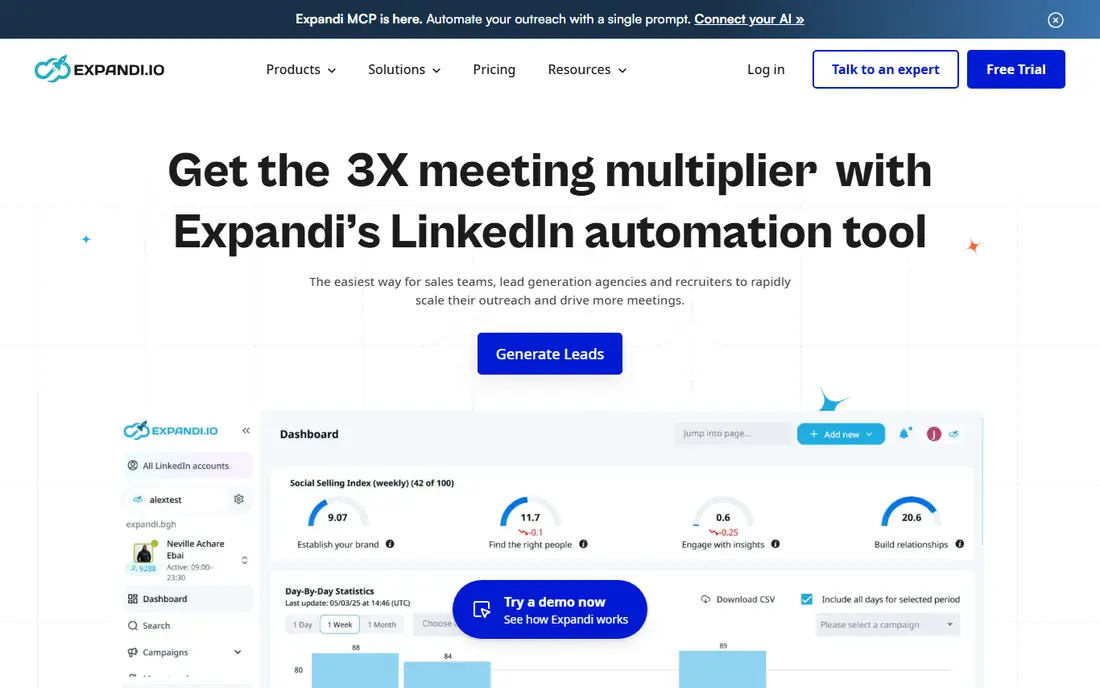
Expandi fits teams and agencies that want LinkedIn outreach to run from the cloud rather than from a single computer left switched on. Its sequences can branch based on replies and actions, and it supports LinkedIn plus email steps, which helps when a prospect answers on one channel and not the other. The dedicated IP approach is a clear selling point for teams managing several accounts, since it avoids sharing one address across many profiles.
The catch is price and discipline. At $99 per month per seat on monthly billing, Expandi costs more than a browser extension, and it still cannot remove LinkedIn restriction risk if volumes are pushed too high. We would shortlist it when safety controls, team seats, and structured campaigns matter more than the lowest monthly bill.
- Cloud-based sending
- Dedicated country-based IP per account
- Branching sequences with email steps
- Higher starting price than many rivals
- Setup takes care to get limits right
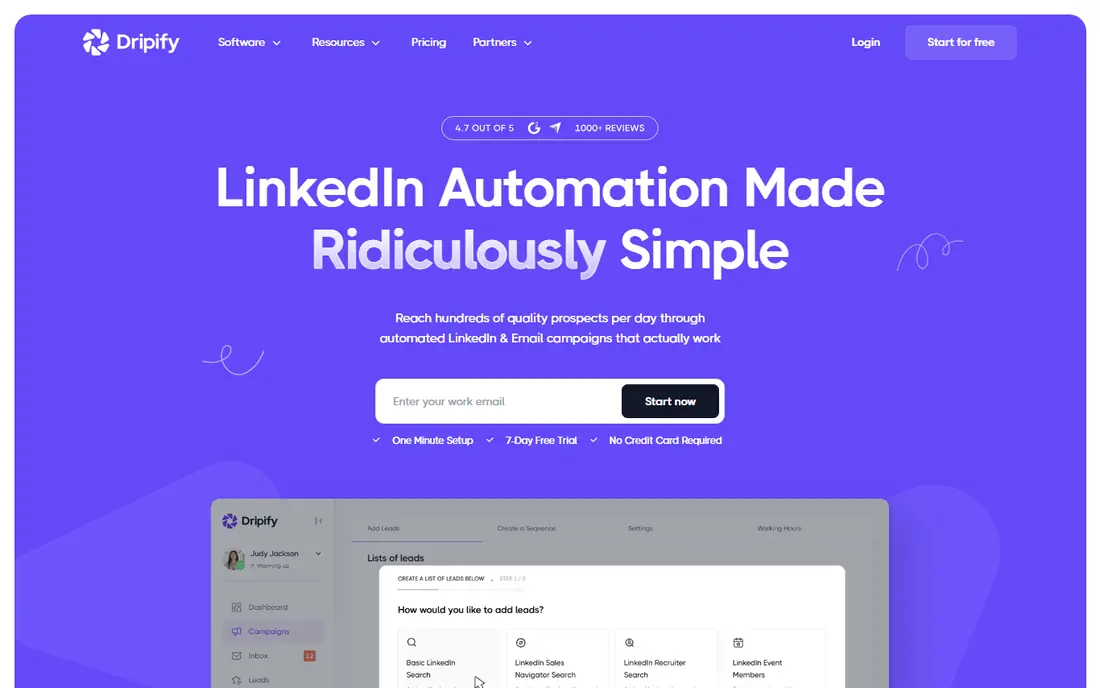
Dripify suits sales teams that like clear boundaries. Its plans publish daily connection and message limits, which makes it easier to plan a campaign without guessing what is safe. The cloud design means campaigns keep running without a local computer, and the built-in analytics help managers see reply rates and team activity in one place.
The trade-off is that Dripify is a workhorse rather than a creative tool. Message personalization and targeting are solid, but teams that need deep enrichment or complex multichannel logic may need another tool beside it. For straightforward LinkedIn and email drip campaigns, that focus is a strength rather than a weakness.
- Cloud platform
- Published daily action limits by plan
- Team analytics and inbox tools
- Per-user pricing adds up for large teams
- Advanced features sit on higher plans

Waalaxy is a good first step for a solo founder or small team that wants to test LinkedIn outreach without a large commitment. The interface is simple, sequences are easy to build, and the free plan lets new users learn the basics before paying. Annual billing brings the entry price down further, which matters when outreach is still an experiment.
The limits are real. Monthly invitation caps on lower plans will frustrate high-volume prospectors, and email outreach is reserved for the Business plan. Waalaxy also started as a browser-based tool, so buyers should check the current cloud setup and safety notes on its own site before running large campaigns.
- Low entry price
- Simple sequence builder
- Free plan for light use
- Email features need a higher plan
- Invitation caps are lower than cloud rivals
Zopto targets established sales teams that want LinkedIn prospecting tied into their CRM and daily workflow. Its filters help teams build prospect lists by role, industry, and location, and its cloud platform handles sending without tying up a team member's computer. For a team already spending heavily on sales tools, that integration can save time.
The price is the main barrier. At $197 per month, Zopto costs several times more than budget options, and there is no free plan to test it casually. We would only shortlist it after a demo, with a clear view of how many seats are needed and whether its CRM sync genuinely replaces another tool in the stack.
- Cloud-based prospecting
- CRM integrations
- Targeting filters for sales teams
- Expensive starting price
- No free plan
- Setup support matters at this price
Lemlist works well when LinkedIn is one step in a wider sales sequence rather than the whole strategy. A prospect might receive a LinkedIn visit, then a personalized email, then a follow-up, all from one campaign view. That structure suits outbound teams that already write strong email copy and want LinkedIn to warm up the conversation.
The downside is complexity and cost. Lemlist pricing depends on the plan and any add-ons, so buyers should price the exact seats and features they need rather than trusting a headline figure. It is a strong pick for teams with a clear outbound process, and a heavier tool than a beginner needs for simple connection requests.
- LinkedIn, email, and calling steps in one sequence
- Personalization tools
- Team reporting
- Pricing varies by plan and add-ons
- Learning curve for advanced sequences
LinkedHelper appeals to solo users and recruiters who want fine control and a low monthly cost. It offers detailed campaign settings, message templates, and list management, and because it runs locally, it uses your own IP address rather than a shared cloud address. That local control suits users who prefer to keep data and sending on their own machine.
The catch is practical. The computer must stay on for campaigns to run, and local sending can still draw LinkedIn scrutiny if daily limits are ignored. LinkedHelper is best for careful, low-volume users who will set conservative limits and check results regularly, not for teams that want hands-off scale.
- Low price
- Detailed campaign controls
- Runs on your own computer and IP
- Desktop app needs your computer on
- Higher risk if limits are set too high
Octopus CRM is one of the cheapest ways to automate basic LinkedIn tasks such as connection requests, messages, and profile visits. Solo prospectors on a tight budget often start here because the entry price is low and the core workflow is easy to grasp. It covers the basics without the extra layers that larger platforms add.
That simplicity is also its limit. Octopus CRM lacks the dedicated IP setup, advanced team controls, and multichannel depth of pricier rivals, so it suits light, careful use rather than agency-scale outreach. Buyers should keep volumes modest and treat it as a prospecting aid, not as a fully managed outreach system.
- Very low price
- Simple LinkedIn automation
- Profile and message tools
- Browser-based approach
- Fewer team and safety features than cloud leaders
HeyReach is built for agencies and teams that run outreach for many LinkedIn accounts at once. Sender rotation spreads activity across accounts, and the workspace tools help managers assign campaigns, track replies, and keep client work separate. That structure is hard to replicate with a single-seat browser tool.
The cost grows with each sender, so agencies should model the full seat count before committing. HeyReach also requires the same discipline as every tool here: rotation helps, but it does not make aggressive volumes safe. Used with conservative limits, it is a practical agency option and a clear MeetAlfred alternative.
- Multi-account sender rotation
- Agency-friendly workspace
- Unified inbox options
- Per-sender pricing adds up
- Safety depends on careful per-account limits
How we picked these
We compared official pricing pages, feature documentation, and public user reviews for LinkedIn automation tools that were active in October 2026. We favored tools with a clear homepage, a current pricing page, and a distinct use case, from budget solo tools to agency platforms. We excluded tools that appeared discontinued, lacked a working official site, or offered only vague claims without a real product behind them.
What to check before you pay for LinkedIn automation
Start with account safety, not features. LinkedIn can restrict accounts for automated activity, and no vendor can guarantee safety. Check whether the tool offers cloud sending, dedicated IPs, warm-up controls, and daily limits, and read LinkedIn's own terms before you automate. A tool that encourages very high daily volumes should be treated with caution, even if its marketing sounds confident.
Match the tool to your volume
A solo user sending 20 thoughtful connection requests a day does not need an agency platform. A team sending for 20 accounts does need seat management, rotation, and reporting. Price the full setup, including seats, email add-ons, and any enrichment credits, rather than the cheapest plan alone.
Test personalization before scale
Write a short, specific first message for a small test list, measure replies, and adjust before expanding. Generic templates get ignored and increase the chance of reports. The best tool here is the one your team will actually use with care, not the one with the longest feature list.
FAQ
What are the best MeetAlfred alternatives?
Expandi and Dripify suit teams that want cloud sending with clear limits, Waalaxy suits beginners on a budget, and Lemlist suits multichannel outreach. The best choice depends on your seat count, budget, and whether email belongs in the same sequence as LinkedIn.
Are MeetAlfred alternatives safe for LinkedIn?
No automation tool is fully safe, because LinkedIn can restrict accounts for automated activity. Cloud tools with dedicated IPs and conservative daily limits reduce risk, but they do not remove it. Keep volumes modest, personalize messages, and pause campaigns if LinkedIn sends a warning.
Is there a free MeetAlfred alternative?
Waalaxy offers a free plan for light LinkedIn use, and most other tools here offer a free trial rather than a permanent free plan. Free plans usually cap invitations and features, so they suit testing rather than full campaigns.
Which alternative is cheapest?
Octopus CRM starts at $9.99 per month and LinkedHelper starts at $15 per month, making them the cheapest options in this list. Both suit solo, low-volume use, while teams should budget for per-seat pricing on cloud platforms.
Do these tools work for agencies?
Yes, HeyReach and Expandi are the strongest agency picks here, thanks to multi-account management and team controls. Agencies should still model per-sender costs and set separate limits for each client account.